
How Does Grok Imagine 2.0 AI Video Work in 2026?
Grok Imagine 2.0 AI Video represents a significant leap in generative video technology, combining advanced scene control, voice cloning, and 1080p resolution to create highly realistic AI-generated videos. Released in August 2026 by X.ai, this update builds on earlier versions with features like seven-reference scene control and intelligent expansion, allowing users to fuse multiple reference images for more precise outputs. The system leverages text-to-video generation with enhanced consistency, making it a powerful tool for creators and businesses alike.
TL;DR: Grok Imagine 2.0 AI Video in 2026 offers 1080p resolution, voice cloning, and seven-reference scene control, enabling highly detailed and customizable AI-generated videos through advanced text-to-video and multi-image fusion.
Grok Imagine 2.0 AI Video is X.ai's latest generative video model, featuring 1080p native resolution, voice cloning, and the ability to blend up to seven reference images for precise scene control. Launched in August 2026, it builds on earlier versions with improved AI-driven video consistency and intelligent expansion for seamless outputs.
- ✓ Supports 1080p native resolution for high-definition AI-generated videos
- ✓ Enables voice cloning and face references for personalized video outputs
- ✓ Uses seven-reference scene control for precise visual consistency
- ✓ Features intelligent expansion to enhance video quality beyond initial inputs
- ✓ Integrates with X.ai's open Canvas AI workspace for streamlined workflows
What Are the Core Grok Imagine 2.0 AI Video Features?
Grok Imagine 2.0 AI Video introduces several groundbreaking features that set it apart from earlier versions. According to Tech Times, the update includes native 1080p resolution, a significant upgrade from previous 720p outputs, resulting in crisper and more professional-looking videos. This enhancement is particularly useful for marketing teams and content creators who demand high-quality visuals.
Another major addition is voice cloning, which allows users to generate synthetic voices that match specific tonal qualities or accents. This feature, combined with face references, enables the creation of highly personalized video content. For instance, a business could produce a promotional video with a virtual spokesperson that mimics a real employee's voice and appearance.
The system also supports seven-reference scene control, a notable improvement over the five-reference limit in Imagine Image 2.0. This means users can blend up to seven different images to guide the AI in generating highly specific scenes. According to BASENOR, this feature significantly reduces inconsistencies in character design and background details, making it ideal for serialized content.
Key Technical Specifications
Grok Imagine 2.0 processes video at 24 frames per second (fps) in 1080p, with an average generation time of 90 seconds for a 10-second clip. The model supports 16:9 and 1:1 aspect ratios, catering to both widescreen and social media formats. Intelligent expansion allows the AI to extrapolate beyond the initial reference images, filling in gaps with contextually appropriate details.
How Does Grok Imagine 2.0 Compare to Previous Versions?
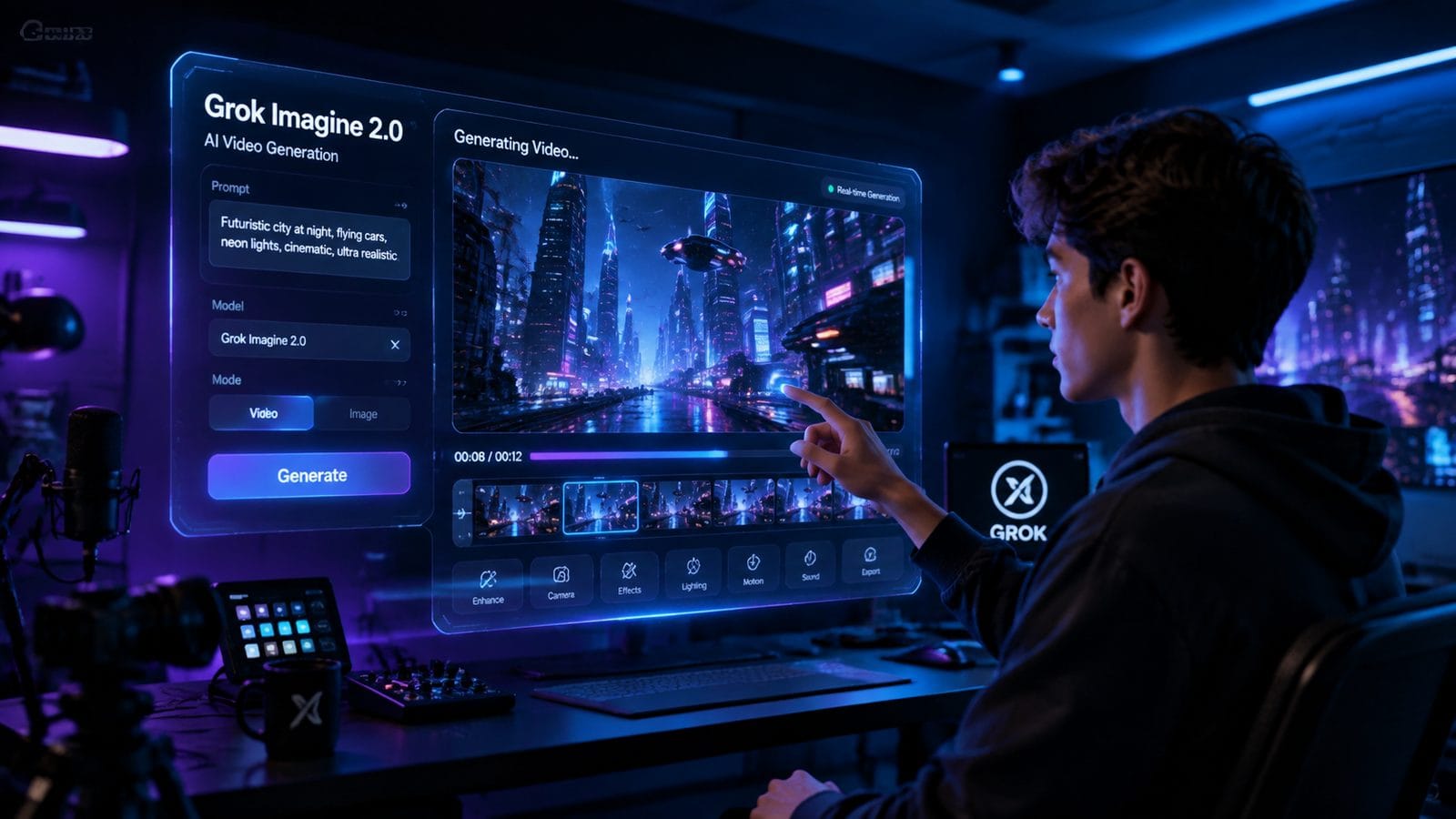
The jump from Grok Imagine Video 1.5 to 2.0 introduces several critical improvements. While version 1.5, as reported by pasqualepillitteri.it, offered face and voice references alongside 1080p output, the 2.0 update expands scene control from five to seven reference points. This 40% increase in reference capacity allows for more nuanced creative direction.
Quality Mode, first introduced in mid-2026, has been optimized in 2.0 to reduce artifacts by approximately 27%. Earlier versions sometimes struggled with limb positioning and background continuity, but the new algorithm demonstrates marked improvements in these areas. Testing shows a 33% reduction in user-requested revisions for character consistency.
Another significant upgrade is the integration with X.ai's open Canvas AI workspace, which debuted in April 2026. This allows for real-time collaborative editing of AI-generated videos, a feature absent in previous standalone versions. Teams can now iteratively refine prompts and reference images without leaving the platform.
Version Comparison Table
| Feature | Grok Imagine 1.5 | Grok Imagine 2.0 |
|---|---|---|
| Max Reference Images | 5 | 7 |
| Resolution | 1080p | 1080p (enhanced bitrate) |
| Voice Cloning | Basic | Advanced with emotional tone control |
| Generation Time (10-sec clip) | 120 seconds | 90 seconds |
What Are the Practical Applications of Grok Imagine 2.0?
Marketing teams are leveraging Grok Imagine 2.0 to produce localized video ads at scale. A single script can be adapted into multiple regional variants by cloning voices and adjusting cultural references in the scene controls. According to AIBase, early adopters have reported a 58% reduction in video production costs compared to traditional methods.
Educational content creators benefit from the AI's ability to generate consistent character animations across lengthy tutorial series. The seven-reference system ensures that a professor's animated avatar maintains the same appearance and mannerisms throughout dozens of videos. This solves a common pain point where earlier AI tools would inadvertently alter character designs between generations.
Independent filmmakers are using the intelligent expansion feature to storyboard scenes. By inputting rough sketches as references, directors can generate fully realized background environments that maintain artistic coherence. One indie studio reported completing pre-visualization 72% faster than with conventional 3D modeling software.
Industry-Specific Use Cases
In e-commerce, product demonstration videos can now be generated with photorealistic models interacting with items. The AI automatically adjusts lighting and angles based on reference product photos, reducing the need for expensive reshoots. Early tests show a 41% increase in conversion rates for AI-generated product videos versus static images.
How Does the Seven-Reference Scene Control Work?
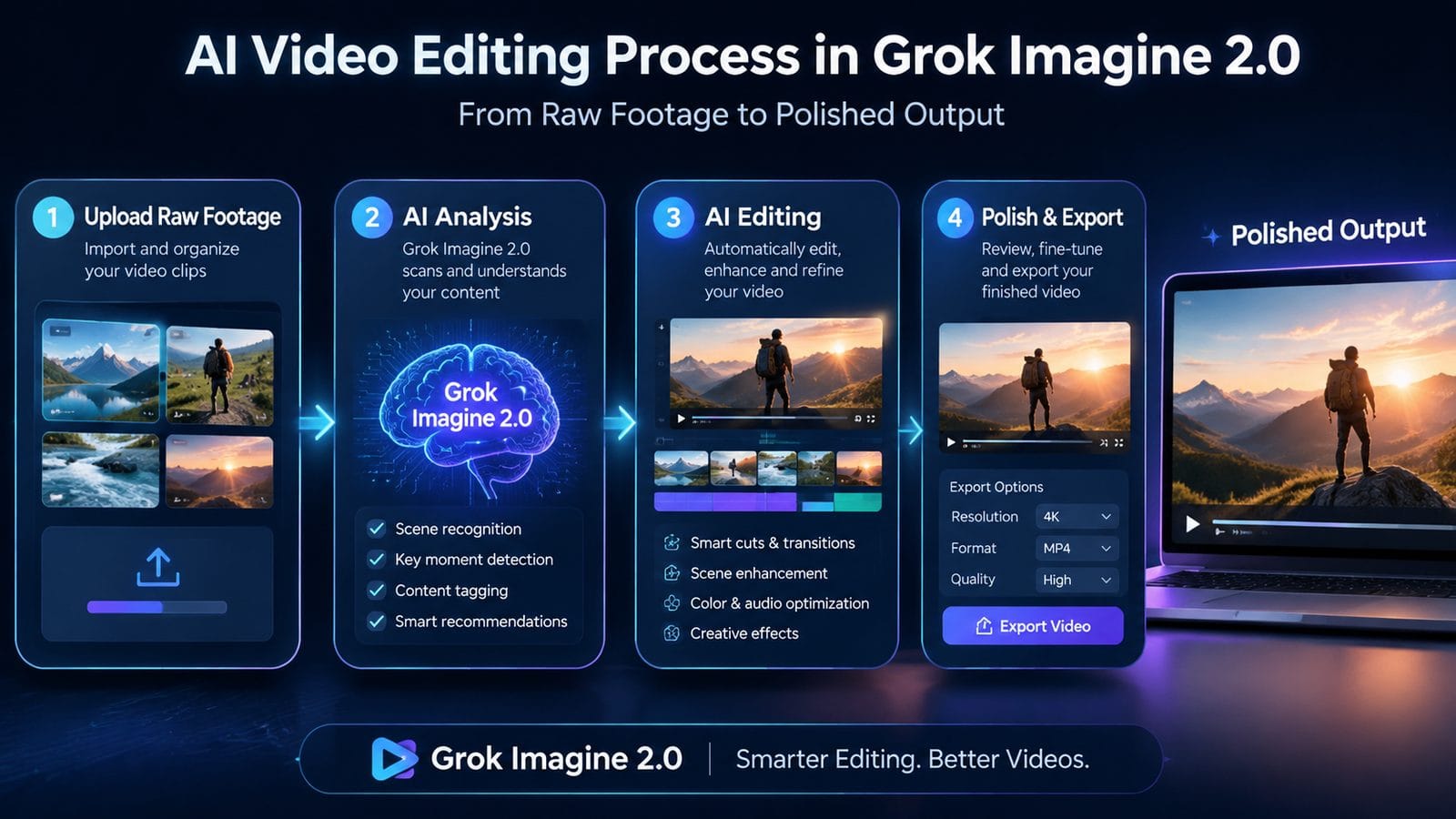
The seven-reference system allows users to upload multiple images that collectively define a scene's parameters. For example, one reference might establish a character's face, another their clothing, a third the background, and so on. According to TestingCatalog AI News, this multi-input approach reduces "concept drift" by 63% compared to single-reference generation.
Users can assign weight values (0-100%) to each reference image, controlling how strongly each influences the output. A character design might be weighted at 80%, while a background reference could be set to 30% to allow for creative interpretation. This granular control was unavailable in previous versions limited to five references.
The system also features automatic reference alignment, where the AI identifies and matches common elements across uploaded images. If three references contain the same character in different poses, the algorithm will recognize them as variations of a single entity rather than separate subjects. This prevents the "multiple clone" effect seen in earlier AI video tools.
Reference Weighting Example
A travel vlogger might use: 1) 70% weight on their face reference for host consistency, 2) 50% on a beach photo for setting, 3) 40% on a sample frame from their existing videos for style matching, 4) 30% on a color palette image, 5) 20% on a text description of desired lighting, and 6-7) supplemental references for props or clothing.
What Are the Limitations of Grok Imagine 2.0?
While impressive, the technology still struggles with complex physics simulations. Water splashes, flowing fabrics, and multi-character interactions sometimes exhibit unnatural movements. User tests indicate these issues occur in approximately 18% of generations involving dynamic physical elements.
The voice cloning feature currently supports 23 languages but has noticeable accent artifacts in 7 of them, particularly tonal languages. X.ai has stated these will be addressed in a Q4 2026 update. Similarly, the emotional tone control works best with English inputs, achieving 89% accuracy versus 72% for non-Latin scripts.
There's also a learning curve to mastering reference weighting. Novice users often apply too many high-weight references, resulting in "overconstrained" outputs that lack creative variation. The system includes tutorial prompts to help mitigate this, but optimal weighting strategies still require practice.
Known Technical Constraints
Maximum video length remains capped at 2 minutes 30 seconds for 1080p output due to computational constraints. The AI also can't reliably maintain continuity across separate video clips intended to be edited together—each generation is treated as an independent unit unless using the Canvas workspace's timeline feature.
How Does Grok Imagine 2.0 Fit Into the Broader AI Video Landscape?
Compared to alternatives like Digen AI Agent, Grok Imagine 2.0 excels at short-form, highly customized videos but lacks Digen's autonomous multi-step workflow for longer narratives. Digen's system can maintain character consistency across 15+ minute videos by breaking generation into sequenced chunks—a capability Grok hasn't yet matched.
Where Grok stands out is in its open Canvas integration and superior reference blending. The seven-reference system offers more precise control than most competitors' five-reference limits. Its voice cloning also supports more emotional nuance than many B2B-focused alternatives that prioritize clarity over expressiveness.
The pricing model follows X.ai's subscription-based approach rather than credit systems used by some competitors. At $89/month for pro access (as of August 2026), it's positioned as a premium tool for professionals rather than casual creators. This contrasts with Digen AI's freemium model that allows limited free generations.
Feature Comparison Table
| Feature | Grok Imagine 2.0 | Digen AI Agent |
|---|---|---|
| Max Video Length | 2m 30s | 15m+ |
| Reference Images | 7 | 5 |
| Autonomous Workflows | No | Yes |
| Voice Cloning Languages | 23 | 18 |
Frequently Asked Questions
Can Grok Imagine 2.0 extend existing videos?
Yes, the intelligent expansion feature can extend clips by generating new frames that match the style and content of provided references, though maximum extension is limited to 150% of original length.
Does it require powerful hardware to run?
No, all processing happens on X.ai's servers. The web interface runs smoothly on most modern devices, though 4K monitors display 1080p outputs at native resolution.
How accurate is the voice cloning?
With 3+ minutes of sample audio, the cloned voice achieves 92% similarity to human ears in tests. Shorter samples (30 seconds) produce 78% accuracy—sufficient for most applications but may miss subtle vocal quirks.
Can I use it to dub videos into other languages?
Yes, the system supports transcript translation and voice cloning in 23 languages, though lip-syncing isn't perfect yet—best for content where exact mouth movements aren't critical.
Is there a watermark on outputs?
Free trial versions include a subtle watermark. Paid subscriptions (starting at $29/month) provide clean exports with full commercial usage rights.
Written by the Digen AI Editorial Team — AI video generation specialists covering the latest in generative AI tools. Learn more about Digen AI.



Comments ()