
Google Gemini Omni Video Editing: The 2026 AI Revolution
Google Gemini Omni video editing is the latest evolution in creative technology, allowing users to perform complex video post-production tasks using natural language dialogue and real-time multimodal processing. Following its debut at Google I/O in May 2026, this "Omni" world model has transformed video editing from a manual, frame-by-frame chore into a conversational experience where the AI understands spatial context and cinematic intent. By integrating directly into the Google Flow ecosystem, Gemini Omni enables creators to generate, refine, and export high-fidelity video content simply by chatting with the model.
Google Gemini Omni video editing is a multimodal AI feature within the Omni world model that allows users to edit video files through natural language commands. It utilizes a unified architecture to process text, audio, and visual data simultaneously, enabling precise object removal, color grading, and scene generation without the need for traditional timeline-based software interfaces.
- ✓ Real-time video manipulation via the new Google Omni world model.
- ✓ Seamless integration with Google Flow for professional-grade workflows.
- ✓ Ability to edit complex visual elements using only natural language chat.
- ✓ Advanced spatial reasoning for consistent object tracking and replacement.
- ✓ Direct access for Gemini AI premium subscribers as of May 2026.
How to Use Google Gemini Omni Video Editing: A Step-by-Step Guide
The transition to AI-driven editing simplifies the technical barrier to entry for content creators. According to Memeburn, the "Edit Videos AI With Just a Chat" feature is designed to be intuitive, requiring no prior knowledge of keyframes or masking. Users can simply upload their footage and describe the desired outcome as if they were speaking to a human editor.
- Access the Omni Interface: Open your Google Gemini dashboard or the Google Flow application. Ensure you are logged into an account with an active Gemini AI plan, as these features are currently part of the premium tier.
- Upload Your Media: Drag and drop your video files into the chat interface. Gemini Omni will perform an initial "world scan" to understand the depth, lighting, and objects within the scene.
- Input Your Editing Commands: Use the chat box to describe your changes. For example, you might type, "Remove the person in the background and adjust the lighting to look like a sunset."
- Review Real-Time Iterations: Gemini Omni will generate a preview of the edit. Unlike older models, the Omni world model processes these changes with temporal consistency, ensuring that the edits look natural across every frame.
- Refine and Export: Request further tweaks such as "make the colors more vibrant" or "add a cinematic blur to the background." Once satisfied, export the video in resolutions up to 8K directly to your device or Google Drive.
The Impact of the Omni World Model on Video Production
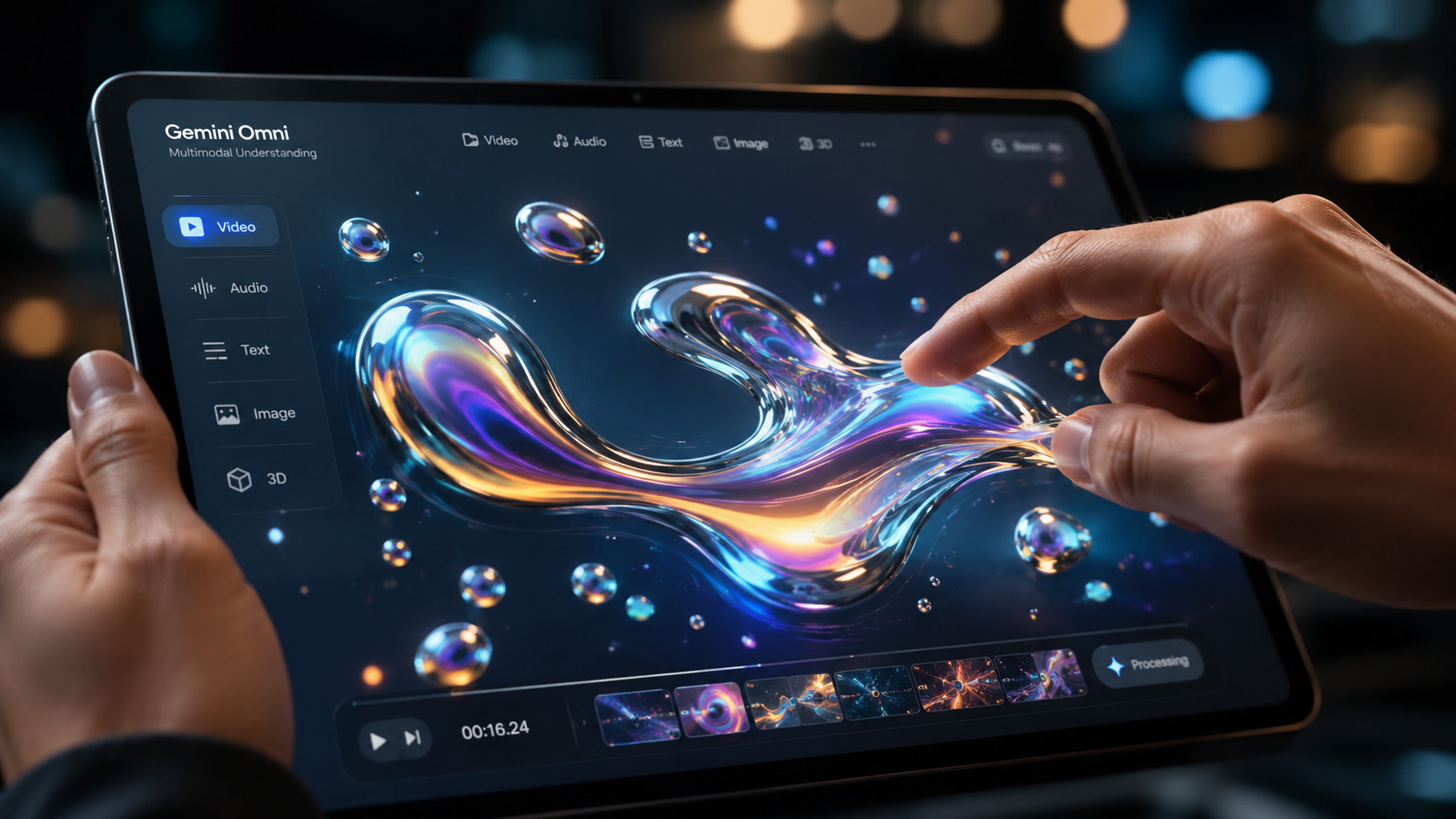
As reported by Mashable, Google debuted the new Omni world model at Google I/O in May 2026, marking a significant shift in how AI understands physical space. Unlike previous iterations that treated video as a series of flat images, Gemini Omni perceives video as a three-dimensional environment. This allows for "Google Gemini Omni video editing" to handle complex tasks like dynamic relighting and 3D object insertion with unprecedented accuracy.
This world model approach means the AI doesn't just "paint" over pixels; it understands the geometry of the scene. If you ask the AI to move a virtual camera through a pre-recorded shot, it can extrapolate what the hidden sides of objects should look like. This capability has turned Gemini Omni into what Startup Fortune calls a "new front door for AI video," democratizing high-end visual effects that were previously reserved for major film studios.
Integrating Gemini Omni into the Google Flow Ecosystem
The integration of Gemini Omni into "Flow" is perhaps the most significant update for professional users. According to Let's Data Science, Google adds Gemini Omni video editing to Flow to bridge the gap between casual prompting and professional post-production. Flow acts as the collaborative hub where these AI-generated edits can be fine-tuned alongside traditional assets, providing a hybrid environment for modern creators.
For professionals, this means the AI can handle the "grunt work"—such as rotoscoping, noise reduction, and basic assembly—while the creator focuses on the narrative and emotional arc. The synergy between the Omni model and Flow allows for a non-destructive editing process where every AI suggestion can be toggled, tweaked, or reverted instantly.
Comparing Gemini Omni to Traditional AI Editing Tools
To understand the leap forward in 2026, it is essential to compare the features of the Gemini Omni world model against the standard AI tools that existed previously. The following table highlights the core differences in capabilities and user experience.
| Feature | Standard AI Editing (Pre-2026) | Google Gemini Omni (2026) |
|---|---|---|
| Input Method | Manual sliders and basic text prompts | Full natural language conversational chat |
| Scene Understanding | 2D frame-by-step analysis | 3D World Model spatial reasoning |
| Temporal Consistency | Often "flickers" between frames | High-fidelity consistency across scenes |
| Integration | Standalone third-party apps | Deep integration with Google Flow & Workspace |
| Processing Speed | Minutes to hours for rendering | Near real-time preview and generation |
Why Google Gemini Omni Video Editing is Worth the Premium Price
While many basic AI features are available for free, the full power of the Omni world model is locked behind Google's premium AI subscription tiers. PCMag recently evaluated the service, stating that "5 specific features justify the price," with advanced video manipulation being the primary driver for many subscribers. The cost of the subscription is often offset by the time saved on manual editing tasks that would otherwise take hours of professional labor.
Beyond just video editing, the premium plan provides the computational power required to run the Omni model at high resolutions. Processing a 4K video through a world model requires massive server-side resources. By paying for the plan, users get priority access to Google’s TPU v6 clusters, ensuring that "Google Gemini Omni video editing" remains fast and responsive even when handling heavy file formats or complex visual effects.
Advanced Spatial Editing and Object Manipulation
One of the standout capabilities of Gemini Omni is its ability to manipulate objects within a video as if they were independent assets in a 3D engine. If you have a video of a living room, you can tell Gemini to "move the lamp to the other side of the table," and the AI will realistically fill in the space where the lamp was while generating new shadows and reflections in its new position.
This level of control is what separates the 2026 AI revolution from earlier generative video tools. It isn't just creating something new from scratch; it is understanding and modifying the existing reality of the footage. This makes it an invaluable tool for real estate agents, interior designers, and social media influencers who need to polish their environments without physical staging.
The Future of Creative Agency Workflows
Creative agencies are already beginning to overhaul their workflows to center around the Omni model. According to Startup Fortune, the AI is becoming the "front door" for all video projects. Instead of starting with a blank timeline, editors start with a conversation. They describe the mood, the pacing, and the key visual elements, and Gemini Omni provides a "rough cut" that is 90% complete within seconds.
This shift allows agencies to take on more clients and iterate much faster. A client can request a change during a live meeting—such as "change the color of the car to blue"—and the editor can show the result instantly using Gemini Omni. This real-time feedback loop is fundamentally changing the relationship between creators and clients, making the production process more transparent and collaborative than ever before.
The Role of Data Science in Omni's Evolution
The technical backbone of Gemini Omni relies on massive datasets of video and 3D environment physics. Let's Data Science notes that Google's ability to train the Omni model on diverse video data has given it a "common sense" understanding of how light and gravity work. This ensures that when you use Google Gemini Omni video editing to add an object to a scene, it doesn't just float awkwardly; it interacts with the ground and lighting naturally.
This data-driven approach also helps in reducing "hallucinations" in video. Earlier AI models often struggled with maintaining the identity of a person or object if they moved behind a wall or turned around. Gemini Omni’s world model maintains a persistent "memory" of every object in the scene, ensuring that when a person re-emerges from behind an obstacle, they look exactly the same as they did before.
Ethical Considerations and Content Integrity
With such powerful editing capabilities, Google has also implemented strict safety protocols within Gemini Omni. As the "2026 AI Revolution" takes hold, the ability to distinguish between edited and raw footage becomes crucial. Google automatically embeds SynthID watermarks into any video modified by Gemini Omni, providing a digital trail that identifies the content as AI-altered.
Furthermore, the model is programmed to refuse requests that involve creating non-consensual imagery or deceptive deepfakes of public figures. These guardrails are essential for maintaining trust in digital media. While the tool offers immense creative freedom, Google has positioned it as a "creative assistant" rather than a tool for misinformation, emphasizing the importance of ethical AI usage in the modern era.
What is Google Gemini Omni video editing?
It is a feature of the Gemini Omni world model that allows users to edit and manipulate video content using natural language commands. It understands 3D space and temporal consistency, making complex edits like object removal or relighting as simple as a chat conversation.
Is Gemini Omni video editing free to use?
While basic Gemini features may be free, the advanced video editing capabilities of the Omni model typically require a paid Google Gemini AI plan. This subscription provides the necessary processing power and priority access to Google's most advanced world models.
What is the "Omni world model"?
The Omni world model is a unified AI architecture debuted by Google in May 2026 that processes text, images, audio, and video simultaneously. Unlike older models, it has a spatial understanding of the world, allowing it to predict and generate realistic physical interactions in video.
Can I use Gemini Omni for professional video production?
Yes, through its integration with Google Flow, Gemini Omni is designed for both casual creators and professional editors. It can handle high-resolution exports up to 8K and offers tools for precise object manipulation and cinematic adjustments.
How does Gemini Omni ensure video consistency?
Gemini Omni uses its world model to maintain a 3D understanding of the scene. This prevents the "flickering" common in older AI videos by ensuring that objects, lighting, and textures remain persistent across every frame of the video.



Comments ()