
Global Launch | Seedream 5.0 Lite Officially Released on Digen.ai
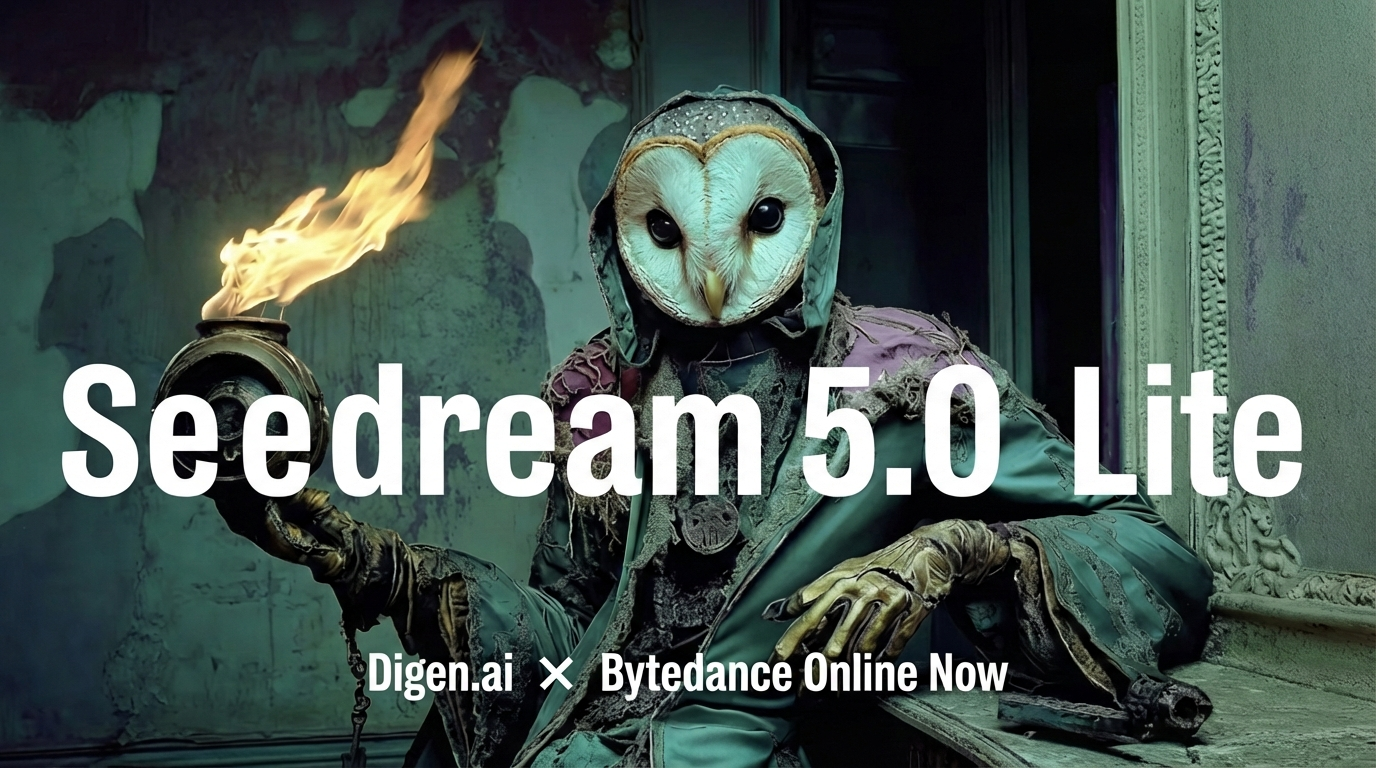

- ✅ support text, single-image, and multi-image inputs
- ✅ official Day 0 Global Debut
- ✅ Global availability—All-New Multimodal Creation Experience!
- ✅ Browser-based—no app download, no GPU required
Seedream 5.0 lite, enabling diverse workflows such as multi-image fusion based on subject consistency, image editing, and batch image generation. This provides creators with greater flexibility and control over the image-creation process.

Effects
Input multiple images as reference, blend styles and elements to generate new images
Replace the clothing in image 1 with the outfit from image 2.
Sequential batch image generation
Based on text and images entered by the user, generate a set of content-related images
Referring to Figure 1, generate four images with characters wearing sunglasses, riding motorcycles, wearing hats, and holding lollipops
Basic usage
Text-to-Image (Text Input, Single Image Output)
Provide clear and accurate text instructions to the model to quickly generate a high-quality image that matches the description.
Vibrant close-up editorial portrait, model with piercing gaze, wearing a sculptural hat, rich color blocking, sharp focus on eyes, shallow depth of field, Vogue magazine cover aesthetic, shot on medium format, dramatic studio lighting.
Image-to-Image (Single Image Input, Single Image Output)
Edit an existing image using text instructions, including adding or removing elements, changing style or texture, adjusting color tone, and modifying the background, perspective, or size.
Keep the model's pose and the flowing shape of the liquid dress unchanged. Change the clothing material from silver metal to completely transparent clear water (or glass). Through the liquid water, the model's skin details are visible. Lighting changes from reflection to refraction.
Multi-Image Blending (Multi-Image Input, Single Image Output)
Replace the clothing in image 1 with the outfit from image 2.
Image-to-Batch-Image (Single Image Input, Batch Image Output)
Using this LOGO as a reference, create a visual design system for an outdoor sports brand named GREEN, including packaging bags, hats, cards, lanyards, etc. Main visual tone is green, with a fun, simple, and modern style.
Multi-Image-to-Batch-Image (Multi-Image Input, Batch-Image Output)
Generate 3 images of a girl and a cow plushie happily riding a roller coaster in an amusement park, depicting morning, noon, and night.
Image output
The following methods are available.
- Method 1 : Specify the resolution of the generated image, and describe its aspect ratio, shape, or purpose in the prompt using natural language. The model determines the width and height.
- Seedream 5.0 lite:
2K,3K - Seedream 5.0 lite:[
2560x1440=3686400,3072x3072x1.1025=10404496]
- Seedream 5.0 lite:
Comments ()