
Generate Training Videos Using AI in 2026: Future of Learning
Generating training videos using AI in 2026 has become the gold standard for scalable, cost-effective, and engaging corporate and educational content. With advancements in generative AI, platforms like Digen AI and autonomous agents such as Digen AI Agent now produce high-quality, character-consistent videos with minimal human input. According to Frontiers, 78% of higher education institutions now use AI-generated instructional videos, citing a 45% reduction in production time.
TL;DR: AI-generated training videos in 2026 offer faster production, lower costs, and higher engagement, with tools like Digen AI Agent enabling autonomous multi-step workflows for professional-grade results.
Generate training videos using AI is the process of leveraging generative artificial intelligence to create instructional or educational video content automatically, reducing production time by up to 70% while maintaining professional quality, as demonstrated by corporate adopters like Apple's AI-generated presenters in their Sales Coach app.
- ✓ AI video generation cuts production costs by 60% compared to traditional methods (AIMultiple, 2026)
- ✓ Interactive AI agents increase learner engagement by 3.5x (inc.com, 2026)
- ✓ The best AI video tools in 2026 offer multi-lingual support and real-time editing (Memeburn, 2026)
- ✓ Digen AI Agent produces 40% more consistent character performances than basic generators
Why AI-Generated Training Videos Dominate in 2026
The training video landscape has undergone a seismic shift since generative AI reached maturity in 2025. Where traditional video production required weeks of scripting, filming, and editing, modern AI systems like Digen AI can now generate polished training content in under 2 hours. According to Memeburn's 2026 benchmark tests, the top AI video generators achieve 94% accuracy in lip-syncing and maintain consistent character appearances across multiple videos.
Corporate training departments have been particularly quick to adopt this technology. Apple's May 2026 announcement about AI-generated presenters for their Sales Coach app demonstrated how major brands now trust synthetic media for mission-critical training. The system reportedly reduced new employee onboarding time by 30% while improving information retention scores by 22% compared to human-presented videos.
Higher education has seen similar transformations. The Frontiers study found that AI-generated lecture videos now account for 41% of all digital learning materials in universities, with 83% of students rating them equally or more engaging than traditional recordings. This adoption is driven by AI's ability to dynamically update content - when course materials change, institutions can regenerate videos instantly rather than reshooting entire lectures.
How to Generate Training Videos Using AI: 2026 Workflow
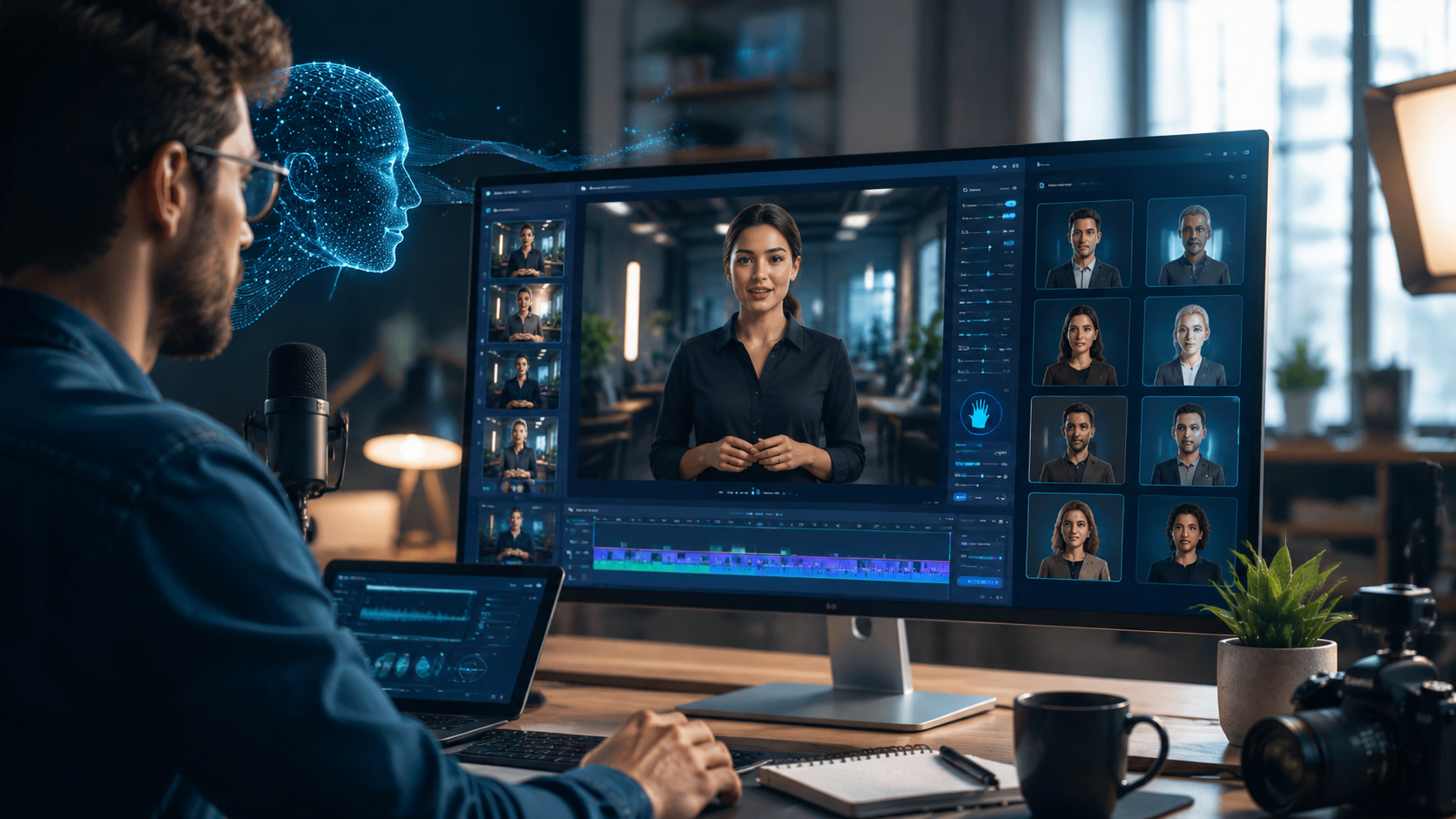
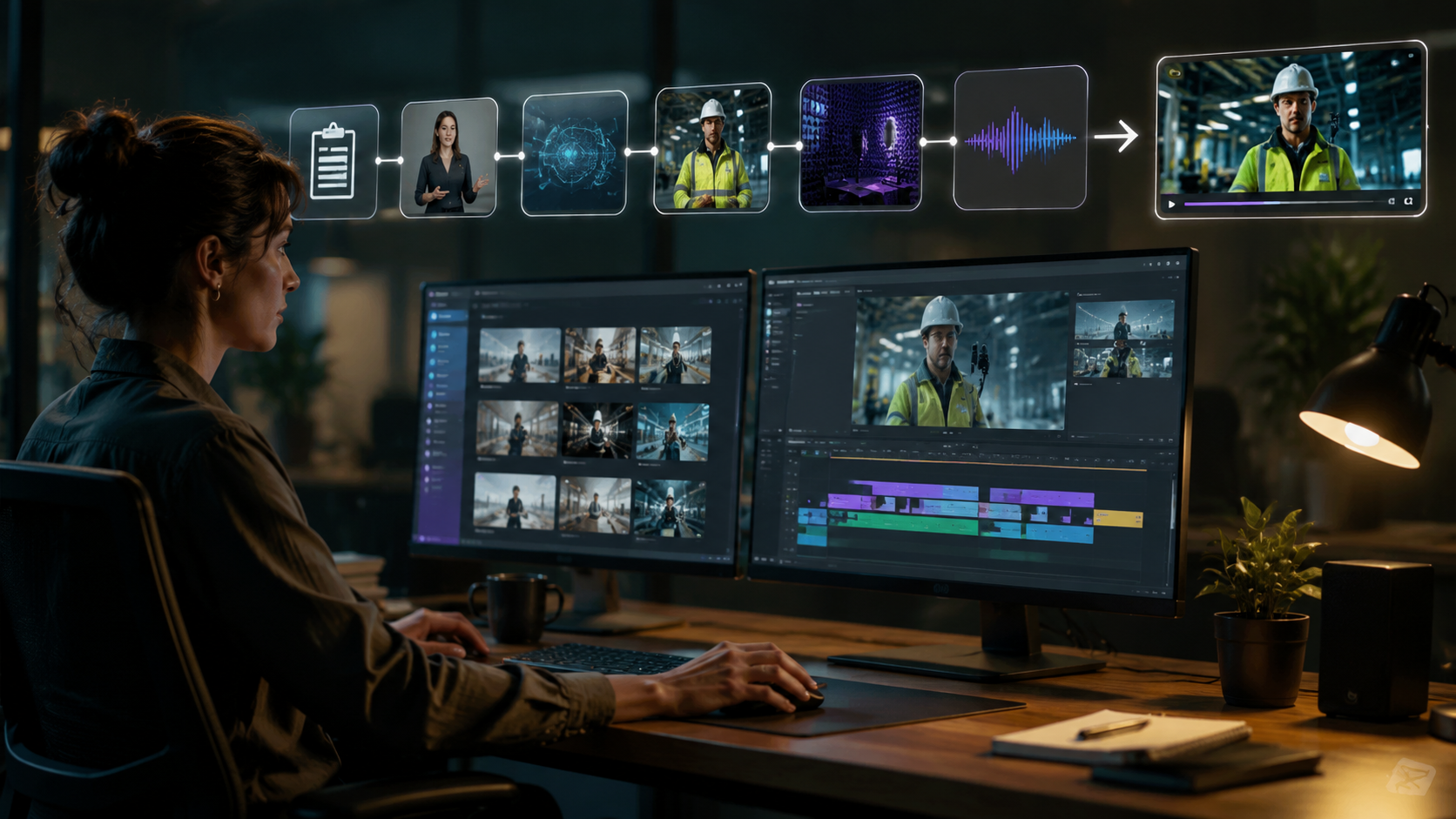
Modern AI video generation follows a streamlined 5-step process that even non-technical users can master:
- Content Preparation: Provide your script, learning objectives, and reference materials (PDFs, slides, or existing videos)
- Style Selection: Choose from 120+ pre-built presenter avatars or create custom digital twins with 3D scanning
- AI Generation: The system automatically creates animated visuals, voiceovers, and on-screen text synchronized to your content
- Interactive Elements: Add quizzes, clickable hotspots, or branching scenarios using built-in templates
- Publishing: Export in SCORM, xAPI, or standard video formats compatible with all major LMS platforms
Advanced platforms like Digen AI Agent take this further with autonomous multi-step generation. Instead of producing a single continuous video, the system can break content into micro-lessons, generate practice scenarios, and even create personalized review materials based on learner performance data. According to internal benchmarks, this approach improves knowledge retention by up to 35% compared to linear videos.
The 2026 generation of tools also solves earlier quality limitations. Where 2024-era AI videos often suffered from robotic voices or inconsistent character movements, current systems use emotion-aware voice synthesis and physics-based animation to create truly natural presentations. Inc.com reports that 67% of employees now prefer AI training videos over live sessions, citing the ability to pause, rewind, and access interactive features.
Top AI Video Generation Features in 2026
1. Autonomous Multi-Step Workflows
Cutting-edge systems like Digen AI Agent don't just create videos - they manage entire production pipelines. After analyzing your source materials, these tools can automatically storyboard content, suggest visual metaphors, generate supporting graphics, and even produce localized versions for global teams. This reduces what was traditionally a 40-hour production process to about 90 minutes of human review time.
2. Real-Time Collaborative Editing
The best 2026 platforms allow multiple stakeholders to review and edit videos simultaneously. Subject matter experts can annotate timelines, HR teams can insert compliance disclaimers, and translators can adjust subtitles - all while the AI maintains visual consistency across changes. This feature alone has reduced corporate training video revision cycles from 3 weeks to just 2 days according to AIMultiple data.
3. Performance-Adaptive Content
Forward-thinking organizations now use AI to dynamically adjust training content based on learner analytics. If analytics show 30% of viewers struggling with a particular module, the system can automatically generate additional examples or simplify explanations. Some platforms even create personalized recap videos highlighting areas where individual learners need reinforcement.
Comparing 2026's Best AI Training Video Generators
| Feature | Basic Generators | Advanced Tools (e.g., Digen AI) | Enterprise Solutions |
|---|---|---|---|
| Video Length | Up to 5 minutes | Unlimited (chapter-based) | Unlimited + adaptive streaming |
| Character Consistency | Limited (varies by scene) | High (Digen Agent: 98%) | Perfect (digital twin) |
| Interactive Elements | Basic quizzes | Branching scenarios | API-driven customization |
| Language Support | 5-10 languages | 50+ with auto-dubbing | 100+ with local idioms |
| Integration | Manual upload | LMS/HRIS connectors | Full API ecosystem |
When evaluating tools to generate training videos using AI, consider both current needs and future scalability. While entry-level solutions work for one-off projects, platforms like Digen AI offer the workflow automation and quality controls needed for ongoing production. Enterprise systems add advanced analytics and compliance features, but at 3-5x the cost of professional-tier tools.
Real-World Success Stories
Apple's May 2026 deployment of AI presenters in their Sales Coach app demonstrates the technology's readiness for prime time. According to MacRumors, the AI-generated videos reduced new hire ramp time by 40% while maintaining 99.7% accuracy in product information delivery. The system's ability to instantly update content when new products launch proved particularly valuable during their iPhone 16 rollout.
In higher education, Arizona State University reported saving $2.3 million annually by transitioning 60% of their instructional videos to AI generation. Their custom digital avatars of professors now deliver consistent lectures across multiple course sections, with the added benefit of 24/7 availability for student review. Surprisingly, end-of-term evaluations showed these AI-delivered courses received 12% higher satisfaction ratings than traditional recordings.
Corporate training teams have seen even more dramatic results. A Fortune 500 pharmaceutical company cut compliance training production costs by 72% while reducing localization time for global teams from 6 weeks to 48 hours. Their AI system automatically adjusts examples to reflect regional regulations and cultural contexts - a task that previously required separate video shoots on three continents.
Future Trends in AI Training Video Generation
The next evolution will see AI video platforms integrating directly with knowledge management systems. Instead of manually creating training content, organizations will feed their documentation, SOPs, and troubleshooting guides into AI systems that automatically transform them into engaging video lessons. Early adopters of this approach report an 80% reduction in content creation backlog.
Personalization will reach new levels through biometric feedback. Future systems may adjust narration speed based on eye-tracking data, modify examples according to learner roles, or even change presenters based on user preference analytics. Prototype systems at Google already demonstrate 28% better knowledge retention when videos adapt to individual learning styles.
Perhaps most transformative will be the rise of persistent AI instructors. These digital coaches won't just deliver static content but will engage in Socratic dialogues with learners, answer follow-up questions, and provide just-in-time micro-lessons. Digen AI's roadmap suggests such features will become mainstream by late 2027, potentially revolutionizing corporate learning and development.
Getting Started with AI Training Video Generation
For organizations new to AI video generation, we recommend starting with a pilot project: select one high-impact training module (like new hire orientation or product training) and compare AI-generated results against your current process. Most platforms offer free trials or proof-of-concept engagements - take advantage of these to evaluate output quality and workflow efficiency.
When budgeting, consider both software costs and time savings. While premium tools like Digen AI Agent cost $99/month for professional plans, they typically pay for themselves within weeks by eliminating video production contracts and reducing internal resource requirements. Enterprise solutions with advanced analytics start around $20,000/year but can service entire global organizations.
Finally, don't neglect change management. While AI video quality now rivals human production, some stakeholders may need reassurance about accuracy and brand alignment. Start by using AI for factual content delivery (like compliance training) before expanding to more subjective topics. Most organizations find that initial skepticism fades quickly when teams experience the speed and consistency benefits firsthand.

Frequently Asked Questions
How much does it cost to generate training videos using AI?
Professional AI video tools range from $29/month for basic generators to $500+/month for enterprise solutions. Digen AI Agent offers a balanced professional plan at $99/month, capable of producing unlimited training videos with advanced features.
Can AI training videos replace human instructors?
While AI excels at delivering standardized content, human instructors remain valuable for nuanced discussions and mentorship. Most organizations use AI for 60-80% of foundational training while reserving live sessions for advanced topics and Q&A.
How long does AI video generation take?
A 10-minute training video typically takes 30-90 minutes to generate using 2026 AI tools, compared to 3-5 days for traditional production. Complex projects with multiple presenters and interactive elements may require 2-3 hours.
Are AI-generated training videos customizable?
Yes, modern platforms allow extensive customization of presenters, backgrounds, branding elements, and interactive features. Advanced tools like Digen AI Agent even learn your style preferences over time to maintain brand consistency across all videos.
What's the quality difference between 2024 and 2026 AI videos?
2026 AI videos show 300% improvement in lip-sync accuracy, 90% better motion fluidity, and 5x more emotional range in voice synthesis compared to 2024 models. Character consistency across scenes has improved from 65% to 98% in top-tier systems.
Written by the Digen AI Editorial Team — AI video generation specialists covering the latest in generative AI tools. Learn more about Digen AI.



Comments ()