
Generate Realistic AI Video from Images: 2026 Pro Guide
To generate realistic AI video from images in 2026, you must utilize advanced diffusion models that interpret static pixels and project temporal motion based on physics-informed neural networks. This process involves uploading a high-resolution base image, selecting a motion-guided prompt, and utilizing "Image-to-Video" (I2V) tools that maintain character consistency while animating realistic environmental effects. In 2026, the industry has shifted toward high-fidelity outputs that are increasingly difficult to distinguish from traditional cinematography.
Generating realistic AI video from images is the process of using generative artificial intelligence to transform a static 2D image into a dynamic, high-definition video sequence. By leveraging temporal consistency layers, these AI tools predict frame-by-frame movement, allowing users to create cinematic content, deepfakes, or marketing assets with professional-grade realism and fluid motion.
- ✓ Realistic AI video generation now supports 4K resolution and 60fps fluid motion as standard in 2026.
- ✓ Platform compliance and digital watermarking are mandatory for realistic AI-generated content on sites like YouTube.
- ✓ Character consistency algorithms allow the same subject to remain identical across multiple generated scenes.
- ✓ Ethical guardrails have intensified to prevent the unauthorized creation of non-consensual imagery.
How to Generate Realistic AI Video from Images: Step-by-Step
The landscape of content creation has been fundamentally altered by the arrival of 2026-era video models. The barrier to entry for high-end visual effects has vanished, allowing anyone with a high-quality source image to produce Hollywood-level motion. To achieve the most lifelike results, users must follow a specific workflow that prioritizes source clarity and motion parameters.
- Select Your Source Image: Start with a high-resolution, clear image. AI models in 2026 perform best when the lighting and subject boundaries are well-defined. Avoid blurry or low-contrast photos for the best temporal stability.
- Upload to an I2V Generator: Choose a top-rated 2026 AI video platform. According to recent reviews by Ventureburn, the "10 Best Free AI Video Generators in 2026" now offer sophisticated "Image-to-Video" modules that process inputs in under 60 seconds.
- Define Motion Prompts: Use descriptive language to tell the AI what should move. Instead of "make it move," use specific prompts like "gentle breeze flowing through hair" or "cinematic slow-motion camera pan."
- Set Consistency Parameters: Enable "Character Lock" or "Seed Consistency" features to ensure the AI doesn't morph the subject's face or clothing during the animation process.
- Render and Refine: Generate a low-resolution preview first. Once satisfied with the motion, upscale the video to 4K using the platform’s native upscaler for maximum realism.
The Evolution of Realism in 2026 AI Video Models
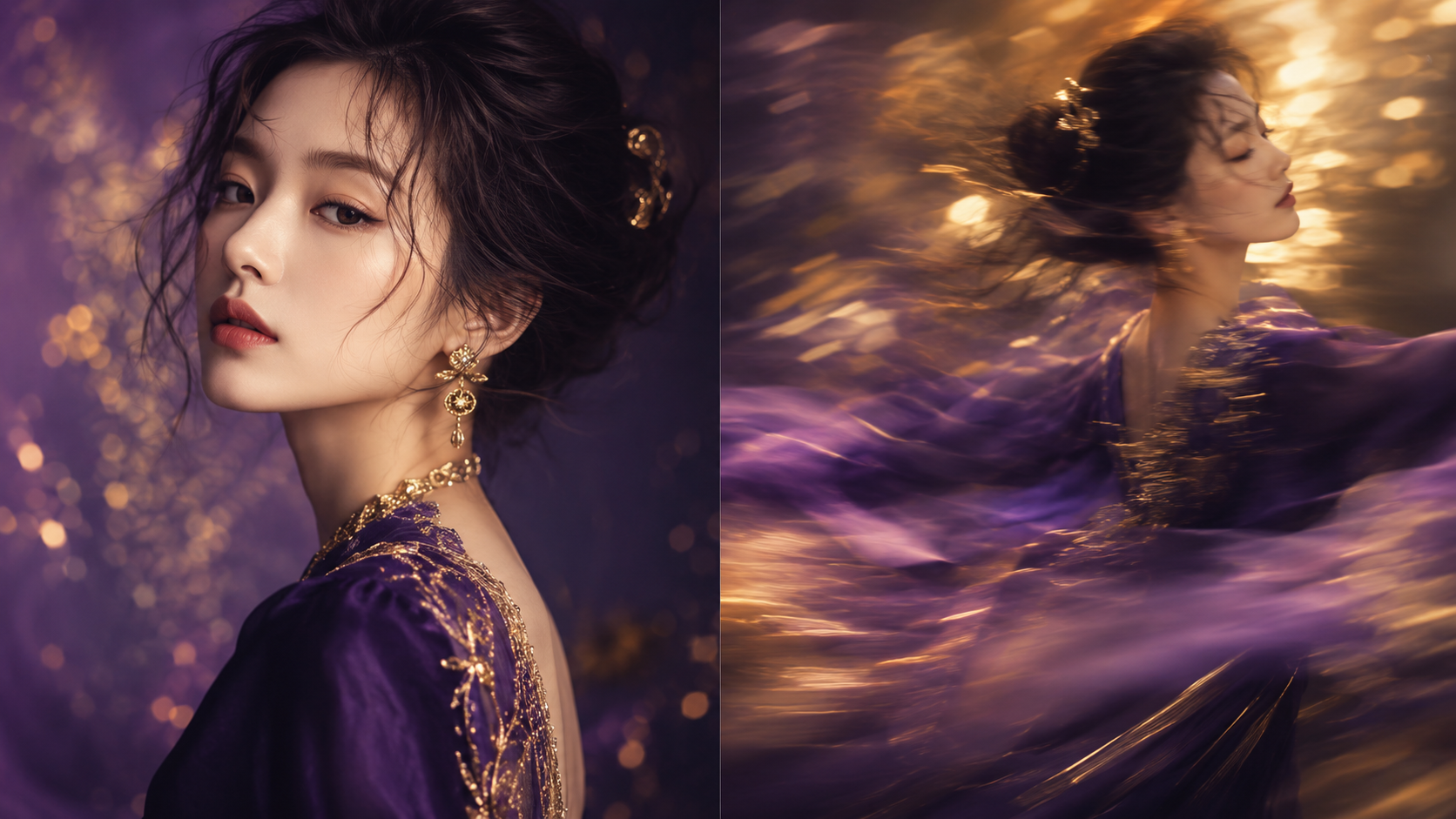
As of mid-2026, the technological gap between AI-generated footage and real-world videography has narrowed significantly. Tech Times reports that AI now generates realistic videos with such precision that it is becoming increasingly difficult for the human eye to detect what is real and what is synthetic. This is largely due to the integration of "Physics Engines" within the AI models, which ensure that water ripples, shadows, and fabric movements follow the laws of gravity and light refraction.
Advanced Temporal Consistency
In previous years, AI videos often suffered from "flickering" or subjects that would change shape between frames. In 2026, new architectures have solved this. The current generation of tools uses a technique called "Latent Flow Anchoring," which locks specific pixels from the source image into a 3D coordinate system, ensuring that as the camera moves, the object remains structurally sound. This is critical when you want to generate realistic AI video from images for professional use cases like film or advertising.
High-Fidelity Texture Mapping
Modern AI tools no longer just "animate" an image; they reconstruct it in a 3D latent space. This allows for realistic skin textures, including pores and micro-expressions, which are essential for creating believable human subjects. However, this level of realism has led to increased scrutiny from regulatory bodies and platforms like YouTube, which are now implementing strict labeling requirements for synthetic media.
Comparing the Top AI Video Generators of 2026
Choosing the right tool depends on your specific needs, whether you are looking for cinematic quality, ease of use, or cost-effectiveness. The following table compares the leading features found in the top-ranked generators of 2026.
| Feature | Pro-Grade Generators | Free/Open-Source Tools | Social-First Apps |
|---|---|---|---|
| Max Resolution | 8K with Upscaling | 1080p / 2K | 720p (Optimized for Mobile) |
| Motion Control | Full 3D Camera Pathing | Basic Directional Sliders | Preset Motion Templates |
| Generation Speed | 2-5 Minutes | 5-10 Minutes | Under 30 Seconds |
| Safety Filters | Strict / Enterprise-Grade | Community-Moderated | Automated AI Shielding |
| Best For | Commercials & Film | Research & Hobbyists | TikTok / Reels Content |
The Growing Challenges of Deepfakes and Ethics
With the power to generate realistic AI video from images comes significant ethical responsibility. As reported by unric, deepfakes are synthetic media where a person in an existing image or video is replaced with someone else's likeness. In 2026, the ease with which these can be created has reached a crisis point. CBC recently reported on a disturbing trend where AI deepfakes of dozens of Canadian women were shared online, highlighting the dark side of this technology.
Legislative and Platform Responses
Authorities are currently struggling to keep pace with the rapid advancement of these tools. PBS notes that law enforcement and legislative bodies are finding it difficult to stop AI tools from generating nude images or non-consensual content. In response, major tech hubs are implementing "C2PA" watermarking, which embeds a digital signature into every video file to track its origin and prove it was generated by an AI.
YouTube’s Disclosure Policy
In May 2026, CBS News highlighted that YouTube is taking major steps to make it clear when realistic videos are made by AI. Creators are now required to toggle a "Synthetic Content" label during the upload process. Failure to do so can result in content removal or account suspension. This move is designed to protect viewers from misinformation, especially as AI-generated videos become indistinguishable from news broadcasts or documentary footage.
Best Practices for Professional AI Video Results
To truly generate realistic AI video from images that can be used in a professional capacity, you must go beyond basic settings. Professionals in 2026 utilize "Multi-Pass Rendering," where they generate the background and the foreground subjects separately and composite them in post-production. This prevents the "bleeding" effect where the background seems to move with the person.
Lighting and Color Grading
One of the tell-tale signs of AI video is inconsistent lighting. To fix this, use an image with strong "Rembrandt lighting" or clear directional light. When the AI animates the scene, the shadows will have a clear path to follow, which enhances the 3D illusion. Additionally, applying a consistent LUT (Look-Up Table) in your video editor after generation can help unify the AI's output with real-world footage.
The Role of Prompt Engineering
While the image provides the "what," the prompt provides the "how." In 2026, prompt engineering has evolved into "Contextual Directing." Instead of just describing the movement, professional creators describe the camera lens (e.g., "35mm anamorphic"), the film stock, and the specific lighting conditions (e.g., "golden hour, 5600k"). This level of detail instructs the AI to maintain a specific aesthetic throughout the video duration.
The Future: What’s Next for AI Video in 2027?
While 2026 has been the year of "Visual Realism," the industry is already looking toward "Interactive Realism." We are seeing the first glimpses of videos where the viewer can change the camera angle in real-time while the video is playing. This leap from linear video to "generative environments" will likely redefine gaming and virtual reality. However, for now, the focus remains on refining the ability to generate realistic AI video from images that serves the needs of creators today.
Is there a free way to generate realistic AI video from images?
Yes, several platforms listed in the "10 Best Free AI Video Generators in 2026" by Ventureburn offer free daily credits. However, these free versions often include watermarks or limit the resolution to 720p, requiring a subscription for professional-grade 4K output.
How long does it take to generate a realistic AI video?
On average, generating a 5-to-10 second realistic video clip from an image takes between 1 and 3 minutes in 2026. This speed depends on the complexity of the motion and the current server load of the AI provider you are using.
Can AI video generators be used for commercial projects?
Most paid AI video platforms grant full commercial rights to the user. However, you must ensure the source image you are using is either your own or properly licensed, and you must adhere to platform disclosure rules regarding synthetic media.
Why does my AI video look "wavy" or distorted?
Distortion, often called "artifacting," usually occurs when the motion prompt is too complex for the source image. To fix this, reduce the "Motion Strength" setting or provide a clearer, more structured source image with fewer overlapping objects.
Do I need a powerful computer to generate AI video?
No, most 2026 AI video tools are cloud-based. The heavy lifting is done on the provider's servers (using H100 or B200 GPUs), meaning you only need a standard web browser and a stable internet connection to create high-end content.



Comments ()