
How to Generate Realistic AI Humans in Video (2026 Guide)
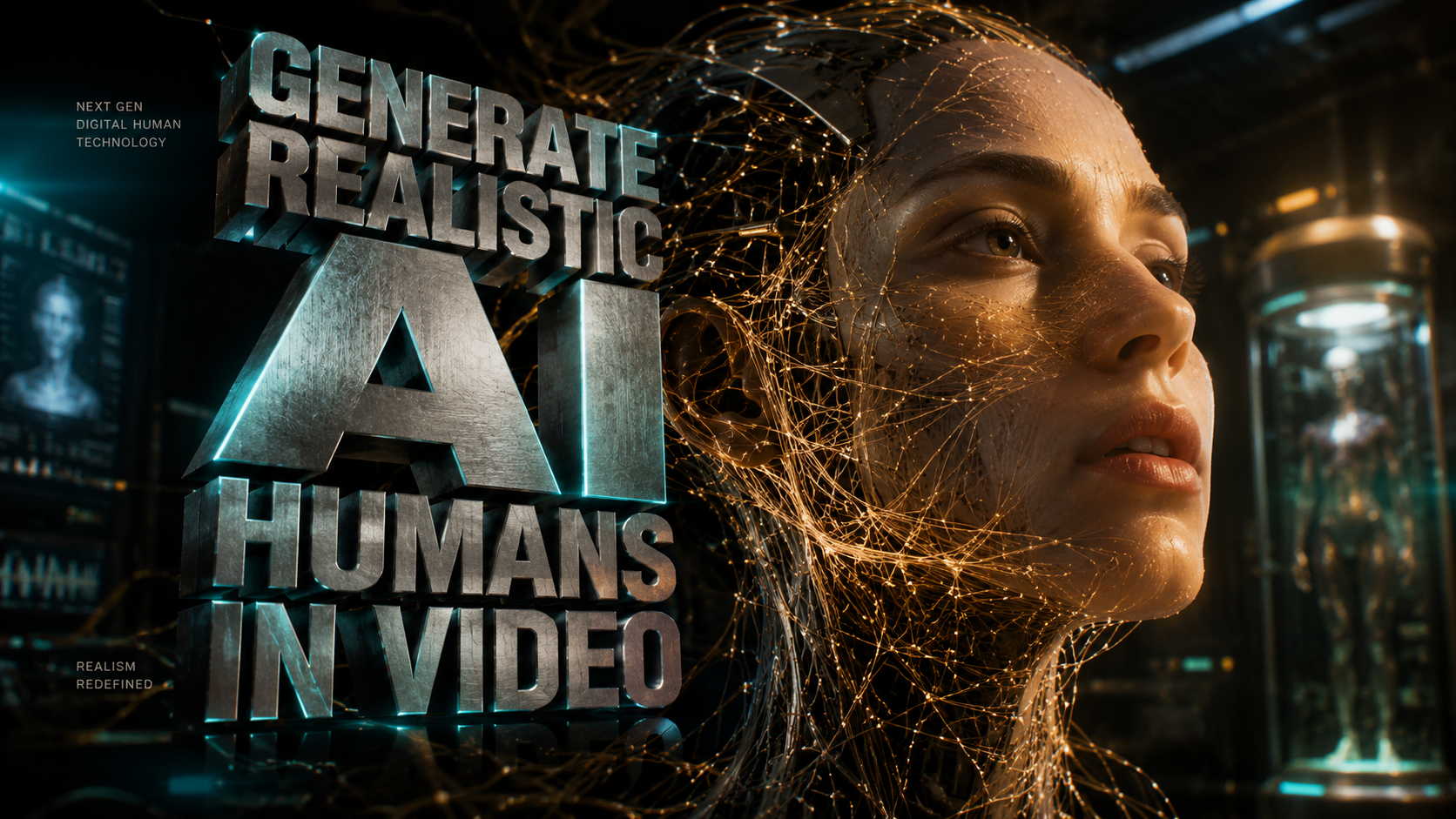
To generate realistic AI humans in video in 2026, you must utilize high-fidelity diffusion models like Seedance or Google Veo 3.1, which leverage neural rendering to simulate authentic skin textures, micro-expressions, and fluid physical movements. By inputting descriptive text prompts or using image-to-video reference frames, creators can now produce digital personas that are virtually indistinguishable from real actors, a breakthrough that is currently reshaping both Hollywood production and social media marketing.
Generating realistic AI humans is the process of using advanced generative AI models to create lifelike digital avatars or synthetic actors in motion. This technology utilizes deep learning to synthesize human anatomy, lighting, and movement, allowing users to produce high-quality video content without traditional filming equipment, cameras, or human talent.
- ✓ Leverage state-of-the-art tools like Seedance for ultra-realistic cinematic human rendering.
- ✓ Utilize Google Veo 3.1 updates for enhanced physical consistency and realistic lighting.
- ✓ Focus on "micro-movements" to overcome the uncanny valley and ensure authentic facial expressions.
- ✓ Implement ethical safeguards to distinguish synthetic media from deepfakes.
Step-by-Step Guide to Generate Realistic AI Humans in Video
The landscape of video synthesis has evolved rapidly. In 2026, the barrier to entry for high-end cinematic production has lowered, allowing independent creators to achieve results that previously required multi-million dollar VFX budgets. Achieving realism requires a systematic approach to prompting and post-production refining.
- Select a High-Fidelity AI Video Engine: Choose a platform optimized for human anatomy. Current industry leaders include Seedance for "ultra-realistic" output and Google Veo 3.1 for general-purpose consistency.
- Define the Persona with Detailed Prompting: Use descriptive language focusing on skin pores, subsurface scattering (how light hits the skin), and specific eye movements to ensure the AI human looks grounded in reality.
- Set the Environment and Lighting: Realistic humans require realistic environments. Specify lighting conditions such as "golden hour," "cinematic rim lighting," or "natural soft box" to integrate the human into the scene.
- Apply Motion Controls: Use "camera path" tools or "motion brushes" within your chosen software to direct how the AI human moves, ensuring the gait and gestures appear natural rather than robotic.
- Refine and Upscale: Use a secondary temporal upscaler to remove artifacts and ensure the video maintains a high bitrate and sharp resolution, particularly around the eyes and hair.
The Rise of Ultra-Realistic Tools: Seedance and Google Veo 3.1
As of early 2026, the market for video generation has shifted from "experimental" to "production-ready." According to a report by the BBC, Hollywood studios have begun taking direct aim at tools like Seedance, an "ultra-realistic" AI video generator that has caused significant disruption in traditional casting and background acting. These tools are no longer just generating short clips; they are creating sustained, high-resolution performances that can be integrated into feature films.
Seedance: The Cinematic Standard
Seedance has emerged as a favorite for those looking to generate realistic AI humans in video because of its proprietary "Anatomic Engine." Unlike earlier models that struggled with finger counts or limb placement, Seedance calculates the skeletal structure before rendering the skin. This prevents the "morphing" effect often seen in lower-quality AI videos. Futurism reports that this generator is so impressive that it is "scaring Hollywood," as it can replicate the nuances of a seasoned actor's performance from a simple text script.
Google Veo 3.1: Professional Consistency
Not to be outdone, Google’s latest iteration, Veo 3.1, focuses on the physics of realism. According to PetaPixel, the 3.1 updates promise even more realistic AI-generated video by improving how the AI handles complex interactions, such as clothing folding against skin or hair blowing in the wind. For creators, this means less time spent fixing glitches and more time focusing on the creative narrative. Veo 3.1 also integrates better with professional editing suites, allowing for multi-layer exports.
Comparison of Leading AI Human Generators (2026)
Choosing the right tool depends on your specific project needs, whether it is for a high-budget commercial or social media influencer content. Below is a comparison of the top platforms currently available for generating lifelike human figures.
| Feature | Seedance | Google Veo 3.1 | Sora Pro |
|---|---|---|---|
| Primary Strength | Ultra-realistic skin/textures | Physical consistency & physics | Narrative length & complexity |
| Human Anatomy | Exceptional (Anatomic Engine) | High (Fluid motion) | Moderate (High detail) |
| Max Resolution | 8K Cinematic | 4K Ultra HD | 4K Standard |
| Target User | Film Studios / VFX Pros | Marketing / Content Creators | General Consumers |
| Key Innovation | Subsurface skin scattering | Temporal consistency 2.0 | Multi-angle prompting |
The Impact of AI Influencers and Digital Humans
The ability to generate realistic AI humans in video has birthed a new economy of digital-only personas. Business Insider notes that AI influencers are now successfully selling clothes, skincare, and workout routines to millions of followers. These entities never tire, never age, and can be localized for any language or culture instantly. However, the one thing holding them back remains the "human connection"—the subtle imperfections that make a person relatable.
Marketing and Skincare Applications
In the beauty industry, AI humans are used to demonstrate products in perfectly controlled environments. Because the AI can simulate specific skin conditions and the subsequent "healing" process, brands are using these videos for educational and promotional content. The realism is so high that consumers often don't realize they are watching a synthetic human unless a disclosure is provided.
The Ethical Boundary of Realism
While the technology is impressive, it has also raised significant alarms. ZME Science reports that conservationists are sounding the alarm over hyper-realistic AI videos showing animal attacks or strange behavior, which have caused real-world panic. The same logic applies to AI humans; the potential for misinformation is high. This has led to the development of new detection methods to help the public distinguish between reality and synthesis.
How to Identify AI-Generated Humans in 2026
As the technology to generate realistic AI humans in video nears perfection, the "telltale signs" are becoming harder to spot. However, PCMag has identified seven key indicators that a video is an AI deepfake or synthetic creation. Understanding these signs is crucial for both creators and consumers to maintain digital literacy in an age of hyper-realism.
Visual Artifacts and "The Glitch"
Despite the advancements in Seedance and Veo 3.1, AI still occasionally struggles with "occlusion"—when one object passes in front of another. If an AI human brushes their hand through their hair, look for strands that seem to merge with the fingers. These micro-glitches are often the only remaining giveaway of a synthetic origin.
Unnatural Eye Reflection and Blinking
The human eye is incredibly complex. AI often creates a "perfect" reflection that doesn't match the environment's lighting exactly. Furthermore, the rhythm of blinking in AI humans can sometimes feel mathematical rather than spontaneous. Observing the wetness of the eyes and the way light reflects off the cornea remains a primary method for verifying authenticity.
Best Practices for Content Creators
If you are looking to generate realistic AI humans in video for professional use, you must balance technical skill with ethical responsibility. The goal is to create content that engages the audience without deceiving them. In 2026, transparency has become a brand asset rather than a liability.
Prompt Engineering for Realism
Avoid generic prompts like "a man talking." Instead, use technical photography terms. A prompt such as "8k footage, hyper-realistic 35-year-old woman, visible skin pores, slight perspiration, messy hair, 85mm lens, f/1.8, natural eye jitter, shot on Arri Alexa" provides the AI with the necessary constraints to produce a realistic result. The more specific the technical data, the less likely the AI is to default to "plastic" looking textures.
Ethical Disclosure and Watermarking
Most major platforms now require AI-generated content to be labeled. Use built-in metadata tools to ensure your videos are tagged as "AI-Generated." This not only complies with platform policies but also builds trust with your audience. As the BBC highlighted, the pushback from Hollywood is largely centered on the lack of credit and consent, so ensuring your workflow respects intellectual property is vital.
How long does it take to generate a realistic AI video?
In 2026, generating a high-quality 60-second clip typically takes between 10 to 30 minutes of cloud processing time, depending on the complexity of the scene and the resolution. High-end cinematic renders using tools like Seedance may take longer for maximum detail.
Is it legal to use AI humans for commercial advertisements?
Yes, it is legal as long as the AI human is a completely original synthesis and does not infringe on the likeness of a real person without their consent. Most professional AI video platforms provide "commercial use" licenses for the avatars generated on their systems.
Can AI humans replicate specific emotions?
Modern AI models like Google Veo 3.1 are capable of replicating a wide range of nuanced emotions, including micro-expressions like a subtle lip quiver or a furrowed brow. This is achieved by using "emotion tags" in the text-to-video prompt.
What is the "Uncanny Valley" in 2026?
The uncanny valley refers to the dip in human likeness where a digital figure looks almost real but slightly "off," causing a sense of unease. While 2026 technology has largely bridged this gap, it still occurs if the temporal consistency of the video is low or if the eyes lack life.
Do I need an expensive computer to generate these videos?
No, most high-end AI video generation is handled via cloud-based servers. You only need a stable internet connection and a subscription to a service like Seedance or Google Veo to access the computing power required for these realistic renders.
The ability to generate realistic AI humans in video has moved from the realm of science fiction to a standard tool in the creator's kit. By following the latest updates from Google and Seedance, and maintaining a focus on ethical, transparent production, you can harness this technology to tell stories that were once impossible to film. As we move further into 2026, the line between the digital and the physical continues to blur, offering unprecedented opportunities for innovation in media.



Comments ()