
How to Generate Realistic AI Human Videos: 2026 Guide
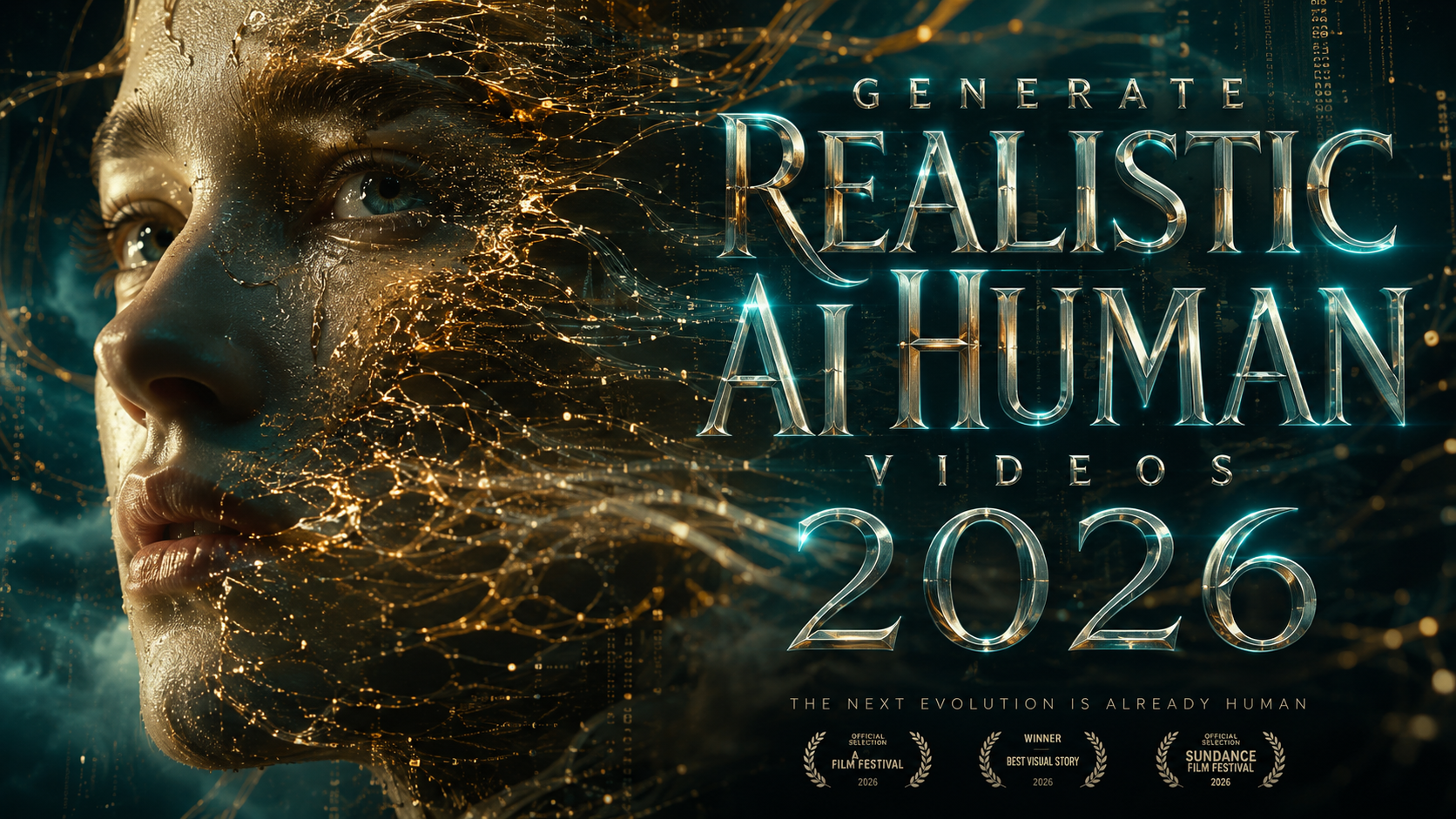
To generate realistic AI human videos 2026, you must leverage advanced diffusion-based motion models and neural rendering engines that synchronize high-fidelity facial expressions with natural body language. The process involves selecting a specialized AI video platform, uploading a script or audio file, and utilizing "Temporal Consistency" settings to ensure the digital human remains stable across every frame. By 2026, these tools have evolved to allow real-time generation with zero latency, making them essential for digital marketing, education, and social media content creation.
Generating realistic AI human videos is the process of using generative adversarial networks (GANs) and transformer-based video models to create lifelike digital avatars that speak, move, and emote like real people. In 2026, this technology is primarily used to scale video production by converting text-to-video or voice-to-video without the need for physical cameras or actors.
- ✓ Select a high-performance AI video generator that supports 4K spatial resolution and 60fps output.
- ✓ Use "Zero-Shot" voice cloning to match the digital human's persona with a specific vocal identity.
- ✓ Implement ethical watermarking to comply with 2026 deepfake transparency regulations.
- ✓ Optimize for temporal consistency to prevent the "shimmering" effect common in older AI models.
The Evolution of Synthetic Media: How to Generate Realistic AI Human Videos 2026
As we move through 2026, the landscape of digital content has been fundamentally altered by the democratization of synthetic media. According to PCMag Australia, the best AI video generators for 2026 have moved beyond simple "talking head" videos to full-body kinetic movements, including complex actions like dancing or intricate hand gestures. This evolution means that creators no longer need expensive studio setups to produce professional-grade cinematic content.
The core technology driving this shift is the integration of multimodal LLMs with video diffusion. When you aim to generate realistic AI human videos 2026, you are essentially interacting with a system that understands the physics of light, the nuances of human micro-expressions, and the flow of natural conversation. These systems have become so sophisticated that news outlets like the BBC have noted a surge in AI-generated topical content, where creators use new tech to cash in on real-time global events by producing rapid-response video reports.
Step-by-Step Guide to Creating Realistic AI Humans
- Choose Your Avatar Type: Select from a library of pre-rendered "Stock Humans" or upload a single photo to create a custom "Instant Avatar" using 2026 neural radiance field (NeRF) technology.
- Input Your Script and Voice: Type your dialogue into the editor. You can choose a synthetic voice or use "Voice Cloning" to replicate your own speech patterns with 99% accuracy.
- Configure Environmental Lighting: Adjust the "Global Illumination" settings to ensure the AI human's skin tones and shadows match the background plate for maximum realism.
- Apply Motion Smoothing: Enable the "Temporal Consistency" toggle to ensure that limbs and facial features do not warp during fast movements.
- Render and Export: Process the video using cloud-based GPU clusters, which in 2026 can render a 60-second 4K video in under 30 seconds.
Comparing the Top AI Video Platforms of 2026
The market for video generation has segmented into specialized niches. While some platforms focus on corporate training and "talking head" avatars, others have pivoted toward creative arts and entertainment. Choosing the right tool depends on whether your priority is photorealism, speed, or the ability to generate complex physical motions like dancing or athletic movements.
According to CalMatters, which recently tested and evaluated AI-generated dance videos, the most successful models are those that utilize "Skeletal Mapping." This technique ensures that the AI human's movements adhere to human anatomy, preventing the "uncanny valley" effect. Furthermore, the Washington City Paper highlights that while creative freedom is at an all-time high, the industry is seeing a clear divide between "Safe for Work" (SFW) enterprise tools and more open-ended generative platforms.
| Feature | Enterprise AI Models | Creative/Indie Models | Real-Time Streamers |
|---|---|---|---|
| Primary Use Case | Corporate Training & News | Short Films & Social Media | Live Virtual Influencers |
| Resolution Support | 8K Ultra HD | 4K Variable | 1080p (Low Latency) |
| Motion Complexity | Static/Talking Head | Full Body / Dynamic | Interactive / Reactive |
| Ethics Compliance | High (C2PA Watermarking) | Moderate | High (Platform Locked) |
Key Technologies Behind Realistic AI Human Videos 2026
To truly understand how to generate realistic AI human videos 2026, one must look at the underlying architecture. The "Transformers" of the early 2020s have been replaced by "Liquid Neural Networks" and "World Models." These systems do not just predict pixels; they understand that a human head is a 3D object that must rotate around an axis. This prevents the "flatness" that plagued earlier AI video attempts.
Another breakthrough in 2026 is the implementation of "Micro-Expression Synthesis." This technology mimics the involuntary movements of the human face, such as eye blinks, nostril flares, and slight lip quivers. Studies show that these tiny details are what convince the human brain that a video is real rather than synthetic. Without these micro-movements, the viewer experiences a sense of unease or distrust.
The Role of Voice-to-Motion Sync
In 2026, lip-syncing is no longer a separate process. It is integrated into the generative flow. When a user provides an audio file, the AI analyzes the phonemes and automatically generates the corresponding visemes (the visual position of the mouth). Modern tools now also include "Emotion Mapping," where the AI detects the sentiment of the voice—sadness, excitement, or sarcasm—and adjusts the avatar’s facial expression and body language to match the tone of the speech.
Ethical Considerations and Deepfake Awareness
As the ability to generate realistic AI human videos 2026 becomes more accessible, the risks of misinformation have grown. UNRIC (United Nations Regional Information Centre) recently published a guide titled "What are deepfakes?" to educate the public on the dangers of synthetic media. They emphasize that while the technology is revolutionary for education, it can be weaponized to distort reality.
The New York Times has reported on how AI-generated videos are distorting YouTube feeds, particularly for younger audiences who may not be able to distinguish between a real human educator and a synthetic one. This has led to the "2026 Transparency Act," which requires all AI-generated humans to carry a digital signature or a visible watermark indicating their synthetic origin. When creating your videos, it is crucial to use platforms that adhere to these standards to ensure your content remains credible and compliant with global laws.
Best Practices for Ethical Video Generation
- Consent-Based Avatars: Only use digital twins of people who have provided explicit legal consent for their likeness to be synthesized.
- Contextual Disclosure: Always include a disclaimer in the video description or as an on-screen overlay stating that the content features an AI-generated human.
- Avoid Deceptive Content: Refrain from using AI humans to impersonate public figures or government officials in a way that could incite panic or spread false information.
Advanced Techniques to Generate Realistic AI Human Videos 2026
For those looking to push the boundaries of realism, "In-Painting" and "Out-Painting" for video have become standard features. If an AI-generated video has a slight glitch in the hand movement, you can "brush over" that specific area and ask the AI to re-generate just those frames. This granular control allows for cinematic perfection that was previously only available to high-end VFX studios.
Additionally, the 2026 workflow often involves "Hybrid Rendering." This is where the background is rendered using a traditional 3D engine like Unreal Engine 6, while the human character is generated by AI. This combination provides the best of both worlds: the physics-based accuracy of a 3D environment and the organic realism of an AI-generated person. This method is currently the gold standard for high-budget AI filmmaking.
Optimizing for Social Media Algorithms
The algorithms of 2026 favor "High-Engagement Synthetic Content." Because AI humans can be programmed to look directly into the camera and use personalized hooks, they often see higher retention rates than traditional videos. To maximize your reach, ensure your AI human uses "Dynamic Gaze Tech," which makes it appear as though the avatar is making eye contact with the individual viewer regardless of their screen angle.
Is it legal to generate realistic AI human videos of celebrities in 2026?
No, most jurisdictions have passed "Right of Publicity" laws in 2026 that prohibit the commercial use of a celebrity's likeness without a license. Using AI to impersonate public figures for the purpose of spreading misinformation is also a criminal offense in many regions.
What is the best software to generate realistic AI human videos in 2026?
According to PCMag Australia, the top-rated tools include platforms that offer "Temporal Consistency" and "8K Neural Rendering." The best software depends on your needs, with some focusing on corporate training and others on creative cinematic output.
How long does it take to render an AI human video?
In 2026, thanks to decentralized GPU rendering and improved model efficiency, a standard 1080p video can be generated in real-time, while a high-fidelity 4K video typically takes about 30 seconds of processing time per minute of footage.
Can I use my own voice for an AI human avatar?
Yes, "Zero-Shot Voice Cloning" allows you to upload a short sample of your voice (usually 30 seconds), which the AI then uses to narrate any script you provide, maintaining your unique accent, tone, and emotional cadence.
How do I identify a video as AI-generated?
Look for the "C2PA" digital watermark or a "Synthetic Content" badge. In 2026, most reputable platforms automatically embed metadata into the video file that browsers and social media apps can detect to alert the viewer.



Comments ()