
Generate High Quality AI Animation From Text: 2026 Guide
To generate high quality ai animation from text in 2026, you must utilize advanced diffusion models and temporal consistency algorithms that translate natural language descriptions into fluid, high-resolution video frames. By leveraging platforms that integrate NVIDIA’s latest hardware acceleration and deep learning frameworks, creators can now produce studio-grade animations simply by describing scenes, lighting, and camera movements in a text prompt.
Generating high-quality AI animation is the process of using generative artificial intelligence, specifically text-to-video diffusion models and neural rendering, to convert written scripts into cinematic visual sequences. In 2026, this technology has matured to support 4K resolution, 60fps frame rates, and complex physics simulations that were previously only possible through manual CGI pipelines.
- ✓ AI-powered animation generators are projected to grow at a CAGR of 32%, reaching unprecedented market scales by 2026 according to Market.us.
- ✓ Integration with NVIDIA DLSS 4.5 and Unreal Engine 5 allows for real-time, high-fidelity animation rendering from simple text inputs.
- ✓ Modern tools now prioritize temporal consistency, ensuring characters and environments remain stable across long-duration video clips.
- ✓ The democratization of these tools allows independent filmmakers to produce Hollywood-style visuals at a fraction of traditional costs.
How to Generate High Quality AI Animation From Text: A Step-by-Step Guide
The workflow for creating professional-grade animations has shifted from manual keyframing to prompt engineering and iterative refinement. As of 2026, the software landscape has become significantly more intuitive, allowing for "directing" rather than just "generating." Whether you are a solo content creator or part of a larger production house, the following steps represent the gold standard for text-to-animation production.
- Define Your Narrative Prompt: Start with a detailed description that includes the subject, action, environment, lighting (e.g., "cinematic volumetric lighting"), and art style (e.g., "photorealistic" or "Studio Ghibli aesthetic").
- Select a High-Consistency Model: Choose a platform that utilizes Stable Diffusion’s latest generative AI updates or specialized video transformers that support temporal coherence.
- Configure Technical Parameters: Set your desired aspect ratio, frame rate (24fps for film, 60fps for smooth motion), and motion bucket values to control how much movement occurs between frames.
- Apply Seed and Negative Prompts: Use specific "seed" numbers to maintain character consistency and utilize negative prompts to exclude unwanted artifacts like "motion blur" or "deformed limbs."
- Iterate with Image-to-Video Refinement: For the highest quality, generate a high-resolution base image first, then use it as a reference for the text-to-animation engine to ensure the final output matches your vision exactly.
- Upscale and Post-Process: Use AI-powered upscalers and frame interpolation tools to bring the final render to 4K resolution and enhance fluid motion.
The Evolution of AI Animation Technology in 2026
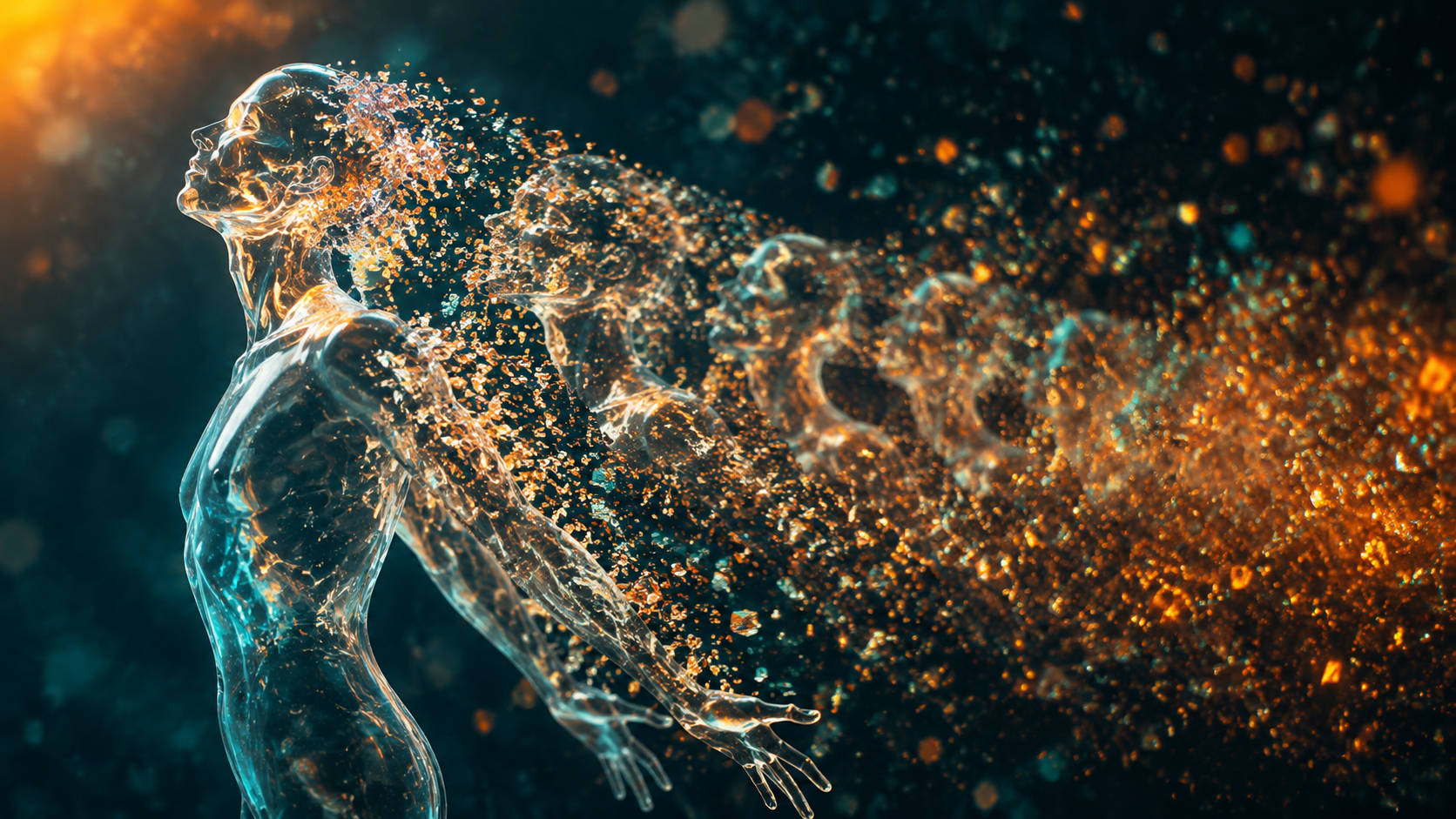
The year 2026 marks a pivotal moment in the history of digital media. According to Britannica, the latest iterations of Stable Diffusion and deep learning facts indicate that generative AI has moved beyond simple "image-flipping" to true 3D spatial awareness. This means the AI understands that an object in the foreground must move faster than an object in the background, creating a genuine sense of depth and parallax that was missing in earlier versions of the technology.
Furthermore, the Market.us report highlighting a 32% CAGR for the AI-powered animation generator market underscores the massive shift in industry investment. Traditional studios are no longer viewing AI as a threat but as a fundamental component of their tech stack. This investment has led to the development of "Hybrid Rendering," where AI generates the textures and movements, while traditional engines like Unreal Engine 5 handle the physics and lighting calculations.
NVIDIA DLSS 4.5 and the Unreal Engine 5 Synergy
One of the most significant breakthroughs in 2026 is the integration of AI animation with real-time gaming engines. As noted by the NVIDIA Technical Blog, the release of DLSS 4.5 has revolutionized how AI-powered games and animations are built. By using RTX hardware, creators can generate high quality ai animation from text directly within the Unreal Engine 5 viewport. This allows for an interactive feedback loop where a director can type a command and see the animated result rendered with full global illumination and ray-traced reflections instantly.
This synergy is particularly impactful for independent developers. The ability to generate complex character animations—such as a knight swinging a sword or a dragon taking flight—without a motion capture suit has leveled the playing field. The AI now interprets the "intent" of the text and applies biomechanically accurate movements based on vast datasets of human and animal motion.
Comparing the Best AI Animation Generators of 2026
With so many tools available, choosing the right platform to generate high quality ai animation from text depends on your specific project needs. Some tools excel at photorealism, while others are better suited for stylized 2D animation or rapid prototyping. Based on the Cybernews in-depth review and PerfectCorp’s testing of 23 top generators, we have categorized the leading options below.
| Feature | Professional Studios | Independent Creators | Real-Time / Gaming |
|---|---|---|---|
| Primary Tool | Stable Diffusion Enterprise | Runway Gen-4 / Pika Pro | NVIDIA RTX / UE5 Tools |
| Max Resolution | 8K (Super-sampled) | 4K (Upscaled) | Real-time 4K |
| Temporal Stability | 99.9% (Frame-perfect) | 95% (High consistency) | 98% (Physics-backed) |
| Primary Use Case | Feature Films & VFX | Social Media & Ads | Interactive Media |
| Key Advantage | Full pipeline integration | Ease of use & Speed | Zero-latency rendering |
Why Global Industries are Adopting AI Animation
The adoption of AI animation is not limited to Silicon Valley. Rest of World reports that Indonesia’s film industry has aggressively embraced AI to produce Hollywood-style movies at a significantly lower cost. By using text-to-animation workflows, regional studios can bypass the multi-million dollar overhead of traditional CGI departments. This shift is democratizing high-end production, allowing diverse stories from across the globe to be told with the visual fidelity previously reserved for blockbuster budgets.
This global trend is driven by the efficiency of "Prompt-to-Production." In a traditional setting, a 30-second high-quality animation might take a team of five artists three weeks to complete. In 2026, a single artist can generate high quality ai animation from text in a matter of hours, including the time taken for refinement and upscaling. This 90% reduction in production time is the primary driver behind the 32% market growth reported by industry analysts.
The Role of Deep Learning in Visual Fidelity
Modern AI animation isn't just "guessing" the next frame; it is simulating reality. Deep learning models now incorporate "World Models" that understand gravity, fluid dynamics, and light refraction. When you prompt the AI to "pour water into a glass," the model understands the physical properties of the liquid. This level of detail is what separates the high-quality outputs of 2026 from the flickering, distorted videos of the early 2020s.
Best Practices to Generate High Quality AI Animation From Text
To achieve professional results, you must move beyond simple one-sentence prompts. The most successful creators in 2026 use a multi-layered approach to prompt engineering. This involves specifying the "Camera Language," "Material Science," and "Lighting Directives" within the text input.
Mastering Camera Language
To truly generate high quality ai animation from text, you must speak the language of a cinematographer. Instead of saying "a man walking," try "A low-angle tracking shot of a man walking through a neon-lit cyberpunk street, 35mm lens, slight camera shake, anamorphic lens flares." By providing the AI with specific cinematic instructions, you guide the motion vectors to produce a more professional and intentional look.
Ensuring Character Consistency
One of the biggest challenges in AI video has been keeping a character's face and clothing the same across different shots. In 2026, this is solved through "Character LoRAs" (Low-Rank Adaptation) and identity-locking features. When generating your animation, you can now upload a reference image of a character and tell the AI to "animate this specific character performing [Action]." This ensures that your protagonist looks identical in every scene, a requirement for any narrative storytelling.
The Future: What’s Next for AI Video Generation?
As we look toward the end of 2026 and into 2027, the focus is shifting toward "Interactive Generative Video." This will allow viewers to change the prompt of a movie in real-time, essentially turning a static film into a dynamic, AI-generated experience. With the current trajectory of a 32% CAGR, the infrastructure for this—powered by NVIDIA’s RTX architecture—is already being laid.
We are also seeing a move toward ethical AI. Most high-quality generators in 2026 now include built-in "Content Credentials" that provide a digital trail of how the animation was created. This transparency is crucial for the film industry to maintain trust with audiences while still benefiting from the massive efficiency gains provided by generative technology.
Can I generate high quality ai animation from text for free?
While many platforms offer limited free trials, high-quality 4K animation typically requires significant GPU power. Most professional-grade tools in 2026 operate on a subscription or per-credit model to cover the costs of high-end NVIDIA H200 or B200 tensor cores.
What is the best AI animation generator in 2026?
According to recent reviews from Cybernews and PerfectCorp, the "best" tool depends on your needs. Runway Gen-4 is widely considered the leader for cinematic realism, while Stable Diffusion remains the top choice for creators who want total local control and customization.
How long does it take to generate a 1-minute AI animation?
With 2026 hardware, a high-quality 1-minute sequence can be generated in approximately 10 to 20 minutes, depending on the complexity of the scene and the required resolution. This is a massive improvement over previous years where rendering could take hours.
Is AI-generated animation legal for commercial use?
Yes, most major AI animation platforms in 2026 provide full commercial rights to subscribers. However, it is essential to use models trained on licensed or public domain datasets to ensure your production meets international copyright standards.
Do I need a powerful computer to generate AI animations?
Not necessarily. While local generation requires a high-end NVIDIA RTX GPU, most creators use cloud-based platforms that handle the heavy processing on their own servers, allowing you to generate high-quality animations from a standard laptop or even a tablet.



Comments ()