
Generate Explainer Videos with AI: The Ultimate 2026 Guide
To generate explainer videos with AI in 2026 means leveraging a new generation of intelligent tools that transform scripts, notes, or ideas into polished animated or cinematic videos — no animation experience required. From dedicated mobile apps to no-code visual storytelling platforms and even note‑taking assistants that produce video overviews, the technology has matured to a point where anyone can create professional explainers in minutes. This ultimate guide covers the top platforms, a step‑by‑step workflow, and best practices to help you make the most of AI‑powered explainer video creation this year.
Generating explainer videos with AI in 2026 involves using purpose‑built platforms such as PIPPA (mobile app), Imagine Explainers (no‑code storytelling), Agent Opus (2D animation), or Google NotebookLM (cinematic video overviews from notes) to convert typed input into animated content automatically. The process typically requires a script or set of notes, platform selection, and one click to produce a finished video.
- ✓ The AI video market is growing at a CAGR of 36.20%, according to Market.us (November 2025), fueling rapid innovation in explainer tools.
- ✓ PIPPA launched a full AI animation platform with both iOS and Android apps in June 2026, making mobile‑first creation possible.
- ✓ Imagine Explainers offers a revolutionary no‑code approach for animated explainers and visual storytelling, announced in May 2026.
- ✓ Google NotebookLM now lets you generate cinematic video overviews directly from your notes (March 2026).
- ✓ Emerging tools like Agent Opus from Duke University focus on 2D animation generation for educational and enterprise use.
What Does It Mean to Generate Explainer Videos with AI?
At its simplest, generating explainer videos with AI means using machine‑learning models to automate the creation of short, narrative‑driven videos that explain a concept, product, or process. Instead of storyboarding, animating frame by frame, or recording voice‑overs manually, you provide the AI with text (a script, bullet points, or even raw notes), and the system interprets the content to produce visuals, animations, and a synchronized narrative. In 2026, the output ranges from simple 2D whiteboard animations to cinematic‑quality clips that rival human‑produced videos.
The core advantage is speed and accessibility. A video that once took a team of designers and animators days or weeks can now be generated in minutes. This democratization has profound implications for marketers, educators, startups, and internal communicators who need to produce high‑quality explainers without a dedicated creative department.
The State of AI Explainer Video Tools in 2026
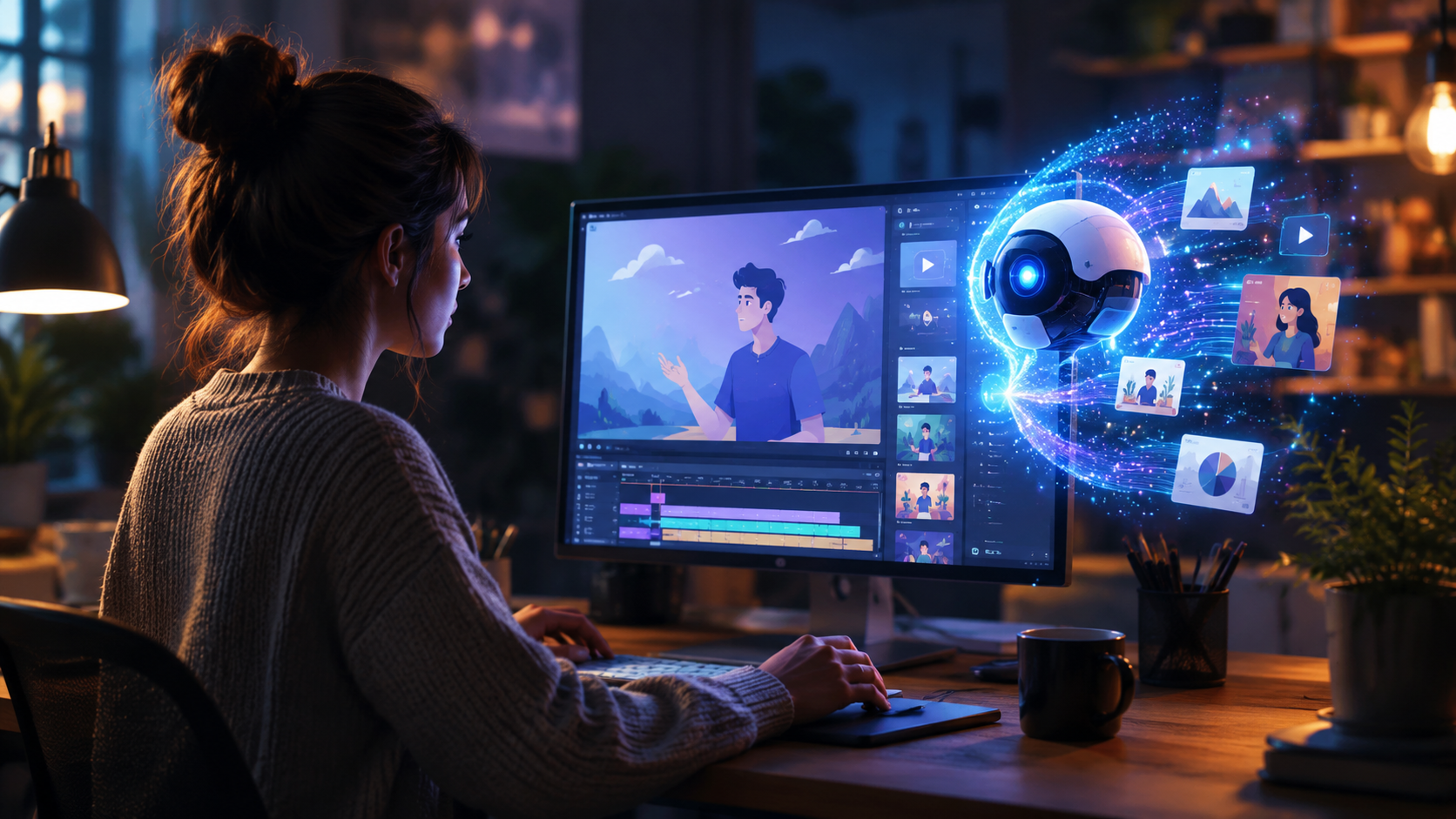
The landscape has shifted dramatically over the past year. According to a November 2025 report by Market.us, the AI video market is projected to grow at a compound annual growth rate (CAGR) of 36.20%, reflecting surging demand for automated content creation. Several key launches in the first half of 2026 cement this trend.
PIPPA – Mobile‑First AI Animation
On June 1, 2026, PIPPA launched its AI animation platform with dedicated iOS and Android apps (as reported by Animation World Network). The platform allows users to generate animated explainer videos directly from their smartphones, making it the first major tool to prioritize mobile workflow. Users can input a script, select a visual style, and receive a fully animated video within minutes.
Imagine Explainers – No‑Code Visual Storytelling
Announced on May 17, 2026, by quasa.io, Imagine Explainers is billed as a “revolutionary no‑code platform for animated explainers and visual storytelling.” It targets non‑designers who want to create complex narrative sequences without touching a single line of code. The platform uses drag‑and‑drop logic combined with AI generation to produce explainers that adapt to the user’s brand guidelines.
Agent Opus – 2D Animation from Duke University
On March 27, 2026, the Duke Digital Media Community introduced Agent Opus, a system focused on 2D animation generation. Developed in an academic setting, Agent Opus emphasizes stylistic control and educational applications. It uses agent‑based AI to plan and render scenes, making it particularly suited for explainers that require detailed diagrams or step‑by‑step processes.
Google NotebookLM – Cinematic Video Overviews from Notes
In a surprising move, Google added video generation capabilities to NotebookLM in early March 2026. As covered by both the Google Blog and Tom’s Guide, NotebookLM can now “generate your own cinematic video overviews” from the notes and documents you upload. This integration blurs the line between note‑taking and video production, allowing students, researchers, and professionals to turn study notes or meeting summaries into polished explainer videos with a single command.
| Platform | Key Features | Supported Platforms | Best For |
|---|---|---|---|
| PIPPA | Mobile app, real‑time generation, style presets | iOS, Android | On‑the‑go creation, social media explainers |
| Imagine Explainers | No‑code drag‑and‑drop, brand customization | Web (browser) | Businesses needing branded, complex narratives |
| Agent Opus | 2D animation, agent‑based scene planning, educational focus | Web (Duke platform) | Academic, technical, or step‑by‑step explainers |
| Google NotebookLM | Cinematic overviews from notes, integrated with Google ecosystem | Web (notebooklm.google) | Students, researchers, team knowledge sharing |
How to Generate Explainer Videos with AI: A Step‑by‑Step Guide
Regardless of which platform you choose, the general workflow for generating explainer videos with AI follows a consistent pattern. Follow these steps to produce a high‑quality video in 2026.
- Define your objective and script. Start by clarifying what you want to explain. Write a concise script that covers the problem, solution, and call to action. Keep it under 2 minutes for best retention. Tools like NotebookLM can even help you draft a script from raw notes.
- Select your AI platform. Choose based on your primary use case: PIPPA for mobile, Imagine Explainers for no‑code branding, Agent Opus for detailed 2D, or NotebookLM if your source material is already in note form. Most platforms offer a free tier or trial.
- Input your content. Copy‑paste your script or upload notes. Some platforms (like Imagine Explainers) allow you to specify character styles, background colors, and voice‑over preferences. For PIPPA, you can also record a voice track directly.
- Customize visuals and narration. Select an animation style (whiteboard, motion graphics, cinematic, etc.). Choose a voice (male/female, different accents) or upload your own. Adjust pacing using sliders or scene duration controls.
- Generate and review. Click “Generate” and wait – most tools produce a first draft in under 60 seconds. Review the output for timing, accuracy, and visual appeal. Many platforms let you regenerate specific scenes or tweak text overlays.
- Export and share. Once satisfied, export the video in common formats (MP4, MOV) and resolutions (HD, 4K). Some platforms offer direct sharing to YouTube, LinkedIn, or your website.
Best Practices for AI‑Generated Explainer Videos (2026 Edition)
Even with powerful AI, the human touch remains critical. To stand out, follow these guidelines.
Prioritize Clear Scripting
AI is excellent at interpreting text, but ambiguous or jargon‑heavy scripts can lead to confusing visuals. Use short sentences, active voice, and avoid internal acronyms unless defined. Test your script by reading it aloud before inputting it.
Maintain Visual Consistency with Branding
Most platforms now allow you to upload brand colors, fonts, and logos. Use these features to ensure the explainer video aligns with your company’s identity. In 2026, Imagine Explainers and PIPPA both offer brand kit integration.
Choose the Right Voice‑Over
While AI‑generated voices have improved vastly, not all are equal. Listen to samples before finalizing. For technical explainers, a neutral, clear voice works best; for product demos, an enthusiastic tone may be more effective. Some tools let you clone a real voice using a short sample – use this sparingly and disclose it.
Keep It Short and Action‑Oriented
Studies show viewer retention drops sharply after 90 seconds. Aim for 60‑120 seconds. End every explainer with a clear call to action – “sign up,” “learn more,” or “try it now.”
The Future of AI Video Generation: Trends to Watch
With the market expanding at 36.20% CAGR, 2026 is just the beginning. Several trends are emerging. First, mobile‑first creation (exemplified by PIPPA) will make explainer video generation accessible to anyone with a smartphone, removing the need for a laptop. Second, integration with existing tools – like NotebookLM embedding video generation inside a note‑taking app – will streamline workflows even further. Third, no‑code platforms like Imagine Explainers are lowering the barrier for small businesses and non‑profits that previously outsourced video production. Finally, academic and open‑source efforts like Agent Opus indicate that specialized, high‑quality 2D explainers will become more affordable and customizable.
Frequently Asked Questions
What is the best AI tool to generate explainer videos with AI in 2026?
The best tool depends on your context. For mobile use, PIPPA is the only dedicated app available. For detailed brand control, Imagine Explainers leads. For educational or technical 2D animations, Agent Opus is strong. For transforming notes into cinematic videos, Google NotebookLM is ideal. Most offer free trials so you can test each.
Can I generate explainer videos with AI for free?
Yes. Most platforms provide a free tier with limitations (watermarks, lower resolution, or a cap on minutes). PIPPA, Imagine Explainers, and NotebookLM all have free options. Agent Opus requires a Duke Digital Media Community account but offers free academic access.
How long does it take to generate an explainer video using AI?
Typically between 30 seconds and 5 minutes for the first draft. The total workflow – including script writing and reviewing – can take as little as 15 minutes for a 60‑second video. Real‑time generation is now standard.
Do I need any design or coding skills to use these tools?
Not at all. All platforms mentioned are designed for non‑technical users. Imagine Explainers explicitly calls itself a “no‑code” platform, and PIPPA’s app interface is intuitive. NotebookLM works directly from plain text notes. No design or coding background is required.
Can I use my own voice or music in an AI‑generated explainer video?
Yes. PIPPA and Imagine Explainers both allow uploading custom audio tracks and voice recordings. Agent Opus supports imported voice‑overs. NotebookLM currently uses AI‑generated narration but lets you adjust pacing. Always check export settings to preserve your custom audio.



Comments ()