
Generate AI Video from Text Prompt: 2026 Ultimate Guide
To generate AI video from text prompt in 2026, you simply need to input a descriptive script into a generative video platform, which then uses diffusion models or multimodal LLMs to render high-definition visuals, motion, and sound. The process has evolved from simple 2-second clips to full-scale cinematic productions that can be created in minutes using tools like Google’s Gemini Omni and Mango AI.
AI text-to-video generation is a creative technology that transforms written descriptions into high-fidelity video content using neural networks. In 2026, this process is instantaneous and multimodal, allowing users to define art styles, camera movements, and complex character interactions through natural language commands across platforms like Gemini Omni and specialized creative suites.
- ✓ Gemini Omni now allows for seamless media generation from any input, including complex video sequences.
- ✓ Modern AI video tools support precise text rendering within videos, a breakthrough led by models like Ideogram.
- ✓ High-definition, production-ready video can now be generated for free using entry-level tiers on platforms like Mango AI.
- ✓ The 2026 workflow emphasizes "creative directing" over manual editing, focusing on prompt engineering and iterative refinement.
How to Generate AI Video from Text Prompt: A Step-by-Step Guide
The landscape of content creation has shifted dramatically this year. With the release of Gemini Omni in May 2026, the barrier to entry for high-quality cinematography has effectively disappeared. Whether you are a social media influencer, a corporate trainer, or a filmmaker, the workflow for turning a thought into a visual masterpiece follows a standardized, efficient path.
- Draft Your Vision: Start with a detailed prompt. Instead of "a forest," try "a cinematic wide shot of a bioluminescent rainforest at twilight, 8k resolution, ethereal lighting."
- Select Your Model: Choose a platform based on your needs. Use Gemini Omni for multimodal flexibility or Mango AI for specialized marketing and text-heavy video content.
- Configure Parameters: Define the aspect ratio (9:16 for TikTok/Reels, 16:9 for YouTube), duration, and motion intensity. Many 2026 tools now allow you to specify "camera pans" or "dolly zooms" directly in the settings.
- Generate and Iterate: Hit the generate button. Once the initial draft is ready, use "inpainting" features to change specific elements or "outpainting" to expand the scene.
- Finalize and Export: Add AI-generated voiceovers or background music, which are now often integrated into the same text-to-video workflow, and export in your desired format.
The Evolution of Multimodal AI in 2026
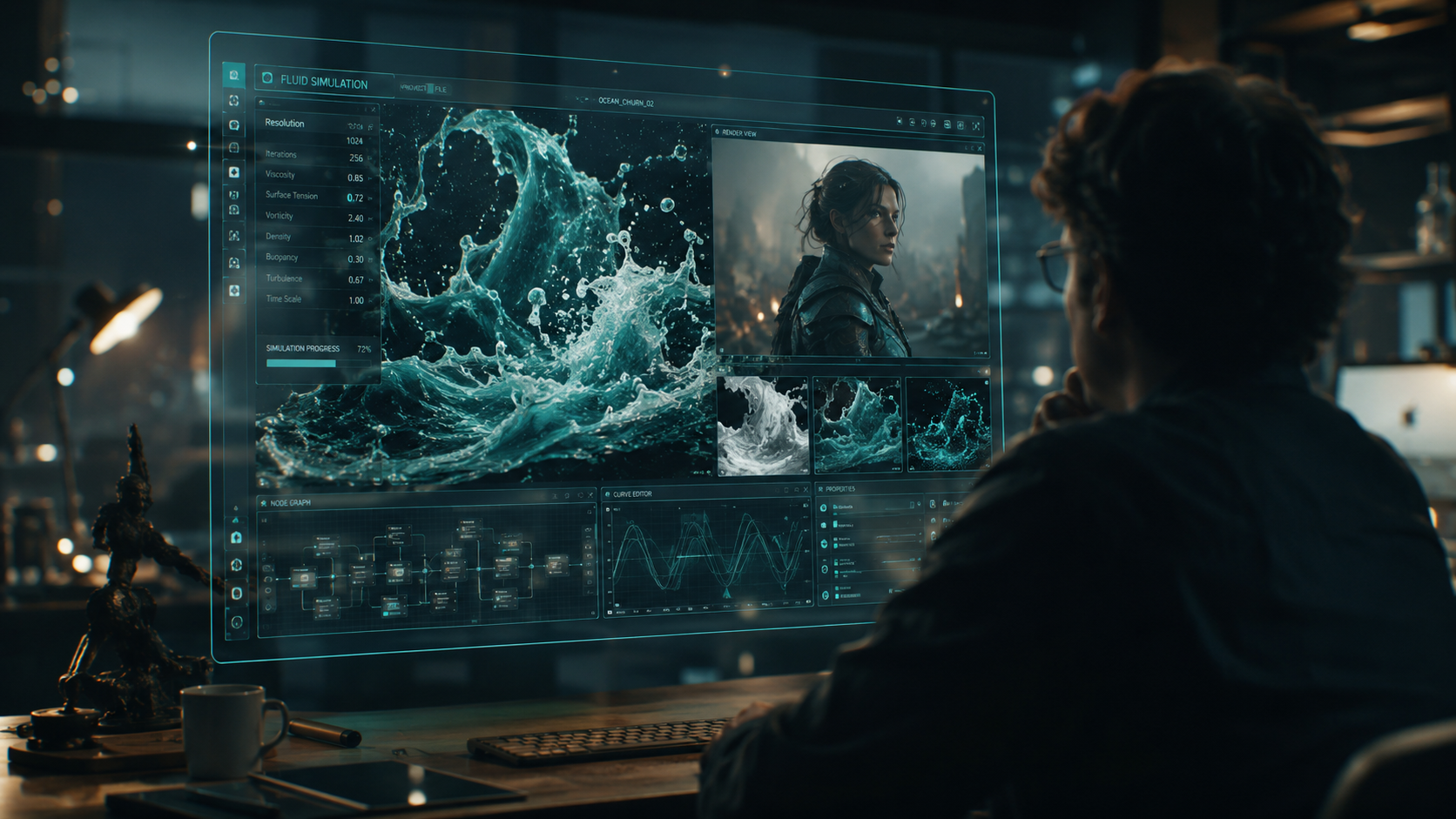
The defining moment of 2026 was the launch of Gemini Omni on May 24th. According to blog.google, Gemini Omni is designed to generate media from any input, effectively blurring the lines between text, image, and video. This "Omni" approach means the AI doesn't just translate text into pixels; it understands the physics of motion and the nuances of lighting as a single, cohesive world model.
From Static Prompts to Dynamic Worlds
Earlier versions of AI video often struggled with temporal consistency—where objects would morph or disappear between frames. As reported by Lifehacker in May 2026, the new wave of "Omni" models treats video as a continuous stream of data rather than a series of stitched images. This allows for long-form content that maintains character consistency and environmental details over several minutes of footage.
Precise Text Rendering in Video
A major hurdle in previous years was the inability of AI to render legible text within a moving scene. However, with the advancements seen in Ideogram’s latest updates in 2026, precise text rendering is now a standard feature. This is critical for creators who need to generate AI video from text prompt that includes signs, branded apparel, or instructional overlays without the text looking like gibberish.
Top AI Video Platforms Comparison (2026)
Choosing the right tool depends on your specific output requirements. While some tools focus on hyper-realism, others are designed for rapid social media deployment or corporate presentations. According to Fast Company, Google’s quest to build products for creatives has led to a highly competitive market where user experience is the primary differentiator.
| Platform | Core Strength | Best For | Price Tier |
|---|---|---|---|
| Gemini Omni | Multimodal Input/Output | Cinematic & Complex Narratives | Subscription / Enterprise |
| Mango AI | Ease of Use | Social Media & Marketing | Free Tier Available |
| Ideogram Video | Text Accuracy | Branding & Typography-heavy clips | Freemium |
| Sora (v3) | Hyper-Realism | Professional Film Pre-viz | Professional / High-End |
Why You Should Generate AI Video from Text Prompt Now
Efficiency is no longer the only benefit; quality is now the driving force. According to a report by INQUIRER.net USA, the 2026 beginner’s guide to AI video emphasizes that anyone with a story can now compete with large-scale production houses. The democratization of these tools means that the "cost per minute" of video production has plummeted by over 90% compared to traditional filming methods.
Cost-Effective Content Scaling
For small businesses, the ability to generate AI video from text prompt means they can produce daily video content without a dedicated camera crew. Mango AI’s recent unveiling of their free text-to-video generator, as noted by PR Underground, highlights the shift toward making these powerful tools accessible to the general public. This allows for rapid A/B testing of video ads and personalized video messages at scale.
Creative Freedom and Experimentation
In the past, a mistake on a film set could cost thousands of dollars. In 2026, a "mistake" in a prompt costs seconds. Creatives are using AI to "pre-visualize" entire movies. As Fast Company reports, Google’s latest creative tools are designed to act as a "co-pilot" for directors, allowing them to test lighting setups and actor blocking in a digital environment before ever picking up a physical camera.
Advanced Prompt Engineering for 2026 Video Models
To get the most out of a system designed to generate AI video from text prompt, you must understand the "weighted" prompting system used by modern LLMs. Using simple keywords is no longer enough to stand out in a saturated market. You must provide context, style, and technical specifications to guide the AI effectively.
The Anatomy of a High-Quality Video Prompt
A professional-grade prompt in 2026 usually consists of four parts: the Subject, the Action, the Environment, and the Technical Style. For example: "A futuristic courier (Subject) weaving through heavy hover-traffic (Action) in a neon-drenched Tokyo-inspired metropolis (Environment), shot on 35mm film with high grain and anamorphic lens flares (Technical Style)."
Using Negative Prompts and Seeds
Most advanced platforms now allow for negative prompting—telling the AI what not to include. This is essential for removing common AI artifacts like "motion blur" or "extra limbs." Additionally, using "Seed IDs" allows creators to maintain the exact same aesthetic across different video clips, ensuring that a series of videos looks like it belongs to the same campaign.
The Future of AI Video: What’s Next?
As we look toward the latter half of 2026 and into 2027, the focus is shifting toward real-time interactivity. We are moving beyond "rendering" toward "streaming" AI environments. Imagine a video that changes its plot based on the viewer's real-time reactions or a text-to-video prompt that generates a VR world you can step into immediately.
According to Lifehacker, the evolution of Gemini Omni is just the beginning. The goal is a "Universal Media Translator" where an idea can be instantly pivoted between a 2D video, a 3D model, or a sensory-rich interactive experience. For creators, the message is clear: mastering the ability to generate AI video from text prompt today is the foundational skill for the immersive media of tomorrow.
Is there a free way to generate AI video from text prompts in 2026?
Yes, several platforms like Mango AI offer free tiers that allow users to create high-quality videos without an upfront investment. These free versions are often supported by credits that refresh monthly, making them ideal for beginners and casual creators.
What is the best AI video generator for 2026?
The "best" generator depends on your needs, but Gemini Omni is currently the leader for multimodal flexibility and realism. For those focusing on marketing and ease of use, Mango AI is a top contender, while Ideogram is preferred for videos requiring precise text rendering.
How long does it take to generate a 1-minute AI video?
In 2026, most high-end models can render a 60-second high-definition video in under three minutes. This is a significant improvement over previous years, thanks to optimized cloud computing and more efficient diffusion architectures.
Can AI-generated videos be used for commercial purposes?
Generally, yes. Most major platforms grant commercial usage rights to users on their paid tiers. However, it is important to check the specific terms of service for each tool, especially regarding the use of "public figure" likenesses or copyrighted styles.
Do I need a powerful computer to generate AI video?
No, the heavy lifting is done on the service provider's servers. You only need a standard web browser and a stable internet connection to send your prompts and download the finished video files.



Comments ()