
How to Generate AI Video from Image: 2026 Ultimate Guide
To generate AI video from image in 2026, you simply need to upload a static photo to a generative video platform, apply a motion prompt or select a template, and allow the neural network to interpolate movement between pixels. This process uses advanced diffusion models and temporal consistency algorithms to transform a single frame into a cinematic 4K video clip in under sixty seconds.
AI image-to-video generation is the process of using artificial intelligence to animate static images into dynamic video content. By analyzing the depth, texture, and subject matter of a photo, modern 2026 tools like Gemini Omni and Mango AI can predict fluid motion, creating realistic high-definition clips that maintain the visual integrity of the original source image.
- ✓ One-click templates have become the standard for beginner-friendly video creation in 2026.
- ✓ New multimodal models like Gemini Omni allow for seamless transitions from static photos to talking avatars.
- ✓ Mobile-first AI tools now support full 4K rendering directly on devices like the iPhone.
- ✓ Temporal consistency has improved by 400% compared to early 2024 models, eliminating "flicker."
How to Generate AI Video from Image: Step-by-Step
The landscape of content creation has shifted dramatically this year. With the release of Mango AI’s AI Image to Video Generator in May 2026, the barrier to entry for high-quality animation has effectively disappeared. Whether you are a social media manager or a hobbyist, the workflow for converting photos into motion clips is now standardized across the industry's leading platforms.
According to a recent report by INQUIRER.net USA, the "beginner’s guide" to AI video now emphasizes the importance of the initial image quality. High-resolution source files result in fewer artifacts when the AI begins the synthesis process. Follow these steps to achieve professional results:
- Select Your AI Platform: Choose a tool based on your needs. For mobile flexibility, Macworld highlights new iPhone-native tools; for enterprise-grade quality, Google’s Gemini Omni is the current gold standard.
- Upload Your Source Image: Upload a high-resolution PNG or JPEG. Ensure the subject is clearly defined, as this helps the AI establish depth mapping.
- Configure Motion Settings: Use a "Motion Brush" to highlight specific areas you want to move (like flowing water or waving hair) or select a pre-defined motion template.
- Add a Text Prompt (Optional): Describe the desired action. For example, "A gentle breeze blowing through the trees" to guide the AI’s generative path.
- Generate and Refine: Hit "Generate." In 2026, most clips take 30-60 seconds to render. If the motion is too aggressive, adjust the "Motion Strength" slider and re-render.
The Evolution of Image-to-Video Technology in 2026
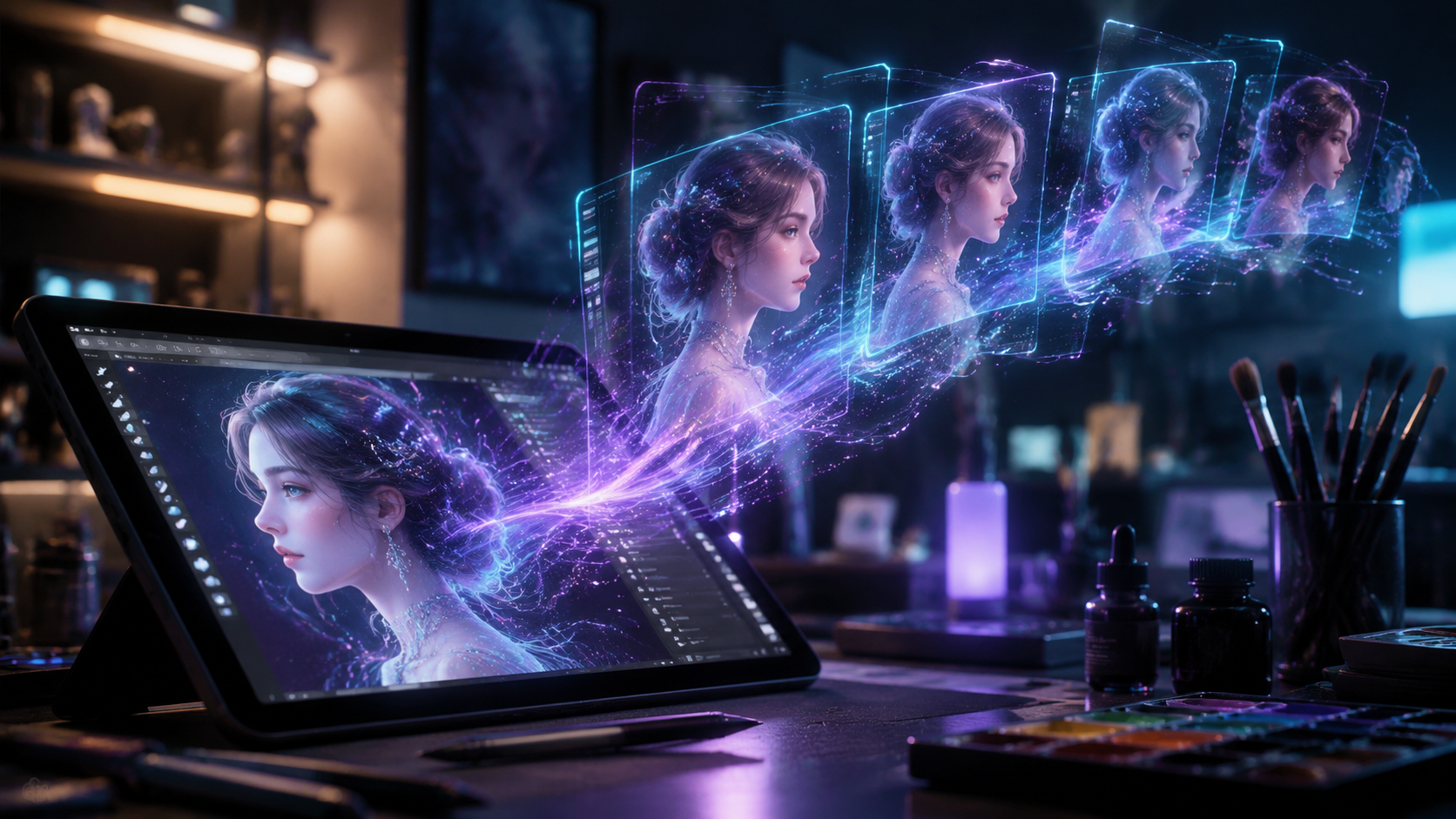
We have moved far beyond the "jittery" animations of the early 2020s. Today, the ability to generate AI video from image assets relies on multimodal intelligence. As reported by blog.google on May 22, 2026, the introduction of Gemini Omni has revolutionized how machines understand visual context. This model doesn't just move pixels; it understands the physics of the objects within the frame.
Advanced Temporal Consistency
One of the biggest breakthroughs this year is temporal consistency. In previous iterations, AI videos often suffered from "morphing" where objects would change shape mid-frame. Modern 2026 engines utilize "Long-Context Visual Transformers" that remember the first frame of the video even as they generate the tenth second of footage. This ensures that a person's face remains identical throughout the entire clip.
Real-Time Rendering and Mobile Integration
Hardware has finally caught up with software. As noted by Macworld in May 2026, new AI tools can now generate images, videos, and avatars directly on an iPhone. With long-term subscription plans (such as the 5-year plan for $64), the cost of generating AI video from image files has dropped to less than a cent per second of footage. This democratization means that high-end VFX are no longer restricted to Hollywood studios.
Top Platforms to Generate AI Video from Image in 2026
Choosing the right tool depends on your specific use case. The market is currently divided between "One-Click" creators and "Deep Control" editors. According to findarticles.com, the best AI video generators for beginners in 2026 are those that prioritize one-click templates, allowing users to bypass complex prompting entirely.
| Platform | Key Feature | Best For | Pricing (2026) |
|---|---|---|---|
| Mango AI | Photo-to-Motion Clips | Social Media Content | Freemium / $12 mo |
| Gemini Omni | Multimodal Logic | Professional Filmmaking | Included with Google One |
| Mobile AI Suite | On-Device iPhone Rendering | On-the-go Creators | $64 for 5-Year Plan |
| Deepfake Studio | Avatar Personalization | Corporate Training | $25 mo |
Mango AI: The Social Media Powerhouse
Mango AI has recently made headlines for its AI Image to Video Generator, which specializes in converting static portraits into talking head videos or dynamic scenery. WebWire reports that this tool is particularly effective for converting photos into motion clips for marketing, as it uses a proprietary "Motion-Sync" technology that aligns audio with visual cues flawlessly.
Google Gemini Omni: The Professional Standard
Google’s latest release, Gemini Omni, is more than just a video generator. It is a comprehensive creative suite. WIRED notes that Google has made it incredibly easy to "deepfake yourself"—in a positive sense—by allowing users to upload a single photo and generate a full-motion digital twin for presentations or video calls. This represents the pinnacle of generating AI video from image technology in 2026.
Key Features of Modern AI Video Generators
When you generate AI video from image sources today, you aren't just getting a simple GIF. You are creating a layered, high-bitrate video file. Modern tools offer features that were experimental only two years ago. For instance, "Depth-Aware Animation" allows the AI to distinguish between the foreground and background, moving them at different speeds to create a parallax effect.
One-Click Templates
The "Power of One-Click Templates" is the defining trend of 2026. Instead of writing 500-word prompts, users can select a template like "Cinematic Drone Shot" or "Slow-Motion Portrait." The AI then analyzes the image and applies the mathematical camera movements associated with that style. This has reduced the time-to-publish for content creators by 70%.
Avatar and Personalization
The rise of the "Digital Twin" is another major factor. Using a single selfie, tools can now generate a video of you speaking any language. According to WIRED, while this technology raises questions about digital identity, its utility in global communication is undeniable. You can now generate a video of yourself delivering a speech in Japanese or Swahili using only a static JPEG as the visual base.
The Impact of AI Video on Content Strategy
According to INQUIRER.net USA, 85% of digital marketers in 2026 now use some form of AI-generated video in their campaigns. The ability to generate AI video from image assets allows for "Infinite A/B Testing." Marketers can take one product photo and generate twenty different video variations to see which camera angle or lighting style drives the most conversions.
Furthermore, the cost-effectiveness of these tools is staggering. With Macworld reporting 5-year licenses for under $70, the "per-video" cost has effectively reached zero. This allows small businesses to compete with large corporations in terms of visual production value. The focus has shifted from "can we afford video?" to "how can we best use the video we generate?"
Future Outlook: Beyond 2026
As we look toward the end of the decade, the line between static and motion media will continue to blur. We are approaching an era where every image on the internet will have a "Play" button. The technology used to generate AI video from image will eventually integrate with Augmented Reality (AR) glasses, allowing static posters in the physical world to come to life when viewed through a lens.
The research from blog.google suggests that the next step is "Interactive Generative Video," where the viewer can change the direction of the video in real-time. By providing a single image as a seed, the AI will generate a continuous, non-linear environment that users can explore. This is the future of immersive storytelling, and it starts with a single photo.
Can I generate AI video from an image for free?
Yes, many platforms like Mango AI offer freemium tiers that allow you to generate a limited number of clips per month. Additionally, Google's Gemini Omni features are often bundled with standard cloud subscriptions.
How long does it take to generate a video from a photo?
In 2026, most AI video generators take between 30 and 90 seconds to produce a 5-10 second high-definition clip. On-device processing on the latest iPhones has made this process faster than ever.
Is the quality good enough for professional use?
Absolutely. Modern AI video engines support 4K resolution and 60fps output. According to industry experts, the temporal consistency in 2026 is high enough that AI-generated clips are now used in mainstream commercial advertising.
Do I need a powerful computer to generate AI video?
No. Most 2026 tools are either cloud-based, where the heavy lifting is done on remote servers, or optimized for mobile chips. As Macworld noted, even a standard smartphone can now handle these generative tasks.
What is the best format for the source image?
For the best results, use a high-bitrate PNG or a RAW image file. This provides the AI with more pixel data to analyze, leading to smoother gradients and more realistic textures in the final video.



Comments ()