
How to Generate AI Video for Instagram Reels in 2026
To generate AI video for Instagram Reels in 2026, you can now use Meta’s native "Vibes" tool directly within the Instagram app or leverage the new Gemini-CapCut integration for professional-grade editing. The process involves inputting a text prompt or a base image into a generative AI engine, which then synthesizes high-fidelity motion graphics, realistic human movements, or stylized animations optimized for the 9:16 vertical format. By utilizing these advanced neural networks, creators can produce viral content that blends seamlessly with the high-engagement trends dominating social feeds today.
Generating AI video for Instagram Reels is the process of using multimodal generative artificial intelligence to create short-form vertical video content from text, images, or existing video clips. In 2026, this is primarily achieved through Meta's integrated "Vibes" platform or third-party partnerships like Gemini and CapCut, allowing for instant, high-resolution video synthesis tailored for social media engagement.
- ✓ Use Meta’s native "Vibes" feature to discover and create AI-generated clips directly within the Instagram interface.
- ✓ Leverage the Gemini-CapCut partnership to edit AI video and images using advanced conversational AI prompts.
- ✓ Stay ahead of viral trends like AI-generated dance filters and "twerk generators" which are currently dominating short-form platforms.
- ✓ Ensure transparency by utilizing built-in AI labeling tools to maintain trust with your audience as AI content becomes more prevalent.
The Evolution of AI Content on Instagram in 2026
As we navigate through 2026, the landscape of social media has been fundamentally transformed by generative media. According to The Daily Nexus, AI content is now dominating social media platforms, blurring the lines between reality and synthetic creation. For creators looking to generate AI video for Instagram Reels, the tools have become more intuitive, moving away from complex coding environments into seamless, one-tap mobile experiences. The barrier to entry has vanished, allowing anyone with a smartphone to produce Hollywood-quality visuals.
The cultural impact of these tools is undeniable. Even traditional institutions are taking note; for instance, The Hollywood Reporter recently highlighted how filmmakers at the Cannes Film Festival are "learning to love AI," incorporating these generative techniques into mainstream cinema and high-end social marketing. This shift means that the "AI aesthetic" is no longer just a niche trend but a standard for high-production value on Reels. Whether you are a small business owner or a digital influencer, mastering these tools is essential for staying relevant in an algorithm that increasingly favors high-fidelity, AI-enhanced visuals.
Furthermore, the integration of AI has sparked new forms of viral entertainment. As reported by The AI Journal in May 2026, free AI "twerk generators" and dance-mimicry tools have gone viral, proving that the most successful AI videos are often those that encourage user participation and humor. This year, the focus is not just on the technology itself, but on how that technology can be used to foster community and engagement through shared, often humorous, synthetic experiences.
Step-by-Step Guide to Generate AI Video for Instagram Reels
- Select Your Platform: Open the Instagram app and navigate to the Reels creator or use the Gemini app to access the CapCut integration.
- Input Your Prompt: Type a detailed description of the video you want to create (e.g., "A neon-lit cyberpunk city in 9:16 aspect ratio with cinematic lighting") or upload a reference image.
- Choose a Style: Use the "Vibes" menu to select a visual theme, such as "Hyper-Realistic," "Anime," or "Digital Oil Painting."
- Generate and Refine: Hit the "Generate" button. Once the AI produces the initial clip, use the Gemini-CapCut tools to add transitions, text-to-speech, or AI-generated music.
- Review and Tag: Ensure the "AI Generated" label is toggled on (as per Meta's transparency guidelines) and share your Reel with trending hashtags.
Key Tools for AI Video Generation in 2026
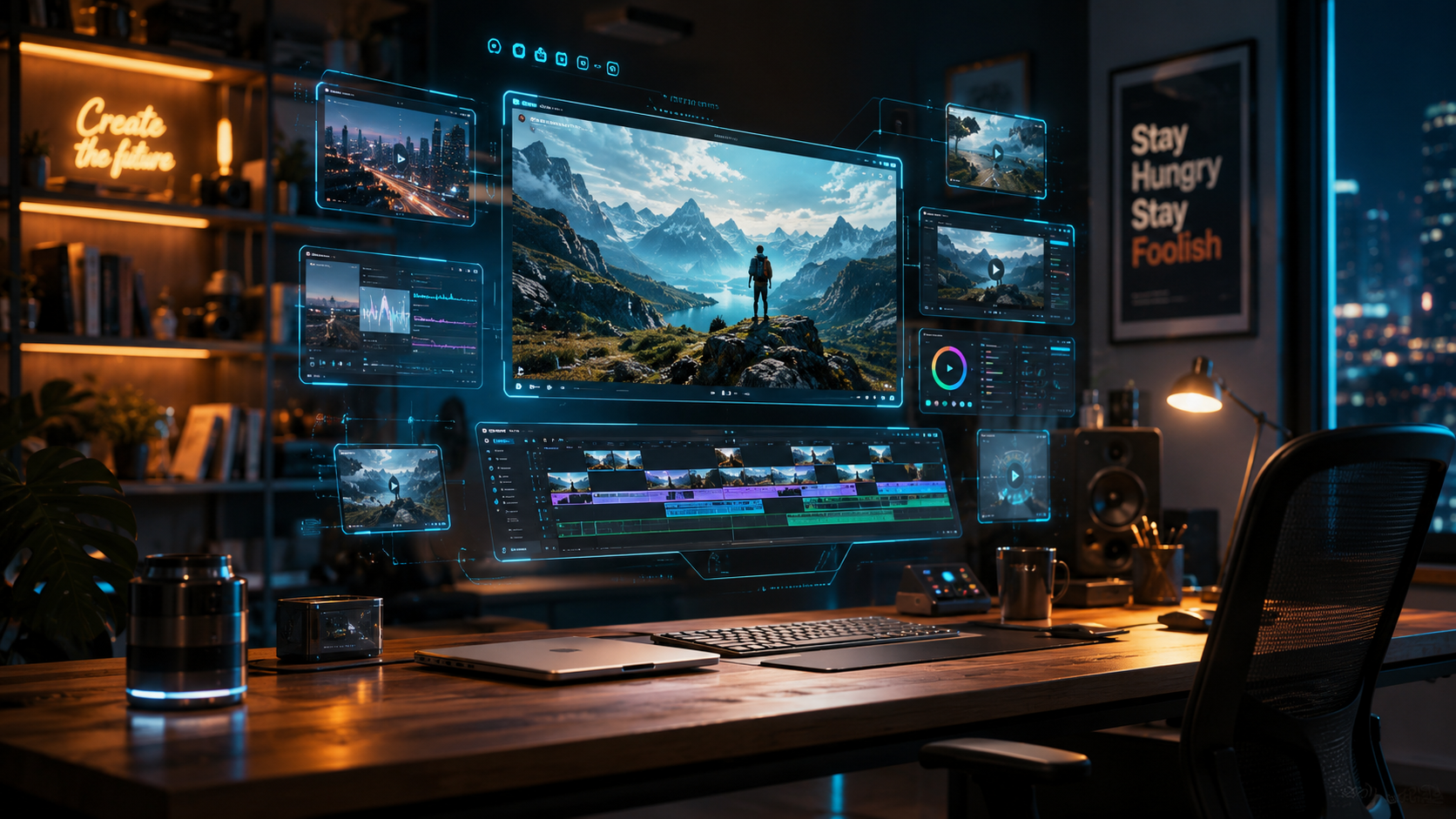
The current year has seen a massive consolidation of AI tools, making it easier than ever to produce high-quality content. The standout feature of 2026 is undoubtedly the Meta Vibes platform. Launched late last year, Vibes allows users to not only discover AI-generated content but to "remix" the prompts used by others. This creates a collaborative environment where a single viral AI style can be adopted and adapted by millions of creators within hours, significantly lowering the creative hurdle for new users.
Another revolutionary development is the partnership between Google and ByteDance. As reported by nokiapoweruser.com in May 2026, the CapCut and Gemini App partnership has brought AI video and image editing directly into the Gemini ecosystem. This means you can now talk to your AI assistant to describe an edit—such as "make this sky look like a Martian sunset and add a lo-fi beat"—and the Gemini-CapCut engine will execute the edit automatically. This level of multimodal integration represents the pinnacle of 2026's creator tech stack.
Comparing Top AI Video Generators for Reels
When you decide to generate AI video for Instagram Reels, choosing the right tool depends on your specific needs, whether that is speed, customization, or ease of use. Below is a comparison of the leading options available in 2026.
| Feature | Meta Vibes | Gemini + CapCut | Independent AI Engines |
|---|---|---|---|
| Primary Strength | Direct Instagram Integration | Advanced Conversational Editing | Maximum Creative Control |
| Ease of Use | Very High (One-tap) | High (Prompt-based) | Moderate (Requires Fine-tuning) |
| Best For | Viral Trends & Remixes | Professional Storytelling | Unique Brand Aesthetics |
| Cost | Free within Meta Apps | Subscription/Freemium | Varies (Credit-based) |
The Rise of Hyper-Realism and Viral AI Trends
In 2026, the realism of AI-generated content has reached a point where it is often indistinguishable from filmed footage. The Daily Nexus notes that this "seeing and believing" era has led to a surge in AI content dominating social feeds. For Instagram Reels, this means that creators are moving away from the "uncanny valley" and toward high-fidelity simulations. This is particularly evident in the travel and fashion niches, where creators use AI to place themselves in fantastical locations or model digital garments that don't exist in the physical world.
However, the trend cycle moves fast. While hyper-realism is popular for aesthetics, The AI Journal reports that "Free AI Twerk Generators" and similar movement-mimicry tools are the current drivers of viral growth. These tools allow users to upload a photo of themselves (or a character) and apply complex dance animations. For those looking to generate AI video for Instagram Reels that captures immediate attention, leveraging these "fun" and "community-driven" AI filters is often more effective than traditional high-production videos.
How to Use AI for Narrative Storytelling
Beyond simple filters, AI is being used to craft complex narratives. Filmmakers at Cannes have begun showcasing short films created entirely through generative AI, proving that the technology is ready for more than just 15-second gags. On Instagram Reels, this translates to "AI-first" series where characters, environments, and even plot points are generated based on follower feedback in the comments. This interactive storytelling is a key trend for 2026, allowing for a level of audience participation that was previously impossible.
Ethics, Authenticity, and the "Real Food" Counter-Movement
With the saturation of AI content, a significant conversation regarding authenticity has emerged. While AI allows for incredible creativity, some brands are choosing to lean in the opposite direction to stand out. A notable example from February 2026 involves Chipotle. While other brands aired AI-generated ads during major sporting events, Chipotle launched a campaign emphasizing "no artificial ingredients," giving away $1 million in "real food" to contrast the digital trend. This highlights a critical lesson for Reel creators: while you should use AI to enhance your workflow, maintaining a "human" connection is vital.
Transparency is now a requirement rather than a suggestion. Meta has implemented strict labeling for any content produced using its AI tools. When you generate AI video for Instagram Reels, the platform automatically detects synthetic patterns and applies a label. According to industry experts, audiences in 2026 appreciate this honesty. Creators who are transparent about their use of AI—often sharing "behind the scenes" looks at their prompting process—tend to build higher levels of trust than those who try to pass off AI as reality.
Best Practices for AI Labeling
To maintain your account's standing and trust, always follow these guidelines:
- Toggle the AI Label: Always use the "Made with AI" tag provided by Instagram's upload interface.
- Disclose in Captions: Use hashtags like #AIArt or #GeneratedByAI to be upfront with your community.
- Human Touch: Combine AI-generated visuals with your own voiceover or a personal "intro" to maintain brand personality.
Optimizing Your AI Reels for the 2026 Algorithm
The Instagram algorithm in 2026 is highly sophisticated, prioritizing "originality of thought" even when using generative tools. Simply hitting "generate" isn't enough to go viral. To truly generate AI video for Instagram Reels that ranks, you must focus on the "hook" and the "loop." AI tools now offer "Auto-Hook" features that suggest the most visually arresting first three seconds of a video based on current global engagement data.
Another technical aspect to consider is the resolution and frame rate. In 2026, 4K vertical video is the standard. Tools like the Gemini-CapCut integration offer AI-upscaling, which can take a standard 720p AI generation and enhance it to 4K 60fps, ensuring that your content looks professional on the latest high-resolution smartphone screens. High-quality output is a direct ranking factor in the Reels discovery tab, as the algorithm favors content that provides a premium viewing experience.
Advanced Prompting Techniques for Reels
To get the best results, your prompts should follow the "S.C.E.N.E." framework:
- Subject: Clearly define who or what is the focus.
- Context: Describe the environment (e.g., "a floating forest").
- Effect: Mention lighting or camera movement (e.g., "cinematic drone shot").
- Niche: Add style descriptors (e.g., "vaporwave aesthetic").
- Exclusion: State what you don't want (e.g., "no blur, no distorted hands").
Is it legal to use AI-generated videos on Instagram in 2026?
Yes, it is legal, but you must comply with Meta's Terms of Service and transparency guidelines. As of 2026, Meta requires all AI-generated content to be clearly labeled to prevent misinformation and maintain platform integrity.
What is the best free AI video generator for Reels?
Meta's "Vibes" is currently the best free tool as it is integrated directly into the Instagram app. Additionally, many creators use the free tier of the Gemini-CapCut integration for quick, high-quality edits without a subscription.
Can AI-generated Reels be monetized?
Yes, AI-generated Reels are eligible for monetization through the Instagram Reels Play Bonus and Brand Partnerships, provided the content is original in its concept and adheres to copyright laws regarding the training data used by the AI engine.
How do I fix distorted faces in AI videos?
In 2026, most tools like CapCut have a "Face Fix" or "Refine" feature that uses a secondary neural pass to correct facial features. You can also use specific prompts like "high-detail facial symmetry" to improve the initial generation.
Does the Instagram algorithm penalize AI content?
No, the algorithm does not penalize AI content simply for being synthetic. However, it does prioritize high-quality, engaging, and "meaningfully edited" content over low-effort, repetitive AI generations that offer no value to the viewer.



Comments ()