
How to Generate AI Video for Instagram: 2026 Strategy Guide
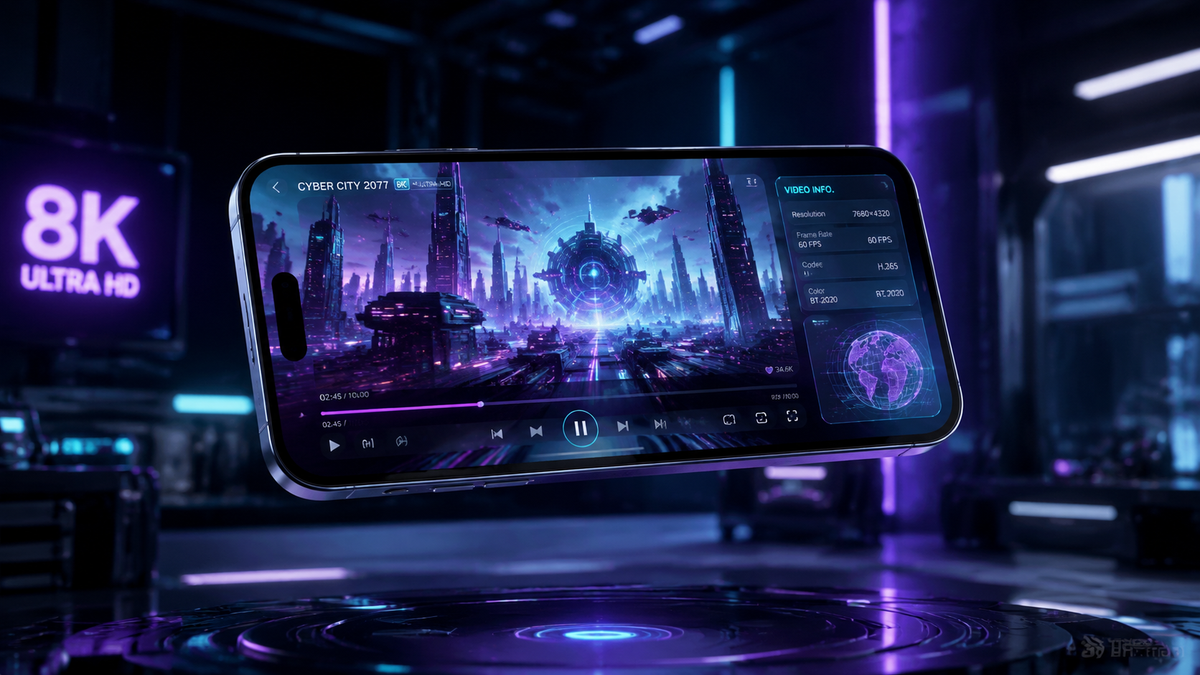
To generate ai video for instagram in 2026, you can now use the native "Edits" feature within the Instagram app or leverage third-party platforms like AI Inspo and Vibes to create high-engagement Reels. The process involves inputting a text prompt or selecting a video style directly within the creation interface, allowing the AI to render cinematic transitions, background elements, or entirely new scenes. By utilizing these integrated tools, creators can produce professional-grade short-form content without the need for expensive equipment or complex editing software.
Generating AI video for Instagram is the process of using generative artificial intelligence models—either through Instagram's native "Edits" suite or external tools like AI Inspo—to create, extend, or modify video content via text-to-video or image-to-video prompts. This technology automates visual storytelling, enabling creators to produce viral-ready Reels and Stories with minimal manual effort.
- ✓ Use the new Instagram "Edits" feature to access simplified AI video generation directly in-app.
- ✓ Leverage Meta’s "Vibes" discovery tool to find trending AI video styles and templates.
- ✓ Incorporate AI-generated headlines to improve click-through rates on the Explore page.
- ✓ Combine third-party generators like AI Inspo with native tools for unique, high-fidelity visual effects.
The Evolution of AI Video on Instagram in 2026
As we navigate through 2026, the landscape of social media content has shifted from manual production to AI-assisted creativity. Instagram has stayed at the forefront of this revolution by simplifying the barriers to entry for high-quality video production. The introduction of built-in generative tools means that the ability to generate ai video for instagram is no longer reserved for tech-savvy editors; it is now a fundamental part of the user experience for every creator on the platform.
According to Social Media Today, Instagram’s recent update to its "Edits" interface has streamlined the generative process, allowing users to swap backgrounds, change outfits, or alter the entire art style of a clip with a single tap. This shift is driven by the demand for "fast-content" that maintains high production values. By integrating these features directly into the Reels composer, Meta has ensured that the friction between an idea and a finished video is virtually non-existent.
Furthermore, the introduction of "Vibes" by Meta in late 2025 has matured into a central hub for AI discovery. As noted by Meta.com, Vibes allows users to not only view AI-generated content but to "remix" the underlying prompts and models. This collaborative ecosystem has led to a surge in viral trends where the AI's interpretation of a prompt becomes the core hook of the video, proving that AI is not just a tool for efficiency, but a new medium for artistic expression.
How to Generate AI Video for Instagram: A Step-by-Step Guide
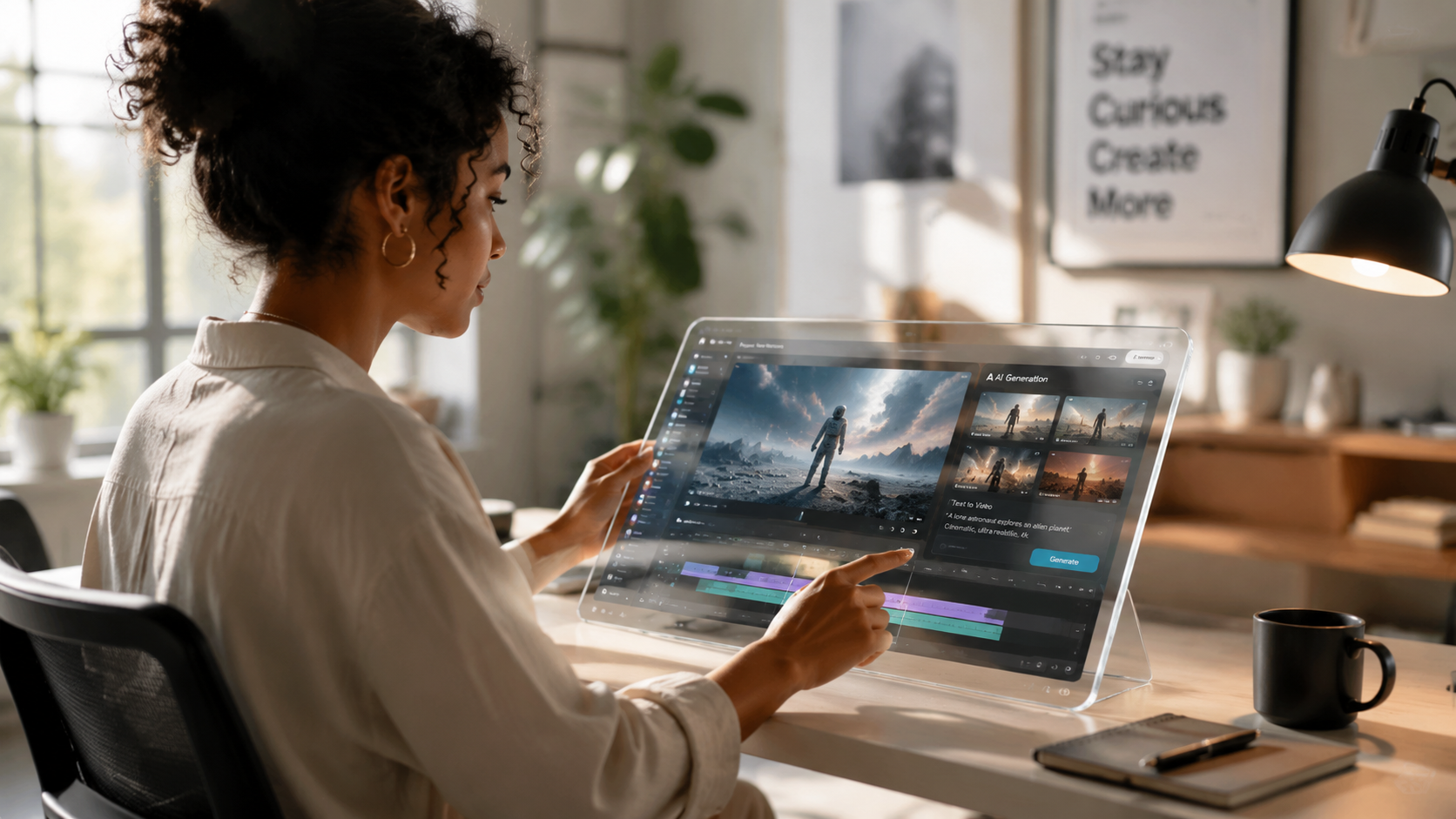
Whether you are a brand looking to scale content or an influencer trying to keep up with daily posting schedules, mastering the native tools is essential. Follow these steps to create your first AI-enhanced Reel using the 2026 toolset.
- Open the Reels Creator: Launch the Instagram app and swipe to the Reels camera. Upload your base footage or select "Create with AI" to start from a blank canvas.
- Access the Edits Menu: Tap on the "Edits" button at the bottom of the screen. Look for the new "AI Generation" icon, which was recently added to the simplified toolbar.
- Input Your Prompt: Type a descriptive prompt into the generation box. For example, "Transform this beach scene into a futuristic neon city at night."
- Select a "Vibe": Use the Vibes integration to apply a consistent aesthetic style. This ensures your AI video matches current global trends.
- Review and Refine: The AI will provide 3-4 variations. Select the one that best fits your vision. You can also use the "AI-Generated Headlines" feature, as reported by Lifehacker, to automatically create a compelling hook for your post.
- Share and Tag: Once satisfied, add your music and captions. Instagram now automatically applies an "AI Info" label to ensure transparency with your audience.
Choosing the Right AI Video Generator
While native tools are convenient, professional creators often look to third-party software for more granular control. According to PC Tech Magazine, the top 5 AI video generators for 2026 offer features that go beyond what is currently available in-app, such as higher frame rates and custom character consistency. Platforms like AI Inspo, which launched in May 2026, have become particularly popular for creating viral TikTok and Reels content because they allow for long-form generative sequences that can be cropped perfectly for the 9:16 aspect ratio.
When you generate ai video for instagram using external tools, the workflow typically involves exporting an MP4 file and then using Instagram’s native "Edits" to add the final interactive layers like polls or stickers. This hybrid approach allows you to benefit from superior generative power while still utilizing Instagram's engagement-driving features.
Comparing Top AI Video Tools for 2026
To help you decide which platform fits your workflow, the following table compares the leading options for generating AI video content this year.
| Tool / Feature | Native Instagram Edits | AI Inspo | Meta Vibes | PC Tech Top Picks |
|---|---|---|---|---|
| Primary Use | Quick edits & style swaps | Viral video creation | Discovery & Templates | Pro-level generation |
| Ease of Use | Very High (In-app) | High (Web/App) | Medium (Community focus) | Varies (Pro tools) |
| Output Quality | 1080p optimized | 4K Upscaling available | Optimized for Reels | Up to 8K rendering |
| Key Feature | Simplified UI (New for 2026) | One-click viral templates | Social prompt sharing | Custom Model Training |
Advanced Strategies to Generate AI Video for Instagram
To truly stand out in 2026, you must move beyond basic prompt engineering. The most successful creators are now using "Multi-Modal" generation. This involves taking a static image of a product, using an AI generator to turn it into a 3D environment, and then using Instagram’s internal AI to add dynamic lighting and movement. As ALM Corp reported in April 2026, the "AI Generation to Edits" feature allows for this level of layering, making it possible to create commercial-quality ads without a studio.
Utilizing AI-Generated Headlines for Better Reach
Content is only as good as its discoverability. Lifehacker highlighted a new feature where Instagram adds AI-generated headlines to certain posts based on the video's content. When you generate ai video for instagram, the platform’s algorithm analyzes the visual data and suggests headlines that are optimized for the Explore page. To leverage this, ensure your video has clear visual cues that the AI can interpret, as this will help the system categorize your content accurately and show it to the right target audience.
The Role of "Vibes" in Content Discovery
Meta’s "Vibes" platform is more than just a gallery; it is a predictive engine. By analyzing which AI styles are gaining traction in real-time, Vibes provides creators with a roadmap for their next video. If "Cyberpunk-Retro" is trending, you can use the Vibes template to immediately generate a video in that style. This integration ensures that your AI-generated content isn't just technologically impressive, but culturally relevant.
Best Practices for Ethical AI Content
With the power to generate ai video for instagram comes the responsibility of transparency. Instagram has implemented strict guidelines in 2026 regarding the labeling of synthetic media. According to ALM Corp, the new "Edits" feature automatically embeds metadata that identifies the video as AI-generated. Attempting to bypass these labels can result in reduced reach or account flagging. It is best practice to be upfront with your audience—users in 2026 actually show higher engagement with "Transparent AI" content because they are curious about the technology used to create the visuals.
Additionally, focus on "Human-in-the-loop" creation. Use AI to handle the tedious tasks—like rotoscoping or background removal—but keep the creative direction and storytelling human-centric. The most viral videos of 2026 are those that use AI to enhance a human story, rather than replacing the human element entirely. This balance is what the Instagram algorithm currently favors, as it prioritizes "Originality" even within the realm of synthetic media.
Future Outlook: AI Video Beyond 2026
Looking ahead, the integration of AI into Instagram is expected to move toward real-time AR (Augmented Reality) video generation. We are already seeing the seeds of this with the simplified Edits tool. Soon, the ability to generate ai video for instagram will happen live during broadcasts, allowing creators to change their surroundings or appearance instantly during an Instagram Live session. Staying updated with these tools today ensures you are prepared for the even more immersive landscape of tomorrow.
How do I access the AI video generator on Instagram?
You can access it by opening the Reels camera, selecting "Edits," and looking for the "AI Generation" or "Simplified AI" icon. This feature was rolled out in April 2026 to all global users to streamline the creation of synthetic media.
Is there a cost to generate AI video for Instagram?
The native tools within the Instagram app are currently free to use for all accounts. However, third-party platforms like AI Inspo may offer premium tiers for higher resolution or watermark-free exports.
Will using AI video hurt my reach on Instagram?
No, as long as you comply with Instagram's labeling requirements. In fact, using trending AI "Vibes" and AI-generated headlines can actually increase your visibility on the Explore page and within the Reels feed.
What is the "Vibes" feature in Instagram?
Vibes is a dedicated space introduced by Meta to help creators discover and create AI videos. it allows you to browse trending AI styles and use them as templates for your own content generation.
Can I turn a photo into a video using Instagram's AI?
Yes, the 2026 "Edits" update allows for image-to-video generation. You can upload a static photo and use a text prompt to animate specific elements or transform the entire image into a dynamic video clip.



Comments ()