
Generate 4K AI Video from Text: 2026 Ultimate Guide
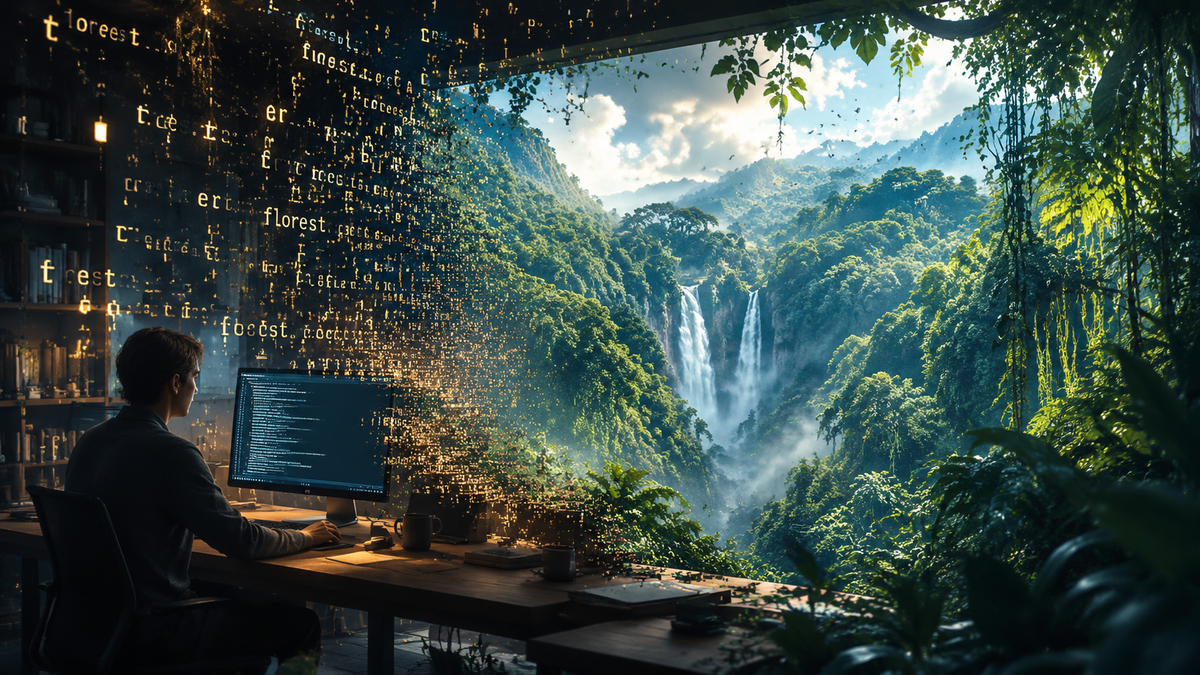
To generate 4k ai video from text in 2026, you must utilize high-parameter diffusion models that support native ultra-high-definition output or integrated spatial upscaling. The process involves inputting a descriptive text prompt into a generative AI platform—such as NVIDIA’s LTX-2, Adobe Firefly, or Lightricks—which then synthesizes temporal and spatial data to produce professional-grade video files at 3840 x 2160 resolution. Recent breakthroughs in local hardware acceleration and cloud-based rendering have made this technology accessible to both enterprise creators and home enthusiasts.
Generating 4K AI video from text is the process of using artificial intelligence models to transform written descriptions into high-resolution, 2160p cinematic footage. In 2026, this is achieved through advanced models like LTX-2 and Adobe Firefly, which leverage RTX hardware acceleration and neural upscaling to ensure temporal consistency and visual clarity at 4K density.
- ✓ NVIDIA LTX-2 and ComfyUI upgrades now allow for real-time 4K generation on local RTX-powered PCs.
- ✓ Adobe Firefly offers unlimited AI video generations for select creators, streamlining professional workflows.
- ✓ New models from Lightricks and Cybernews-rated tools have introduced superior temporal stability for long-form 4K content.
- ✓ Hybrid workflows combining text-to-video with AI upscaling are the standard for achieving true 4K resolution in 2026.
How to Generate 4K AI Video from Text: A Step-by-Step Guide
The landscape of video production has shifted dramatically as of early 2026. While high-definition output was the standard just a year ago, the industry has fully pivoted to 4K as the baseline for AI-generated content. Following the latest updates to the NVIDIA RTX ecosystem and Adobe’s creative suite, the barrier to entry for 4K production has vanished. Whether you are using a local workstation or a cloud-based service, the workflow remains consistent across the most popular platforms.
- Select Your 4K AI Engine: Choose a platform that supports native 4K or high-fidelity upscaling. Currently, NVIDIA LTX-2 (for local) and Adobe Firefly (for cloud) are the top recommendations for 2026.
- Draft a Detailed Text Prompt: Describe your scene with specificity. Include camera angles (e.g., "wide shot"), lighting (e.g., "golden hour"), and technical specs (e.g., "shot on 35mm lens, 4K resolution").
- Configure Generation Settings: Set your aspect ratio (typically 16:9 for 4K) and select the "Ultra HD" or "4K" output toggle. If using ComfyUI with LTX-2, ensure your nodes are configured for spatial upscaling.
- Generate and Refine: Run the initial generation. Most 2026 models allow for "seed" adjustments, letting you tweak the movement without changing the entire scene.
- Apply Neural Upscaling: If your initial output is 1080p, use a secondary AI pass (like the latest ComfyUI upgrades) to upscale the footage to 3840 x 2160 while maintaining texture detail.
- Export in High Bitrate: Save your file in a format that preserves 4K quality, such as ProRes or high-bitrate H.265.
The Evolution of 4K AI Video in 2026
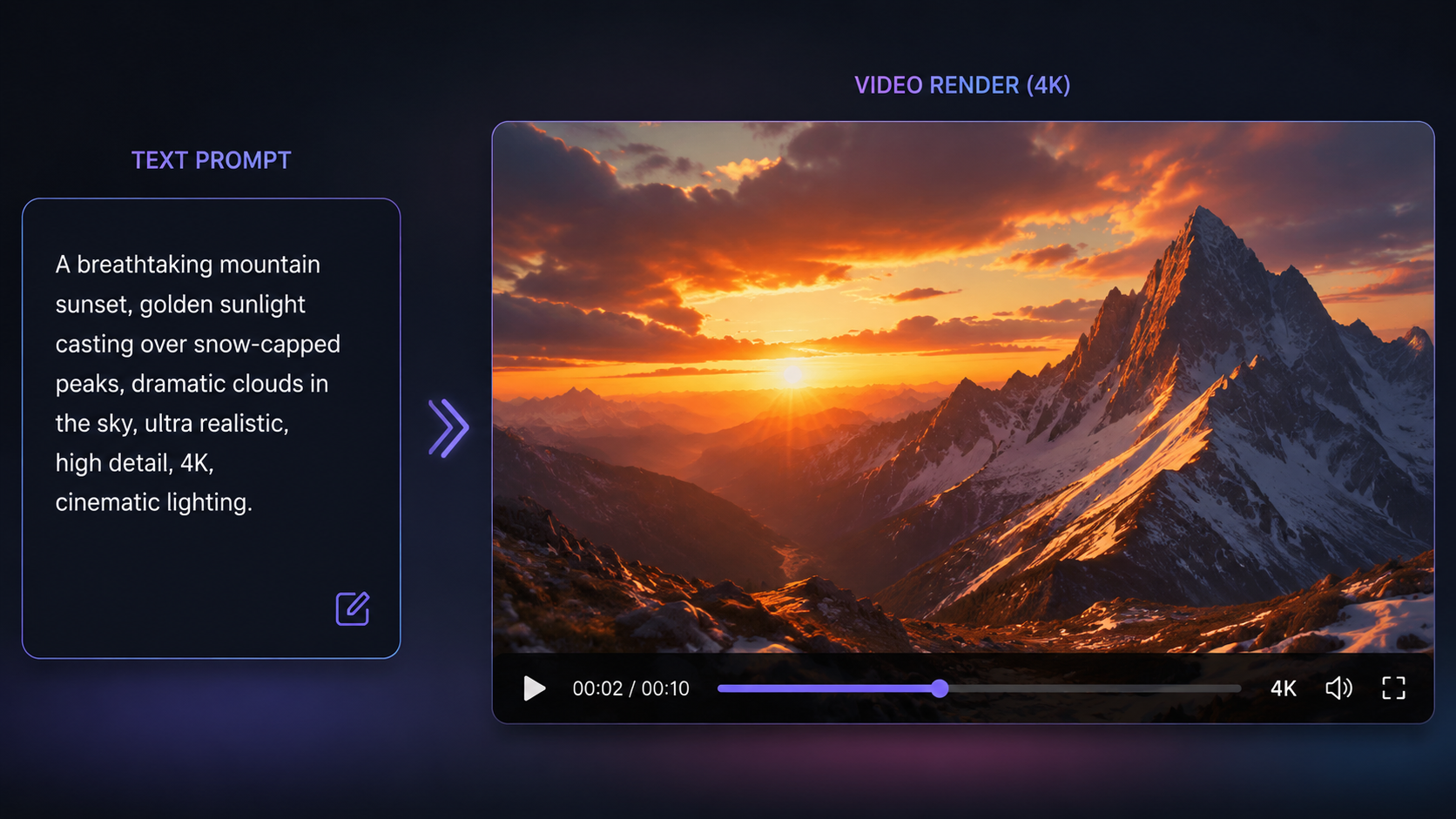
The year 2026 marks a significant milestone in generative media. According to the NVIDIA Blog (January 2026), the introduction of the LTX-2 model has fundamentally changed how we generate 4k ai video from text by bringing the processing power directly to the user's desktop. By leveraging RTX hardware acceleration, creators can now bypass lengthy cloud queues and render high-resolution sequences locally with unprecedented speed. This shift toward local compute reduces latency and increases the privacy of the creative process.
Furthermore, the competitive landscape has intensified. Lightricks recently unveiled a powerful AI video model that directly challenges established giants like OpenAI and Google. This model focuses on cinematic quality and complex physics simulations, ensuring that 4K videos don't just look sharp, but also move realistically. As reported by ynetnews, this new model is specifically designed to handle the heavy data requirements of 4K textures without the "hallucinations" or warping effects common in earlier iterations of AI video technology.
NVIDIA RTX and ComfyUI Upgrades
For those who prefer a hands-on approach, the 2026 updates to ComfyUI have integrated NVIDIA's LTX-2 directly into the node-based workflow. This allows for modular video generation where users can control every frame of the 4K output. The RTX acceleration ensures that even complex tasks, like multi-subject interaction in a 4K environment, are processed in a fraction of the time it took in 2025. This is particularly useful for independent filmmakers who require high-fidelity assets on a budget.
Adobe Firefly’s Unlimited Generation Model
On the professional software side, Adobe has made massive strides. As of December 16, 2025, Adobe Firefly improved its AI video creation suite with new tools and models. To dominate the 2026 market, The AI Economy reports that Adobe offered select creators unlimited AI generations through early 2026. This move has allowed professional editors to experiment with 4K text-to-video prompts without the fear of exhausting "credits," leading to a surge in AI-integrated commercial content.
Comparing Top 4K AI Video Generators of 2026
Choosing the right tool depends on your hardware and your specific project needs. While some tools excel at hyper-realistic human movements, others are better suited for abstract art or architectural visualization. Below is a comparison of the leading tools currently dominating the market according to Cybernews and Хабр.
| Platform | Max Resolution | Primary Strength | Hardware Requirement |
|---|---|---|---|
| NVIDIA LTX-2 | Native 4K | Real-time local rendering | NVIDIA RTX GPU (Local) |
| Adobe Firefly | 4K (Upscaled) | Integration with Premiere/AE | Cloud-based |
| Lightricks Model | 4K | Cinematic physics & motion | Cloud-based |
| Sora (2026 Update) | 4K | Long-form storytelling | Cloud-based |
| ComfyUI + RTX | 4K+ | Deep customization & nodes | High-end Workstation |
Hardware and Software Requirements for 4K Generation
To generate 4k ai video from text effectively in 2026, the hardware requirements have become more specific. While cloud platforms handle the heavy lifting, local generation requires a significant amount of VRAM. According to the NVIDIA Blog, the latest LTX-2 optimizations are designed to take full advantage of the 20-series, 30-series, and 40-series RTX cards, though the 50-series (released recently) provides the smoothest 4K experience. Users should aim for at least 16GB of VRAM to handle the spatial dimensions of a 4K frame without crashing the diffusion process.
On the software side, the integration of AI into traditional NLEs (Non-Linear Editors) has simplified the 4K workflow. Adobe’s 2026 updates allow users to generate a video clip via text prompt directly on the Premiere Pro timeline. The software then uses "Generative Extend" to add frames or "Generative Upscale" to take a 1080p generation to a crisp 4K finish. This seamless transition between generation and editing is what defines the "Ultimate Guide" experience in 2026.
The Role of Neural Upscalers
Not all 4K video is "native." In many cases, it is more efficient to generate at 1080p and use a high-fidelity neural upscaler to reach 4K. This method, supported by the latest ComfyUI upgrades, preserves the temporal consistency of the video while injecting fine details like skin pores, fabric textures, and environmental grit. This "two-pass" system is currently the preferred method for creators who want the highest possible quality with the lowest generation time.
Best Practices to Generate 4K AI Video from Text
Achieving a professional result requires more than just a simple prompt. As AI models have become more sophisticated, the "language" of prompting has evolved into "Prompt Engineering 2.0." To get the most out of 4K models, you must provide context regarding the virtual "lens" and "sensor" the AI is simulating. For example, mentioning "anamorphic flares" or "8k sensor downsampled to 4k" can trigger the model to use higher-quality texture maps during the synthesis phase.
Another key practice is the use of negative prompts. In 2026, most advanced interfaces allow you to specify what you *don't* want—such as "motion blur," "film grain," or "compression artifacts." By excluding these, you ensure the 4K output remains sharp and clean, suitable for large-screen displays. Cybernews highlights that the best AI video tools of 2026 are those that offer the most granular control over these parameters, allowing creators to act more like directors and less like passive observers.
Consistency and Temporal Stability
One of the biggest hurdles in 4K AI video has been "flickering." In 2026, new algorithms have largely solved this. By using reference frames and "flow-matching" technologies, tools like the Lightricks model ensure that a character’s appearance remains identical from the first second to the tenth. When you generate 4k ai video from text, maintaining this stability is crucial, as the high resolution makes any small glitch or inconsistency much more visible to the human eye.
Frequently Asked Questions
Can I generate 4K AI video on a laptop?
Yes, in 2026, you can generate 4K AI video on a laptop using either cloud-based services like Adobe Firefly or locally if your laptop is equipped with a modern NVIDIA RTX GPU. Local generation requires significant VRAM, so a high-end gaming or creator laptop is recommended for the best results.
Is 4K AI video generation free?
While some platforms offer limited free trials, high-quality 4K generation typically requires a subscription. However, Adobe provided unlimited generations for select Firefly users through early 2026, and local tools like LTX-2 are free to use if you own the necessary hardware.
What is the best prompt for 4K quality?
A high-quality 4K prompt should include technical descriptors such as "hyper-realistic, 8k textures, cinematic lighting, shot on RED V-Raptor, 4K resolution, highly detailed." The more specific you are about the visual style and technical specs, the better the AI can allocate pixels for detail.
How long does it take to generate a 4K video?
With 2026 technology, a 5-second 4K clip can take anywhere from 30 seconds to 3 minutes to generate, depending on whether you are using a high-end local RTX GPU or a cloud-based server. Local LTX-2 upgrades have significantly reduced these wait times compared to previous years.
Does Adobe Firefly support native 4K?
As of the late 2025 and 2026 updates, Adobe Firefly supports high-resolution video output that can be seamlessly upscaled to 4K within the Creative Cloud ecosystem, utilizing new models designed for professional film and social media standards.
In conclusion, the ability to generate 4k ai video from text has matured from an experimental novelty into a robust professional tool. With the 2026 upgrades to NVIDIA’s local processing power and the expansion of Adobe’s generative suite, creators have more power than ever to turn their imagination into high-definition reality. By following the structured workflows and utilizing the latest models mentioned in this guide, you can produce cinematic, 4K content that was once the exclusive domain of major film studios.



Comments ()