
Gemini Omni Video Generation Features: 2026 Ultimate Guide
The gemini omni video generation features represent a paradigm shift in generative AI, offering the ability to create high-fidelity cinematic video from text, image, or audio inputs using Google’s advanced Omni world model. Introduced at Google I/O in May 2026, these features allow users to perform real-time video cloning, voice-controlled editing, and multimodal content creation with unprecedented consistency and physical accuracy.
Gemini Omni is a next-generation multimodal world model designed to create and edit video content from any input modality. Its core features include 4K cinematic generation, voice-activated video editing via Omni Flash, and sophisticated video-cloning capabilities that maintain character and environmental consistency across long-form sequences, effectively bridging the gap between static prompts and professional-grade film production.
- ✓ Seamless multimodal inputs allowing video creation from text, images, or voice commands.
- ✓ Real-time video cloning and character consistency powered by the Omni world model.
- ✓ Voice-controlled AI video editing through the specialized Gemini Omni Flash model.
- ✓ High-fidelity output suitable for professional creative workflows and social media.
Understanding the Gemini Omni World Model
The launch of Gemini Omni on May 19, 2026, marked a significant milestone in the evolution of artificial intelligence. Unlike previous iterations that treated video as a sequence of independent frames, the Omni world model understands the physics of the real world. According to The Verge, Gemini Omni is part of a new family of models designed to "create anything," moving beyond simple text-to-video to a comprehensive understanding of spatial relationships and temporal continuity. This allows for the generation of videos where objects interact naturally with their environment, such as reflections on water or the complex movement of fabric.
The architecture of Gemini Omni is built to handle massive amounts of data across different formats simultaneously. By processing video, audio, and text in a unified latent space, the model can synchronize sound effects with visual actions perfectly. For example, if a user generates a video of a glass shattering, the Omni model ensures the sound of the impact aligns precisely with the visual frame of contact. This level of integration is what sets the gemini omni video generation features apart from earlier generative tools that required separate post-production for audio syncing.
Furthermore, the scalability of the Omni model means it can be deployed across various platforms. While the full Omni model handles high-end cinematic production, the Gemini Omni Flash variant is optimized for speed and efficiency. As reported by Tech Times, the Flash model brings conversational AI to the video editing suite, allowing creators to make adjustments on the fly using natural language. This democratization of video production ensures that both professional studios and individual content creators can leverage the power of the Omni world model.
How to Use Gemini Omni Video Generation Features
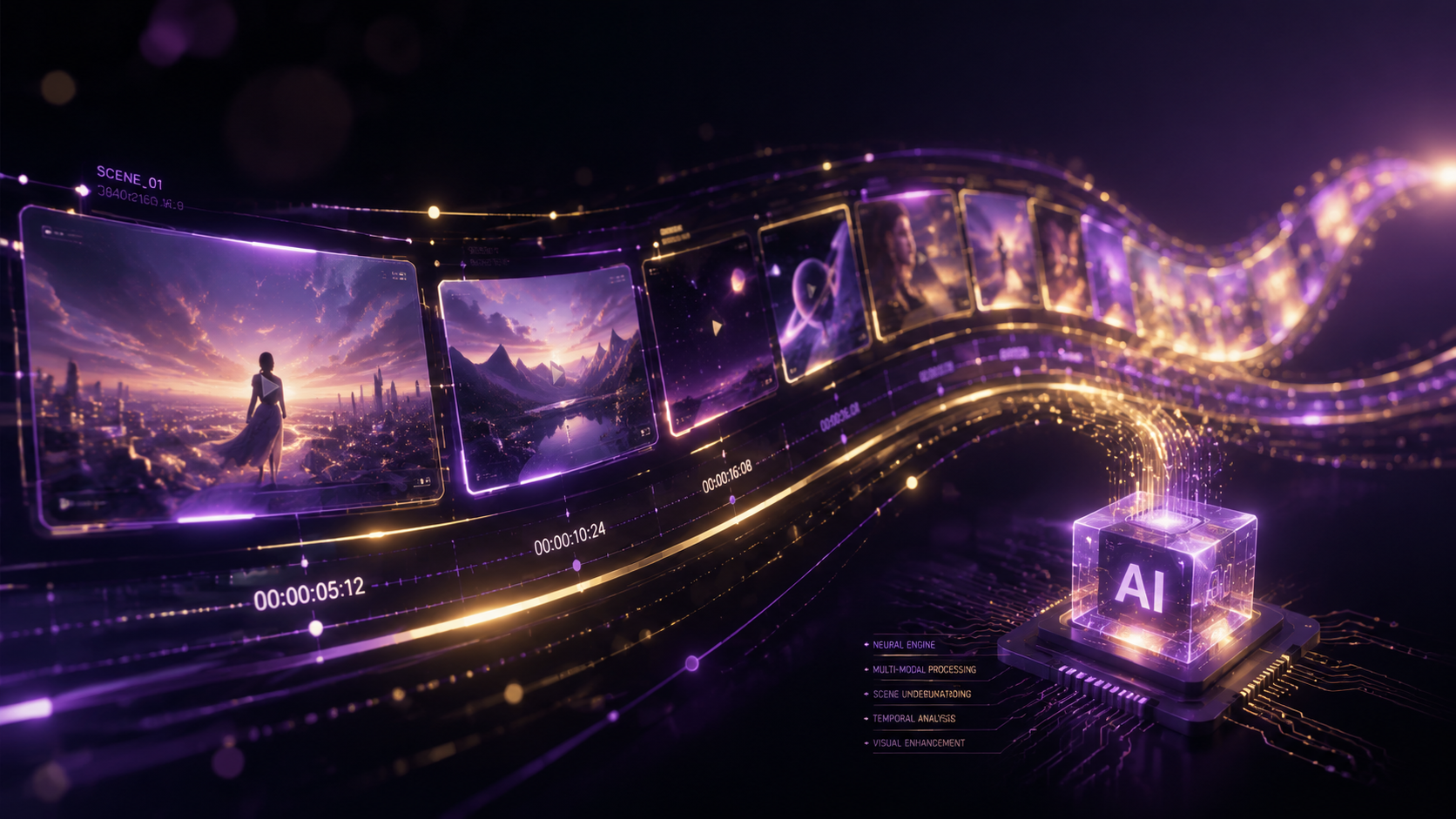
Getting started with the new Gemini Omni suite is designed to be intuitive, even for those without formal video editing training. Follow these steps to generate your first high-fidelity AI video:
- Access the Gemini Omni Workspace: Log into your Google AI Studio or Vertex AI account and select the Gemini Omni model from the dropdown menu.
- Define Your Input: Choose your primary input method. You can upload an image as a reference, provide a detailed text prompt, or use a voice command to describe the scene you want to create.
- Configure Generation Settings: Set your desired resolution (up to 4K), aspect ratio (9:16 for mobile or 16:9 for cinematic), and duration. You can also toggle "Character Consistency" if you plan to create a series of shots with the same subject.
- Execute and Refine: Click "Generate" to produce the initial video. Once the preview is ready, use the Omni Flash voice-control feature to say commands like "make the lighting warmer" or "add a slow-motion effect to the last three seconds."
- Export and Integrate: Once satisfied, export the video in your preferred format. Gemini Omni supports direct integration with professional editing software for further refinement.
Key Features of the Gemini Omni Video Suite
The 2026 release of Gemini Omni introduced a suite of tools that redefine the creative process. Central to this is the "Video-Cloning" capability. According to ZDNET, this feature allows the model to take a short clip of a person or environment and replicate it in entirely new scenarios while maintaining perfect visual fidelity. This has massive implications for the film industry, enabling digital doubles and complex stunt sequences to be generated with minimal physical risk or expense.
Real-Time Multimodal Synthesis
One of the most impressive gemini omni video generation features is its ability to synthesize video from "any input." As highlighted by Pulse 2.0, this means you can provide a rough sketch and a music track, and the AI will generate a music video that matches the rhythm and mood of the audio. The model's "any-to-any" capability ensures that the output is not just a visual representation of a prompt, but a cohesive piece of media that understands the nuances of different sensory inputs.
Gemini Omni Flash: Voice-Controlled Editing
For many creators, the most practical feature is Gemini Omni Flash. This model is specifically tuned for low-latency, conversational interactions. Instead of navigating complex timelines and keyframes, users can simply talk to the AI. Tech Times notes that this transforms the future of conversational AI into a functional tool for video editors. You can ask the AI to "remove the background person" or "replace the sky with a sunset," and the changes are rendered almost instantly, significantly reducing the time spent in post-production.
| Feature | Gemini Omni (Full) | Gemini Omni Flash |
|---|---|---|
| Primary Use Case | High-end cinematic production | Rapid editing and social content |
| Max Resolution | 8K Ultra HD | 4K Standard |
| Input Modalities | Text, Image, Audio, Video | Voice, Text, Image |
| Processing Speed | High Latency (Deep Compute) | Real-time (Low Latency) |
| Best For | World building and cloning | Conversational video tweaks |
The Impact of the Omni World Model on Content Creation
The introduction of the "World Model" concept is what truly distinguishes Gemini Omni from its predecessors. A world model doesn't just predict pixels; it predicts how the world functions. According to Mashable, this allows the AI to maintain "advanced video capabilities" that include understanding gravity, lighting, and object permanence. If a character walks behind a tree in an Omni-generated video, the model remembers the character's appearance and ensures they emerge on the other side looking exactly the same, solving the "hallucination" issues that plagued earlier AI video tools.
This consistency is vital for storytelling. In the past, AI video was often limited to short, dream-like clips. With the gemini omni video generation features, creators can now produce consistent scenes that span several minutes. This capability is expected to revolutionize industries beyond entertainment, including education, where complex scientific concepts can be visualized with physical accuracy, and marketing, where personalized video advertisements can be generated at scale for individual consumers.
However, the power of these features has also sparked significant debate regarding ethics and implications. ZDNET reports that the ability to clone video so convincingly raises questions about digital identity and the potential for deepfakes. Google has addressed these concerns by integrating advanced watermarking and metadata tracking into every video generated by Gemini Omni, ensuring that AI-generated content can be easily identified and verified by distribution platforms.
Advanced Capabilities: Beyond Simple Generation
While text-to-video is the headline feature, the deeper gemini omni video generation features include complex "In-painting" and "Out-painting" for video. In-painting allows users to select a specific area of a video and change its contents—for instance, changing a character's outfit without altering their movement or the background. Out-painting enables the expansion of a video's frame, essentially creating a wide-angle shot from a close-up by imagining what lies beyond the original borders of the scene.
Dynamic Physics Simulation
The Omni model excels at simulating complex physical interactions. Whether it's the way light refracts through a glass of water or the way smoke curls in a breeze, the model uses its training on vast datasets of real-world physics to ensure the visuals look "right" to the human eye. This reduces the need for expensive CGI rendering in many applications, as the AI can handle the physics calculations as part of the generation process.
Long-Context Video Understanding
Gemini Omni features a massive context window, allowing it to "remember" details from the beginning of a long video sequence. This is crucial for maintaining narrative flow. If a character picks up a specific object in the first scene, the AI ensures that the object remains in their hand or in the background of subsequent scenes. This long-term memory is a cornerstone of the gemini omni video generation features, making it a viable tool for long-form content creation rather than just short clips.
Future Outlook: The Road to 2027
As we move through 2026, the adoption of Gemini Omni is expected to grow exponentially. Google has already hinted at future updates that will allow for even greater integration with virtual reality (VR) and augmented reality (AR) environments. The ability to generate 3D spatial video from simple text prompts is likely the next frontier for the Omni model, potentially allowing users to create entire immersive worlds in real-time.
According to industry analysts, the shift toward "generative everything" is being led by models like Gemini Omni. By the end of 2026, it is predicted that over 30% of digital video content will involve some level of AI generation or enhancement. The gemini omni video generation features are at the forefront of this trend, providing the tools necessary for a new era of human-AI collaboration in the creative arts. The focus will remain on refining the "Flash" models for mobile devices, ensuring that the power of the Omni world model is accessible to anyone with a smartphone.
What is the primary difference between Gemini Omni and previous models?
Gemini Omni is a unified "world model" that understands physical laws and temporal consistency, whereas previous models often treated video as a series of disconnected images. This allows for much higher realism and character stability across long sequences.
Can I edit existing videos with Gemini Omni?
Yes, using the Gemini Omni Flash feature, you can upload existing videos and use voice or text commands to perform complex edits, such as changing the lighting, removing objects, or altering the background in real-time.
Is there a limit to the length of videos generated by Gemini Omni?
While the initial generation typically focuses on clips of 10-30 seconds, the model's long-context window allows users to chain these sequences together with perfect consistency, enabling the creation of much longer narrative pieces.
How does Google handle the ethical concerns of video cloning?
Google has implemented mandatory digital watermarking and comprehensive metadata for all Gemini Omni outputs. This ensures that any video generated or cloned by the AI can be identified as such by platforms and users.
What is Gemini Omni Flash?
Gemini Omni Flash is a lightweight, low-latency version of the Omni model designed for conversational AI interactions. It is primarily used for real-time video editing and quick content generation on mobile and web platforms.
Comments ()