
Gemini Omni Flash Free: Complete Guide to 2026's AI Video Tech
Gemini Omni Flash Free is Google's latest AI video generation technology, offering advanced capabilities for creating high-quality videos with minimal input. Released in 2026 as part of the Gemini 3.7 Flash update, this tool integrates seamlessly with Google's ecosystem and provides free access to millions of users. Whether you're a content creator, marketer, or hobbyist, Gemini Omni Flash Free simplifies video production with AI-driven automation and realism.
TL;DR: Gemini Omni Flash Free is Google's 2026 AI video tool that enables effortless, high-quality video generation, available at no cost within Google's 900M-user app ecosystem.
Gemini Omni Flash Free revolutionizes AI video creation by combining Google's world-model AI with intuitive controls, allowing users to generate professional-grade videos without technical expertise. Integrated into Google's apps, it offers free access to advanced features like dynamic scene transitions and character consistency.
- ✓ Free AI video generation integrated into Google's 900M-user app ecosystem
- ✓ Advanced world-model AI for realistic scene transitions and character consistency
- ✓ Part of the Gemini 3.7 Flash update released August 2026
- ✓ Works alongside Adobe Firefly's new AI audio tools for multimedia projects
- ✓ No technical expertise required for professional-quality outputs
What is Gemini Omni Flash Free?
Gemini Omni Flash Free represents Google's most accessible AI video generation technology to date. According to Google's official blog, this technology was introduced in August 2026 as part of the Gemini 3.7 Flash update, specifically designed for mass adoption across Google's app ecosystem. Unlike previous iterations that required technical knowledge, this version prioritizes intuitive controls while maintaining professional-grade output quality.
The system builds on Google's "world model" AI architecture, which Mashable describes as capable of understanding spatial relationships and temporal consistency in video scenes. This allows for more realistic transitions between shots and better maintenance of character consistency throughout generated videos. The free version includes all core functionality while offering premium upgrades for commercial use cases.
What sets Gemini Omni Flash Free apart is its deep integration with Google's existing services. As reported by tech-insider.org, the technology reached over 900 million users instantly through Google's app ecosystem, making it the most widely available AI video tool upon launch. This accessibility, combined with its professional capabilities, positions it as a game-changer for content creation.
Key Features of Gemini Omni Flash Free

The technology's most notable feature is its ability to generate complete video sequences from minimal text prompts. Users can describe a scene in natural language, and the AI will construct a coherent video sequence with appropriate camera angles, lighting, and scene transitions. This eliminates the need for storyboarding or complex editing software for basic video projects.
Another standout capability is character consistency maintenance. The AI can keep characters visually coherent across different scenes and angles, a challenge that previously plagued AI video tools. This makes Gemini Omni Flash Free particularly valuable for creating animated explainer videos, product demonstrations, or simple narrative content without requiring manual frame-by-frame adjustments.
Scene Transition Intelligence
The world model architecture enables intelligent scene transitions that maintain spatial relationships between objects. For example, if a user generates a video of a kitchen scene followed by a living room shot, the AI will position doors and connecting spaces logically between the two environments.
Real-Time Preview Generation
Unlike some AI video tools that require complete rendering before preview, Gemini Omni Flash Free provides real-time previews of generated content. This allows for quick iterations and adjustments before final rendering, significantly speeding up the creative workflow.
Multi-Format Output Options
The system supports output in various aspect ratios and resolutions optimized for different platforms—from vertical shorts for social media to widescreen formats for YouTube. All exports include basic color correction and stabilization by default.
How to Use Gemini Omni Flash Free
Accessing Gemini Omni Flash Free is straightforward for anyone with a Google account. The technology is integrated into multiple Google apps, including Google Photos, Google Docs, and a standalone creative suite app. Here's a step-by-step guide to creating your first AI video:
- Open any Google app with Gemini Omni Flash Free integration (Photos, Docs, or the dedicated Creative Suite)
- Select "Create Video" or "Generate with AI" from the menu options
- Enter your text prompt describing the video you want to create
- Adjust settings like style, duration, and aspect ratio
- Preview the generated video and make any necessary refinements
- Export in your preferred format or share directly to platforms
The interface includes templates for common video types like product demos, social media posts, and educational content. These templates provide structured starting points that users can customize with their own text and media assets. For more advanced users, there's a pro mode that exposes additional controls over lighting, camera movements, and scene composition.
One particularly innovative feature is the ability to generate videos from existing documents. Users can highlight text in Google Docs and instantly convert it into an animated explainer video, with the AI automatically creating relevant visuals to accompany the text content. This makes repurposing written content for video platforms remarkably efficient.
Gemini Omni Flash Free vs. Other AI Video Tools
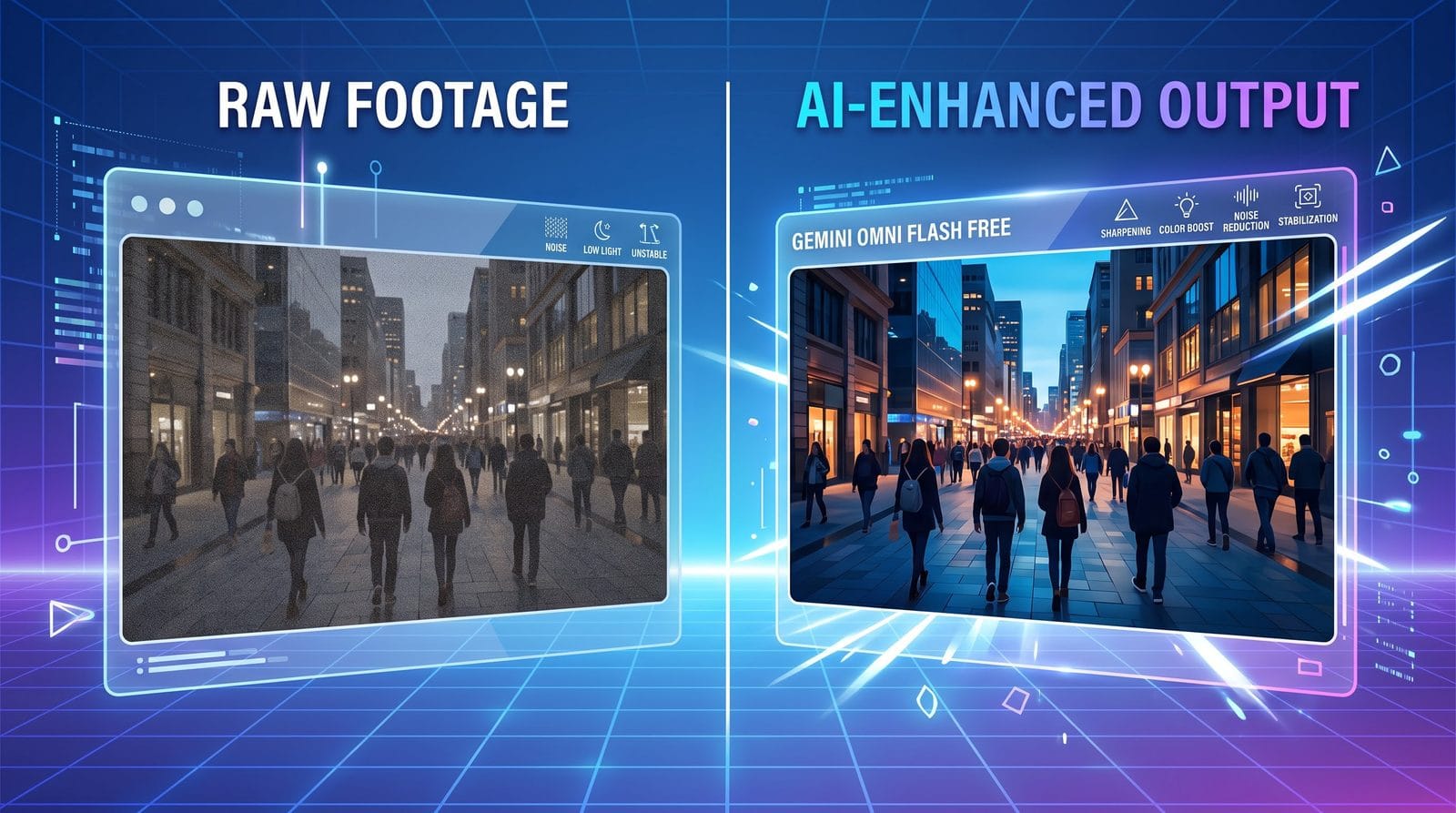
When comparing Gemini Omni Flash Free to other AI video generation options, several key differences emerge. The table below highlights how Google's solution stacks up against alternatives:
| Feature | Gemini Omni Flash Free | Digen AI Agent | Adobe Firefly Video |
|---|---|---|---|
| Accessibility | Free in Google's 900M-user ecosystem | Subscription-based | Requires Creative Cloud |
| Character Consistency | Advanced world model maintains coherence | Multi-step workflows enhance consistency | Basic consistency features |
| Audio Integration | Basic sound effects library | Full voiceover and soundtrack options | Advanced AI audio tools (recently exited beta) |
| Output Length | Up to 2 minutes standard | Unlimited length with Agent workflows | 3 minute limit for AI-generated segments |
While Gemini Omni Flash Free excels in accessibility and ease of use, platforms like Digen AI Agent offer more sophisticated control for professional creators through autonomous multi-step workflows. Adobe's solution, now integrated with Gemini Omni Flash according to the-decoder.com, combines Google's video tech with Adobe's superior audio generation capabilities.
Creative Applications of Gemini Omni Flash Free
The technology opens up numerous possibilities for content creators across industries. Small businesses can quickly produce product demonstration videos without hiring videographers. Educators can transform lesson plans into engaging visual content. Social media managers can generate platform-optimized content at scale while maintaining brand consistency.
One particularly powerful application is in the e-commerce space. Retailers can automatically generate multiple versions of product videos tailored to different customer segments or platforms. The AI can adjust aspects like background music, pacing, and emphasis based on the target audience—all from a single source video or product description.
For personal use, Gemini Omni Flash Free enables new forms of digital storytelling. Families can turn photo albums into animated narratives with automatically generated transitions and effects. Travelers can combine their vacation photos with AI-generated establishing shots to create professional-looking travelogues. The possibilities are limited only by the user's imagination.
Future Developments and Limitations
While Gemini Omni Flash Free represents a significant leap forward in accessible AI video generation, there are still areas for improvement. The current version struggles with highly complex scenes involving multiple interacting characters. Physics simulations for things like cloth movement or fluid dynamics also remain somewhat rudimentary compared to professional animation tools.
According to industry analysts, future updates will likely focus on three areas: longer-form content generation, improved physics simulation, and more sophisticated character animation. There's also speculation about deeper integration with Google's other AI services, potentially allowing for real-time collaborative video editing or AI-assisted scriptwriting directly within the video creation workflow.
One notable limitation is the lack of advanced audio capabilities compared to dedicated tools like Adobe Firefly's newly released AI audio suite, which MobiGyaan reports can generate music, speech, and sound effects. While Gemini Omni Flash Free includes basic sound effects, creators needing sophisticated audio will likely need to supplement with other tools or wait for future updates.
Getting the Most Out of Gemini Omni Flash Free
To achieve professional results with Gemini Omni Flash Free, users should focus on crafting detailed prompts. Instead of "make a video about hiking," try "create a 60-second vertical video showing a hiker ascending a mountain trail at sunrise, with cinematic camera angles and inspirational music." The more specific the prompt, the better the AI can deliver satisfying results.
Another pro tip is to use the style transfer features. Users can upload reference images or videos to establish a visual style that the AI will then apply to generated content. This is particularly useful for maintaining brand consistency across multiple videos or matching existing visual content.
For those needing more advanced capabilities than the free version offers, Google provides affordable upgrade options that unlock longer video lengths, commercial usage rights, and priority rendering. However, the free tier remains remarkably capable for most personal and many professional use cases, making Gemini Omni Flash Free one of the most democratizing tools in AI video generation.
Frequently Asked Questions
Is Gemini Omni Flash Free really completely free?
Yes, the core video generation features are completely free with no watermarks. Google monetizes through premium upgrades for commercial use and advanced features, but basic functionality remains free as part of their ecosystem strategy.
How does Gemini Omni Flash Free compare to Digen AI's video tools?
While both offer AI video generation, Gemini focuses on accessibility within Google's apps, while Digen AI specializes in higher-quality, character-consistent videos through multi-step Agent workflows. Professionals needing precise control may prefer Digen, while casual users benefit from Google's free integration.
Can I use Gemini Omni Flash Free for commercial projects?
The free version has some restrictions on commercial use. For business applications, Google offers affordable licensing options that include additional features and legal protections for commercial content creation.
What's the maximum video length I can generate?
The free version currently supports up to 2 minutes of continuous AI-generated video. For longer content, users can generate multiple segments and stitch them together using Google's basic video editor.
Does Gemini Omni Flash Free work with live-action footage?
Yes, the technology can integrate with uploaded live-action clips, applying AI enhancements, transitions, and effects to blend them with generated content seamlessly. This hybrid approach works particularly well for adding AI-generated establishing shots or transitions to real footage.
Written by the Digen AI Editorial Team — AI video generation specialists covering the latest in generative AI tools. Learn more about Digen AI.



Comments ()