
Gemini Omni AI Video Editing: The 2026 Creative Revolution
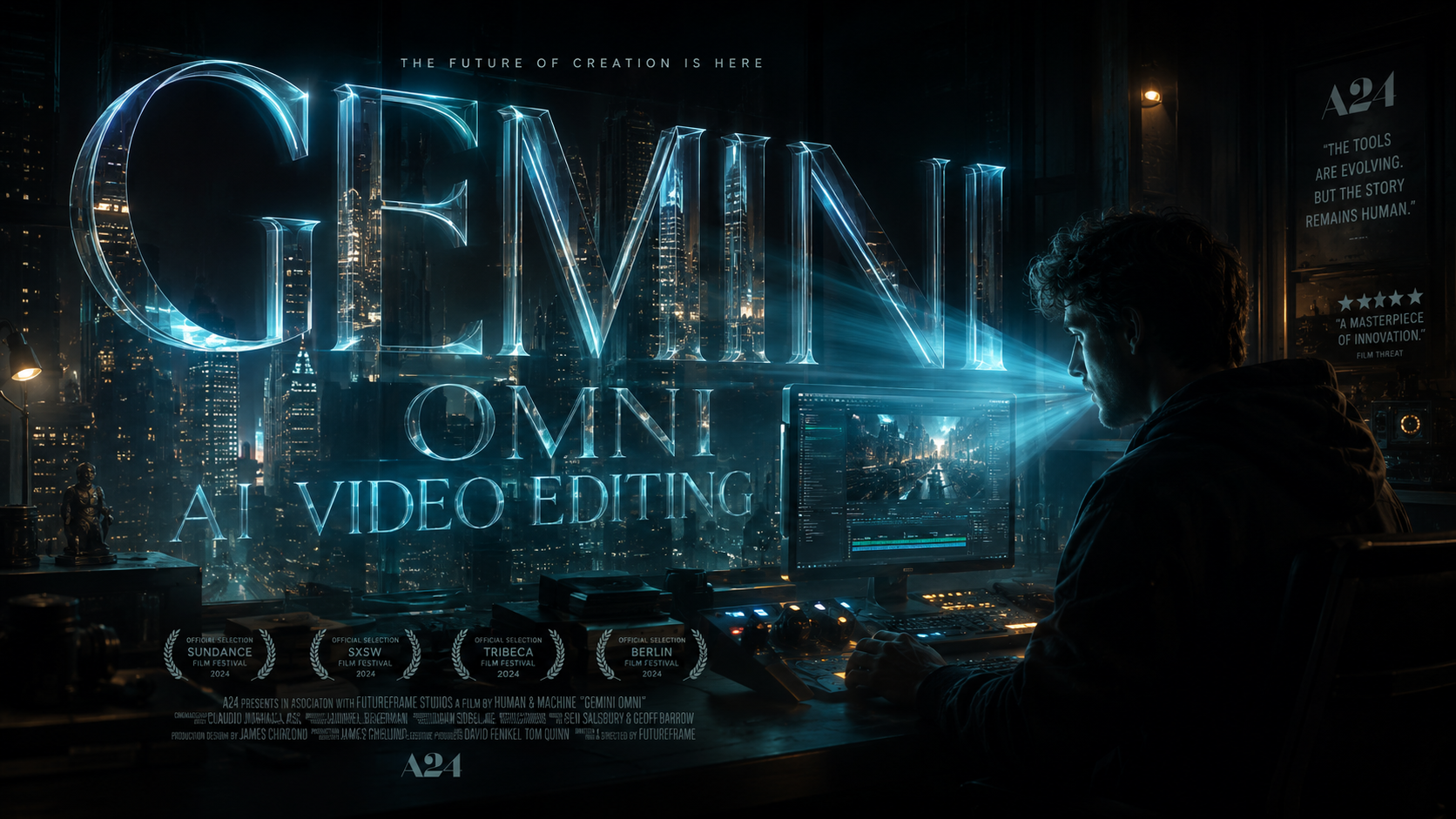
Gemini Omni AI video editing is the latest evolution in Google’s multimodal AI ecosystem, allowing creators to generate, modify, and refine high-definition video content through natural language chat prompts. Unveiled at Google I/O 2026, this advanced "world model" integrates video, audio, and text processing into a single interface, making professional-grade post-production accessible to anyone with a browser. By leveraging the new Omni model, users can transform static ideas into cinematic realities without the steep learning curve of traditional editing software.
Gemini Omni AI video editing is a multimodal creative workflow powered by Google’s Omni world model, designed to handle complex video generation and editing tasks via conversational prompts. It allows for real-time video manipulation, automated scene stitching, and AI-driven asset creation, effectively bridging the gap between generative AI and professional video production suites.
- ✓ Seamlessly edit high-resolution video using simple chat-based natural language prompts.
- ✓ Powered by the 2026 Gemini Omni world model for superior spatial and temporal awareness.
- ✓ Supports end-to-end creation, from initial AI video prompts to final color grading.
- ✓ Integrated directly into the Google ecosystem for collaborative, cloud-based workflows.
- ✓ Capable of "creating anything" by synthesizing multimodal inputs including text, images, and audio.
How to Use Gemini Omni AI Video Editing: A Step-by-Step Guide
The transition from traditional timeline editing to prompt-based creation represents a massive shift in the creative industry. Gemini Omni simplifies this by interpreting creative intent rather than just executing manual commands. According to reports from Memeburn, the interface is designed to feel like a conversation with a professional editor who understands lighting, pacing, and composition.
- Initialize Your Project: Open the Gemini Omni interface and upload your raw footage or describe the scene you wish to generate from scratch using an AI video prompt.
- Describe Your Edits: Use the chat interface to input specific commands such as "Remove the background clutter and replace it with a futuristic cityscape" or "Adjust the lighting to match a sunset aesthetic."
- Refine with Multimodal Input: Provide reference images or audio tracks to guide the AI. For instance, you can upload a photo to set the color palette for the entire video sequence.
- Review and Iterate: Gemini Omni generates a preview in real-time. You can ask for specific changes to timing, such as "Make the transition between the second and third clips slower and more cinematic."
- Export and Scale: Once satisfied, choose your desired resolution and aspect ratio. The Omni model ensures that upscaling maintains visual fidelity across all frames.
The Technology Behind Gemini Omni AI Video Editing
The core of this 2026 revolution is the Omni "world model." Unlike previous iterations that treated video as a sequence of independent frames, Gemini Omni understands the physics and continuity of a 3D environment. This allows the AI to maintain "object permanence," ensuring that a character or object looks consistent even when moving behind obstacles or changing camera angles. As Mashable reported during Google I/O, this advanced capability sets a new benchmark for AI-generated video creation.
Furthermore, the multimodal nature of the model means it doesn't just "see" the video; it "hears" the context. If you are editing a concert video, Gemini Omni can automatically sync visual cuts to the beat of the music or highlight specific instruments based on the audio levels. This level of synchronization previously required hours of manual labor but is now handled instantaneously by the neural network.
Advanced Video Capabilities and Spatial Awareness
Gemini Omni AI video editing benefits from what engineers call "spatial-temporal reasoning." This means the AI understands where objects are in a 3D space and how they move over time. If you ask the AI to "move the camera to the left," it doesn't just warp the image; it reconstructs the hidden parts of the scene based on its training data, providing a smooth, realistic camera pan that looks like it was shot on a physical gimbal.
| Feature | Traditional Video Editing | Gemini Omni AI Video Editing |
|---|---|---|
| Input Method | Manual Timeline & Keyframes | Natural Language Chat & Prompts |
| Processing Time | Hours to Days | Seconds to Minutes |
| Learning Curve | High (Requires Technical Skills) | Low (Conversational) |
| Asset Creation | Requires External Stock/Shooting | Built-in Generative AI Synthesis |
| Hardware Needs | High-end GPU/RAM | Cloud-based (Browser Accessible) |
The Creative Impact of Gemini Omni AI Video Editing
According to Adgully, the unveiling of Gemini Omni marks a turning point for marketing agencies and independent creators alike. The ability to "create anything" from a prompt democratizes high-end production values. Small businesses that previously couldn't afford a professional production house can now generate high-quality commercials that rival big-budget campaigns. This shift is not about replacing human creativity but amplifying it by removing the technical barriers to entry.
In the realm of social media, the speed of content creation is vital. Gemini Omni allows creators to respond to trends in real-time. A creator can take a trending audio clip and ask Gemini to "generate a 15-second travel montage featuring neon-lit Tokyo streets that matches this vibe," and have a polished product ready for upload in under a minute. This rapid turnaround is fundamentally changing how digital media is consumed and produced in 2026.
Redefining Professional Workflows
Professional editors are also finding Gemini Omni to be an indispensable tool for "pre-visualization." Directors can use the AI to create high-fidelity storyboards or "rip-o-matics" to pitch ideas to stakeholders. Instead of using static sketches, they can present moving sequences that accurately represent the intended mood, lighting, and movement of a film. eWeek highlights that the goal of the Omni model is to handle the "grunt work," such as rotoscoping and color matching, allowing professionals to focus on the narrative and emotional resonance of their work.
Gemini Omni AI Video Editing for Enterprise and Education
Beyond entertainment, the applications for Gemini Omni AI video editing extend into corporate training and education. Companies can now transform boring PDF manuals into engaging, interactive video tutorials. By feeding the Omni model a technical document, the AI can generate a presenter, overlay relevant diagrams, and even dub the content into multiple languages with perfect lip-syncing. This ensures that information is accessible and engaging for a global workforce.
In the classroom, teachers are using Gemini Omni to bring history to life. A history teacher can prompt the AI to "recreate a 360-degree view of the Roman Forum as it appeared in 80 AD," providing students with an immersive visual experience that was previously impossible. The ability of the Omni model to synthesize historical data into visual media provides a powerful new tool for pedagogical storytelling.
Security and Ethical Considerations
With great power comes the need for robust safety measures. Google has integrated advanced watermarking and metadata tracking into every video touched by Gemini Omni. This ensures that AI-generated content can be identified, preventing the spread of misinformation. As afaqs! noted, the 2026 rollout included strict "SynthID" protocols that embed imperceptible digital signatures into the video frames, maintaining transparency in the digital age.
The Future of Multimodal Creation
As we look toward the latter half of 2026 and beyond, Gemini Omni AI video editing is expected to integrate even more deeply with other Google services. Imagine a scenario where your Google Photos library is analyzed by Gemini to automatically create a "Year in Review" movie that isn't just a slideshow, but a fully edited documentary-style film with narration and cinematic transitions. The "world model" approach means the AI is constantly learning from the vast amount of visual data it processes, leading to ever-increasing levels of realism.
The "Create Anything" promise of Gemini Omni is not just a marketing slogan; it is a technical reality. Whether it is generating a fantasy landscape for a video game trailer or cleaning up the audio of a grainy home movie, the Omni model treats every task as a multimodal puzzle to be solved. The boundaries between text, image, and video are blurring, leading to a new era of "fluid media" where the form of the content is as flexible as the imagination of the creator.
What is Gemini Omni AI video editing?
It is a next-generation video creation and editing feature within Google's Gemini AI ecosystem. It uses the Omni world model to allow users to edit and generate videos using natural language chat prompts, streamlining the production process significantly.
Is Gemini Omni available for public use?
Following its debut at Google I/O in May 2026, Gemini Omni has been rolled out across various Google Workspace and Creative Lab platforms. Users can access it through the Gemini interface with a compatible subscription.
Can I edit existing footage with Gemini Omni?
Yes, Gemini Omni is designed to both generate new video from scratch and edit existing uploaded footage. You can ask the AI to perform tasks like object removal, color grading, or adding special effects to your own videos.
Does Gemini Omni support high-resolution output?
The 2026 Omni model supports high-definition and 4K output. It uses advanced upscaling and temporal consistency algorithms to ensure that AI-generated or edited videos maintain professional visual standards.
How does Gemini Omni handle copyright and safety?
Google has implemented "SynthID" watermarking technology in Gemini Omni. This embeds digital signatures into the video content to identify it as AI-generated, helping to maintain ethical standards and prevent the misuse of the technology.



Comments ()