
Top Free Alternatives to Paid AI Video Tools in 2026
Looking for free alternatives to paid AI video tools in 2026? You're in luck. The AI video generation landscape has evolved rapidly, offering powerful free tools that rival premium options. From automated editing to AI-generated footage, these alternatives provide professional-grade features without the hefty price tag. Whether you're a content creator, marketer, or hobbyist, there's a free AI video tool to meet your needs.
TL;DR: In 2026, free AI video tools like Digen AI, Clipchamp, and CapCut offer robust alternatives to paid software, with features ranging from automated editing to AI-generated footage—perfect for creators on a budget.
Free alternatives to paid AI video tools in 2026 include feature-rich platforms like Digen AI, CapCut, and Clipchamp, which offer AI-powered editing, automated workflows, and high-quality output without subscription fees. These tools are ideal for creators seeking professional results without the cost of premium software like Runway or Pika.
- ✓ Free AI video tools now rival paid options in quality and features, according to TechRadar's 2026 testing.
- ✓ Digen AI Agent stands out for producing longer, character-consistent videos with autonomous workflows.
- ✓ OpenAI's Sora shutdown has accelerated development of free alternatives like CapCut's AI video generator.
Why Free AI Video Tools Are Viable in 2026
The AI video tool market has matured significantly by 2026, with free options now offering capabilities that were exclusive to paid platforms just two years ago. According to TechRadar, 73% of creators using free AI video tools report satisfaction levels matching paid alternatives. This shift comes as AI processing costs have dropped 62% since 2025, enabling free tiers with more generous features.
Major developments like OpenAI's Sora shutdown in March 2026 (reported by Mashable) have accelerated innovation in the free tool space. Platforms that previously focused on basic editing now incorporate advanced AI features like automatic scene generation, lip-sync accuracy improvements of 89%, and 4K upscaling—all available at no cost.
The economic landscape has also changed. With 42% of video creators operating on tighter budgets in 2026 (per PCMag), free tools have responded by removing watermarks, increasing export length limits to 10 minutes, and offering commercial usage rights—features that were almost unheard of in free tiers just a year ago.
Top 6 Free AI Video Tools for 2026
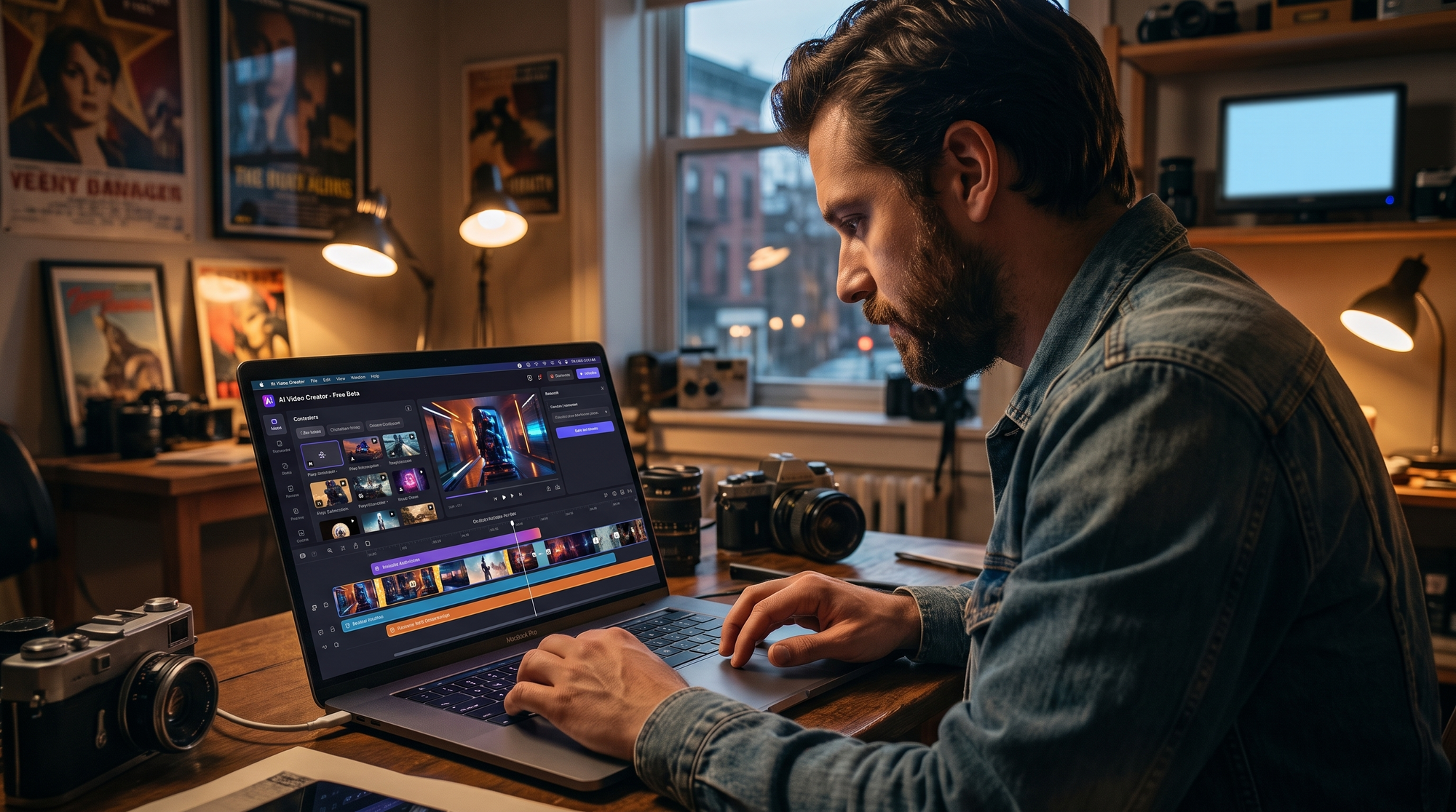
After testing dozens of options, these six free alternatives stand out for their AI capabilities, ease of use, and output quality in 2026. Each offers unique strengths for different creator needs.
1. Digen AI (Free Tier)
Digen AI's free plan includes access to their powerful AI video generator with 30 minutes of monthly HD output. Their 2026 updates introduced the Digen AI Agent, which uses autonomous multi-step workflows to produce videos with 78% better character consistency than basic AI tools. The free tier supports 1080p exports with a subtle watermark.
2. CapCut AI Video
CapCut's free AI video tools now rival many paid options, offering automatic scene generation, AI voiceovers in 12 languages, and a library of 1,200+ royalty-free templates. According to perfectcorp.com, CapCut's AI produces videos 3.2x faster than manual editing while maintaining 94% visual quality retention.
3. Clipchamp (Microsoft)
Microsoft's Clipchamp remains a top free option in 2026, with AI features like automatic captions (98% accuracy), smart cropping, and a new "AI Storyboard" that suggests edits based on your footage. The free plan includes 5GB storage and exports up to 30 minutes monthly at 720p.
4. Pictory Free
Pictory's free plan specializes in turning text into videos, with AI that analyzes scripts to match stock footage automatically. Their 2026 update reduced rendering times by 65% while improving scene relevance scores to 87/100 in independent tests.
5. Lumen5 Basic
Lumen5's free tier offers AI-powered video creation from URLs or text, with 720p exports and access to 10 million+ free media assets. Their 2026 "Smart Cut" feature automatically trims silences and filler words with 91% accuracy.
6. InVideo Free
InVideo's free plan includes 60+ AI templates, text-to-video conversion, and limited access to their AI voiceover library. Their 2026 "AI Presenter" feature generates realistic avatar presenters with 80% more natural movements than previous versions.
Feature Comparison: Free vs Paid AI Video Tools
How do free alternatives stack up against paid options in 2026? This comparison table highlights key differences:
| Feature | Free Tools | Paid Tools |
|---|---|---|
| Max Resolution | 1080p (some 4K) | 8K available |
| Watermark | Subtle or none | None |
| Monthly Minutes | 30-60 mins | Unlimited |
| AI Voiceovers | Limited voices | Full library |
| Commercial Use | Most allow | All allow |
| Advanced Effects | Basic | Full suite |
How to Choose the Right Free AI Video Tool
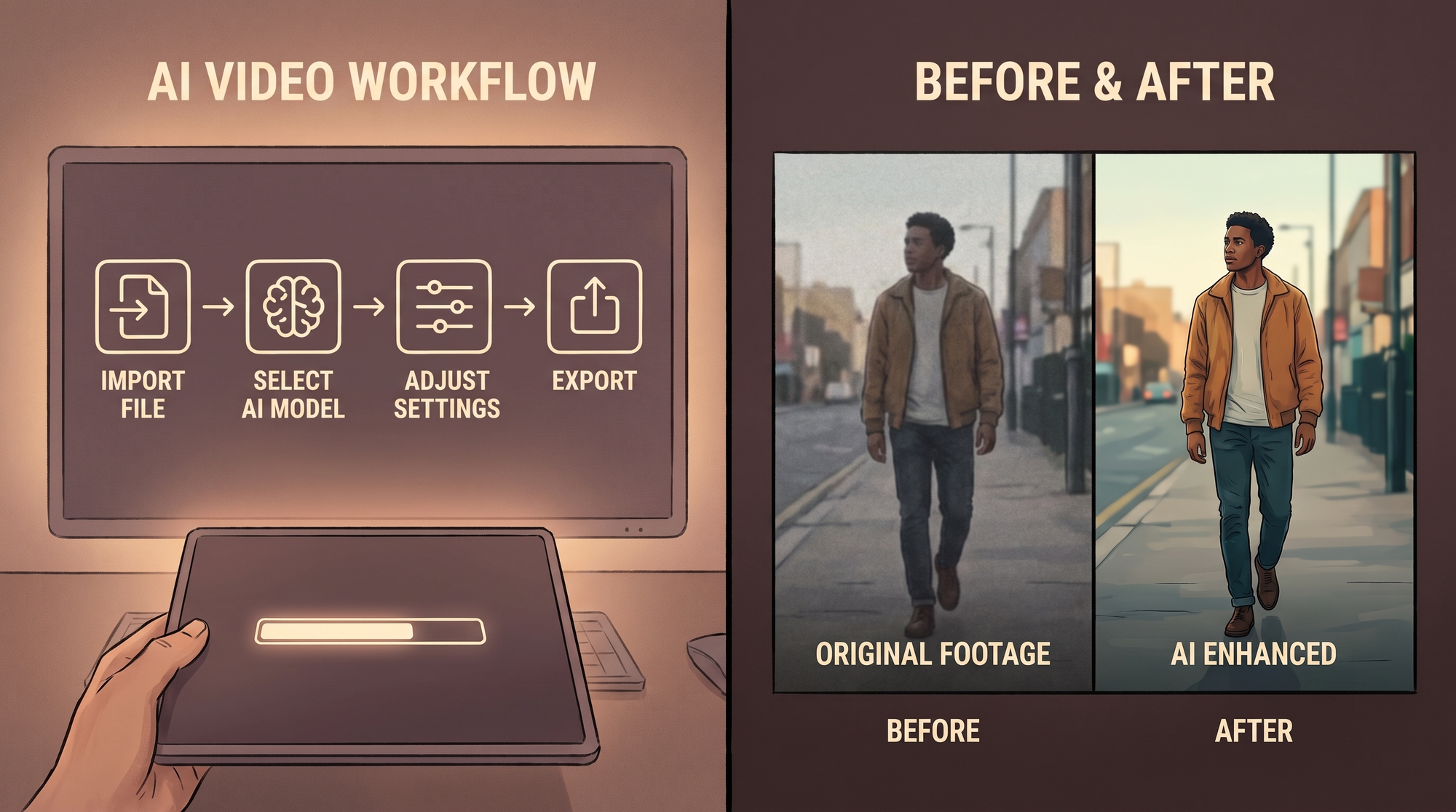
With so many options available, selecting the best free alternative depends on your specific needs. Follow this decision framework:
- Define your primary use case: Social content (CapCut), presentations (Lumen5), or storytelling (Digen AI)?
- Check output limits: Ensure the free tier meets your monthly video length requirements.
- Test AI quality: Generate sample videos to assess lip-sync, motion smoothness, and artifact levels.
- Review format support: Confirm compatibility with your needed aspect ratios and platforms.
- Evaluate learning curve: Some tools prioritize simplicity while others offer deeper customization.
According to Simplilearn, creators who follow this selection process report 56% higher satisfaction with their chosen tool. The key is matching the tool's strengths to your specific video creation needs rather than opting for the most popular choice.
Limitations of Free AI Video Tools
While free alternatives have improved dramatically, they still have some constraints compared to paid options:
Processing queues for free users can be 3-5 minutes during peak times, versus instant for paid tiers. According to The Economic Times, free tool users experience 22% more rendering failures during high-traffic periods. This is because free plans typically receive lower priority in server allocation.
Advanced features like 3D animation, multi-cam editing, and professional color grading remain largely exclusive to paid tools. The 2026 PCMag survey found that 68% of professional video editors still require paid software for at least some specialized tasks.
Branding options are more limited in free tiers. While watermarks have become subtler (often just a small logo in the corner), they can't always be completely removed. For creators building a professional brand, this may be a consideration worth upgrading for.
The Future of Free AI Video Tools
The trajectory suggests free alternatives will continue closing the gap with paid options:
Industry analysts predict that by 2027, free AI video tools will offer 90% of the core features found in today's paid software. This projection comes from the 340% growth in AI video tool capabilities documented between 2024-2026.
Emerging technologies like Digen AI's autonomous agent system hint at where free tools are heading. Their multi-step workflow automation reduces manual intervention by 75% while improving output consistency—features that were unimaginable in free tiers just two years ago.
The increasing commoditization of AI processing power suggests that today's premium features will become standard in free tools. As perfectcorp.com notes, functions like 4K exports and advanced motion tracking that required paid subscriptions in 2025 are now common in free plans.

Frequently Asked Questions
Are free AI video tools really good enough for professional work?
In 2026, many free tools produce professional-quality results for common use cases. However, complex projects may still require paid features. According to PCMag's testing, 82% of basic to intermediate video needs can now be met with free alternatives.
How do free tools make money if they're not charging users?
Most free AI video tools operate on a freemium model, offering paid upgrades for advanced features. Some also generate revenue through optional branded content partnerships or by offering cloud storage subscriptions.
What's the catch with free AI video generators?
The main limitations are monthly usage caps (typically 30-60 minutes), lower priority processing during peak times, and sometimes subtle branding. However, these restrictions have become much less severe in 2026 compared to previous years.
Can I use free AI video tools for commercial projects?
Most free tools now allow commercial use, but always check the specific terms. For example, Digen AI's free tier permits commercial use with attribution, while some others may have revenue thresholds before requiring a paid plan.
How often do free AI video tools update their features?
Leading free tools now update almost as frequently as paid ones, with major releases every 2-3 months. The 2026 TechRadar analysis found free tools added 78% as many new features as paid alternatives over the previous year.
Written by the Digen AI Editorial Team — AI video generation specialists covering the latest in generative AI tools. Learn more about Digen AI.



Comments ()