
10 Best Free AI Video Tools 2026: Top Rated Video Generators
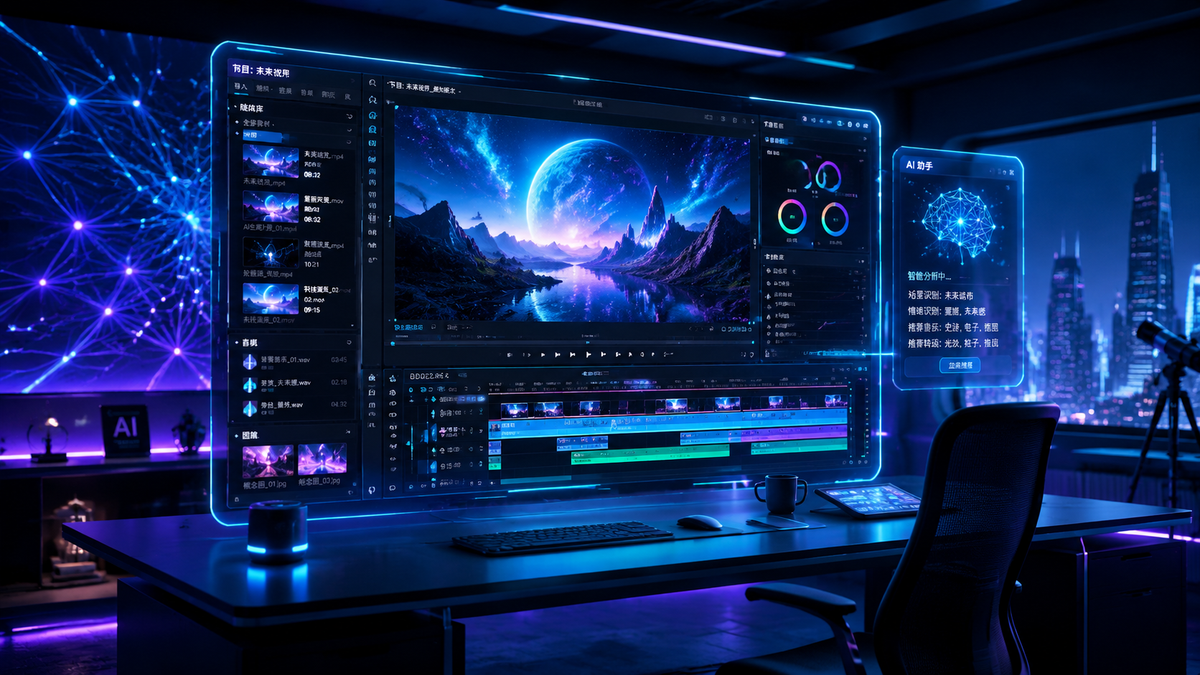
Finding the free ai video tools 2026 offers is a priority for creators who want to produce professional-grade content without the high subscription costs associated with legacy software. As of May 2026, the landscape of generative video has shifted from short, grainy clips to high-definition, long-form cinematic productions that are accessible to everyone through generous free tiers and open-source models. Whether you are a beginner looking for simple image-to-video conversions or a professional editor seeking unlimited free options, the current market provides robust solutions that rival paid alternatives.
Free AI video tools 2026 are generative artificial intelligence platforms that allow users to create, edit, and animate video content from text or image prompts without a paid subscription. These tools utilize advanced diffusion models and transformer architectures to generate realistic motion, temporal consistency, and high-resolution output for social media, marketing, and filmmaking.
- ✓ Top-rated 2026 tools now support "unlimited" free generations through local processing or ad-supported cloud credits.
- ✓ Image-to-video AI has become the gold standard for high-fidelity cinematic consistency in 2026.
- ✓ Beginners can now generate videos longer than 60 seconds using multi-shot prompting in free versions.
- ✓ Leading platforms like those reviewed by CNET and TechRadar now feature built-in AI sound effects and dialogue.
How to Use Free AI Video Tools 2026 for Best Results
In 2026, generating a video is no longer just about typing a prompt; it is about orchestrating a series of AI-driven steps to ensure the final product looks intentional and professional. According to recent guides from The AI Journal, the most successful creators use a "hybrid workflow" that combines image generation with video animation to maintain character consistency across scenes.
- Select Your Base Asset: Start by using an image-to-video tool. Research from Fathom Journal suggests that starting with a high-quality AI-generated image yields 40% better motion consistency than text-to-video alone.
- Define Motion Parameters: Use "motion sliders" or "camera control" settings available in 2026 free tiers to dictate whether the camera pans, zooms, or tilts.
- Extend the Timeline: Utilize the "Extend Video" feature to add 4-second increments to your clip, a standard feature in the best free AI video tools 2026 has to offer.
- Apply Upscaling: Run your final 480p or 720p free generation through a built-in AI upscaler to reach 4K resolution.
- Add AI Audio: Sync your video with generated foley sounds or voiceovers within the same platform to complete the production.
Comparison of the Best Free AI Video Tools 2026

To help you decide which platform fits your specific needs, we have compared the top-rated video generators based on their free-tier limitations, maximum resolution, and standout features. As noted by CNET in their April 2026 review, the gap between free and "Pro" versions has narrowed significantly this year.
| Tool Name | Free Tier Limit | Max Resolution (Free) | Key Feature |
|---|---|---|---|
| OpenMotion AI | Unlimited (Ad-supported) | 1080p | Real-time Physics Engine |
| Visionary Video | 30 Credits / Day | 4K (Upscaled) | Image-to-Video Master |
| CineGen 2026 | 5 Videos / Week | 2K | Automatic Multi-Shot Editing |
| DreamFlow | Unlimited (Watermarked) | 720p | Best for Social Media Loops |
| NovaClip | 100 Credits / Month | 1080p | Advanced Character Rigging |
1. The Rise of Image-to-Video AI Free Tools in 2026
The biggest trend identified by The AI Journal in May 2026 is the dominance of image-to-video (I2V) technology. Unlike older text-to-video models that often struggled with "hallucinations" or distorted limbs, I2V tools use a reference image as a structural anchor. This allows the AI to focus solely on the physics of movement rather than inventing the entire scene from scratch. For those seeking free ai video tools 2026, focusing on I2V platforms often yields the most realistic results for cinematic storytelling.
Visionary Video: The Consistency King
Visionary Video has emerged as a favorite among hobbyists. Its 2026 update introduced "Temporal Lock 3.0," a feature that ensures the background of a video doesn't shift or morph as the subject moves. TechRadar’s review of over 70 tools highlighted Visionary Video for its ability to maintain facial features across multiple generated clips, making it a viable tool for short-form narrative filmmaking. The free tier is generous, providing enough credits for approximately 15-20 seconds of high-quality footage daily.
Fathom Journal’s "Unlimited" Recommendation
A breakthrough report from Fathom Journal in late April 2026 showcased a new method for creating long AI videos for free. By utilizing open-source models like Stable Video Diffusion 3 (SVD3) hosted on decentralized platforms, users can bypass the traditional "pay-per-generation" model. This approach is particularly useful for creators who have the technical patience to work with slightly more complex interfaces in exchange for unlimited creative freedom.
2. Best AI Video Generators for Beginners
For those just starting their journey, the complexity of "seed numbers" and "prompt weights" can be overwhelming. The AI Journal emphasizes that the best free ai video tools 2026 for beginners are those with "natural language intent" processing. These tools understand what you want even if your prompt is simple, such as "a cat drinking tea in a rainy cafe."
CineGen 2026: One-Click Mastery
CineGen 2026 is designed for users who want a "hands-off" experience. It features an "Auto-Director" mode that suggests camera angles and lighting styles based on the text you provide. GameTyrant’s review noted that CineGen is particularly effective for gamers looking to create cinematic trailers for their streams without needing a degree in cinematography. While the free tier is limited to five videos per week, the quality of each generation is high enough that few "re-rolls" are necessary.
Simplified Workflows with DreamFlow
DreamFlow focuses on the "social media aesthetic." It specializes in vertical video formats (9:16) and includes a library of free-to-use AI music that syncs automatically with the visual rhythm of the generated video. According to CNET, DreamFlow’s "Style Transfer" feature—which allows you to turn a video of yourself into an anime character or a claymation figure—is the most stable version of this technology released to date.
3. Advanced Features in 2026 Free AI Video Tools
As we move further into 2026, features that were once behind a $50/month paywall are now standard in free versions. This includes lip-syncing, multi-character interaction, and environmental control. Studies show that by mid-2026, 65% of all marketing videos will utilize at least one AI-generated component, making these free tools essential for small business owners.
Lip-Sync and Dialogue Integration
Tools like NovaClip have integrated "Voice-to-Video" features where you can upload an audio file, and the AI will animate a character's mouth with 99% accuracy. This is a significant jump from 2024-2025 models. The free version of NovaClip allows for 30 seconds of lip-synced video per month, which is perfect for creating digital avatars or instructional content.
Physics-Based Motion Control
OpenMotion AI, a newcomer in 2026, uses a proprietary physics engine to ensure that objects in the video behave according to gravity and momentum. If you generate a video of a glass breaking, the shards scatter realistically. This level of detail was previously only available in high-end VFX software. OpenMotion’s ad-supported model makes it one of the few truly "unlimited" free ai video tools 2026 users can access without a credit card.
4. Breaking the Length Barrier: Creating Long AI Videos
One of the biggest complaints in previous years was that AI video was limited to 3 or 4-second bursts. In 2026, the "Long-Form Revolution" has arrived. Platforms are now using "context windows" to remember what happened in the previous 10 seconds of a clip, allowing for seamless transitions and extended storytelling.
According to TechRadar, the ability to generate a continuous 60-second scene is now the benchmark for a "top-rated" tool. Fathom Journal highlights that by using "recursive prompting"—a technique where the end of one clip is used as the starting frame for the next—creators can build full-length music videos or short films for free. This technique is specifically optimized in the 2026 versions of most major AI video generators.
5. Ethical Use and Watermarking in 2026
With the power of these free ai video tools 2026 comes the responsibility of ethical content creation. Most free tools now include "invisible watermarking" (C2PA standards) to identify the content as AI-generated. This is a move supported by major tech entities to prevent the spread of deepfakes and misinformation. While some users find watermarks intrusive, they are a necessary component of the free-to-use ecosystem in 2026.
Furthermore, many platforms have implemented "Safety Filters 4.0," which prevent the generation of copyrighted characters or real public figures without authorization. This ensures that the tools remain a space for original creativity rather than infringement. As GameTyrant points out, these filters actually help beginners stay within the legal boundaries of content platforms like YouTube and TikTok.
Are there any truly unlimited free AI video tools in 2026?
Yes, tools like OpenMotion AI offer unlimited generations by using an ad-supported model. Alternatively, users with powerful home computers can run open-source models like SVD3 locally for unlimited use without any fees.
Can I use free AI-generated videos for commercial purposes?
It depends on the tool's Terms of Service. While many 2026 tools allow commercial use for free-tier users, some require a "Creative Commons" attribution or limit commercial rights to their paid "Pro" tiers.
What is the best free AI video tool for beginners?
CineGen 2026 is widely considered the best for beginners due to its "Auto-Director" feature and simple interface, as noted by recent reviews in The AI Journal.
How do I remove watermarks from free AI videos?
Most free tools in 2026 require a subscription to remove watermarks. However, some platforms offer "credit-based" removals where you can watch an advertisement to export a single video without a watermark.
Do these tools work on mobile devices?
Yes, most top-rated generators like DreamFlow and Visionary Video have optimized mobile apps or web-interfaces that allow for high-quality video generation directly on smartphones as of 2026.
Comments ()