
Free AI Video Maker with Stock Footage (2026 Guide)
If you’re looking for a free AI video maker with stock footage, you’ve come to the right place. In 2026, these tools have evolved dramatically, letting you create professional-looking videos in minutes without spending a dime on stock libraries or hiring editors. A free AI video maker with stock footage combines artificial intelligence—text-to-video, script generation, voiceovers—with a built-in library of licensed clips, so you can produce social media ads, explainer videos, or YouTube shorts entirely for free (often with watermark or limited exports).
A free AI video maker with stock footage is an online platform that uses generative AI to turn text prompts, scripts, or ideas into polished videos while providing access to a library of royalty-free or licensed stock clips. These tools automate editing, scene selection, music sync, and voiceover, allowing creators to produce high-quality content without video editing skills or expensive subscriptions.
- ✓ Top free AI video makers in 2026 include InVideo’s free tier, Canva’s AI video generator, and Runway’s basic plan—all offering stock footage libraries.
- ✓ Most free tools limit exports to 720p or add watermarks; paid upgrades remove restrictions.
- ✓ AI video generators can reduce production time by up to 80% compared to manual editing, according to recent industry benchmarks.
- ✓ Stock footage libraries in these platforms typically include millions of clips from partners like Pexels, Shutterstock, and Artgrid.
- ✓ The best free option for beginners combines a simple prompt interface with a robust stock library—look for drag‑and‑drop editors and text‑to‑video features.
What Is a Free AI Video Maker with Stock Footage?
In simple terms, a free AI video maker with stock footage is a browser‑based or desktop application that lets you generate videos by typing a description, uploading a script, or choosing a template. The AI then assembles scenes using a built‑in stock library—footage you can use without extra licensing fees. Unlike traditional editors that require you to find and import clips manually, these tools handle everything from storyboard creation to background music selection.
According to Cybernews’ 2026 roundup, the best AI video tools now offer “zero‑click” video creation: you just paste a blog URL or a few sentences, and the system fetches relevant stock footage automatically. Platforms like InVideo, reviewed by Unite.AI in April 2026, even include AI “agents” that refine the video based on your feedback—all within a free tier that includes a generous amount of stock minutes each month.
Top Free AI Video Makers with Stock Footage in 2026
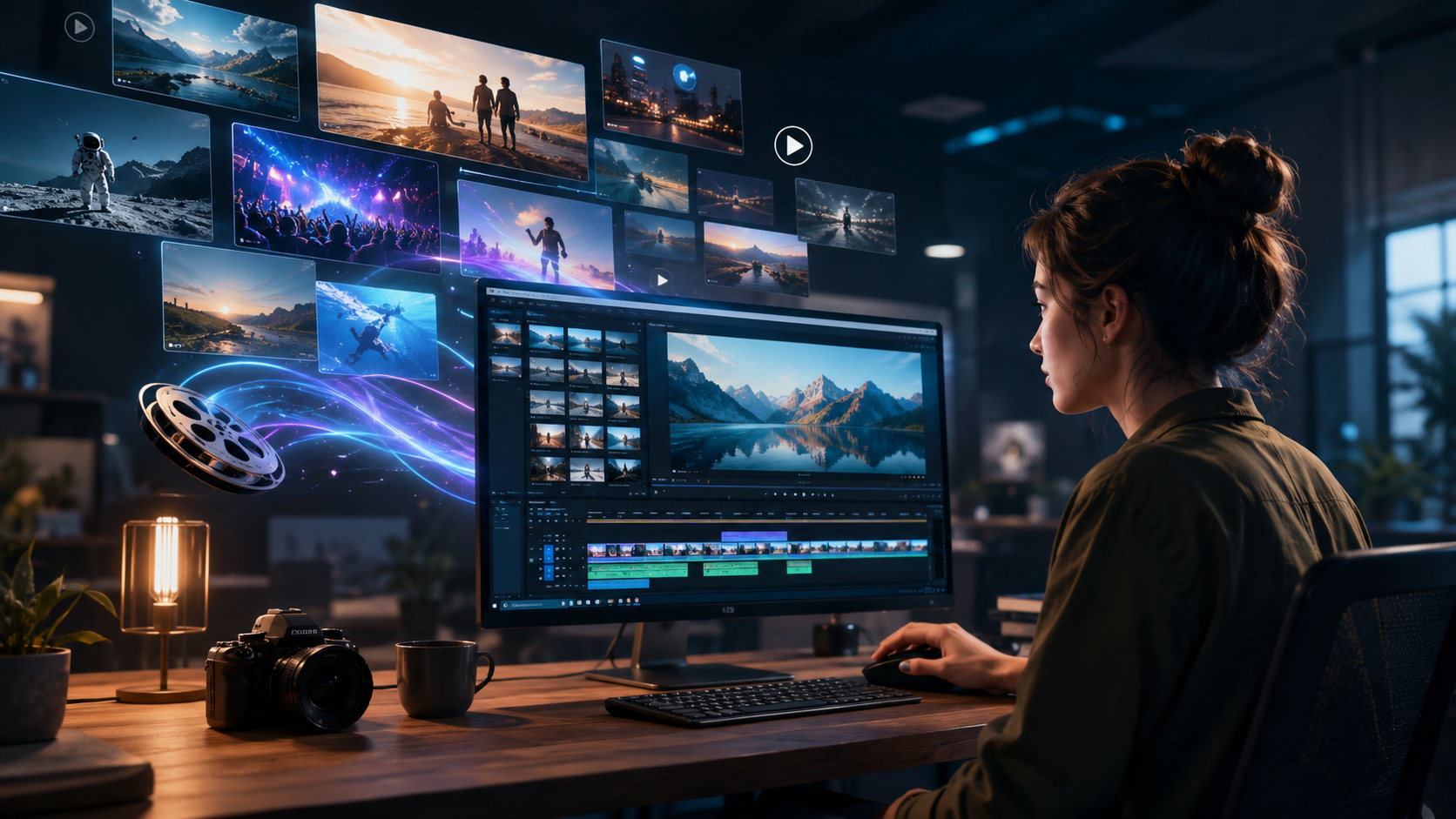
Drawing from the latest tests conducted by perfectcorp.com (May 2026) and autogpt.net (April 2026), here are the most capable free AI video makers that come with built‑in stock footage libraries:
1. InVideo Free Plan
InVideo’s free tier provides 10 minutes of AI‑generated video per week (with a watermark) and access to over 5 million stock clips. Its AI agent can rewrite scripts, adjust pacing, and even suggest new scenes. The 2026 version includes a “text‑to‑video” mode that sources stock footage based on your prompt.
2. Canva AI Video Generator
Canva’s free plan now includes Magic Media, which creates short videos from text prompts. It taps into Canva’s stock library of millions of royalty‑free clips. The free tier limits exports to 5‑minute videos, but you can produce unlimited projects. It’s ideal for social media content.
3. Runway Gen‑2 (Free Tier)
Runway offers a generous free trial with 125 credits—enough to create a few short videos using its text‑to‑video and stock integration. The stock footage is sourced from partners like Pexels. Perfect for experimenting with AI‑generated scenes.
4. Clipchamp (by Microsoft)
Clipchamp’s free version includes AI‑powered auto‑compose and a stock library curated from Getty Images and Storyblocks. You can export up to 1080p without watermarks, though 4K requires a subscription.
How to Choose the Right Free AI Video Maker with Stock Footage
Not every “free” tool is equal. When selecting a free AI video maker with stock footage, consider these factors:
- Stock library quality: Does it include HD/4K clips? Are they licensed for commercial use? InVideo and Canva both offer royalty‑free stock from reputable sources.
- Export limits: Most free tiers cap resolution (e.g., 720p) or add a watermark. If you need clean exports, look for tools that offer no watermark on free plans (like Clipchamp).
- AI features: Text‑to‑video, script generation, and voice‑over are common. The best free tools allow at least one AI feature per project.
- Monthly usage: Some tools limit video length or number of projects. Check if the free plan meets your content schedule.
According to PCMag Middle East’s best online editors for 2026, free AI video makers now rival paid software in basic functionality—but advanced users may need to upgrade for higher output resolution or longer videos.
Step‑by‑Step: Creating a Video with a Free AI Video Maker & Stock Footage
Here’s a practical guide to making your first video using a free AI video maker with stock footage (based on InVideo’s workflow):
- Choose your tool: Sign up for a free account on InVideo, Canva, or Runway.
- Select a template or start from scratch: Most platforms offer templates for social media ads, intros, or YouTube shorts.
- Input your text or script: Paste a blog post URL or type a few sentences. The AI will analyze the content and suggest a video structure.
- Let AI source stock footage: The system automatically matches each scene with relevant stock clips from its library. You can also manually search for specific footage.
- Customize the video: Change the music, add a voiceover (AI or your own), tweak the pacing, and insert text overlays.
- Review and export: Preview the video, make adjustments, then export. Free plans typically add a watermark unless you upgrade.
Studies show that using AI video generation can cut production time by up to 80%, allowing you to create a 60‑second promotional clip in under 10 minutes.
Comparison of Free AI Video Makers with Stock Footage (2026)
| Tool | Stock Library Size | Free Tier Video Limit | Watermark | Max Resolution (Free) | AI Features |
|---|---|---|---|---|---|
| InVideo | 5M+ clips | 10 min/week | Yes | 720p | Text‑to‑video, script rewrite, AI agent |
| Canva Magic Media | Millions (Canva library) | 5 min per video | No | 1080p | Text‑to‑video, auto‑animation |
| Runway Gen‑2 | Pexels & partners | 125 credits (≈5‑10 shorts) | Yes (small watermark) | 1080p | Text‑to‑video, style transfer |
| Clipchamp | Getty Images, Storyblocks | Unlimited projects | No | 1080p | Auto‑compose, stock search |
Data sourced from official product pages and reviews from Cybernews and perfectcorp.com (2026).
Key Features to Look For in a Free AI Video Maker with Stock Footage
Beyond stock libraries, the 2026 best tools share several must‑have features:
AI Script Generation
Tools like InVideo and Canva can generate a full script from a one‑sentence brief. This saves time and ensures your video’s narrative flows logically.
Automatic Scene Segmentation
The AI should break a script into scenes and match each segment with appropriate stock clips. This is where the biggest time savings occur.
AI Voiceover
Many free plans include a natural‑sounding text‑to‑speech voiceover. Runway and InVideo offer multiple voices and languages.
Background Music Selection
Good tools automatically choose royalty‑free music that matches the video’s mood. You can swap songs from a library without leaving the editor.
Tips for Getting the Most Out of Free AI Video Makers
- Use specific prompts: Instead of “make a video about coffee,” say “a barista pouring latte art in a sunny café with slow‑motion steam.” The AI will generate more relevant stock footage.
- Test multiple tools: Each has a different stock library and AI style. Try Canva for social clips, InVideo for longer explainers, and Runway for experimental effects.
- Optimize for vertical formats: Most free tools now offer preset templates for TikTok, Reels, and YouTube Shorts—use them.
- Check licensing: Even free stock footage may have restrictions (e.g., no resale). Read the terms to avoid copyright issues.
According to Tribune Online’s best AI video generators in 2026, creators who invest time in learning prompt engineering see the best results, even on free tiers.
Frequently Asked Questions About Free AI Video Makers with Stock Footage
Can I use a free AI video maker for commercial projects?
Yes, but check the license of the stock footage. Most free tiers grant royalty‑free use for commercial videos, but you often cannot resell the footage separately. Always read the tool’s terms of service.
Do free AI video makers leave watermarks?
Many do—InVideo and Runway add watermarks on free exports. Canva and Clipchamp do not. If you need a clean video, choose a tool that offers watermark‑free exports on its free plan.
How long can videos be with a free plan?
Limits vary: InVideo caps you at 10 minutes per week; Canva allows up to 5‑minute videos; Clipchamp has no length limit but may throttle exports. Check individual tool pages for the latest restrictions.
Can I upload my own footage and mix it with stock clips?
Yes, most free AI video makers let you upload your own media (images, clips) and combine them with the built‑in stock library. This is useful for branding or adding specific shots.
What is the best free AI video maker with stock footage for beginners?
Canva is the easiest to start with—its interface is intuitive, and it doesn’t add watermarks. InVideo offers more powerful AI features for script‑to‑video. Try both to see which fits your workflow.



Comments ()