
Free AI Video Maker Guide: 2026 Best Tools & Pro Tips
A free AI video maker guide is a comprehensive resource designed to help creators leverage artificial intelligence to generate high-quality video content without upfront costs. This guide focuses on the 2026 landscape of generative video, highlighting tools that offer robust free tiers for text-to-video, image-to-video, and automated editing. By following a structured approach, anyone from social media influencers to small business owners can produce professional-grade visuals using sophisticated neural networks.
A free AI video maker is a cloud-based software that uses generative artificial intelligence—such as diffusion models and large language models—to create or edit video content based on user prompts. In 2026, these tools provide accessible entry points for creators to produce high-definition videos, realistic avatars, and cinematic effects without requiring expensive hardware or professional editing skills.
- ✓ Most free AI video tools in 2026 utilize credit-based systems that reset monthly, allowing for consistent content creation.
- ✓ Leading platforms like Adobe Firefly and Vidnoz now offer seamless text-to-video capabilities with high temporal consistency.
- ✓ Strategic prompt engineering is the most critical skill for maximizing the quality of free AI-generated outputs.
- ✓ Hybrid workflows—combining AI generation with traditional editing software—yield the most professional results for YouTube and marketing.
How to Use a Free AI Video Maker: A Step-by-Step Guide
Navigating the world of generative media can be daunting, but the process has become significantly more intuitive as of 2026. This free AI video maker guide is designed to streamline your workflow, moving from a simple concept to a polished final product. The key is to understand that AI is a collaborative partner; it handles the heavy lifting of rendering and animation while you provide the creative direction and refined instructions.
According to recent insights from BBN Times, the integration of AI into video production has reduced the average turnaround time for short-form content by over 70% in 2026. To get started effectively, follow these essential steps to ensure your video stands out in an increasingly AI-driven digital landscape.
- Define Your Objective and Script: Start by identifying the purpose of your video. Use an AI writing assistant to draft a concise script or a set of descriptive prompts that outline the visual sequence you want to achieve.
- Select the Right Free Tool: Choose a platform based on your needs. For realistic avatars, tools like Vidnoz are ideal, while for cinematic b-roll, Adobe Firefly’s video modules are superior.
- Input Prompts and Parameters: Enter your text prompts into the generator. Be sure to specify the aspect ratio (e.g., 9:16 for TikTok/Reels or 16:9 for YouTube), camera movement, and lighting style.
- Generate and Iterate: Run the generation process. If the result isn't perfect, refine your prompt by adding more descriptive adjectives or adjusting the "motion" slider settings common in 2026 tools.
- Edit and Enhance: Export your AI clips and bring them into a free editor like CapCut or the free version of DaVinci Resolve to add music, transitions, and text overlays.
- Review for Compliance: Ensure your video meets the platform's community guidelines and check for any AI-specific watermarks that might be required by law for transparent AI usage.
Top 2026 Free AI Video Generation Tools Compared
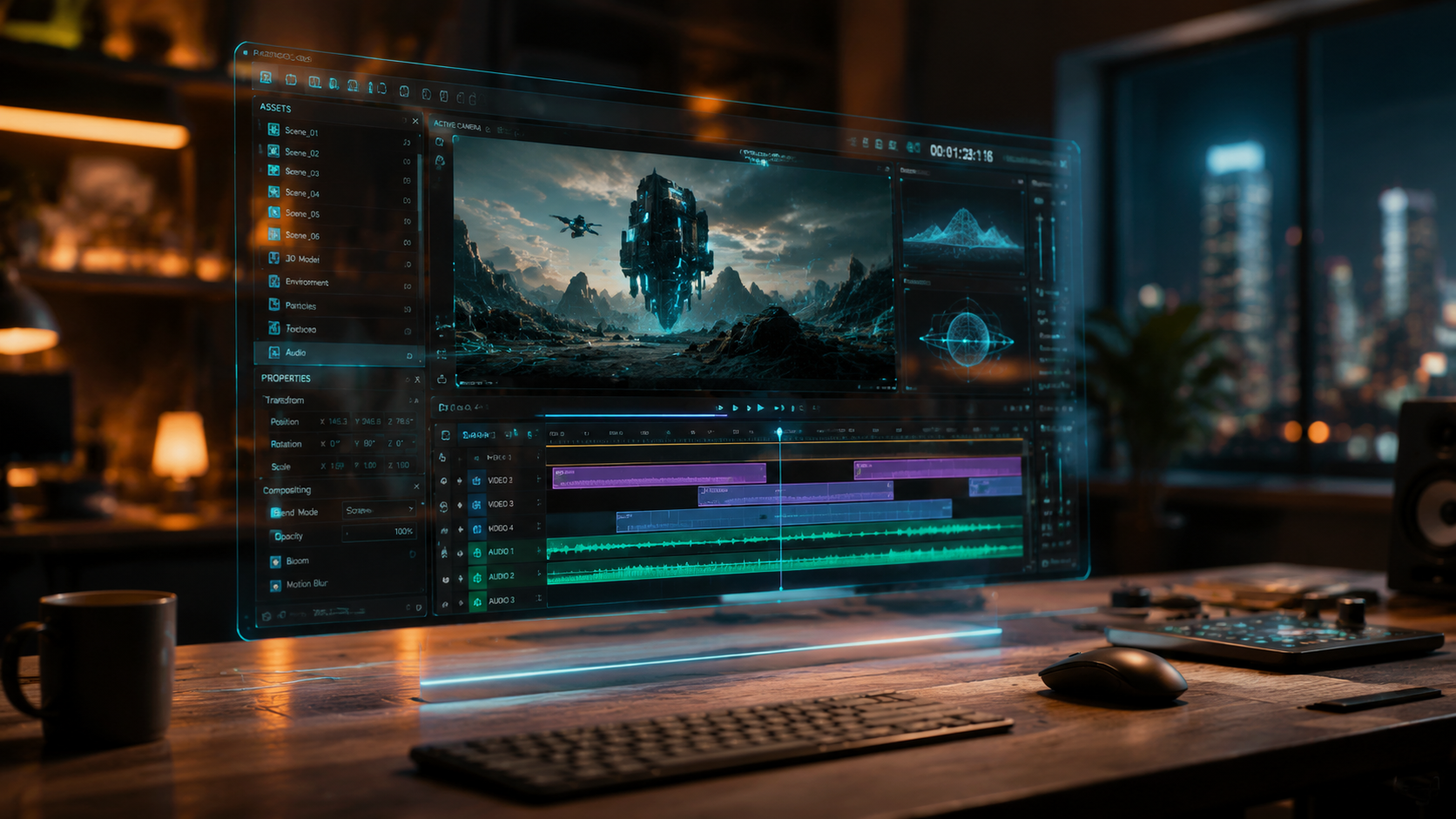
The market for AI video generation has matured rapidly. In 2026, the distinction between "free" and "paid" tools often comes down to the number of seconds you can generate and the resolution of the final export. As noted by Simplilearn, the best picks for 2026 focus on "use cases" rather than just raw power, ensuring that users find the right tool for their specific niche, whether it's education, marketing, or entertainment.
When selecting a tool from this free AI video maker guide, consider the "credit refresh" policy. Some tools give you a one-time allotment, while others, like Adobe Firefly, provide monthly generative credits that allow for ongoing experimentation. This makes them sustainable options for hobbyists who don't want to commit to a monthly subscription fee immediately.
| Tool Name | Primary Strength | Free Tier Limitations | Best For |
|---|---|---|---|
| Adobe Firefly Video | Photorealistic consistency | 25 Monthly Credits | Cinematic B-roll |
| Vidnoz AI | Talking head avatars | 1-3 Minutes Daily | Educational Tutorials |
| Simplilearn AI Suite | Marketing templates | Watermarked exports | Small Business Ads |
| Luma Dream Machine | Physics-based motion | 30 Generations/Month | Experimental Art |
| Canva Magic Media | Ease of use/Design | 50 Lifetime Credits | Social Media Posts |
Deep Dive: Maximizing Adobe Firefly for Video in 2026
Adobe Firefly has evolved into a powerhouse for video creators. According to PCMag Australia, the 2026 updates to Firefly allow for unprecedented control over "structure and style" references. This means you can upload a still image and tell the AI to animate it in a specific way, or provide a "style" image to ensure the video's color grading matches your brand perfectly. This level of control is what separates professional AI tools from basic generators.
The Power of Generative Extend
One of the standout features in 2026 is "Generative Extend." This allows you to take a video clip that is slightly too short and use AI to "extend" the footage by a few seconds. It analyzes the existing pixels and predicts the next sequence of motion, which is incredibly useful for hitting specific timing in a music track or transition. For free users, this feature is often available within the standard credit limits, making it a "must-use" for refining existing footage.
Text-to-Video Prompt Engineering
To get the most out of Firefly’s free credits, your prompts must be precise. Instead of "a car driving," try "a sleek electric vehicle gliding through a neon-lit Tokyo street at night, 4k, cinematic lighting, shot on 35mm lens." By being specific about the lens and the environment, you reduce the likelihood of the AI producing "hallucinations" or visual glitches, thereby saving your valuable free credits.
Vidnoz and the Rise of Avatar-Based Content
For many creators, the goal isn't just cinematic scenery but person-to-camera communication. This is where Vidnoz AI shines. As highlighted by The Plaid Horse Magazine, Vidnoz has "outclassed" many competitors by providing a highly accessible free version of its AI Content Creator. This tool allows you to select a digital human avatar, input text, and have the avatar speak your script with realistic lip-syncing and gestures.
Automating Educational Content
In 2026, educational channels on YouTube are increasingly using Vidnoz to scale their production. The free tier allows for short daily generations, which is perfect for "Fact of the Day" videos or quick news updates. Because the avatars are pre-rendered, the processing time is much faster than full-scene generative video, allowing for almost real-time content creation.
Customizing Your Digital Twin
While the free version typically restricts you to a selection of public avatars, the technology in 2026 has advanced so that even these standard models have high emotional intelligence. You can adjust the "tone" of the voice—from "excited" to "professional"—to match the context of your video. This versatility makes it a cornerstone of any free AI video maker guide focused on communication and branding.
Pro Tips for High-Quality AI Video Production
Creating video with AI is easy, but creating *good* video requires a strategic approach. Amateur Photographer notes that in 2026, the best video software is "literally anyone can use," but the difference lies in the creator's eye for composition and pacing. To elevate your work, you must look beyond the "generate" button and think like a traditional cinematographer.
Focus on Temporal Consistency
A common issue with free AI tools is "flickering," where details change between frames. To minimize this, keep your clips short (3-5 seconds). It is much better to have four perfectly consistent 3-second clips edited together than one 12-second clip that becomes distorted halfway through. Use the "Seed" parameter if available to maintain a consistent visual style across multiple generations.
Upscaling and Post-Processing
Most free AI video makers export at 720p or 1080p to save on server costs. To achieve a 4k professional look, use a secondary free AI upscaler. Many open-source tools available in 2026 can take a low-resolution AI generation and enhance the details, making it indistinguishable from high-end professional footage. This "stacking" of free tools is the secret to high-end production on a zero-dollar budget.
Sound Design is 50% of the Video
AI video generators often produce silent clips. Do not neglect the audio. Use free AI music generators or the YouTube Audio Library to find high-quality soundtracks. According to studies in 2026, viewers are more likely to forgive slightly "artificial" visuals if the audio quality is crisp and the sound effects (foley) are synchronized with the on-screen action.
The Future of Free AI Video: What to Expect in Late 2026
As we move through 2026, the barrier between professional studios and individual creators continues to dissolve. Breaking AC News reports that the "Top 15 AI Video Generators" are now incorporating real-time physics engines. This means that if you generate a scene of a glass breaking, the shards will move according to actual laws of gravity and momentum, rather than just "guessing" the motion.
Furthermore, we are seeing the rise of "Multimodal Editing," where you can talk to your video editor. Instead of dragging sliders, you might say, "Make the sunset more orange and speed up the camera pan," and the AI will adjust the video parameters instantly. For those following this free AI video maker guide, staying updated on these features will be essential as they migrate from "beta" to "free-to-play" tiers.
Is there a completely free AI video maker without watermarks?
In 2026, most tools like Adobe Firefly or Luma offer watermark-free exports if you use their monthly credit allotment. However, some platforms require a small "made with AI" tag in the corner to comply with transparency regulations.
How many videos can I make for free each month?
Typically, you can generate between 10 and 30 short clips (3-5 seconds each) per month on most free tiers. Tools like Vidnoz offer daily limits, which can result in more total content if used consistently every day.
Do I need a powerful computer to use AI video makers?
No, almost all AI video generation in 2026 happens in the cloud. You only need a standard web browser and a stable internet connection, as the heavy processing is handled by the provider's remote servers.
Can I use free AI-generated videos for commercial purposes?
This depends on the tool's terms of service. While Adobe Firefly allows for commercial use on its paid plans, many free tiers are restricted to personal or "educational" use. Always check the specific license for the tool you are using.
What is the best AI video maker for YouTube in 2026?
For YouTube, a combination of Adobe Firefly for high-quality b-roll and Vidnoz for avatar-based narration is currently the most effective free workflow recommended by experts for 2026.



Comments ()