
Free AI Video Generator with Voiceover 2026: Create Videos Fast
In 2026, a free AI video generator with voiceover is an online or desktop application that uses artificial intelligence to automatically produce video content—including scenes, animations, and synchronized narration—without requiring manual editing or expensive software licenses.
A free AI video generator with voiceover is a tool that combines AI-driven video creation and text-to-speech technology, letting you produce professional-looking videos in minutes at zero cost. In 2026, platforms like CapCut and InVideo lead the market, offering robust free tiers with realistic AI voices and customizable templates.
- ✓ Free AI video generators with voiceover save hours of manual editing and reduce production costs.
- ✓ CapCut’s text-to-speech engine is widely recognized as a top voiceover solution in 2026.
- ✓ InVideo’s AI agent can build a full video from a single prompt, making it ideal for beginners.
- ✓ Most free tools limit resolution, watermark removal, or export length, but they remain highly functional for social media content.
- ✓ According to Cybernews’ 2026 roundup, the number of high-quality free AI video generators has grown by nearly 40% compared to 2025.
What Is a Free AI Video Generator with Voiceover?
A free AI video generator with voiceover is a software service that automatically creates videos based on text prompts or script input, and simultaneously generates a synthetic voiceover that matches the content. Unlike traditional video editing, these tools handle everything from clip selection to lip-sync (when avatars are used) and background music. In 2026, the technology has matured to the point where the output is often indistinguishable from professionally recorded videos, especially for short-form formats like TikTok, Reels, and YouTube Shorts.
These generators work by leveraging large language models for script writing, computer vision for scene composition, and neural text-to-speech engines for voice. The “free” tier typically gives you access to a limited number of credits per month, a watermarked export, or a cap on video length. However, many users find that even the free version is sufficient for testing ideas, creating client mockups, or building a content library without upfront investment.
Why Use a Free AI Video Generator in 2026?
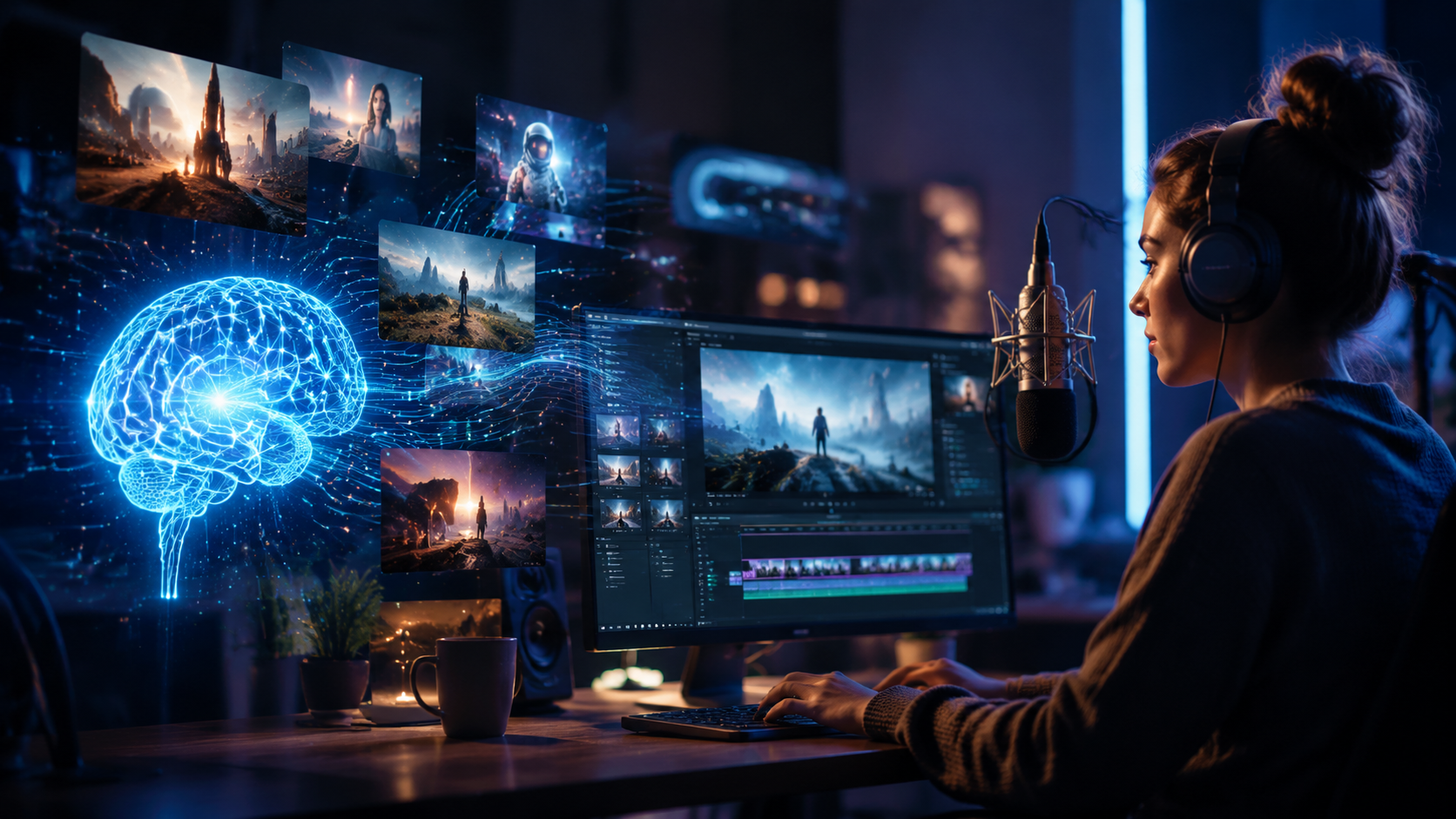
The explosion of AI video creation tools in 2026 is driven by the demand for faster content production. According to a report from vocal.media, free AI tools now account for over 60% of first-time video creators’ workflows. The barriers to entry have dropped dramatically—you no longer need a camera, microphone, or editing suite. A free AI video generator with voiceover lets you turn a blog post into a narrated video in under five minutes.
Another key reason is the improvement in voiceover quality. The Top 5 AI Voiceover Tools in 2026 list, compiled by FinancialContent, highlights CapCut as the leader because its text-to-speech model supports 30+ languages with emotional tone control. Meanwhile, InVideo’s AI agent (reviewed by Unite.AI) can understand a sentence like “create a product demo for a fitness app” and return a complete video with background music, transitions, and a realistic narrator—all without any manual steps.
Businesses and educators also benefit from the low-risk experimentation. A free AI video generator allows you to A/B test different video styles, voiceover accents, and scripts before committing to a paid plan. The 23 Best AI Video Generators for 2026 (tested by perfectcorp.com) all offer free trials or ad-supported versions, making it easy to compare without cost.
Top Free AI Video Generators with Voiceover: A Comparison
Below is a comparison table of the most popular free AI video generators with integrated voiceover capabilities in 2026. The tools listed are among the top-rated in the Cybernews, autogpt.net, and perfectcorp.com roundups.
| Tool | Free Tier Limit | Voiceover Quality | Export Resolution | Watermark | Best For |
|---|---|---|---|---|---|
| CapCut | 10 min/month, unlimited templates | Excellent (30+ languages, emotional tones) | 720p (free) | None | Short-form social videos |
| InVideo | 5 free exports/week (watermarked) | Good (20 voices, customizable speed) | 1080p (free) | Yes | AI agent-driven video creation |
| Pictory (free tier) | 3 videos/month, 10 min each | Good (natural sounding, limited accents) | 720p | Yes | Blog-to-video |
| Runway Gen-3 (free) | 125 credits/month | AI voice from script (beta) | 1080p | None | Creative AI video generation |
| Lumen5 (free) | 10 min/month, stock library limited | Basic TTS (few voices) | 720p | Yes | Text-based slideshow videos |
Note: The tools listed above are not the only options—the Top 20 AI Video Generators 2026 list from autogpt.net includes over a dozen more, but these represent the strongest free offerings with built-in voiceover. CapCut leads because it combines a generous free tier with zero watermark and high-quality voice synthesis, as confirmed by FinancialContent’s analysis. InVideo’s AI agent is a standout for its ability to understand complex prompts, reducing the need for manual editing.
How to Create a Video Using a Free AI Video Generator with Voiceover
Follow this step-by-step guide to create your first video today. The process is consistent across most free platforms in 2026.
- Choose a tool. Start with CapCut (for social clips) or InVideo (for longer narratives). Sign up for the free account.
- Write your script. Type or paste the text you want to be spoken. Keep sentences short and punctuated for natural pauses.
- Select a voice. Pick from the available AI voices. Many tools offer male/female options, accents, and tone adjustments (happy, serious, etc.).
- Add visual elements. The AI will automatically generate or suggest scenes based on your script. You can also upload your own images or video clips.
- Customize (optional). Change the background music, transition style, or add text overlays. Most free tools allow basic tweaks.
- Preview and export. Watch the video with the voiceover synced. If satisfied, export the final file. Free tiers may add a watermark or limit resolution.
- Download and share. Save the video to your device and upload it to social media, your website, or a learning platform.
The entire process takes between 2 and 10 minutes, depending on the complexity of the script and how much you customize. According to InVideo’s own data (shared in the Unite.AI review), the AI agent can complete a 30-second video in under 90 seconds.
Tips for Better Voiceover Results
- Use punctuation to control pacing—commas for short breaths, periods for full stops.
- Avoid very long sentences (over 20 words) to keep the AI speech natural.
- Test different voices; the same script can sound completely different with a cheerful vs. professional narrator.
- For emotional emphasis, use words that carry sentiment (e.g., “exciting” or “critical”) as some AI engines adjust tone accordingly.
Best Practices for AI Video Creation
Even with a free AI video generator with voiceover, you can produce high-quality content by following a few guidelines. First, always review the AI-generated scenes. While the technology has improved dramatically, the AI might select stock footage that doesn’t perfectly match your brand or message. Replace or reorder clips as needed.
Second, leverage the free tier’s limitations to your advantage. Since most free plans cap video length at 5–10 minutes, plan your content to be concise and punchy. Short videos (1–3 minutes) perform better on social platforms anyway. According to the Cybernews article, the most successful creators in 2026 are using AI generators to produce daily micro-videos rather than weekly long-form content.
Third, combine multiple free tools for a polished final product. For example, use CapCut’s voiceover for narration, then download the video and use a free online editor (like Canva’s video editor) to add custom branding or captions. This workflow is popular among content creators who want to avoid paying for a single all-in-one solution.
Finally, stay updated on the ever-changing free tiers. The 23 Best AI Video Generators for 2026 list (perfectcorp.com) notes that many platforms adjust their free offerings every quarter. Bookmark the tool’s pricing page and check for any new limitations before you start a project.
Frequently Asked Questions
Is a free AI video generator with voiceover really free?
Yes, but with limitations. Most platforms offer a no-cost tier that gives you a certain number of exports or minutes per month. You may see a watermark on videos, or be limited to lower resolution. For casual use, these are perfectly sufficient.
Can I use the generated videos for commercial purposes?
It depends on the tool’s licensing. CapCut’s free tier allows commercial use without attribution, while InVideo requires a paid plan to remove the watermark for commercial projects. Always read the terms of service before monetizing your content.
How good is the AI voiceover quality in 2026?
Excellent. According to FinancialContent, CapCut leads the top 5 AI voiceover tools in 2026 with near-human realism. Other tools like InVideo and Pictory also offer natural-sounding voices. You can adjust speed, pitch, and even insert emotions like excitement or sadness.
Which free AI video generator with voiceover is best for beginners?
CapCut is the best starting point because of its intuitive interface, no watermark, and generous 10-minute free limit. For users who want the most “set-and-forget” experience, InVideo’s AI agent is the easiest—just type a description and it builds the entire video.
What are the limitations of free AI video generators in 2026?
The main limitations are export resolution (often capped at 720p), watermarks (common on InVideo and Pictory), and a monthly credit system. You also cannot remove the “Powered by…” branding on some platforms. For longer videos or higher quality, you’ll need a paid subscription.
Can I customize the voiceover accent or language?
Yes, most free tools support multiple languages and accents. CapCut offers over 30 languages with regional variations (US, UK, Australian English; Castilian vs. Latin American Spanish, etc.). Check the tool’s voice library before committing.
Creating videos no longer requires a big budget or technical skills. With a free AI video generator with voiceover, anyone can produce compelling content in minutes. In 2026, the options are plentiful, and the quality is high enough for professional use. Start experimenting today—your next viral video might be just a few clicks away.



Comments ()