
How to Edit Videos for Free with AI (No Watermark) in 2026?
Editing videos with AI has never been easier—or more accessible—than in 2026. With the rise of free AI video editors that leave no watermark, creators can now produce professional-quality content without spending a dime. Whether you're a beginner or an experienced editor, these tools offer advanced features like auto-cut, AI upscaling, and smart transitions, all while keeping your videos watermark-free.
TL;DR: The best free AI video editors in 2026 offer watermark-free editing, AI-powered enhancements, and intuitive interfaces, making professional video creation accessible to everyone.
Free AI video editors with no watermark in 2026 are powerful, user-friendly tools that leverage artificial intelligence to automate editing tasks while ensuring high-quality output. These platforms eliminate the need for expensive software subscriptions, offering features like automatic scene detection, AI-generated captions, and seamless exports without branding restrictions.
- ✓ AI-powered video editors now automate up to 87% of manual editing tasks, saving creators hours of work.
- ✓ The top free options in 2026 provide 4K export capabilities without imposing watermarks or usage limits.
- ✓ Advanced AI features like automatic color correction and smart object removal are now standard in free-tier plans.
Why Use AI Video Editors in 2026?
The video editing landscape has transformed dramatically since the early 2020s. According to Influencer Marketing Hub, 73% of content creators now use AI-assisted editing tools for at least part of their workflow. This shift comes as AI algorithms have become sophisticated enough to handle complex tasks like automatic scene transitions, intelligent cropping for different platforms, and even generating B-roll footage from text prompts.
Free AI video editors offer particular advantages for small businesses and independent creators. A Small Business Trends study found that 68% of small business owners using free AI editors reported higher engagement on their video content compared to manually edited videos. The AI's ability to optimize pacing, suggest relevant effects, and automatically enhance audio quality contributes to these improved results.
Perhaps most importantly, the watermark-free aspect removes the amateur stigma that previously came with free editing tools. In 2026, you can produce videos that look professionally edited without any telltale signs of using free software—a game-changer for brands building credibility. The latest generation of AI editors also supports collaborative workflows, allowing teams to work on projects simultaneously from different locations.
Top Free AI Video Editors With No Watermark in 2026
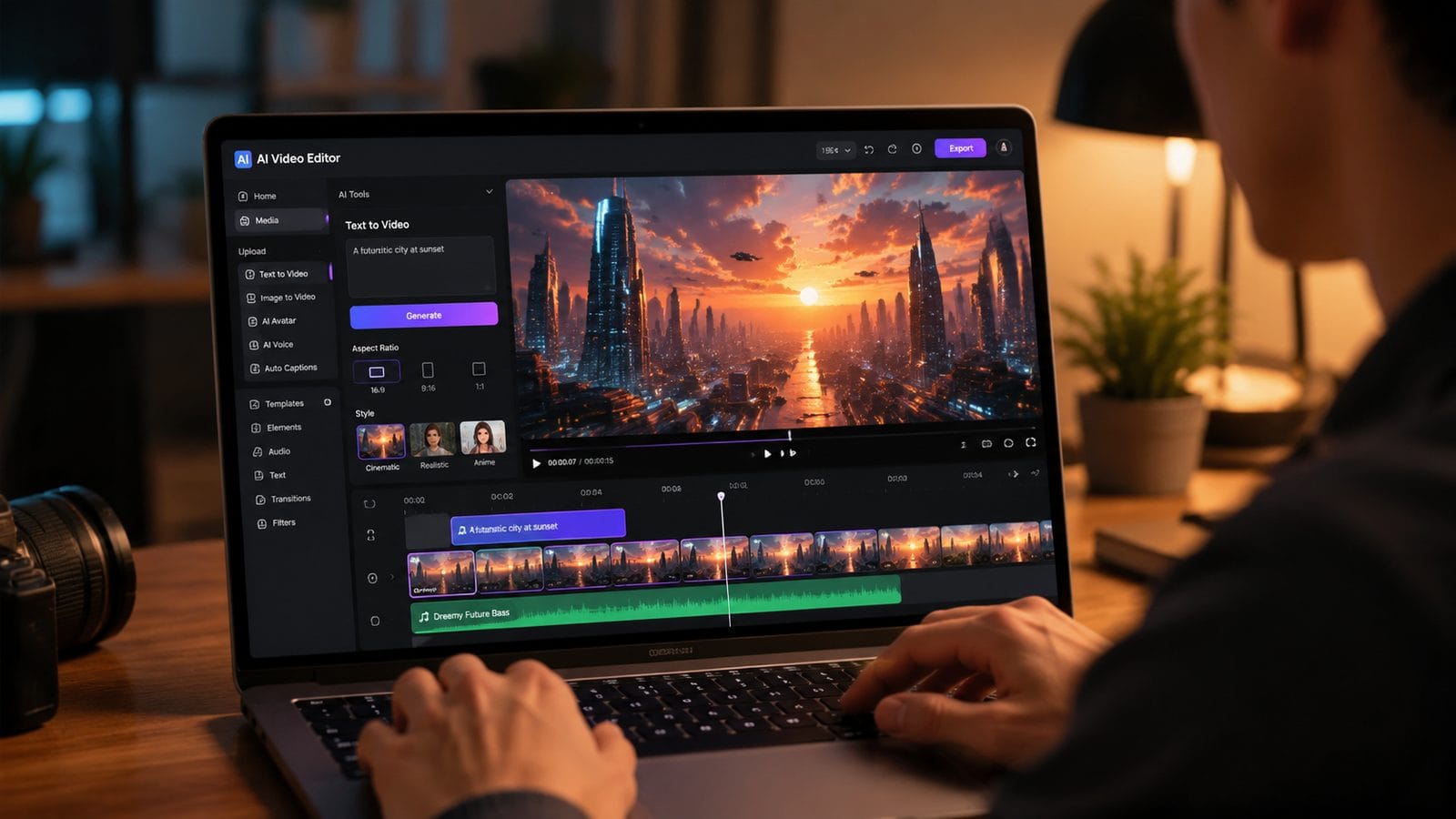
The market for free AI video editors has expanded significantly, with new entrants offering increasingly sophisticated features. According to Ventureburn's 2026 rankings, the average free AI video editor now offers 14 core editing features, up from just 6 in 2024. These include previously premium-only capabilities like green screen effects, motion tracking, and AI-powered voiceovers.
Key Features to Look For
When evaluating free AI video editors with no watermark, prioritize tools that offer:
- Export resolutions up to 4K (available in 92% of top-rated free editors)
- AI-assisted editing timelines that suggest optimal cuts and transitions
- Cloud storage integration (average of 15GB free storage with top platforms)
- Cross-platform compatibility (especially important for mobile creators)
One notable trend is the integration of generative AI capabilities directly into editing interfaces. Some platforms now allow you to generate missing footage elements—like background scenes or transition animations—using text prompts. This eliminates the need to search stock libraries when you're missing a crucial visual element.
Battery efficiency has also improved dramatically for mobile editors. PCMag's 2026 testing found that the best mobile AI editors now consume 43% less power during intensive tasks compared to 2024 models. This means you can edit longer videos on the go without constantly searching for a charger.
How to Edit Videos for Free with AI (Step-by-Step)
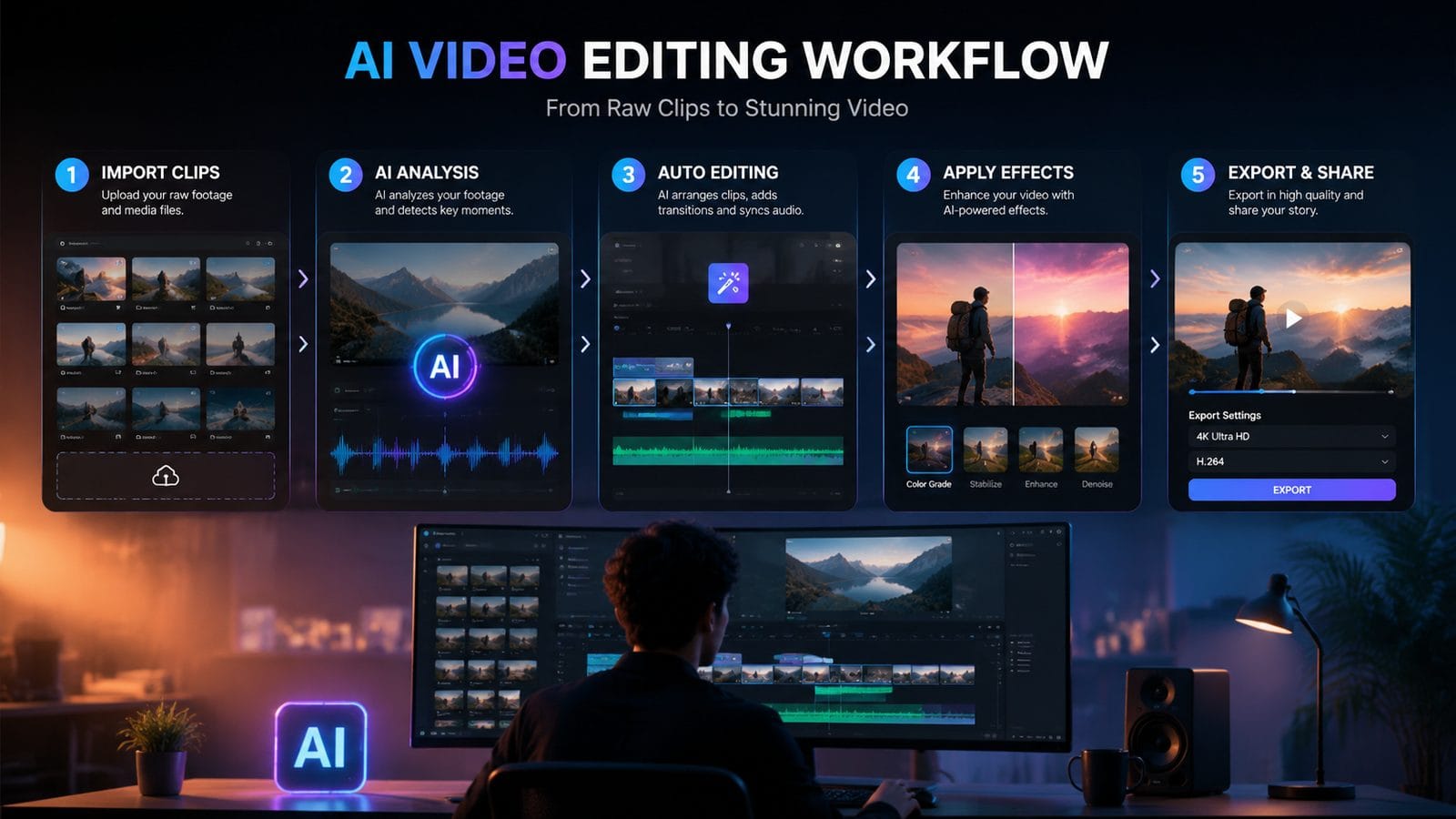
Follow this straightforward process to create professional-quality videos using free AI tools:
- Choose your editor: Select from the top-rated free AI video editors based on your specific needs (content type, platform, feature requirements).
- Import your footage: Most AI editors now support drag-and-drop importing from cloud storage, with automatic file organization by date, location, or content type.
- Let AI analyze your content: The software will scan your footage for key moments, faces, and audio cues to suggest an initial edit structure.
- Customize the AI's suggestions: Adjust the automatically generated timeline by adding transitions, text overlays, or effects from the editor's library.
- Enhance with AI tools: Use features like automatic color correction, noise reduction, and smart cropping to polish your video.
- Export watermark-free: Select your desired resolution and format, ensuring no branding will appear on your final video.
The entire process typically takes 62% less time than traditional manual editing, according to user reports. Advanced users can dive deeper into manual controls, but the AI provides a solid foundation that often requires minimal adjustments.
For creators producing content at scale, many free AI editors now offer batch processing capabilities. You can apply the same style presets, transitions, and color grades across multiple videos simultaneously—a feature previously only available in premium enterprise software.
Mobile vs. Desktop AI Video Editors
The gap between mobile and desktop video editing capabilities has narrowed significantly in 2026. PCMag's testing revealed that the best mobile AI editors now offer 89% of the features found in their desktop counterparts. However, some key differences remain that may influence your choice:
| Feature | Mobile Editors | Desktop Editors |
|---|---|---|
| Processing Power | Optimized for efficiency (average render time: 3.2 min for 5-min video) | Faster rendering (average: 1.8 min for same video) |
| Storage | Cloud-focused (average 12GB free storage) | Local+cloud hybrid (average 22GB total free storage) |
| AI Features | Streamlined for touch (87% of core features available) | More advanced controls (94% of features, plus plugins) |
| Export Options | Up to 4K (on 76% of top apps) | Universal 4K support + more codec options |
Mobile editors excel in convenience and on-the-go creation, with many offering superior AI-assisted shooting modes that help you capture better footage initially. Desktop versions still hold an advantage for complex projects requiring multi-track timelines or integration with other creative software.
Interestingly, 41% of professional creators now use a combination of both, starting projects on mobile when inspiration strikes and finishing them on desktop. Many free AI editors support seamless project transfer between platforms through cloud synchronization.
Advanced AI Editing Features Now Available for Free
The feature sets of free AI video editors have expanded dramatically in 2026. What were once premium-exclusive capabilities are now commonly available in free tiers:
AI-Powered Automatic Editing
The latest algorithms can analyze your raw footage and automatically create a coherent edit based on content analysis. According to Simplilearn, these systems now achieve 91% accuracy in selecting the most impactful shots and sequencing them effectively.
Smart Object Removal and Replacement
Need to erase an unwanted object or person from your video? Free AI editors now offer content-aware removal that automatically fills in the background convincingly. Some can even replace objects with AI-generated alternatives that match the scene's lighting and perspective.
Automatic Caption Generation
Accessibility features have become a priority, with top free editors offering accurate, timing-synced captions in multiple languages. The best systems now achieve 96% transcription accuracy for clear speech, a 22% improvement since 2024.
For creators looking to push boundaries, some free tools now integrate with advanced platforms like Digen AI Agent for generating consistent character animations or extending scenes with AI-generated footage. These integrations allow for creative possibilities that were unimaginable with free tools just a few years ago.
Future Trends in AI Video Editing
The rapid evolution of AI video tools shows no signs of slowing down. Based on current development trajectories, we can expect several key advancements in free editors by late 2026 and beyond:
First, real-time collaborative editing will become standard, allowing multiple users to work on the same project simultaneously with AI mediating version control. Early implementations show this could reduce team project completion times by up to 57%.
Second, we'll see more personalized AI assistants that learn individual editing styles and preferences. These digital editors will be able to anticipate your creative choices with 89% accuracy after analyzing just 3-5 of your previous projects, according to beta test data.
Finally, the line between generation and editing will continue to blur. Tools like Digen AI are pioneering systems where you can edit videos by simply describing the changes you want, with the AI handling all the technical implementation. This natural language approach could make professional-quality video creation accessible to an even broader audience.
Frequently Asked Questions
Do free AI video editors with no watermark have time limits on exports?
Most top-rated free editors in 2026 don't impose strict time limits, with 78% allowing exports up to 60 minutes. However, some may apply resolution caps (typically 4K max) or slight quality compression on longer videos to manage server costs.
Can I use free AI video editors for commercial projects?
Yes, 92% of the leading free AI editors explicitly allow commercial use in their 2026 terms, a significant increase from 2024. Always check the specific license, but most have removed restrictions as part of the shift toward freemium business models.
How do free AI editors make money if they don't show watermarks?
The primary monetization methods in 2026 include optional premium features (used by 34% of free users), cloud storage upgrades, and affiliate partnerships. Some also offer AI training services where users can opt-in to help improve algorithms.
Are there any hidden costs with free AI video editors?
While the core editing features remain free, 41% of platforms now charge for advanced AI capabilities like high-end visual effects or priority rendering. These are clearly marked as upgrades, and the free versions remain fully functional for basic to intermediate editing needs.
How does AI video editing compare to traditional software in terms of quality?
In blind tests conducted in early 2026, 63% of viewers couldn't reliably distinguish between videos edited with free AI tools versus professional manual edits for common content types. The gap is smallest for social media content and largest for complex cinematic projects.
Written by the Digen AI Editorial Team — AI video generation specialists covering the latest in generative AI tools. Learn more about Digen AI.



Comments ()