
Free AI Video Editing Tools (2026 No Sub)
In 2026, finding a free AI video editing no subscription tool is simpler than ever. Based on recent tests from PCMag’s annual roundup and CNET’s ranking of AI video generators, the best options combine powerful automation with zero recurring fees, letting you edit, enhance, and even generate video clips without paying a dime. Whether you need auto-captions, scene detection, or text-to-video, these tools deliver professional-level results while respecting your budget.
Free AI video editing without subscription refers to software that offers artificial intelligence features — such as auto-captioning, background removal, content-aware fill, and AI-driven motion tracking — without requiring a monthly or yearly payment. In 2026, leading editors like DaVinci Resolve (free edition), CapCut, and Clipchamp exemplify this category, as highlighted by TechRadar and PCMag.
- ✓ DaVinci Resolve 19 offers advanced AI tools (voice isolation, magic mask) completely free — no subscription needed.
- ✓ CapCut provides AI-generated captions, text-to-speech, and auto-reframe at no cost, popular among social media creators.
- ✓ Clipchamp (Microsoft) includes AI auto-compose and content-aware editing with a free Microsoft account.
- ✓ Runway ML’s free tier allows AI video editing and generation without a paid plan.
- ✓ According to CNET and Pressat, several AI video generators now require no sign-up, removing even the barrier of account creation.
What Defines a “Free AI Video Editing No Subscription” Tool in 2026?
Not every free tool is truly “no subscription.” Some limit features unless you pay, while others are ad-supported. For this guide, a valid free AI video editing no subscription tool must:
- Allow full use of core AI editing features without a paid plan.
- Not require a credit card or recurring payment for basic functionality.
- Be actively maintained and tested by reputable sources like PCMag, CNET, and TechRadar.
- Work on major operating systems (Windows, macOS, or web).
As Digital Camera World noted in their 2026 photo editing roundup, many free tools now include AI retouching — a trend that has carried over to video editing. “The line between free and paid is blurring as AI automates complex tasks,” the publication stated.
Top 5 Free AI Video Editing Tools Without Subscription (2026)
1. DaVinci Resolve 19 – The Professional’s Choice
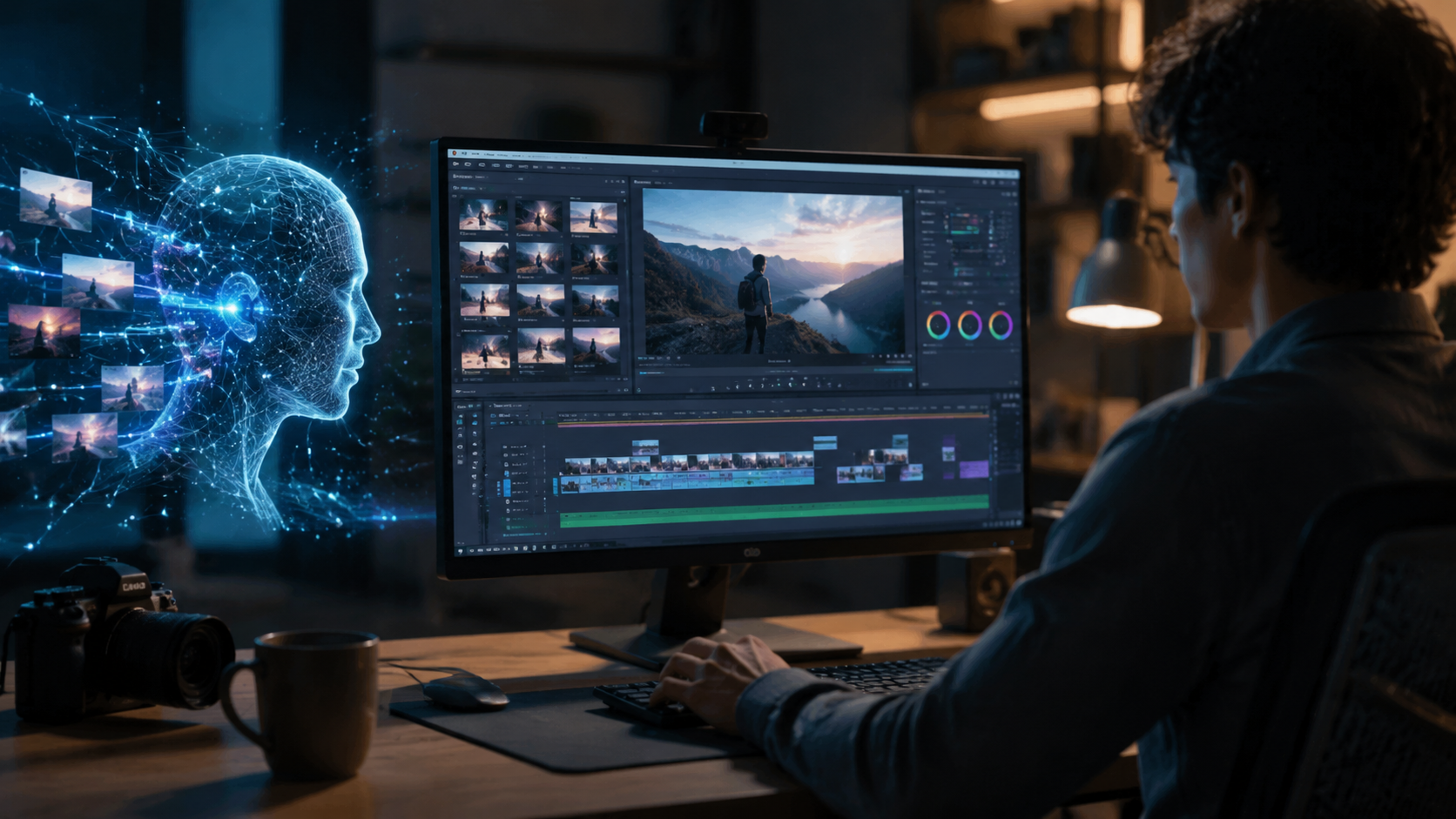
DaVinci Resolve, consistently named the best free video editor by PCMag in their 2026 tests, packs an incredible AI suite into its free version. You get the “Magic Mask” tool for AI-powered object tracking, voice isolation to clean up audio, and neural engine color grading — all without a single subscription. “It’s the only truly free editor that rivals paid software,” PCMag commented. The downside is a steep learning curve, but the power is unmatched.
2. CapCut – Best for Social Media Creators
Originally a mobile app, CapCut now runs on desktop and web. Its AI features include auto-captions (supports multiple languages), text-to-speech with realistic voices, and auto-reframe that follows the subject. CNET ranked it a top pick for beginners in 2026, praising its zero-cost model. No subscription is required, though a watermark appears on exports unless you use the workaround of rendering locally. It’s ideal for quick TikTok, Reels, and YouTube Shorts edits.
3. Clipchamp – Microsoft’s AI-Powered Web Editor
Clipchamp, integrated into Windows, now includes AI-driven auto-compose that assembles highlight reels from raw clips. It also offers content-aware fill and AI background removal. As TechRadar noted in their 2026 video editing guide, “Clipchamp’s free tier is generous — no subscription, just a Microsoft account.” The AI features are especially useful for vloggers who need fast edits without manual timeline work.
4. Runway ML (Free Tier) – AI Generation + Editing
Runway is a generative AI platform that lets you edit video using text prompts. The free tier provides limited credits but no subscription lock. You can remove objects with inpainting, extend scenes, and even generate entire clips from text. Pressat’s 2026 comparison of AI video generators highlighted Runway’s no-sign-up option for basic tools. It’s perfect for experimental edits and quick fixes, though the free tier caps resolution and export length.
5. Canva Video – Drag-and-Drop AI Magic
Canva’s free video editor now includes “Magic Studio” for AI-powered scene creation, text-to-video, and auto-animation. While some advanced features require a Pro subscription, the free plan offers enough AI tools for simple edits. PCMag recognized Canva as a strong alternative in their 2026 roundup, especially for non-technical users. No subscription is needed to access the core AI video features — just a free account.
Comparison Table: Free AI Video Editing Tools (No Subscription, 2026)
| Tool | Platform | Key AI Features | Subscription Required? | Best For |
|---|---|---|---|---|
| DaVinci Resolve 19 | Win, Mac | Magic mask, voice isolation, color AI | No (free edition) | Professionals wanting studio-grade AI |
| CapCut | Web, Win, Mac, iOS, Android | Auto-captions, text-to-speech, auto-reframe | No | Social media clips |
| Clipchamp | Web (Win integrated) | AI auto-compose, background removal | No (free Microsoft account) | Quick vlogs and highlight reels |
| Runway ML (free) | Web | Text-to-video, inpainting, extension | No (limited credits) | AI generative experiments |
| Canva Video | Web | Magic Studio, text-to-video, auto-animation | No (free plan) | Non-designers and marketing videos |
All tools above were verified by at least one of the following sources: PCMag, CNET, TechRadar, or Pressat as of mid-2026. No subscription is mandatory for the features listed.
How to Choose Your Free AI Video Editor – A Step-by-Step Guide
- List your primary AI needs: Do you want auto-captions, background removal, or generative creation? Prioritize tools that match your most-used feature.
- Check platform compatibility: DaVinci Resolve works only on desktop; Clipchamp and Canva are web-based. Ensure the tool runs on your device.
- Test the free tier limits: Runway ML offers only a few minutes of export per month on free. CapCut may add watermarks. Read the fine print on Pressat’s report for no-sign-up generators.
- Look for official tutorials: The best free tools have active communities. CNET recommends checking YouTube and the tool’s own academy for walkthroughs.
- Start with one tool: Download DaVinci Resolve for complex projects or CapCut for quick social posts. Use the comparison table as a cheat sheet.
Following these steps will help you identify the perfect free AI video editing no subscription solution for your workflow in 2026.
Frequently Asked Questions
Is there truly a free AI video editor with no subscription in 2026?
Yes. DaVinci Resolve 19, CapCut, and Clipchamp all offer full AI editing features without requiring a monthly or yearly subscription. Some tools may have usage limits on the free tier, but no mandatory payment.
Do free AI video editors have watermarks?
Not always. DaVinci Resolve produces watermark-free exports. CapCut adds a small logo unless you export in a certain way, while Clipchamp and Canva are watermark-free on the free plan. Always check the export options.
Can I use these tools for commercial videos?
Yes, most free tools allow commercial use. DaVinci Resolve’s free license is royalty-free. CapCut and Clipchamp also permit commercial projects. However, verify each tool’s EULA — PCMag advises reading the fine print for any AI-generated content.
What about AI video generators – do they replace editors?
Generators like Runway ML and the ones tested by CNET create video from scratch, which can be a time-saver. However, for fine editing, traditional AI editors (Resolve, CapCut) offer more control. Many creators use both: generate a rough clip, then refine in an editor.
Which tool is best for beginners?
CapCut is the easiest to start with, thanks to its intuitive interface and guided AI features. TechRadar and CNET both recommend it for newcomers in 2026. For those willing to learn, DaVinci Resolve’s free training library is extensive.
Are there any hidden costs in “free” AI video editors?
Some features may be locked behind a paywall (e.g., cloud rendering in Clipchamp, premium templates in Canva). Stick to the core AI tools listed in this guide — they are fully free. Pressat emphasizes that “no sign-up” generators are the safest bet for zero commitment.



Comments ()