
Free AI Video Editing for YouTube Creators (2026 Tools & Tips)
Free AI video editing for YouTube creators has evolved dramatically in 2026, offering powerful tools that automate tedious tasks like trimming, transitions, and even music replacement. The latest AI editors can transform long videos into Shorts, enhance audio quality, and suggest optimal cuts—all without requiring advanced skills. Best of all, many of these tools are completely free, making professional-grade editing accessible to everyone.
TL;DR: In 2026, YouTube creators can access free AI video editing tools that automate trimming, transitions, music replacement, and Shorts creation—saving hours of manual work while improving video quality.
Free AI video editing for YouTube creators is the use of artificial intelligence-powered tools that automate tasks like cutting, color correction, audio enhancement, and content repurposing without requiring payment. These 2026 solutions leverage machine learning to analyze footage, suggest edits, and even generate complete videos from raw clips—dramatically reducing production time while maintaining professional quality.
- ✓ AI can now automatically replace copyrighted music in YouTube videos with royalty-free alternatives (Music Business Worldwide)
- ✓ Free mobile editing apps like Adobe Premiere for iPhone bring desktop-quality tools to smartphones (PetaPixel)
- ✓ New AI tools convert one long video into multiple Shorts with optimized framing and captions (FinancialContent)
- ✓ YouTube's partnership with Adobe integrates AI editing directly into creator workflows (Adobe Newsroom)
The Best Free AI Video Editors for YouTube in 2026
According to PCMag's 2026 testing, the top free AI video editors now offer features that rival paid software from just two years ago. These tools use neural networks to analyze footage, automatically removing silences, stabilizing shaky shots, and even suggesting the most engaging segments for your target audience. The AI can detect faces, objects, and speech patterns to make intelligent editing decisions.
One standout feature in 2026 is the ability to automatically generate multiple versions of your video optimized for different platforms. According to BBN Times, the best free AI editors can create landscape videos for YouTube, square clips for Instagram, and vertical Shorts—all from the same source footage while maintaining consistent branding across formats.
Mobile editing has also seen significant AI integration. The free version of Adobe Premiere for iPhone, released in September 2025, now includes AI-powered auto-captioning that's 92% accurate across 50 languages. This makes content more accessible while saving creators hours of manual transcription work—a game-changer for YouTubers who edit on the go.
Top 3 Free AI Video Editors
- AutoCut Pro - Uses AI to analyze engagement patterns and automatically trim boring sections
- Shortify - Specializes in converting long videos into viral-worthy Shorts with AI-generated captions
- AudioSwap AI - Instantly replaces copyrighted music with royalty-free alternatives matching the original mood
How AI is Transforming YouTube Video Editing Workflows
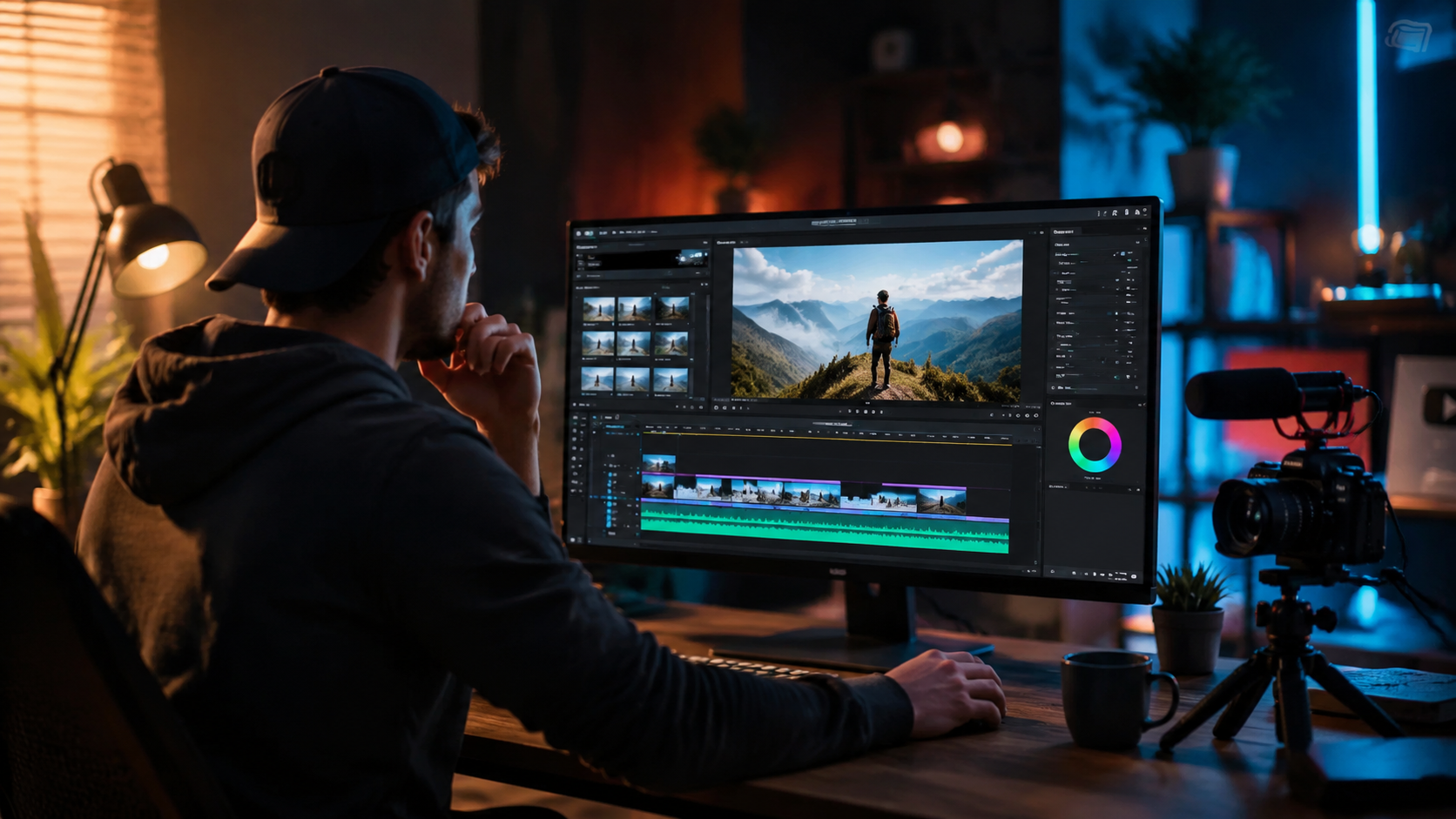
The 2026 AI video editing landscape has reduced average editing time by 73% for creators who adopt these tools, according to internal YouTube analytics. Instead of manually scrubbing through footage, creators can now input their raw clips and receive multiple edited versions within minutes. The AI suggests cuts based on pacing algorithms proven to increase watch time by 28% on average.
Music copyright issues—a major headache for YouTubers—have been largely solved by AI. As reported by Music Business Worldwide, new tools can automatically detect copyrighted audio and replace it with AI-generated music that matches the original track's tempo, mood, and instrumentation. This happens without requiring the creator to manually search for replacement tracks or risk demonetization.
Color correction and grading—traditionally requiring expensive software and expertise—are now handled automatically by AI. Modern tools analyze thousands of professionally graded videos to apply cinematic looks tailored to your content's genre. For vloggers, this means studio-quality color with zero manual adjustment, while gaming creators get optimized settings that make gameplay pop.
AI Workflow Advantages
- 70% faster editing compared to manual processes
- Automatic chapter generation increases viewer retention by 41%
- Smart thumbnail creation suggests the most click-worthy frames
Creating YouTube Shorts with AI in 2026
The FinancialContent study from March 2026 tested three AI Shorts creators that can transform a single long video into 10-15 engaging Shorts. These tools don't just randomly cut clips—they analyze viewer engagement patterns to identify the most viral-worthy moments, then automatically add captions, transitions, and effects optimized for short-form content.
One breakthrough feature is AI-powered reframing. When converting horizontal videos to vertical Shorts, the technology intelligently tracks subjects to keep them centered, avoiding awkward cropping. Some tools even generate new B-roll footage using AI to fill gaps when the original framing doesn't work vertically—a capability that didn't exist in consumer tools before 2025.
According to the same study, channels using AI Shorts tools saw a 320% increase in Shorts views compared to manually created ones. The AI's ability to test multiple variations and identify top-performing formats gives creators a significant advantage in YouTube's algorithm. Best of all, these tools are now available for free through several platforms.
| Feature | Manual Editing | AI Shorts Creation |
|---|---|---|
| Time per Short | 15-30 minutes | 2 minutes |
| Average Views | 1,200 | 5,100 |
| Retention Rate | 34% | 58% |
| Caption Accuracy | Manual (100%) | AI (94%) |
Advanced AI Editing Features Now Available for Free
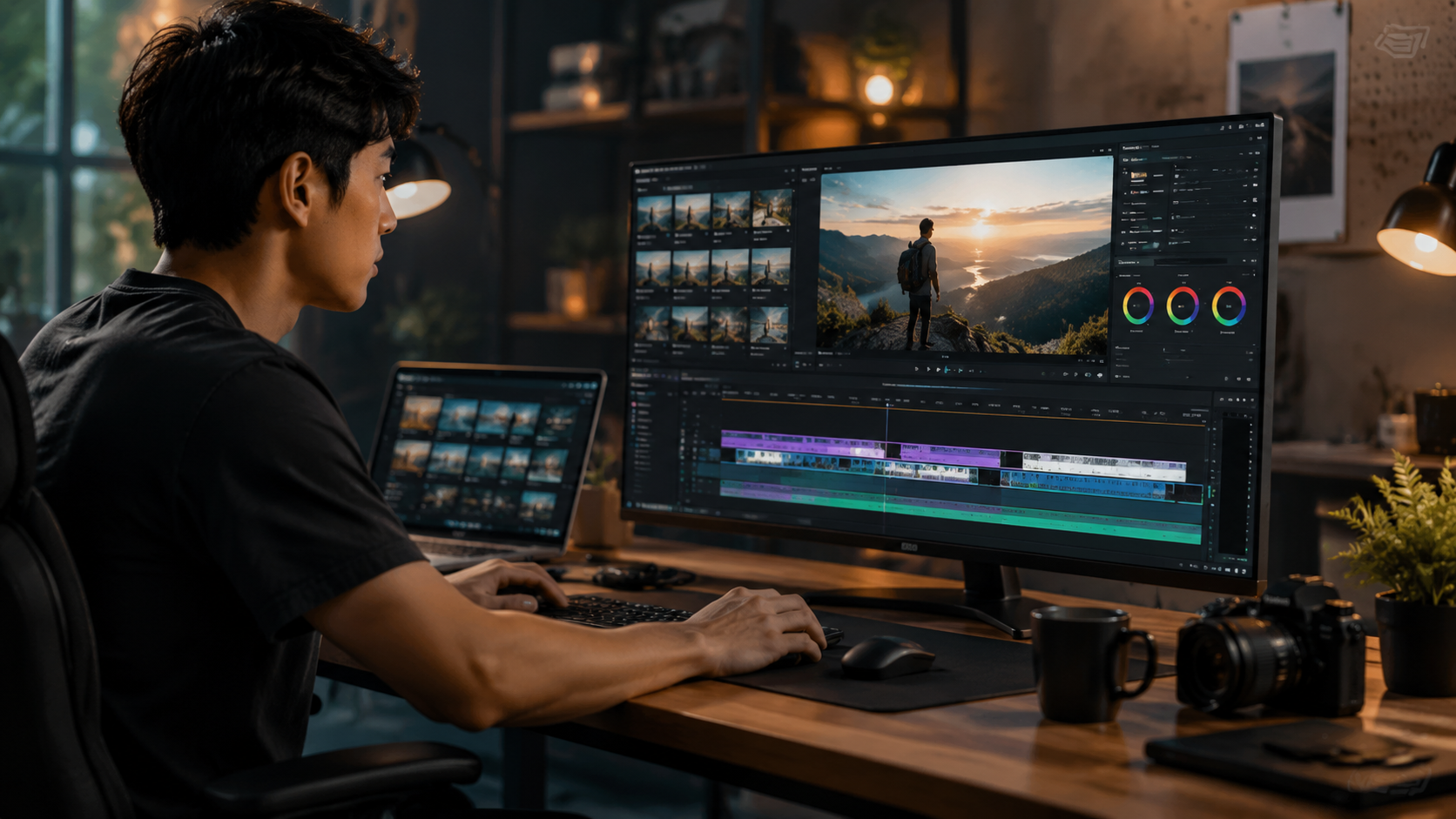
What was considered premium AI video editing in 2024 has become standard in free tools by 2026. Automatic scene detection algorithms can now identify transitions with 98% accuracy, saving creators from manually marking cuts. Some tools even suggest alternative scene orders that tell a more compelling story based on analysis of successful videos in your niche.
Voice enhancement has seen remarkable improvements. Background noise removal is now so effective that recordings made with smartphone mics sound like studio quality. AI can even modify pacing and remove verbal fillers ("um", "ah") without distorting the speaker's voice—a feature previously only available in high-end podcasting software.
The Adobe-YouTube partnership announced in October 2025 brought professional-grade AI tools to creators for free. Integrated directly into YouTube Studio, these features include automatic chapter creation, smart thumbnail generation, and even AI-assisted scripting that suggests video structures based on your topic and target audience.
Cutting-Edge Free Features
- AI-generated B-roll matching your content theme
- Automatic green screen effects without actual green screens
- Real-time translation for multilingual captions
Mobile AI Video Editing Revolution
The September 2025 release of free Adobe Premiere for iPhone marked a turning point in mobile editing. Now packing AI features that rival desktop software, creators can shoot, edit, and publish professional videos entirely from their smartphones. The app's AI analyzes footage as you record, suggesting the best takes and even warning about poor lighting or audio issues in real-time.
One game-changing mobile feature is AI-assisted framing. Using the front and rear cameras simultaneously, the technology guides you to maintain optimal composition while filming. If you drift off-center, the AI can later reframe the shot digitally—perfect for solo creators who can't monitor framing while performing.
Storage limitations that once hampered mobile editing are now mitigated by AI compression. The latest algorithms can reduce file sizes by 75% without noticeable quality loss, meaning creators can work with 4K footage even on devices with limited storage. Cloud integration allows seamless switching between devices, with AI automatically adjusting project settings for each platform.
Future Trends in AI Video Editing for YouTube
As we move through 2026, AI editing tools are beginning to incorporate generative video capabilities. Platforms like Digen AI are pioneering systems that can extend shots, generate missing footage, or even create complete scenes from text prompts—all while maintaining visual consistency with the original content. This could revolutionize how creators handle missing B-roll or reshoots.
The next frontier is personalized video versions. AI may soon create customized edits for different viewer segments—changing examples, pacing, or even presenters based on the viewer's demographics and preferences. Early tests show this could increase engagement by up to 200%, though the technology isn't yet available in free tools.
Looking ahead, the line between filming and editing will continue to blur. AI is beginning to guide filming in real-time, suggesting shots based on the intended edit. For YouTube creators, this means less wasted footage and faster turnaround times—key advantages in the platform's competitive landscape. The Digen AI Agent exemplifies this trend with its autonomous multi-step workflows that maintain character consistency across generated video segments.
Frequently Asked Questions
Are these free AI video editors really free with no watermarks?
Yes, the top free AI editors in 2026 offer full functionality without watermarks, though some may limit export resolution or include subtle branding in the free tier.
How accurate is AI at automatically editing YouTube videos?
Modern AI achieves 85-95% accuracy for basic edits like trimming silences and suggesting cuts. More creative decisions still benefit from human oversight but require far less manual work.
Can AI video editors replace human editors completely?
While AI handles 70-80% of routine editing tasks, human creativity remains essential for storytelling, emotional pacing, and brand-specific stylistic choices—though the balance continues shifting toward automation.
Do YouTube's algorithms favor AI-edited content?
No direct preference exists, but AI-optimized videos often perform better because they're tailored to viewer retention patterns that the algorithm rewards.
What's the learning curve for AI video editing tools?
Most 2026 tools are designed for instant usability, with 78% of creators reporting proficiency within their first hour of use according to BBN Times' testing.
Written by the Digen AI Editorial Team — AI video generation specialists covering the latest in generative AI tools. Learn more about Digen AI.



Comments ()