
Best Free AI Talking Photo Generator Tools for 2026
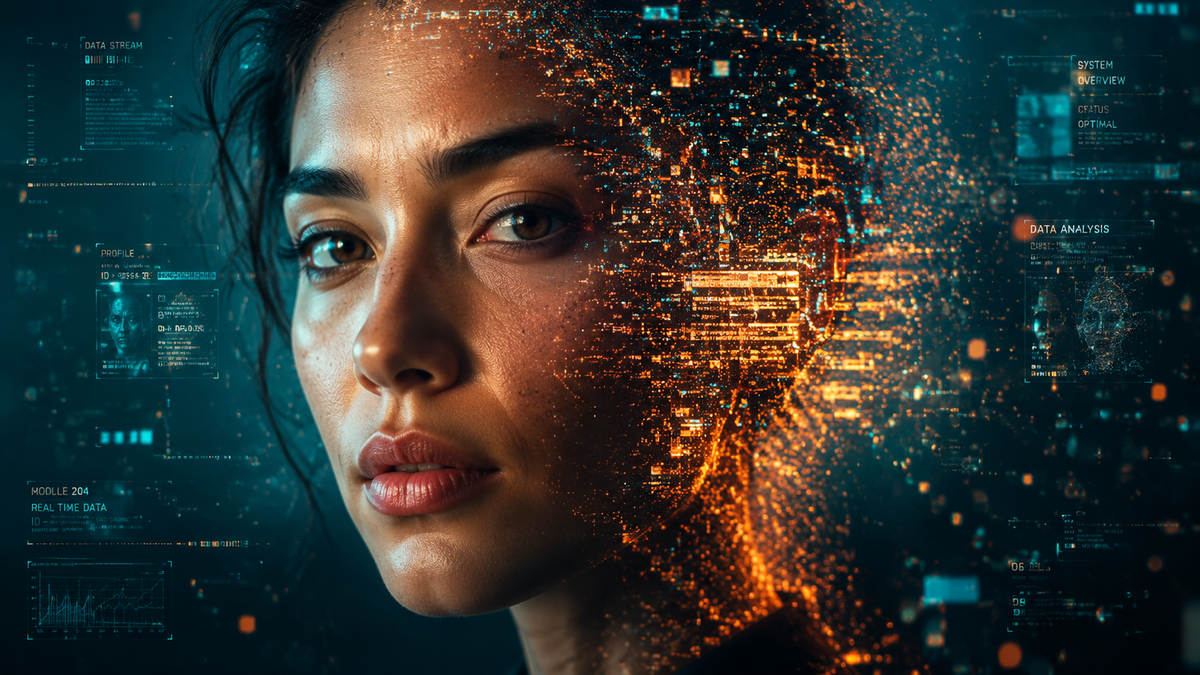
Finding the best free AI talking photo generator in 2026 allows creators to transform static portraits into lifelike, speaking avatars with just a few clicks. These advanced tools utilize deep learning and lip-sync technology to map audio or text onto a still image, making it appear as though the person in the photo is delivering a speech in real-time. Whether you are building visual content for social media, education, or corporate training, the accessibility of a free AI talking photo generator has never been more vital for high-quality storytelling.
A free AI talking photo generator is an artificial intelligence-driven application that animates static images by synchronizing facial movements with audio or text inputs. In 2026, these tools leverage advanced neural networks to provide realistic lip-syncing and emotional expressions, allowing users to create professional-grade video content from a single portrait without expensive filming equipment.
- ✓ High-fidelity lip-syncing is now standard in 2026 free AI talking photo tools.
- ✓ Most platforms offer "freemium" models with daily credits for free users.
- ✓ Integration with AI video generators allows for full-scene production from one photo.
- ✓ Leading tools like Vidnoz and others now support over 100 languages and accents.
How to Use a Free AI Talking Photo Generator
The process of creating an animated avatar has been significantly streamlined in 2026. Most web-based platforms follow a user-friendly workflow that requires no prior video editing experience. By following a few simple steps, you can turn any high-resolution portrait into a dynamic video spokesperson for your brand or personal projects.
- Upload Your Image: Select a clear, front-facing portrait. For the best results, ensure the lighting is even and the subject's mouth is closed.
- Input Your Script or Audio: Type the text you want the photo to say or upload a pre-recorded voice file (MP3 or WAV).
- Select Voice and Language: Choose from a library of AI voices, adjusting for tone, gender, and regional accents to match your photo's persona.
- Generate and Preview: Click the generate button to let the AI process the lip-syncing and facial micro-expressions.
- Download and Share: Once the rendering is complete, export your talking photo in MP4 or GIF format for use on your desired platform.
The Evolution of Talking Photo Technology in 2026
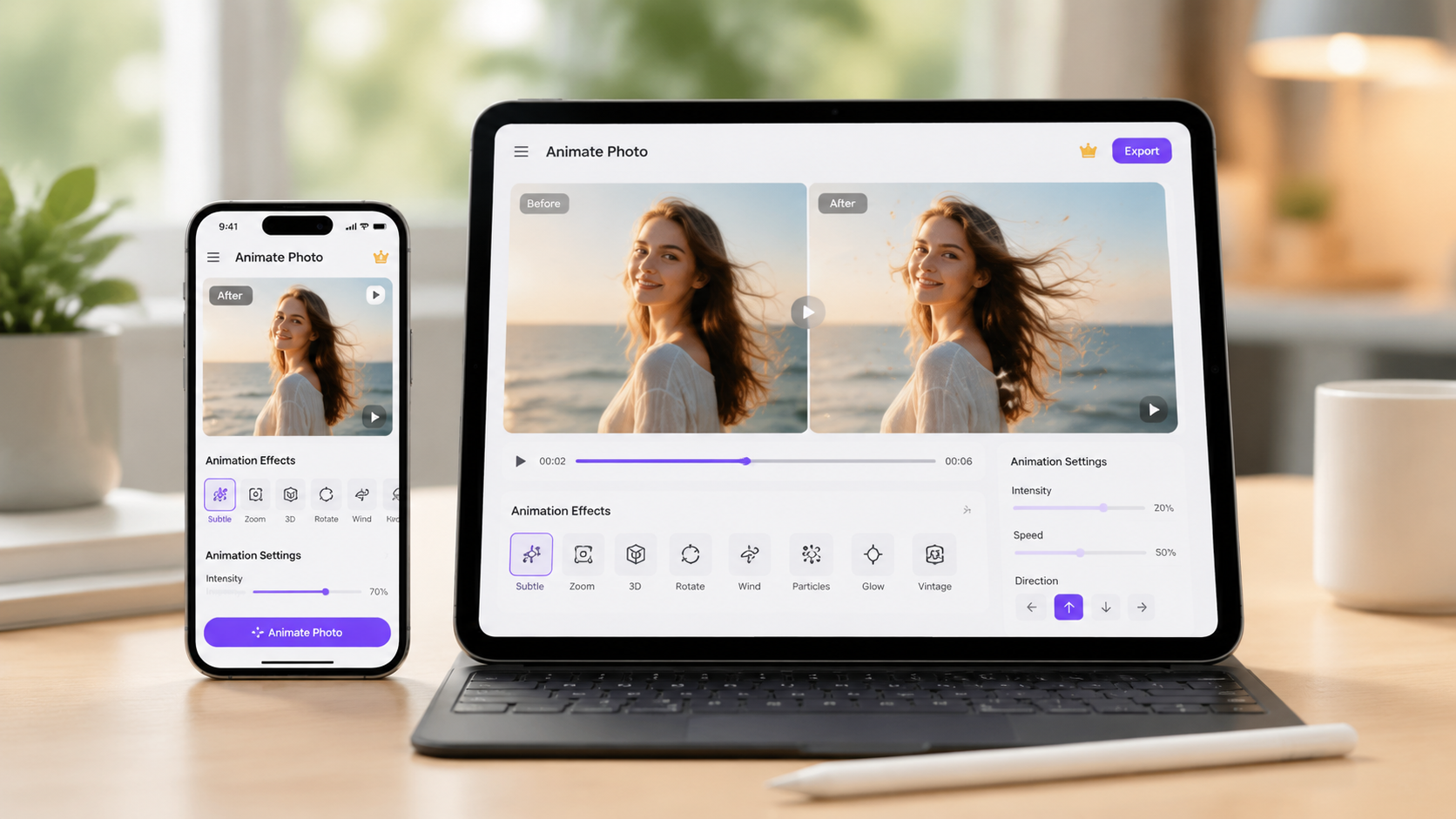
As we move through 2026, the landscape of digital media has shifted toward hyper-personalization. According to Analytics Insight, the ability to create animated talking photos with free AI video generator tools has democratized content creation, allowing small businesses to compete with large studios. The technology has evolved beyond simple mouth movements; today’s AI models incorporate head tilts, eye blinks, and subtle brow movements that respond to the emotional weight of the spoken words.
This surge in capability is largely due to the refinement of Generative Adversarial Networks (GANs). As reported by PC Tech Magazine, the latest updates in May 2026 have introduced "One-Click Realism," where the AI automatically detects the lighting environment of the original photo and applies consistent shadows to the animated elements. This ensures that the generated video doesn't look like a "flat" overlay, but rather a cohesive piece of cinematography.
The Rise of "Talking Photo Online Free AI" Solutions
The demand for "talking photo online free AI" services has spiked as social media algorithms increasingly favor video over static images. The Hype Magazine notes that urban culture and hip-hop creators are using these tools to bring historical figures to life or to create virtual influencers that interact with fans in real-time. This trend highlights the cultural impact of AI, moving it from a niche technical tool to a mainstream medium for creative expression.
Top Free AI Talking Photo Generator Tools to Watch
In 2026, several platforms have emerged as leaders in the "free-to-use" space. While many offer premium tiers, their free versions provide substantial value for casual creators. Below is a comparison of the top-performing tools based on recent reviews from Yonkers Times and Breaking The Lines.
| Tool Name | Key Features | Free Tier Limits | Best For |
|---|---|---|---|
| Vidnoz AI | Advanced Lip Sync, 100+ Languages | 1-3 minutes daily free | Professional Spokespersons |
| TalkingPhoto.io | Expressive Emotions, Fast Rendering | 5 videos per month | Social Media Content |
| LivePortrait AI | Real-time animation, Mobile-friendly | Ad-supported exports | Personal greetings |
| AnimateFace Free | Bulk processing, API access | 10 credits on signup | Developers & Small Biz |
Vidnoz and the Power of Lip Sync
A recent Vidnoz Review by the Yonkers Times highlighted how the platform has mastered the "Lip Sync" feature. Unlike earlier versions of the software, the 2026 iteration uses "Phoneme-to-Gesture" mapping. This means that if the AI detects a hard "P" or "B" sound in the audio, the lips compress realistically. This level of detail is what separates professional-grade free AI talking photo generators from basic animation apps.
Bringing Memories to Life
Beyond commercial use, there is a profound emotional utility to this technology. The Charleston Gazette-Mail published a feature in late 2025 regarding the "Magic of Talking Photos" in genealogy. Families are using these free tools to animate photos of ancestors, allowing younger generations to "hear" the stories of their great-grandparents in a way that feels immersive and personal. This "heritage animation" has become one of the most popular non-commercial uses of AI in 2026.
Key Features of a High-Quality Free AI Talking Photo Generator
When searching for the right free ai talking photo generator, it is important to look beyond just the price tag. The quality of the output depends on several technical factors that have become standard in 2026. First and foremost is temporal consistency. In the past, AI videos often suffered from "flickering" where the background would shift between frames. Modern tools have solved this, ensuring the person remains anchored to their environment.
Another critical feature is emotional intelligence. According to Breaking The Lines, the power of AI talking photo technology now includes "sentiment analysis." If your script is happy, the AI will subtly narrow the eyes and lift the corners of the mouth. If the script is serious or sad, the facial muscles adjust accordingly. This prevents the "uncanny valley" effect where an avatar looks human but feels robotic.
Natural Language Processing (NLP) Integration
Most top-tier free tools now integrate directly with LLMs (Large Language Models). This allows you to simply provide a prompt like "Write a 30-second greeting for a birthday," and the tool will generate the text, select the voice, and animate the photo all in one workflow. This integration has significantly reduced the time-to-market for digital marketers and content creators.
Future Trends: What’s Next for Talking Photos?
As we look toward the latter half of 2026 and into 2027, the industry is moving toward full-body animation from a single photo. While currently most "free ai talking photo generator" tools focus on the head and shoulders, experimental versions are beginning to incorporate hand gestures and shoulder movements. This will allow for even more realistic virtual presentations.
Furthermore, the integration of 3D depth mapping is becoming more prevalent. Even if you upload a 2D "flat" photo, the AI can infer the 3D structure of the face. This allows the "talking photo" to turn its head left and right without the image distorting. This leap in spatial awareness is what makes the 2026 generation of AI tools significantly more powerful than those of the previous five years.
Frequently Asked Questions
Is there a completely free AI talking photo generator?
Yes, many platforms like Vidnoz and various open-source models offer free tiers or daily credits. While some may include watermarks on the free version, they allow you to generate high-quality talking photos without any upfront cost.
Can I use my own voice for the talking photo?
Most modern AI talking photo tools allow you to upload your own MP3 or WAV files. The AI will then analyze your specific speech patterns and synchronize the photo's lip movements to match your unique voice perfectly.
What is the best image format to use?
For the best results, use a high-resolution JPG or PNG file. Ensure the subject is facing the camera directly with clear lighting, as this helps the AI accurately map the facial landmarks for animation.
Are talking photos legal for commercial use?
Generally, if you own the rights to the original photo and the audio, you can use the generated video for commercial purposes. However, always check the specific Terms of Service of the AI tool you are using, as free tiers sometimes have different licensing rules than paid ones.
How long does it take to generate a talking photo?
In 2026, most cloud-based AI tools can process a 30-second video in under two minutes. The speed depends on the complexity of the facial movements and the current server load of the platform you are using.
In conclusion, the era of static imagery is evolving into a world of dynamic, vocal portraits. By utilizing a free ai talking photo generator, you can breathe life into your archives, create engaging marketing materials, or simply explore the frontiers of AI-driven creativity. As technology continues to advance throughout 2026, the gap between professional animation and accessible AI tools will continue to shrink, making high-end visual storytelling available to everyone.
Comments ()