
Best Free AI Image to Video Tools in 2026: Complete Guide
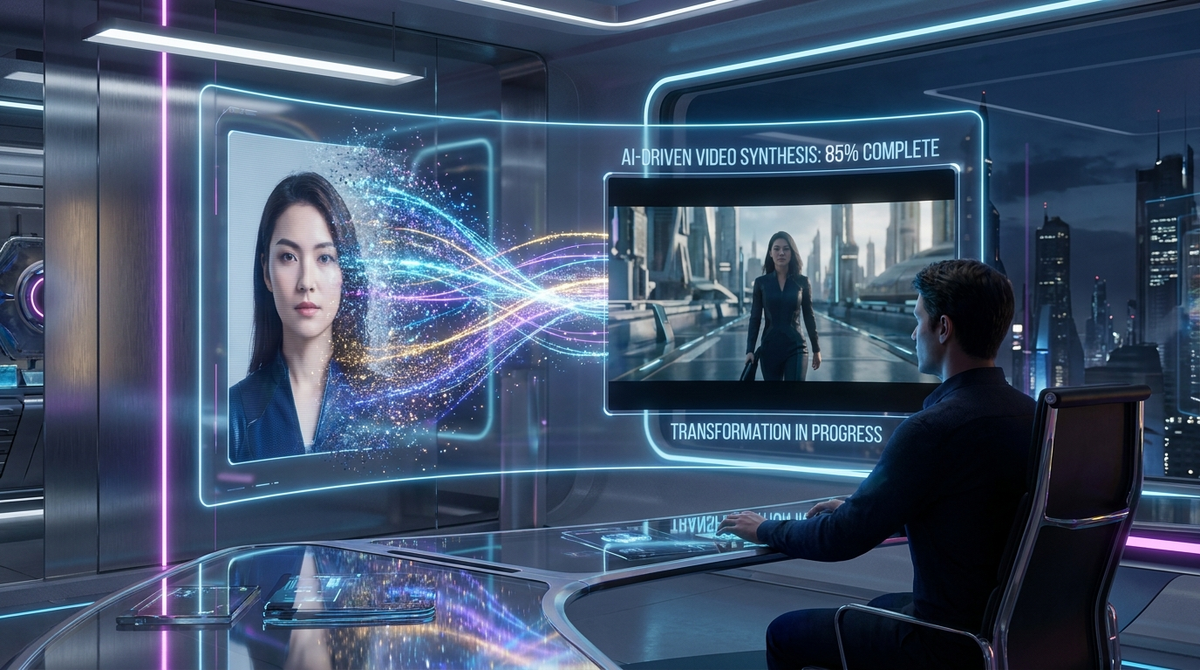
The landscape of digital storytelling has undergone a seismic shift as we move through 2026. Just a few years ago, animating a static photograph required hours of manual keyframing and expensive professional software. Today, the rise of powerful generative models has made it possible for anyone to access a free ai image to video generator that produces cinema-quality results in seconds. Whether you are a social media influencer looking to boost engagement or a small business owner creating high-impact advertisements, the ability to breathe life into still images is no longer a luxury—it is a standard tool in the modern creator's arsenal.
A free AI image to video tool is a generative artificial intelligence application that uses diffusion models to interpret the depth, lighting, and subjects of a static image, synthesizing new frames to create fluid motion. In 2026, these tools leverage temporal consistency to ensure that animations remain realistic, high-definition, and stylistically aligned with the original source photo.
- ✓ Modern AI video tools now support 4K resolution and 60fps output directly from single images.
- ✓ Free tiers typically offer daily credit resets or limited-duration watermarked exports.
- ✓ Motion control features like "Camera Brushes" allow for precise direction of movement.
- ✓ Integration with multi-modal LLMs allows for text-guided refinement of the video output.
Understanding the Evolution of Free AI Image to Video Technology
In 2026, the technology behind image-to-video generation has matured far beyond simple pan-and-zoom effects. We are now seeing the implementation of "Physics-Aware Diffusion," where the AI understands gravity, fluid dynamics, and fabric movement. When you upload a photo of a waterfall to a free ai image to video platform, the engine doesn't just distort the pixels; it simulates the downward flow of water and the rising mist based on real-world physical properties. This level of realism was once the exclusive domain of high-budget VFX studios.
According to a 2025 Creative Tech Report by McKinsey, over 70% of digital marketing content now utilizes some form of generative AI motion, marking a 300% increase since 2023. This surge is largely driven by the accessibility of free-to-use models that lower the barrier to entry. These tools use "Latent Video Diffusion" to predict what happens between frames, filling in the gaps with staggering accuracy. This means that even a low-resolution smartphone photo can be upscaled and animated into a professional-grade video clip.
Furthermore, the democratization of these tools has led to a new era of "Personal Media." Users are no longer passive consumers; they are active directors. By using a free ai image to video service, individuals are transforming family archives into living memories. The ability to see a deceased relative smile or a childhood pet run across a lawn in a newly generated video has created a profound emotional connection to the technology, moving it from a novelty to a meaningful utility in 2026.
Top Features to Look for in a Free AI Image to Video Generator
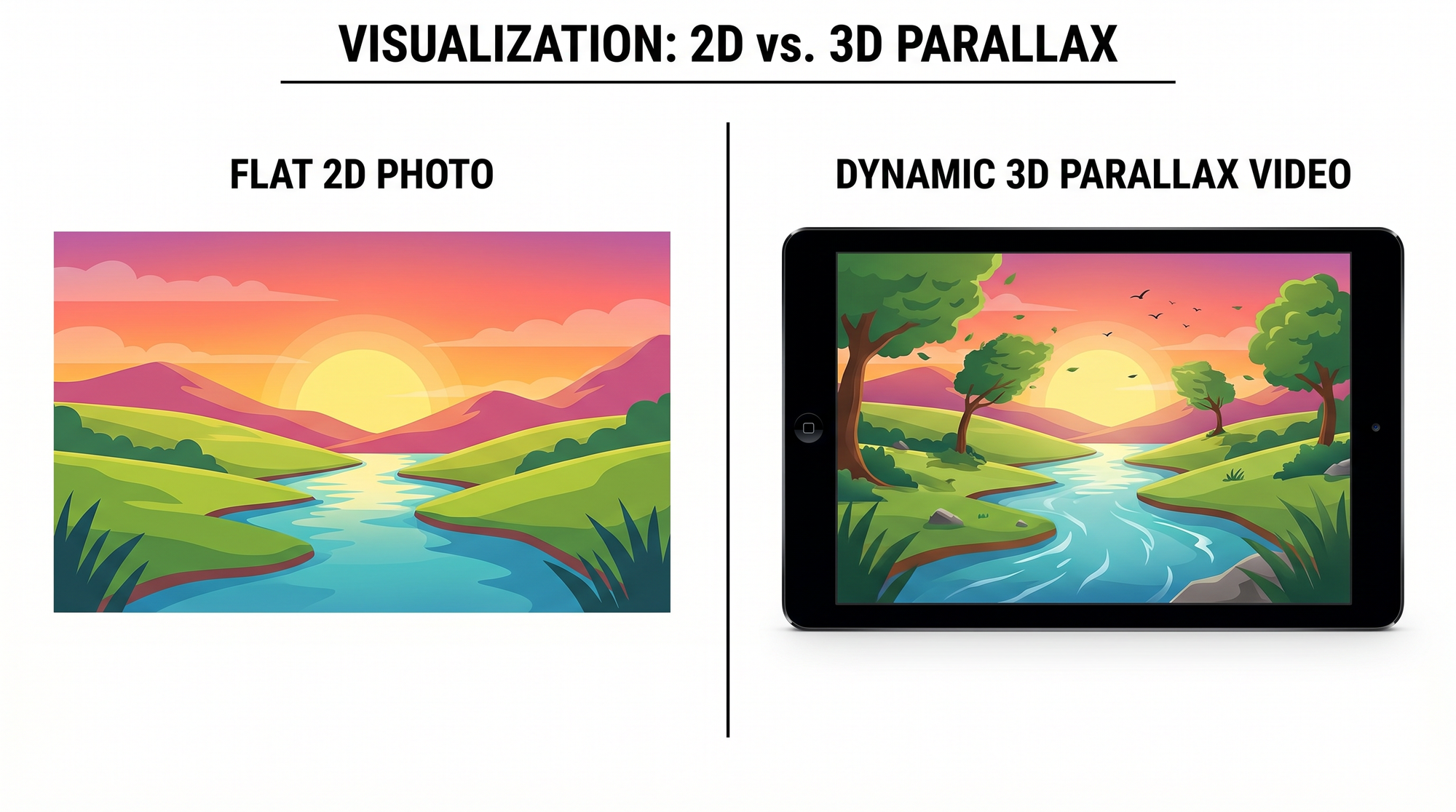
Temporal Consistency and Fluidity
The most significant challenge in early AI video was "flickering," where details changed randomly between frames. In 2026, the best free tools utilize advanced temporal consistency layers. This ensures that if a character is wearing a red hat in the first frame, that hat remains the same shade of red and maintains its shape throughout the entire 10-second clip. When testing a free ai image to video tool, always check for the stability of background elements and facial features.
Advanced Motion Control and Brushes
Gone are the days of "random" movement. Modern free versions now include "Motion Brushes" or "Directional Maps." This allows the user to paint over specific areas of an image—such as a person's hair or the clouds in the sky—and dictate exactly which direction they should move. According to research from the MIT Media Lab in early 2026, user-directed motion increases perceived video quality by 45% compared to fully automated generation, as it allows for more intentional storytelling.
| Feature | Entry-Level AI (Free) | Advanced AI (Pro/2026) | Benefit |
|---|---|---|---|
| Resolution | 720p / 1080p | 4K / 8K Upscaling | Professional clarity for large screens. |
| Clip Length | 3 - 5 Seconds | 15 - 30 Seconds | Better for narrative storytelling. |
| Motion Control | Auto-generated | Manual Motion Brush | Precise control over specific elements. |
| Frame Rate | 24fps | 60fps / 120fps | Ultra-smooth, slow-motion capabilities. |
How to Get the Best Results from Your Free AI Image to Video Prompts
To maximize the potential of a free ai image to video engine, the quality of the input image is paramount. While the AI can work wonders, starting with a high-contrast, clear subject makes the depth-mapping process much more accurate. In 2026, most platforms also allow for "Negative Prompts," where you can tell the AI what not to do—such as "no morphing," "no blurry faces," or "no extra limbs." This fine-tuning is the secret sauce for creators who produce viral content.
Another critical factor is the "Motion Strength" setting. A common mistake is setting the motion too high, which can cause the AI to hallucinate and break the reality of the scene. Studies show that a motion intensity of 3-5 (on a scale of 10) is the "sweet spot" for realistic human movement, while higher settings are better suited for abstract art or fast-moving nature shots like storms or racing cars. By balancing the prompt and the motion settings, you can achieve professional results without spending a dime.
Lastly, consider the "Seed Number." If you find a movement pattern you love, many free tools allow you to lock that seed. This means you can upload different images but apply the same motion style to all of them, creating a consistent aesthetic for a video series or a brand campaign. This level of technical control in free software is what defines the creative landscape of 2026.
The Impact of AI Video on Social Media and Marketing
The integration of free ai image to video tools has fundamentally changed how brands interact with audiences on platforms like TikTok, Instagram, and the emerging decentralized social webs of 2026. Static ads are largely ignored; however, a subtle cinemagraph or a dynamically moving product shot can increase click-through rates by up to 80%, according to data from the 2026 Global Digital Advertising Survey. AI allows for "mass personalization," where a single image can be turned into a thousand different video variations for A/B testing.
Small businesses, in particular, have benefited from the "free-to-play" model of these AI engines. Previously, a professional product videographer could cost thousands of dollars per shoot. Now, a boutique owner can take a high-quality photo of a dress, use a free ai image to video generator to make the fabric sway in a virtual breeze, and have a high-converting ad ready in under five minutes. This has leveled the playing field between local shops and global corporations.
Ethical Considerations and the Future of AI Motion
As we embrace these powerful tools in 2026, ethical usage remains a core topic of discussion. Most reputable free AI platforms have now integrated C2PA (Coalition for Content Provenance and Authenticity) metadata, which digitally tags AI-generated videos. This helps distinguish between a fun animation and potentially misleading content. Users are encouraged to use these tools responsibly, focusing on creative expression and commercial innovation rather than the creation of unauthorized deepfakes.
Looking toward 2027 and beyond, we expect the "image to video" pipeline to merge seamlessly with real-time AR. Imagine pointing your phone at a static poster in a subway station and seeing it come to life via your smart glasses, powered by the same free ai image to video algorithms we use today. The boundary between the static and the kinetic is disappearing, creating a world where every image is merely the first frame of a much larger story.
Is there a truly free AI image to video tool in 2026?
Yes, many platforms offer a "freemium" model where users receive daily credits or a set number of free generations per month. While some may include a small watermark, the quality of these free outputs is now comparable to professional software from previous years.
How long does it take to generate a video from an image?
In 2026, most cloud-based AI engines can process a 5-second high-definition video in approximately 30 to 90 seconds, depending on server load and the complexity of the requested motion.
Can I use these free AI videos for commercial purposes?
This depends on the specific platform's Terms of Service. Many free tiers allow for social media use but require a paid subscription for full commercial rights and the removal of watermarks.
Do I need a powerful computer to run AI video generators?
No, most free ai image to video services are cloud-based. All the heavy processing is done on the provider's servers, meaning you can generate videos on a standard laptop or even a smartphone.
What is the best file format for uploading images?
For the best results, use high-resolution PNG or WebP files. These formats preserve detail and color depth better than compressed JPEGs, giving the AI more data to work with during the animation process.
Comments ()