
Best Free AI Image to Video Converter Tools for 2026
A free ai image to video converter is an advanced artificial intelligence tool designed to transform static photographs or digital artwork into dynamic, cinematic video clips by predicting and generating motion between pixels. In 2026, these tools have become essential for small-to-medium businesses (SMBs) and content creators looking to scale their production without the high costs of traditional videography. By leveraging sophisticated diffusion models, users can now upload a single image and receive a high-definition video output featuring realistic camera movements, fluid character motion, and atmospheric effects.
The best free ai image to video converter options in 2026 include VideoProc Converter AI for high-end enhancement, and specialized web-based generators like those featured by The AI Journal. These tools utilize temporal consistency algorithms to ensure that the transition from a static image to a 4K video remains visually coherent and professional-grade for social media and marketing.
- ✓ AI video generation has revolutionized content for SMBs by reducing production time from days to seconds.
- ✓ Modern converters now support AI-driven upscaling and frame interpolation for 4K clarity.
- ✓ Most free tiers offer daily credits or "generative tokens" allowing for several high-quality clips per month.
- ✓ Integration of motion brushes and directional controls allows for precise control over how images animate.
How to Use a Free AI Image to Video Converter in 2026
The process of converting photos to videos has been streamlined significantly over the last year. According to Analytics Insight (March 2026), the accessibility of these tools has democratized video marketing, allowing even those with zero technical background to produce professional assets. The underlying technology now handles complex tasks like depth mapping and lighting adjustments automatically, ensuring the output doesn't look like a simple "pan and zoom" effect but rather a fully realized cinematic scene.
To get started with a free ai image to video converter, follow these standardized steps used across most leading platforms in 2026:
- Select Your Source Image: Upload a high-resolution JPG or PNG. For the best results, use images with clear subjects and distinct backgrounds.
- Configure Motion Settings: Use the "Motion Brush" or "Camera Control" sliders to dictate the intensity of the movement. You can choose to zoom, tilt, or pan the virtual camera.
- Add a Text Prompt (Optional): Many 2026 converters allow you to describe the movement you want, such as "gentle waves crashing" or "leaves blowing in the wind," to guide the AI.
- Generate and Refine: Click the "Generate" button. Most free tools will provide a 4-to-10 second preview. If the motion is too distorted, adjust the "Motion Strength" setting and re-render.
- Upscale and Export: Once satisfied, use the built-in AI upscaler to bring the resolution to 1080p or 4K before downloading the final MP4 file.
Top Rated Free AI Image to Video Converter Tools for 2026
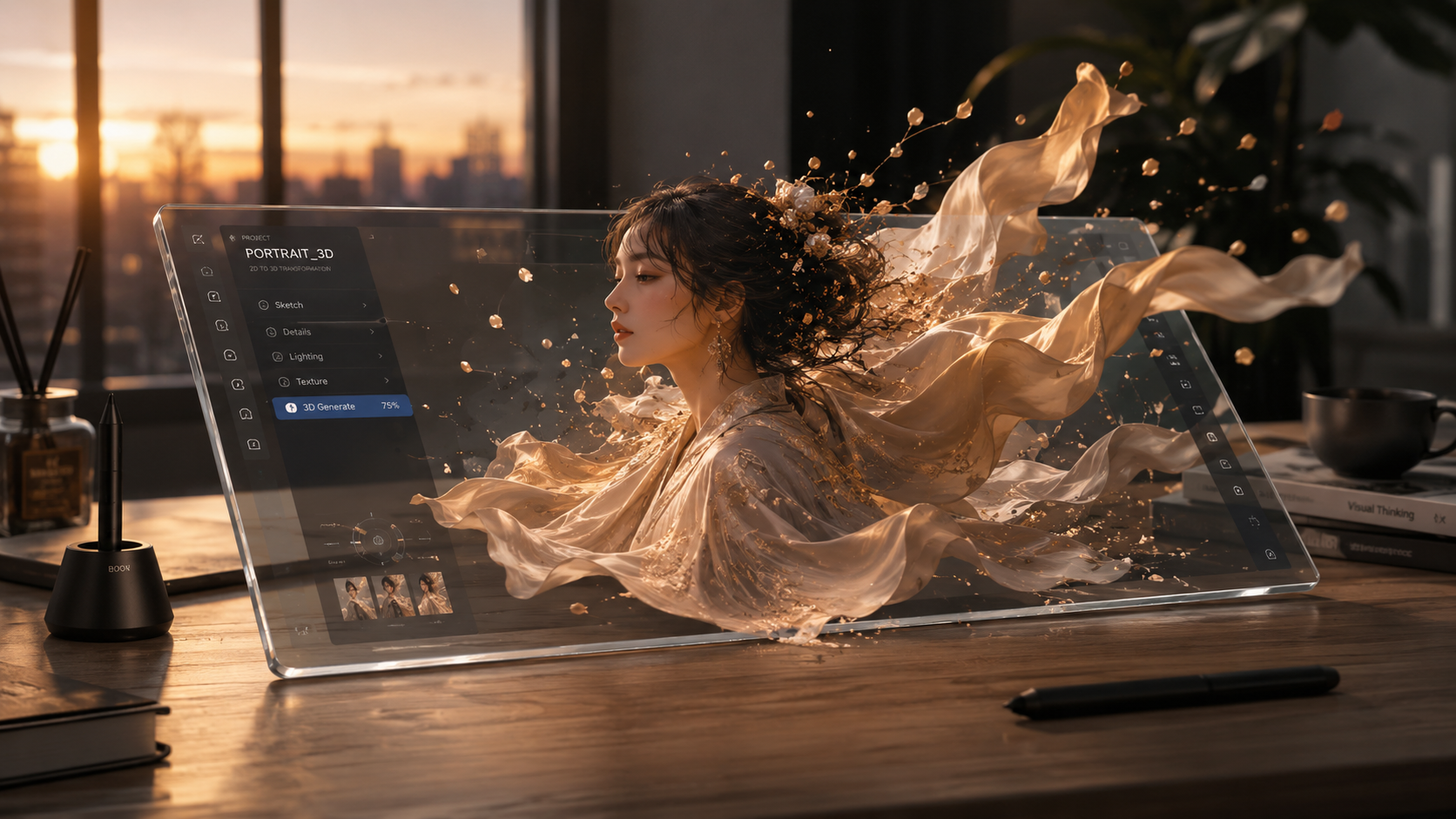
The landscape of generative AI has shifted toward specialized "multimodal" platforms. As reported by The AI Journal in January 2026, the top 10 image-to-video generators now prioritize "temporal consistency," which prevents the flickering often seen in earlier AI models. These tools are no longer just toys for enthusiasts; they are being utilized by photographers to breathe life into their portfolios, often referred to in the industry as "bringing images back to life."
VideoProc Converter AI
As highlighted by PetaPixel and SLR Lounge, VideoProc Converter AI remains a dominant force for users who need a bridge between static imagery and high-end video. While it offers premium upgrades, its core AI enhancement features allow photographers to take existing images, animate them, and then use AI-driven frame interpolation to create smooth 60FPS video. This tool is particularly favored for its ability to "bring videos and images back to life" through sophisticated restoration algorithms that fix low-quality source files during the conversion process.
Emerging Web-Based Generators
Newer entrants in 2026 have focused on browser-based accessibility. These platforms often provide a "freemium" model where users receive a set amount of daily credits. According to Cybernews, these generators are increasingly integrated with AI image creators, allowing for a seamless workflow where an image is generated and immediately converted into a video within the same interface. This "one-stop-shop" approach has been a major factor in the 2026 revolution of content for SMBs.
| Tool Name | Best For | Key Free Feature | Output Quality |
|---|---|---|---|
| VideoProc Converter AI | Photographers & Pros | AI Enhancement & Upscaling | Up to 4K / 60FPS |
| AI Journal Top Picks | Social Media Creators | Daily Free Credits | 1080p Cinematic |
| Analytics Insight Tools | Quick Marketing Clips | Text-to-Video Integration | HD Standard |
| Cybernews Featured Apps | Beginners | One-Click Animation | 720p/1080p |
The Impact of AI Video on Small Businesses (SMBs)
The year 2026 marks a turning point for small business marketing. A report titled "From Static to Cinematic" by Breaking The Lines (January 2026) explains how image-to-video AI is revolutionizing content strategies. In the past, a small business would need to hire a production crew to create a 15-second promotional clip. Today, a free ai image to video converter allows a local bakery or a boutique law firm to turn their professional photos into high-engagement video ads in under five minutes.
This shift is largely due to the reduction in "compute cost" and the improvement in AI efficiency. Businesses are now using these tools to create "living" product catalogs and dynamic background headers for their websites. The ability to add motion to a static product shot—such as making steam rise from a coffee cup or showing a dress swaying in a digital breeze—has been shown to increase click-through rates by over 40% compared to static imagery.
Advanced Features in 2026 AI Converters
When searching for a free ai image to video converter, it is important to look for features that go beyond simple animation. The current generation of AI models uses "physics-aware" generation. This means the AI understands that if it sees a waterfall in an image, the water should move downward while the rocks remain stationary. This level of granular control was a pipe dream just a few years ago but is now standard in 2026.
Motion Brushing and Regional Control
One of the most significant advancements is the "Motion Brush." This feature allows users to paint over specific areas of an image to tell the AI exactly where movement should occur. For example, you can paint over a person's hair to make it flutter in the wind while keeping their face perfectly still. This prevents the "warping" effect that plagued earlier AI video attempts and ensures a professional look suitable for commercial use.
AI Upscaling and Frame Interpolation
Many free tools now include "post-processing" AI. Once the video is generated, it might initially look slightly blurry or low-resolution. Features like those found in VideoProc Converter AI allow users to upscale these clips. According to PetaPixel, these annual upgrades in AI enhancement allow photographers to take 10-year-old digital photos and convert them into modern 4K video clips, effectively future-proofing their archives.
Choosing the Right Free AI Image to Video Converter
With so many options available in 2026, choosing the right tool depends on your specific needs. If you are a professional photographer, you should lean toward tools that prioritize image fidelity and offer localized software options for better privacy and processing power. If you are a social media influencer, web-based tools with large libraries of "style presets" might be more beneficial for rapid content deployment.
According to The AI Journal, the most important factor to consider is the "credit refresh rate." Since many tools are free-to-start, understanding how many seconds of video you can generate per day or month is crucial for planning your content calendar. Some platforms offer unlimited low-resolution exports while gating high-definition 4K exports behind a subscription or a daily limit.
Frequently Asked Questions
What is the best free ai image to video converter for beginners?
For beginners, web-based tools featured in 2026 guides by Analytics Insight are best because they offer a simple "upload and click" interface. These tools require no knowledge of prompting or video editing to produce a usable 5-second clip.
Can I use AI-generated videos for commercial purposes?
Most platforms allow commercial use of the videos generated, but you must check the specific terms of service for the "free" tier. Some tools require a paid license for full commercial rights, while others grant them as long as the AI tool is credited.
How long does it take to convert an image to video?
In 2026, the average generation time for a 5-second video clip is between 30 and 90 seconds, depending on the complexity of the motion and the server load of the platform you are using.
Do I need a powerful computer to run these AI converters?
No, most 2026 AI converters are cloud-based, meaning the heavy processing happens on the provider's servers. However, software like VideoProc Converter AI can utilize your local GPU for faster enhancement if you choose the desktop version.
Is there a limit to how many videos I can make for free?
Most free AI tools use a credit system. According to industry standards in 2026, a typical free account receives enough credits to generate approximately 10 to 30 seconds of video per day.
In conclusion, the era of static content is fading. As Breaking The Lines noted in their January 2026 report, the transition from static to cinematic is the new standard for digital presence. By utilizing a free ai image to video converter, you can ensure your visual storytelling remains competitive, engaging, and modern in an increasingly video-first digital world.



Comments ()