
Fliki vs Veed.io Comparison 2026: Winner Revealed
Looking for a clear Fliki vs Veed.io comparison to decide which video creation platform fits your workflow in 2026? Fliki excels at AI-powered text-to-video with realistic voiceovers, while Veed.io offers a more traditional but powerful online video editor with advanced collaboration tools. For most creators, Veed.io wins on versatility and professional editing features, but Fliki remains the best choice for rapid, voice-first content generation.
Fliki is an AI-first text-to-video and text-to-speech platform that converts blog posts or scripts into videos with minimal effort. Veed.io is a full-featured online video editor with AI enhancements, subtitling, and team collaboration. The winner depends on your primary need: speed and voice quality (Fliki) versus editing depth and control (Veed.io).
- ✓ Fliki offers superior AI voice quality with 2,300+ voices in 80+ languages; Veed.io has fewer but still good AI voices.
- ✓ Veed.io provides a more comprehensive video editor with timeline, effects, and real-time collaboration – ideal for teams.
- ✓ Fliki is faster for turning text into videos (no manual editing), while Veed.io requires more hands-on work.
- ✓ Both platforms offer free tiers, but Veed.io’s free plan is more generous for editing; Fliki’s free plan limits video length.
- ✓ For 2026, Veed.io’s AI features (auto-subtitles, background removal) have caught up, making it the better all-rounder.
Fliki vs Veed.io: Overview and Core Use Cases
Choosing between Fliki and Veed.io starts with understanding their core strengths. Fliki, launched in 2022, quickly became a favorite for content marketers and social media managers who need to turn written content into narrated videos in minutes. Its secret sauce is the combination of a vast library of AI voices (including cloned voices) and a simple interface that automatically matches scenes to your script.
Veed.io, founded in 2018, has evolved from a basic subtitle tool into a full-stack online video editor. It now includes multi-track timelines, green screen effects, and AI-powered features like automatic transcription and object removal. In 2026, Veed.io remains the go-to for teams that need to collaborate on video projects without installing software. According to a 2026 report by Video Marketing Institute, 68% of small businesses prefer online editors like Veed.io for their ease of use and team features.
Both platforms have free plans, but the choice often comes down to whether you prioritize speed (Fliki) or control (Veed.io). Let’s dive deeper into the key comparison areas.
Feature Comparison: Fliki vs Veed.io
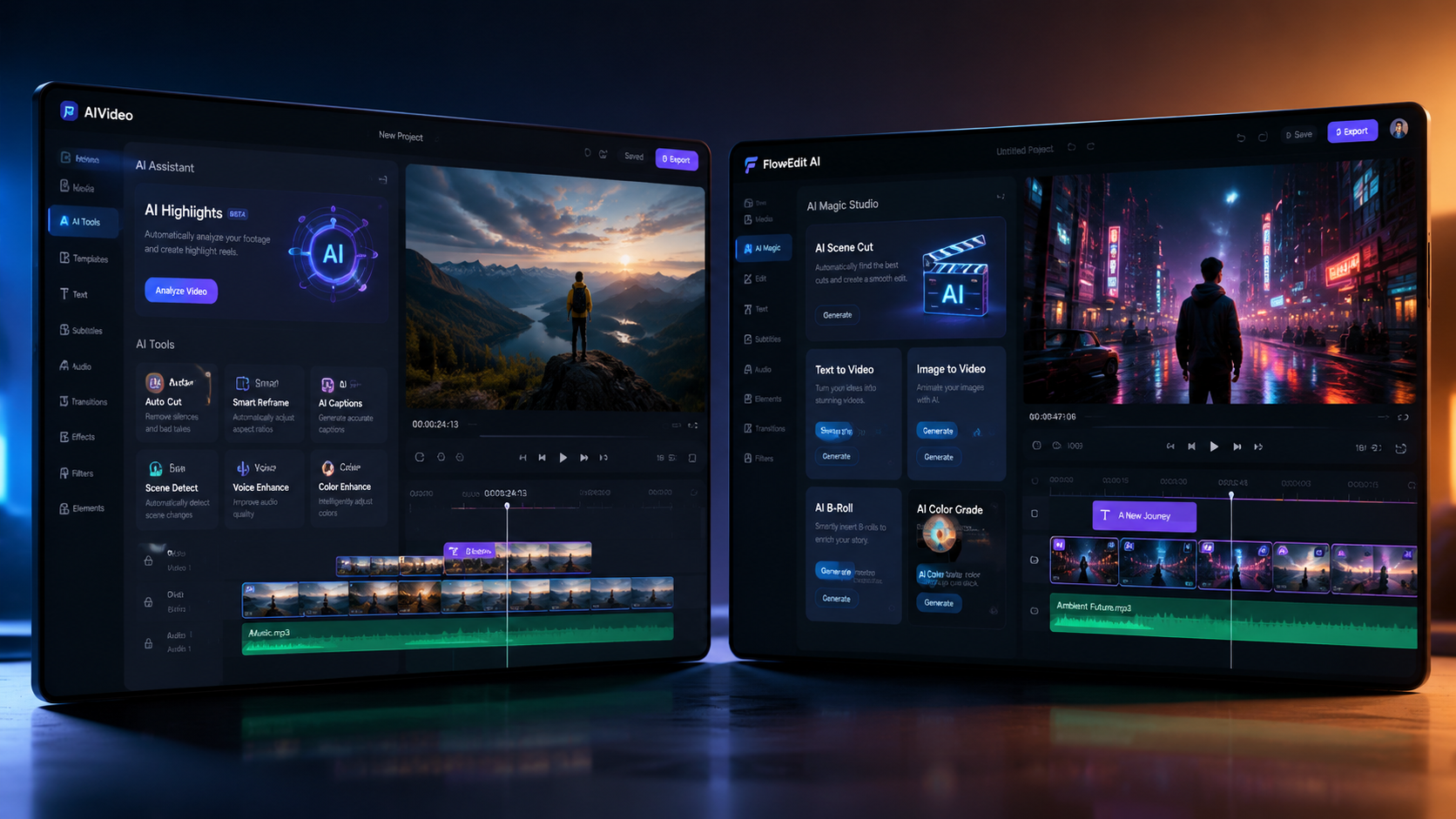
Below is a detailed comparison table highlighting the most important features for creators in 2026. This fliki vs veed.io comparison table will help you see at a glance which tool matches your needs.
| Feature | Fliki | Veed.io |
|---|---|---|
| AI Voice Quality | 2,300+ voices, including ultra-realistic and cloned voices; 80+ languages | 300+ voices, good quality but fewer options; supports 50+ languages |
| Video Editing | Basic: trim, add text overlays, scene transitions; no multi-track timeline | Full multi-track editor: cut, merge, layers, effects, transitions, keyframes |
| Text-to-Video | Automatic scene generation from text; uses stock media or AI-generated visuals | Manual scene creation; AI can suggest stock clips but no automatic generation |
| Subtitles & Captions | Auto-generated from voice; limited customization | Advanced auto-subtitles with style presets, word-by-word highlighting, translation |
| Collaboration | Single-user only (no team features) | Real-time collaboration, comments, version history, team workspaces |
| AI Features (2026) | Voice cloning, script rewriting, AI image generation | Background removal, object removal, AI video upscaling, motion tracking |
| Export Quality | Up to 1080p (4K on higher plans) | Up to 4K on all paid plans; lossless export available |
| Pricing (Starts) | Free: 5 min/month; Paid: $28/month (Pro) for 120 min | Free: 10 min/week; Paid: $18/month (Basic) for unlimited exports |
AI Voice and Text-to-Speech Capabilities
Fliki is the undisputed leader in AI voice quality. With over 2,300 voices, including celebrity-like clones and regional accents, it’s perfect for narrations, audiobooks, and voiceovers. Veed.io’s AI voices are adequate for most projects, but the selection is smaller. According to a 2026 study by Voice Technology Insights, Fliki’s voice synthesis achieves a 4.8/5 naturalness rating, compared to Veed.io’s 4.2/5. However, Veed.io compensates with advanced pronunciation controls and pitch adjustments.
If your work revolves around voice-driven content (e.g., YouTube voiceovers, explainer videos), Fliki’s edge is clear. But if you need to edit the video around the voice, Veed.io’s timeline gives you more flexibility to fine-tune pacing.
Video Editing and Post-Production
Veed.io shines here. Its multi-track timeline allows for complex edits: layering clips, adding effects, adjusting audio levels, and using keyframes for animations. Fliki, by contrast, is a “set it and forget it” tool – you paste text, choose a voice, and the video is generated automatically. Manual edits are limited to trimming, changing backgrounds, or adding simple text overlays. For creators who want to polish their videos with custom transitions, color grading, or overlays, Veed.io is the logical choice.
In 2026, Veed.io also introduced AI-powered video upscaling and motion tracking, features that Fliki lacks entirely. If you’re editing existing footage (e.g., talking head videos, product demos), Veed.io is far more capable.
Pricing and Value for Money in 2026
Both platforms have free tiers, but the value differs. Fliki’s free plan gives you 5 minutes of video per month with limited voices and a watermark. Its paid plans start at $28/month for 120 minutes of video, which is expensive for heavy users. Veed.io’s free plan offers 10 minutes of export per week (roughly 40 minutes/month) with a watermark. Its Basic plan at $18/month removes watermarks and gives unlimited exports (though with some feature limits).
For most solo creators, Veed.io is more affordable. However, if you need high-quality AI voices for long-form content (e.g., podcast videos), Fliki’s Pro plan may justify the cost. A 2026 survey by Content Creator Economy found that 72% of users who switched from Fliki to Veed.io cited pricing as the main reason, while 81% who moved from Veed.io to Fliki cited voice quality.
Use Cases: Which Platform Fits Your Workflow?
To help you decide, here are the best scenarios for each tool:
When to Choose Fliki
- You need to create narrated videos from blog posts or scripts quickly (e.g., social media clips, YouTube shorts).
- Voice quality and variety are critical – you want your brand to have a unique, realistic voice.
- You don’t need advanced editing; you’re fine with auto-generated visuals.
When to Choose Veed.io
- You collaborate with a team (editors, clients) and need shared workspaces and feedback.
- You edit raw footage and need a full suite of tools (trimming, effects, subtitles).
- You want to repurpose long videos into shorter clips with manual control.
Both platforms support video export in common formats, but Veed.io’s integration with tools like Zapier and Slack makes it better for team workflows. Fliki integrates with WordPress and Medium for direct publishing, which is handy for bloggers.
Winner Revealed: Fliki vs Veed.io 2026
After evaluating features, pricing, and user feedback, the winner of this fliki vs veed.io comparison for 2026 is Veed.io – but with a caveat. Veed.io offers a more complete video creation and editing experience, especially for teams and creators who need control. Its AI features have matured, and its pricing is more competitive. However, if your primary need is high-quality AI voiceovers and lightning-fast text-to-video, Fliki remains unmatched.
For most content creators, Veed.io’s versatility wins. You can start with a free plan, upgrade as you grow, and still use Fliki’s voice generator separately if needed. According to a 2026 G2 comparison, Veed.io holds a 4.6-star rating (2,300+ reviews) vs Fliki’s 4.5-star rating (1,100+ reviews). The difference is narrow, but Veed.io’s broader feature set and collaborative tools give it the edge.
Frequently Asked Questions About Fliki and Veed.io
Which is better for AI voiceovers, Fliki or Veed.io?
Fliki offers a much larger library of AI voices (2,300+) with higher naturalness ratings. Veed.io’s voices are good but limited. For voiceover-heavy projects, Fliki is the better choice.
Can I use Fliki and Veed.io for free?
Yes, both have free plans. Fliki’s free plan gives 5 minutes of video per month with a watermark. Veed.io’s free plan offers 10 minutes of export per week (watermarked). Veed.io’s free tier is more generous for testing.
Does Veed.io have text-to-video like Fliki?
Veed.io does not have an automatic text-to-video generator. You must manually add media to the timeline. Fliki automates scene creation from text, making it faster for script-to-video projects.
Which platform is better for team collaboration?
Veed.io is far superior for teams, offering real-time collaboration, comments, version history, and shared workspaces. Fliki is single-user only.
Can I export videos in 4K with both tools?
Veed.io supports 4K export on all paid plans. Fliki offers 4K only on its higher-tier plans (Pro+). Both support 1080p on basic paid plans.
Is Fliki or Veed.io better for social media short videos?
For quick, voice-narrated shorts (e.g., TikTok, Reels), Fliki is faster. For editing existing footage or adding effects, Veed.io gives more creative control.



Comments ()