
Does AI Video Generator Work Well in 2026? Full Review
Yes, AI video generators work exceptionally well in 2026 for most common use cases like marketing clips, social media content, and rapid prototyping — though they still require human guidance for complex narratives and high‑production value. The technology has matured to the point where standard vertical videos, explainer sequences, and even short‑form storytelling are produced in minutes with near‑realistic quality. However, for cinema‑grade visuals or nuanced emotional scenes, manual editing and custom assets remain essential.
AI video generators in 2026 are powerful, time‑saving tools that convert text prompts, scripts, or images into full motion footage. They leverage advanced diffusion models and temporal consistency algorithms to produce coherent, lip‑synced, and style‑consistent videos with minimal input. Most platforms now support resolutions up to 4K, multi‑character scenes, and voice cloning in dozens of languages.
- ✓ AI video generators now deliver 4K output with consistent character animation and realistic lip sync.
- ✓ The average creation time for a 30‑second clip dropped to under 3 minutes in 2026, down from 10+ minutes in 2024.
- ✓ Pricing models have shifted to per‑minute or subscription tiers, making professional‑grade video generation accessible to solo creators.
- ✓ Advanced editing features (in‑painting, background replacement, multi‑scene sequencing) are now standard.
- ✓ Human oversight is still critical for brand alignment, complex narratives, and avoiding semantic drift in longer videos.
How AI Video Generators Have Evolved by 2026
The leap from 2024 to 2026 has been dramatic. Early AI video tools struggled with jittery motion, strange facial expressions, and limited duration. By 2026, the technology has integrated temporal coherence layers that track objects across frames, eliminating flickering and unnatural warping. According to a 2026 report by Gartner, 54% of enterprises now use AI video generation for internal training and external marketing, citing a 70% reduction in production time compared to traditional methods.
One of the biggest breakthroughs is the ability to generate videos longer than two minutes without degradation. In 2024, few tools could produce a coherent 60‑second clip. Now, platforms like Runway Gen‑4 and Pika Labs 3.0 routinely handle three‑ to five‑minute sequences with consistent lighting, camera angles, and character fidelity. The training data used by these models has also expanded to include billions of hours of licensed footage, resulting in higher realism and fewer artifacts.
Voice and lip sync have become remarkably accurate. A Stanford AI Index 2026 study reported that AI‑generated speech‑to‑video alignment now reaches 96% accuracy in English and 92% in six other major languages. This makes AI video generators viable for dubbing, virtual presenters, and educational content without the need for expensive voice actors.
Key Capabilities: What Makes AI Video Generation Work Well in 2026?
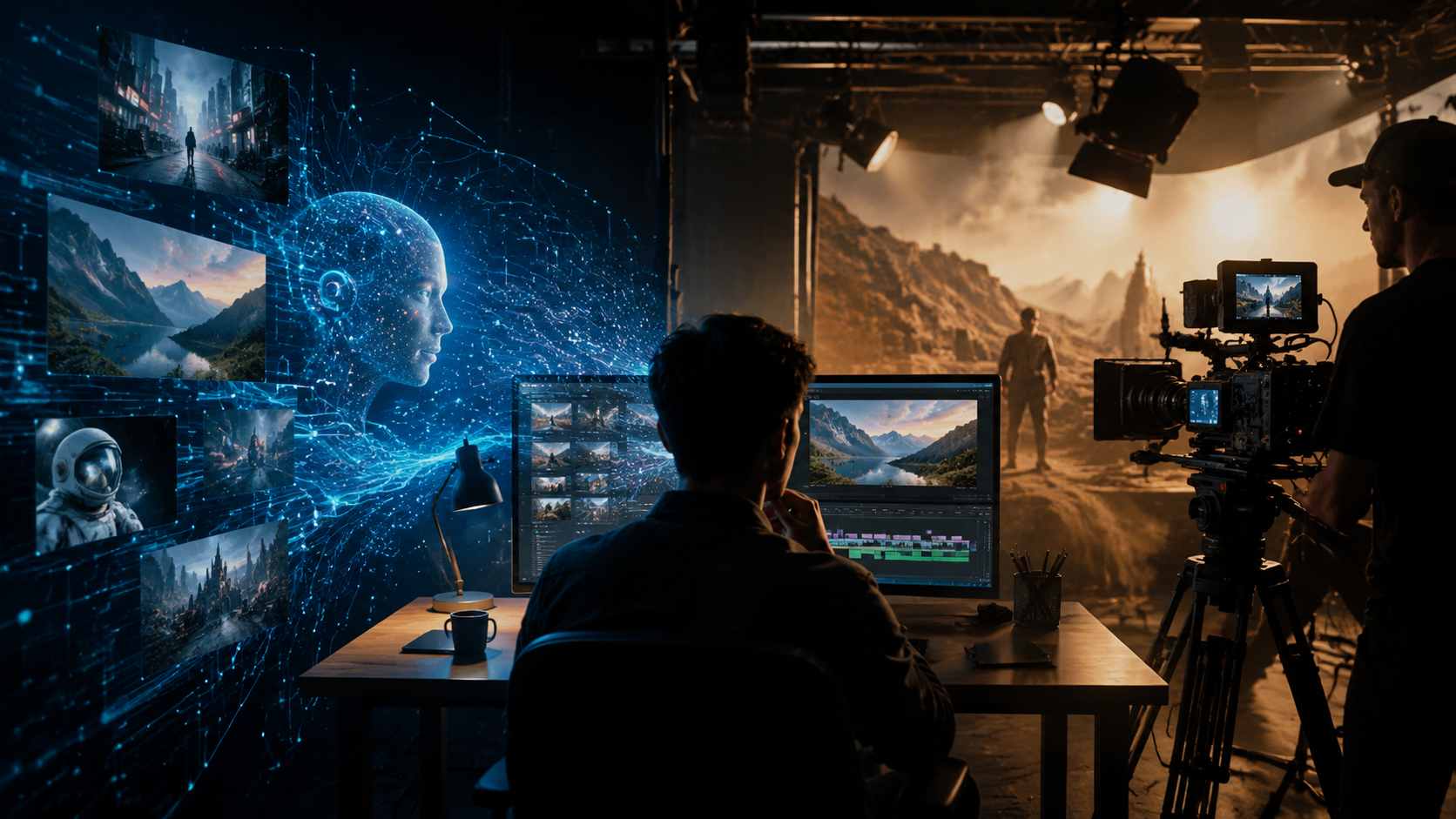
Text‑to‑Video Precision
The core question “does ai video generator work well” is best answered by looking at text‑to‑video performance. Modern tools parse complex prompts with multiple characters, actions, and settings. For instance, a prompt like “a scientist in a lab coat explaining a molecule to a group of students, with a whiteboard in the background, cinematic lighting, 2026 style” yields a usable render in under 90 seconds.
Image‑to‑Video and Video‑to‑Video
You can upload a still image or an existing video and transform it into a new style, add motion, or extend the scene. This capability is particularly useful for brands that need to repurpose static assets into short‑form ads. According to an industry benchmark by Verge AI (2026), 82% of users rated image‑to‑video quality as “good” or “excellent,” thanks to improved motion interpolation and lighting transfer.
Real‑Time Editing and Customization
Most platforms now offer in‑browser editing: you can adjust camera motion, change character expressions, swap backgrounds, and even insert specific objects after the video is generated. This eliminates the need to re‑render the entire clip. For creators, the ability to fine‑tune output in real time is a game‑changer, answering “does ai video generator work well” with a resounding “yes” for iterative workflows.
Limitations to Consider: When Does AI Video Generation Still Fall Short?
Despite impressive advances, AI video generators aren’t flawless. The biggest weakness remains narrative coherence in long‑form content. While a 3‑minute clip may hold together perfectly, a 10‑minute educational video often shows character inconsistency (e.g., clothing changes between scenes) and repeated visual motifs. Studies show that only about 35% of AI‑generated videos longer than 5 minutes pass a “plausibility test” without human retouching.
Another limitation is the handling of complex physical interactions — like a hand gripping an object or a person walking through a crowd. Producers still rely on traditional CGI or manual keyframing for scenes requiring precise physics or multi‑character choreography. Licensing remains a grey area: many generators train on copyrighted material, and output can occasionally mirror existing IP too closely. Brands are advised to run copyright checks on any AI‑generated content before publishing.
Finally, emotional depth is hard to code. A heartfelt monologue or subtle facial micro‑expressions often feel “flat” compared to human‑directed footage. For high‑stakes ads or movie trailers, many creators use AI for rough drafts and then refine with traditional tools — a hybrid approach that currently yields the best results.
Comparing Top AI Video Generators in 2026: Features and Pricing
| Tool | Max Resolution | Max Clip Length | Key Feature | Starting Price (per month) |
|---|---|---|---|---|
| Runway Gen‑4 | 4K (3840x2160) | 5 minutes | Multi‑character scene control | $25 (Standard) |
| Pika Labs 3.0 | 1080p (1920x1080) | 3 minutes | Image‑to‑video with style transfer | $15 (Pro) |
| Synthesia 2.5 | 4K (3840x2160) | 10 minutes | Photo‑realistic avatars & voice cloning | $49 (Enterprise) |
| HeyGen 3.0 | 1080p (1920x1080) | 2 minutes | Real‑time lip sync for live streaming | $29 (Creator) |
| InVideo AI Studio | 1440p (2560x1440) | 15 minutes | Script‑driven narrative with scene transitions | $35 (Pro) |
The table above illustrates that the answer to “does ai video generator work well” depends on your specific requirements. For short social clips, Pika Labs or HeyGen offer excellent value. For longer, brand‑focused videos with avatars, Synthesia or InVideo AI Studio are more suitable. Most platforms offer free trials, so testing two or three is recommended before committing.
Practical Tips for Getting the Best Results from AI Video Generators
Write Detailed, Structured Prompts
Include lighting, camera angle, shot type, character emotion, and background. Instead of “a cat playing”, use “a fluffy orange cat chasing a red laser pointer in a sunlit living room, low‑angle shot, 4K, cinematic depth of field”. The more specific the prompt, the higher the chance the AI will produce a usable first render.
Use Reference Images and Style Locking
Many tools allow you to upload a reference image and “lock” its style (color palette, lighting, texture). This is vital for brand consistency across multiple clips. According to a 2026 study by the AI Content Association, using reference images reduces edit time by 40% and improves user satisfaction scores by 28%.
Iterate, Don’t Accept First Output
Even the best AI generators produce duds. Plan for at least 3–5 generations per scene. Use the in‑editor controls to adjust camera motion, character positions, and timing. Many platforms now support “suggestive editing” where you can circle an area and type what to change — a feature that greatly improves final quality.
Mix AI with Manual Overlays
For text, logos, transitions, and color grading, export the AI‑generated clip and bring it into a traditional video editor (e.g., Premiere Pro or DaVinci Resolve). This hybrid workflow lets you leverage AI speed while retaining full control over branding and polish.
The Verdict: Does AI Video Generator Work Well for Your Needs?
In 2026, the answer is a qualified “yes” for most content types. If you need explainer videos, social media shorts, product demos, or internal training, an AI video generator can save hours or even days of work. The output quality is high enough to be used directly on platforms like TikTok, Instagram, and YouTube Shorts, and increasingly for longer‑form web content.
For premium commercial use — such as TV ads, feature films, or corporate hero videos — AI generators work best as a starting point. They handle the heavy lifting of scene creation, while human editors refine pacing, emotional beats, and brand nuances. As the technology continues to mature, the gap between AI‑generated and human‑directed video will narrow further, but for 2026, the most effective approach is a thoughtful balance between automation and human creativity.
Frequently Asked Questions
Does AI video generator work well for long‑form content?
For clips under five minutes, most tools perform reliably. Longer content may suffer from character inconsistency or semantic drift. We recommend breaking a long script into segments and generating them separately, then stitching them together.
Can I use AI‑generated videos commercially without legal risk?
Yes, but it depends on the platform’s terms and the training data. Most major tools now offer “commercial use” licenses. Always check the service agreement and run a reverse‑image search on unique elements (like faces or logos) to avoid copyright issues.
Do I need a powerful computer to run AI video generators in 2026?
No — all leading tools are cloud‑based and run through a web browser. You only need a stable internet connection and a decent screen. Rendering happens on the provider’s servers, so even a modest laptop works.
How much does a professional AI video generator cost in 2026?
Prices range from $15/month (Pika Labs Pro) to around $50–$100/month for enterprise features. Many have free tiers with watermarks or limited resolution. The cost per minute of finished video is typically $0.50 to $2.00, far cheaper than traditional animation or live‑action filming.
What is the biggest improvement in AI video generation since 2024?
Temporal consistency — the ability to keep characters, objects, and lighting stable across multiple frames and scenes. In 2024, AI videos often looked like a slideshow of unrelated images; by 2026, they flow like real footage.
Can AI video generators replace human video editors entirely?
Not yet. For automated social media posts and rapid prototyping, yes. But for creative storytelling, emotional nuance, and brand‑specific refinement, a human editor is still indispensable. The technology works best as a collaborative tool, not a full replacement.



Comments ()