Digen.ai ✖️ Google Nano Banana: 10+ Hottest Prompts Ready to Copy! (Part 2: Advanced Editing)
You thought Google Nano Banana on Digen.ai was just for generating images from scratch? Think again.

NanoBanana2 (now officially launched on Digen.ai)
✅Ultra-high realism, restores a photographed look
✅More accurate physical details like lighting, shadows, and materials
✅Has abilities such as mathematics and logical reasoning
The true power of this model lies in its precise control over existing images. Want to change an outfit? Merge artistic styles? Or switch a frown to a smile without retouching by hand?
Following up on our "Visual Effects" series, today we present Part 2: Advanced Editing Prompts. Forget Photoshop—just one prompt on Digen.ai handles it all.
👇 Copy the prompts below and try "AI Magic Editing" on Digen.ai now!
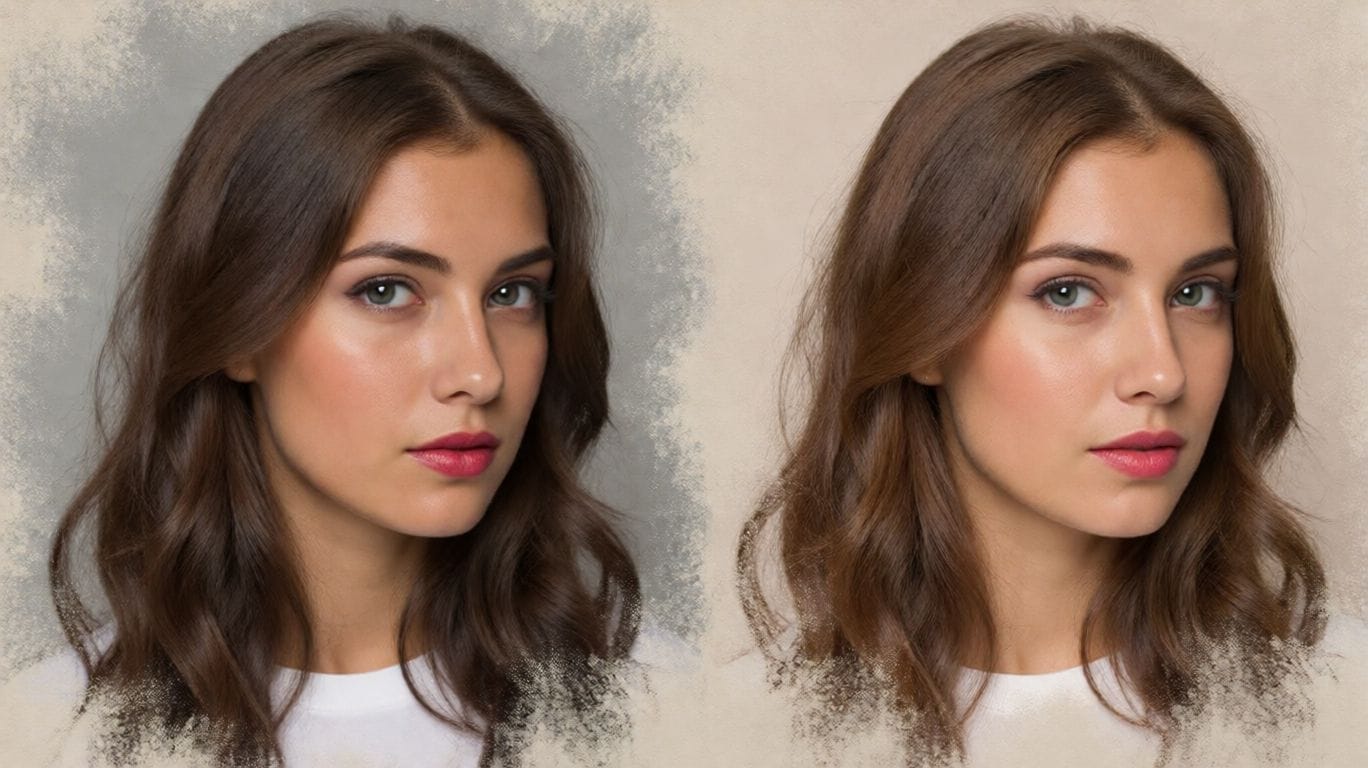
1. Style Fusion
Perfectly blend the content of one image with the artistic style of another. 💡 Tip: Ensure you map [Image1] and [Image2] to your uploaded references.
✅ Prompt: Transform this image [Image1] into the artistic style of [Image2]. Keep the main subject, composition, and details from [Image1], but apply the colors, textures, and overall aesthetic of [Image2]. High-quality, [illustration] style, consistent details.
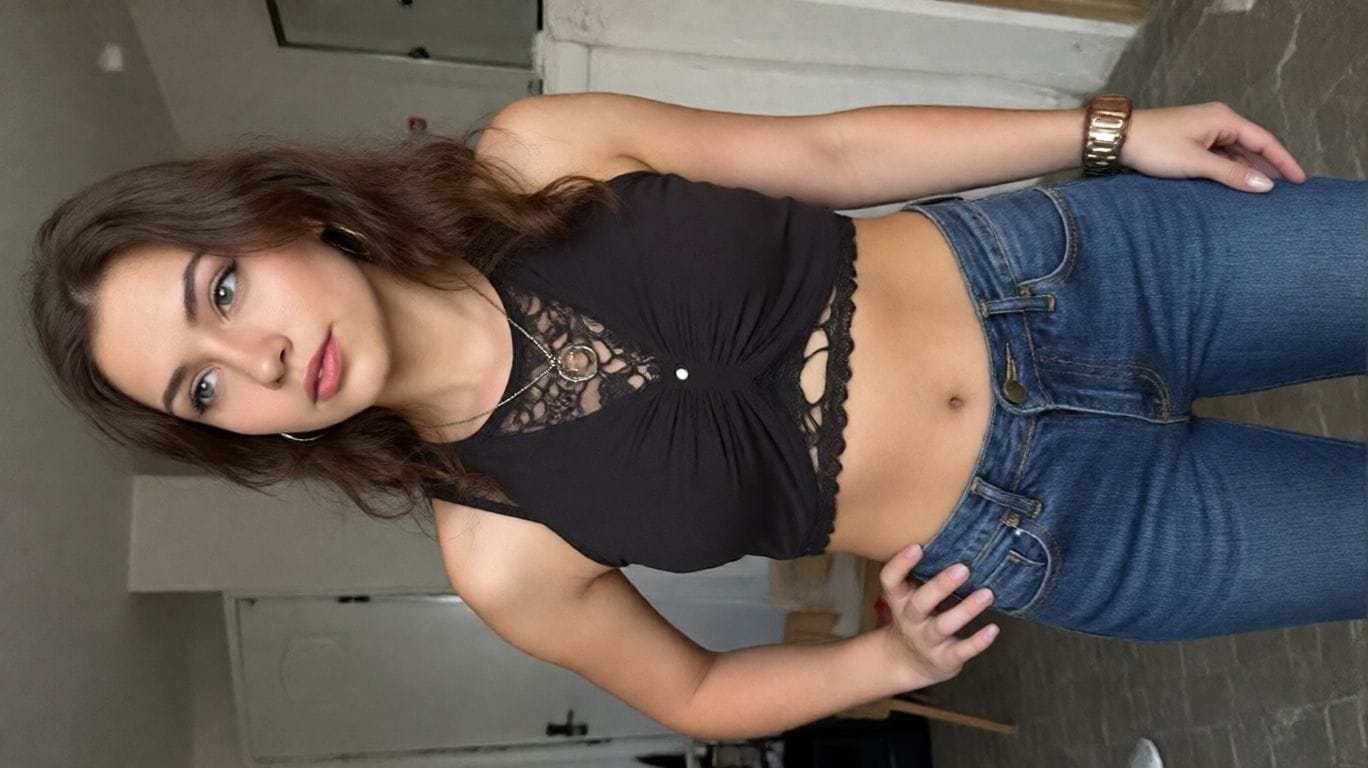
2. Virtual Try-On
A game-changer for fashion lovers. Swap outfits on a model instantly while keeping the pose and body consistent.
✅ Prompt: Keep the character in [Image1] unchanged, but replace her pant with the outfit in [Image2]. Maintain the same pose, body proportions, and facial features, while applying the color, texture, and style of the pants in [Image2]. High-quality, realistic, consistent detail.
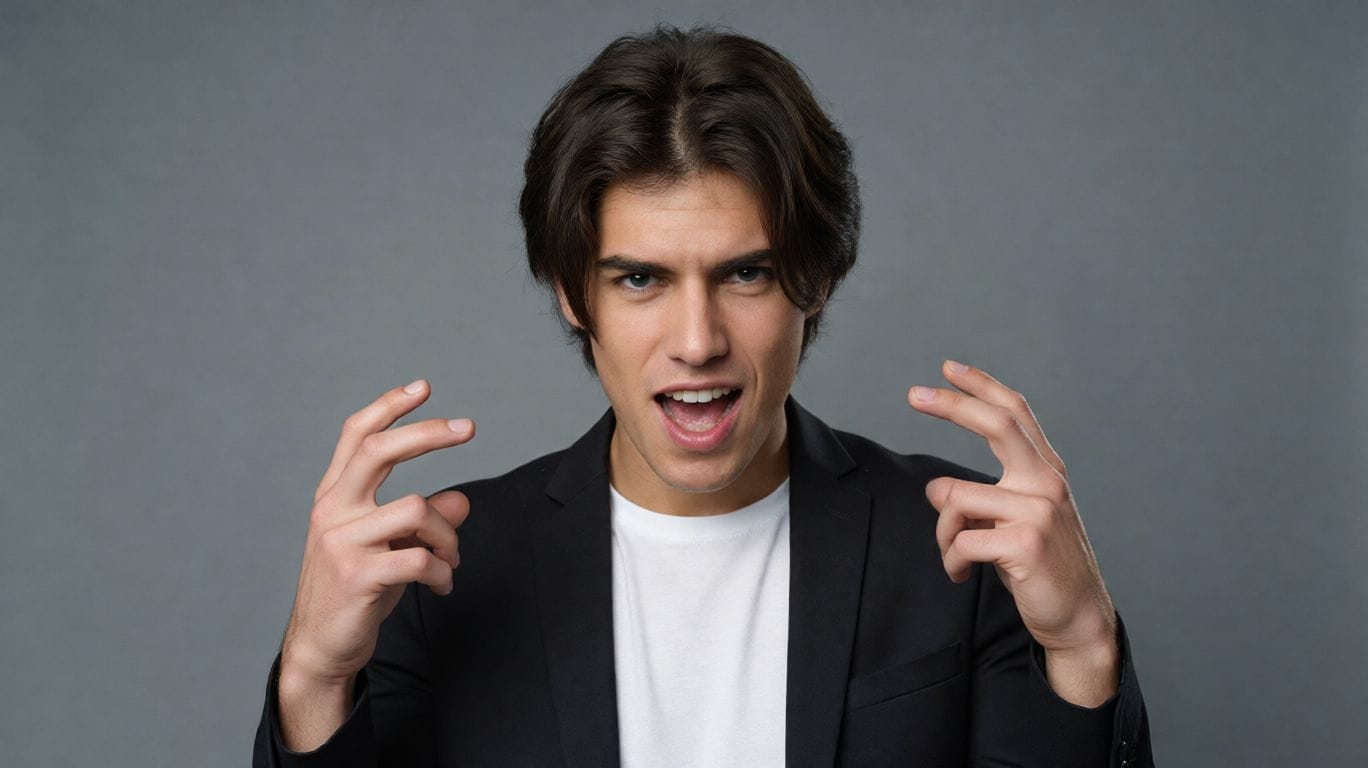
3. Change Expression
Make your photos come alive. Switch emotions seamlessly. 💡 Tip: Replace [desired expression] with emotions like "laughing" or "serious".
✅ Prompt: Keep the person from [Image1] unchanged, but change their facial expression to [desired expression, e.g., smiling, surprised, angry]. Preserve the pose, body proportions, hairstyle, and overall appearance. Maintain realistic lighting, shadows, and photorealistic details.
4. Pose Transfer
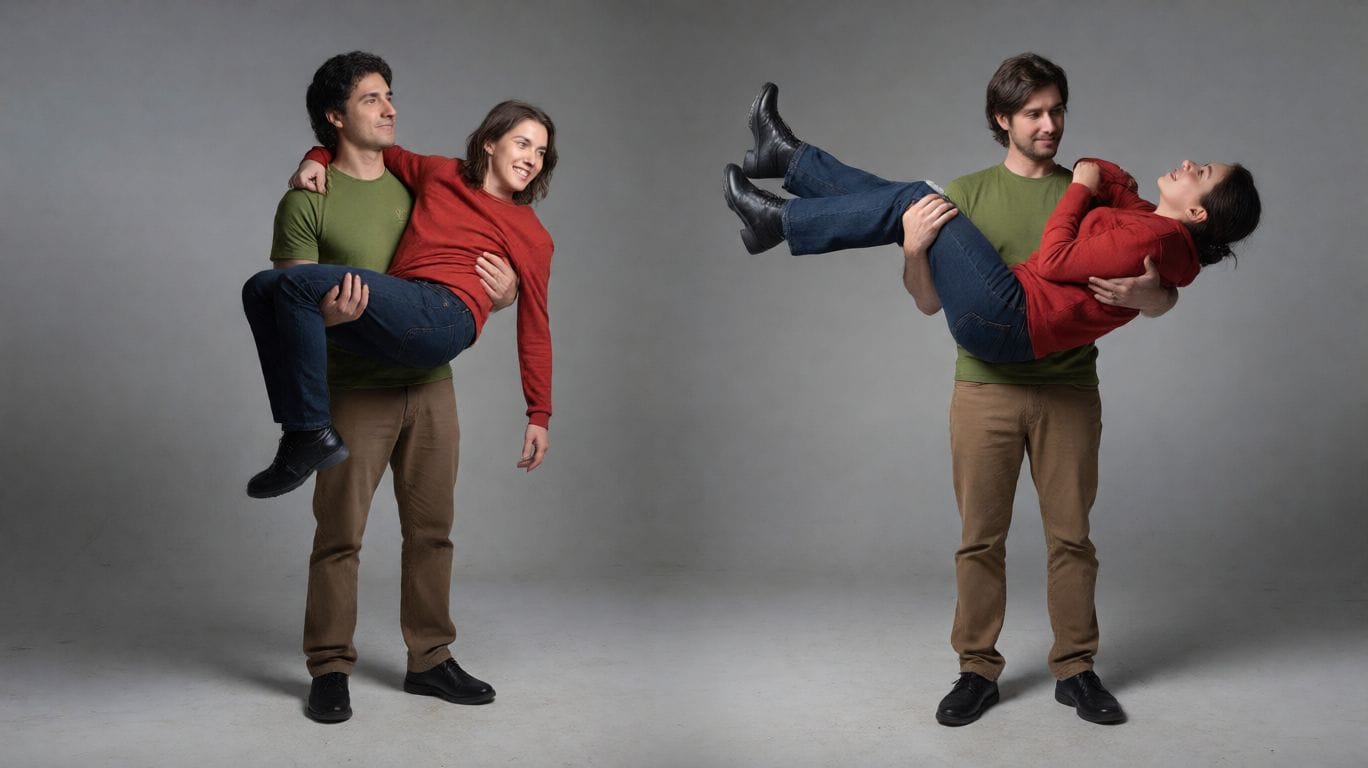
Replicate complex poses from a reference image while keeping your original character's identity.
✅ Prompt: Take the two men and place them in the exact poses of the man in green carrying the man in red. Preserve their identities, body proportions, and clothing details. Ensure the pose is natural and realistic, with consistent lighting, shadows, and perspective. Photorealistic, high-resolution result.
5. Body Reshape
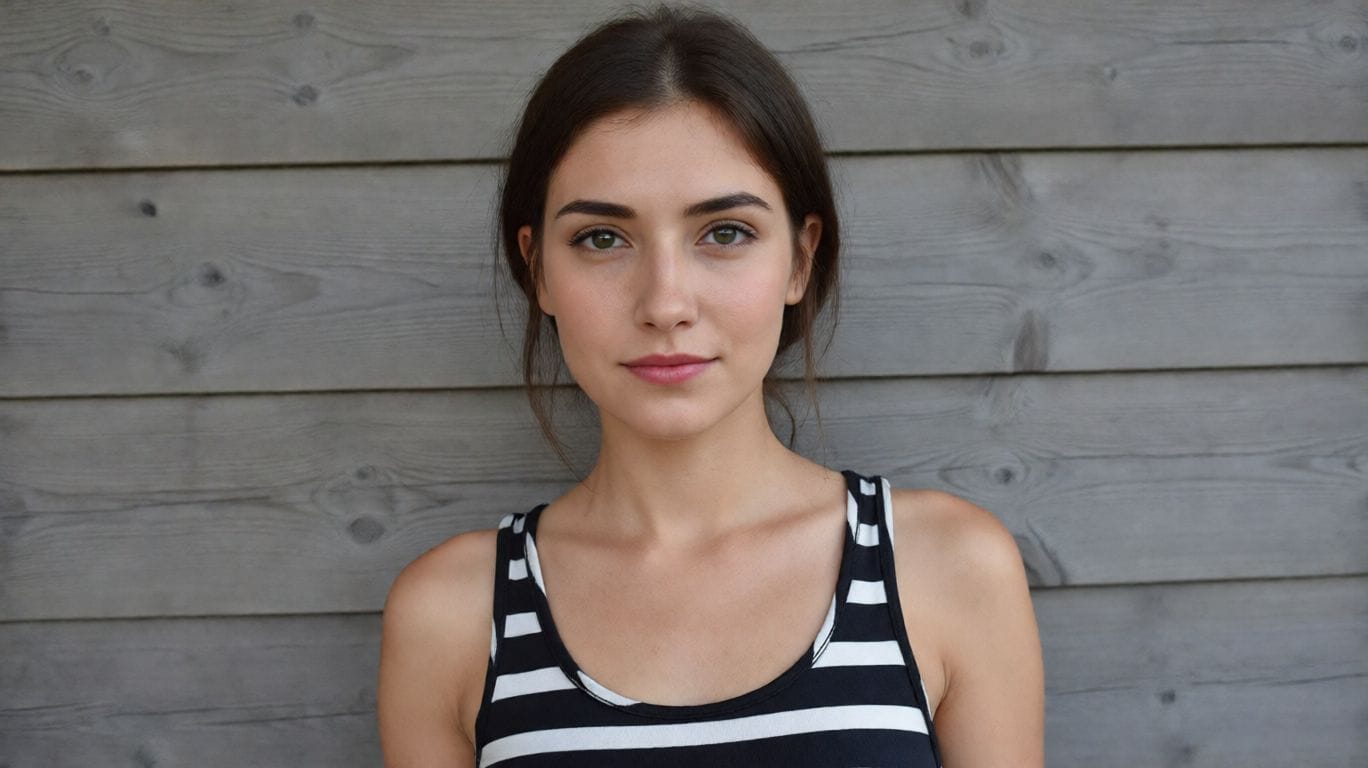
Whether you want a muscular build or a different silhouette, Nano Banana adjusts anatomy naturally.
✅ Prompt: Reshape the body of the person in [Image1] into a [target body type]. Keep the face, identity, hairstyle, and clothing consistent. Ensure realistic anatomy, natural proportions, and photorealistic details.
6. 9-Grid Portraits
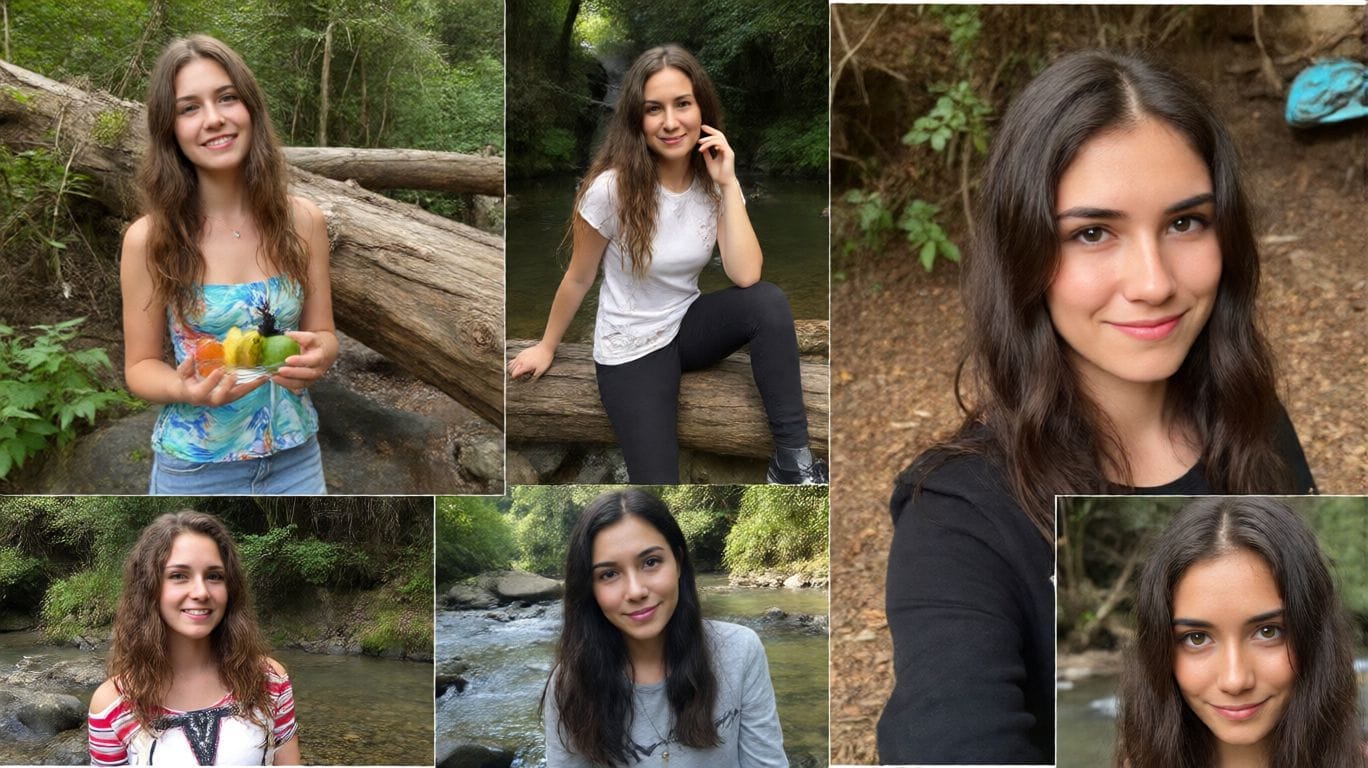
Generate a variety of 9 different lifestyle shots from a single reference photo. Perfect for social media content.
✅ Prompt: Using the uploaded photo as a reference, generate a set of 9 vibrant half-length portraits featuring natural life. Each portrait should show a different pose and be placed in a unique setting, with rich, colorful details that highlight the diversity of nature.
7. Background Replacement
Travel the world without leaving your chair. Change the background while maintaining perfect lighting integration.
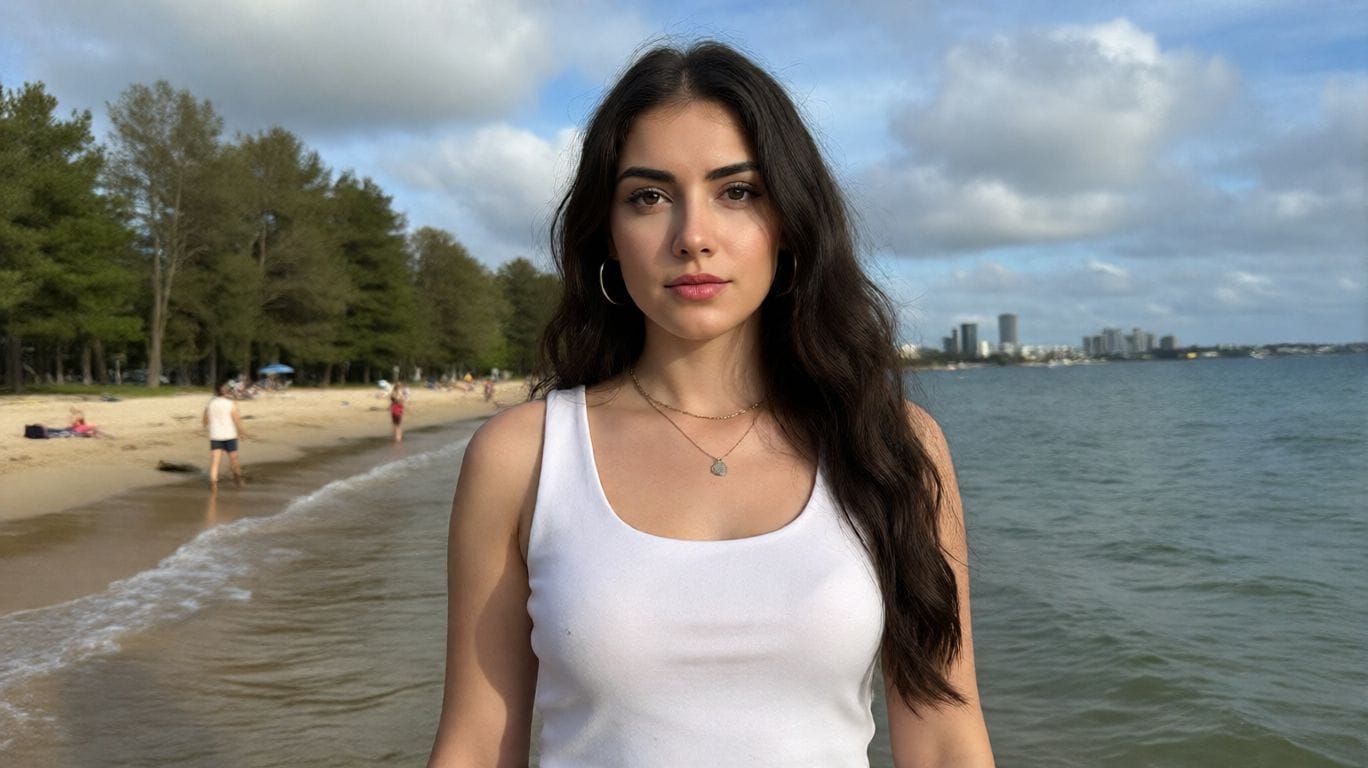
✅ Prompt: Replace the background of [Image1] with [desired background description, e.g., a beach, a forest, a city skyline]. Keep the main subject (person/object) unchanged, maintaining original proportions, lighting, and details. Ensure the subject blends naturally with the new environment. Photorealistic, high-resolution, seamless integration.
8. Add or Remove Objects
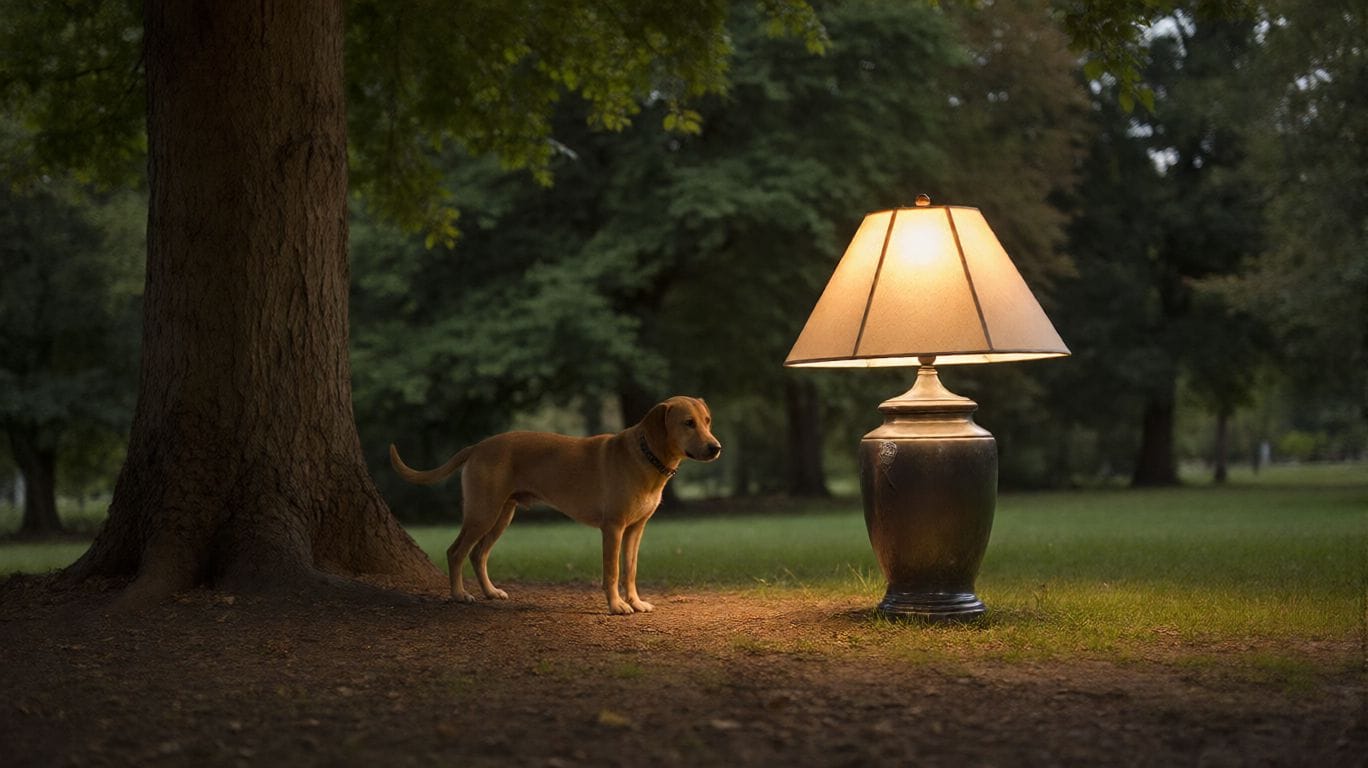
Add Object:
✅ Prompt: Add [desired element, e.g., a tree, a lamp, a dog] to [Image1]. Place it naturally in the scene, matching the lighting, perspective, and style. Keep the original elements unchanged. Photorealistic, seamless integration.
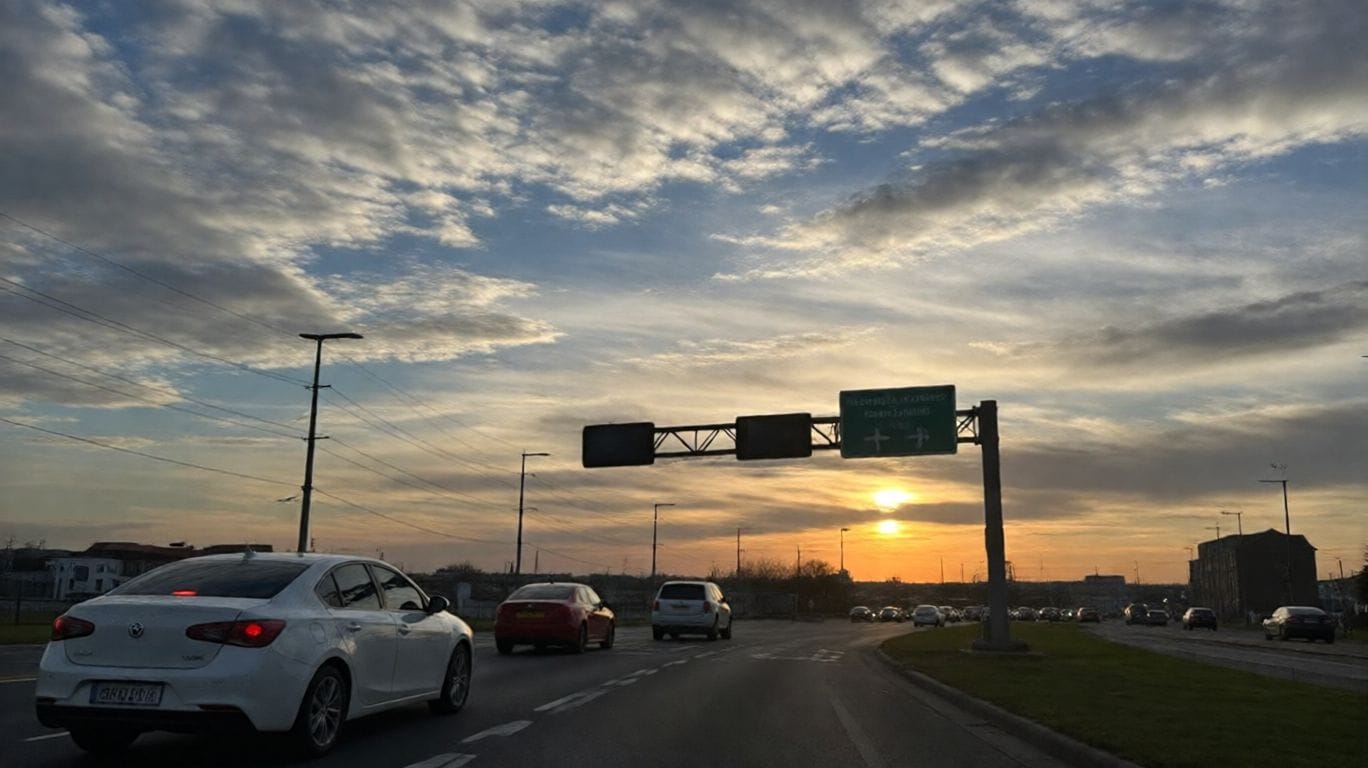
Remove Object:
✅ Prompt: Remove [element to remove, e.g., a person, a car, a sign] from [Image1]. Fill the background naturally to maintain the scene’s continuity, lighting, and details. Keep all other elements unchanged. Photorealistic, high-resolution.
9. Change Camera Angles
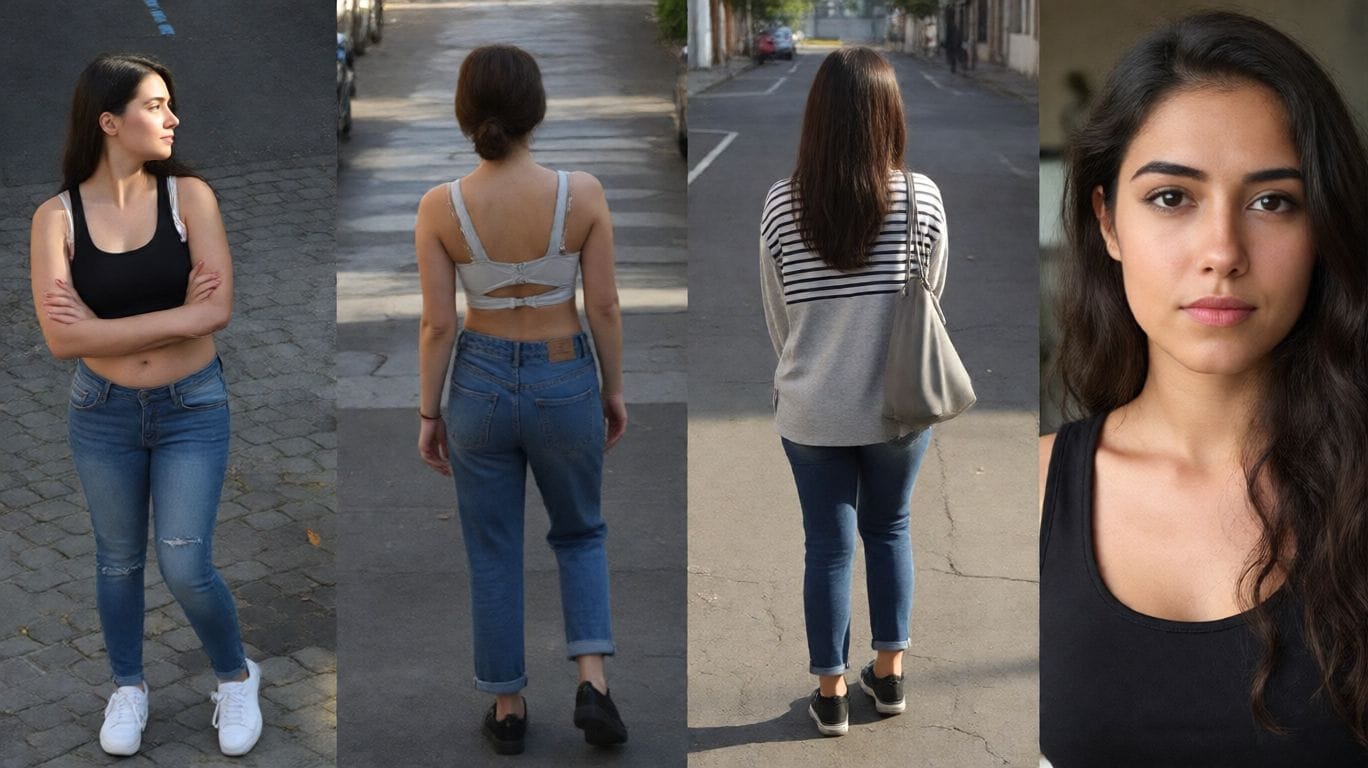
Generate Bird’s-eye, Rear, Side, and Close-up views from a single image.
✅ Prompt: Recreate the person from [Image1] in four different camera perspectives.Keep the subject’s identity, body proportions, and clothing consistent across all four images. Maintain the same background environment as [Image1], with photorealistic lighting, natural shadows, and high-quality details. Generate four variations side by side: Bird’s-eye view (from above). Rear view (from behind). Side profile view. Close-up portrait view.
10. Text Editing
Edit text on signs, shirts, or posters within the image while preserving the original font style and perspective.
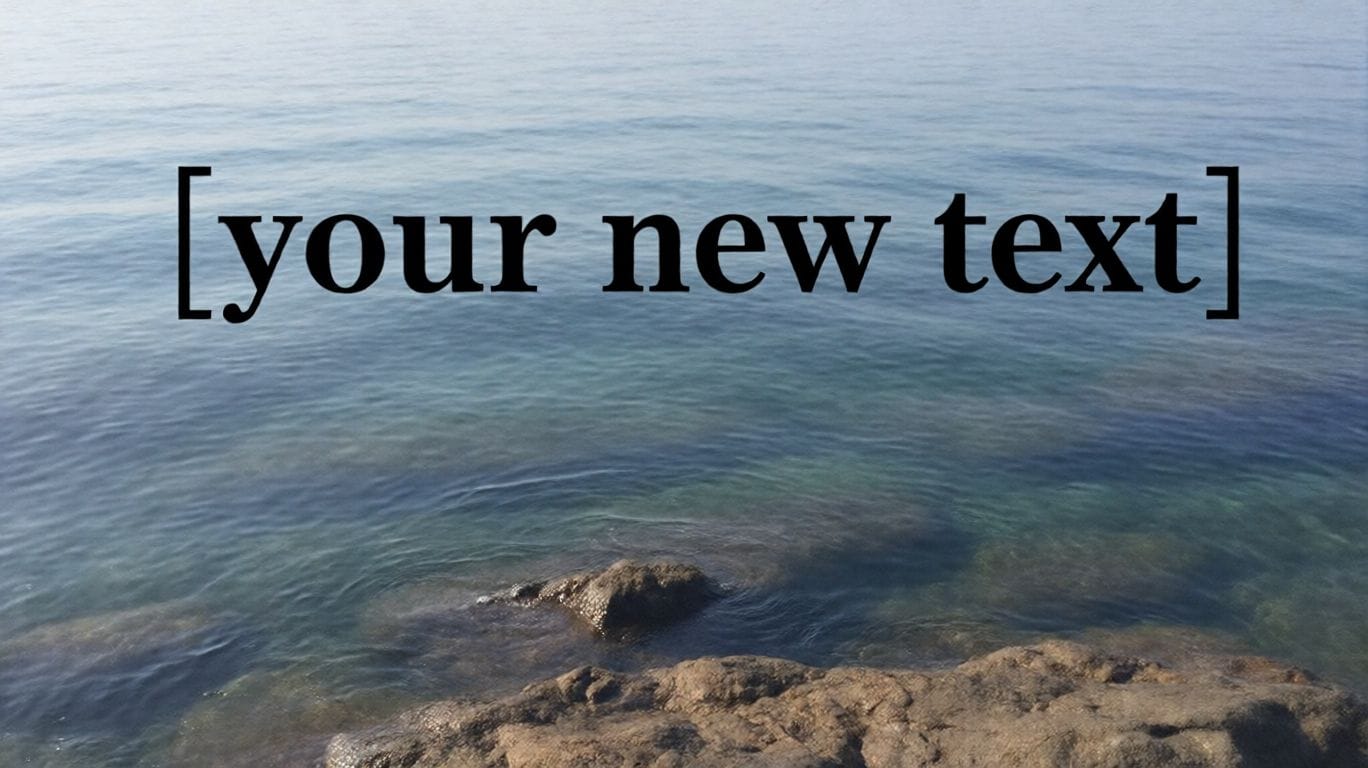
✅ Prompt: Edit the text in [Image1]. Replace the existing text with “[your new text]” while keeping the background, design, and other elements unchanged. Match the font style, size, and color to look natural and consistent with the image. Photorealistic, seamless integration.
🚀 Next Step: Have a photo that needs a magic touch? Or a wild idea you want to visualize? Go to Digen.ai right now, upload your image, paste these prompts, and let Google Nano Banana do the heavy lifting!
Comments ()