
Digen.ai ✖️ Google Nano Banana: 10+ Hottest Prompts Ready to Copy! (Part 1: Visual Effects)

Nano Banana2 (now officially launched on Digen.ai)
✅Ultra-high realism, restores a photographed look
✅More accurate physical details like lighting, shadows, and materials
✅Has abilities such as mathematics and logical reasoning
Google's most powerful image model, Nano Banana, has officially landed on Digen.ai!
Beyond its incredible photorealism and 3D understanding, Nano Banana is a creative powerhouse. To help you get started, we've curated a list of the 10+ most popular Nano Banana prompts. No need to struggle with prompt engineering—just copy, paste, and upload your photo on Digen.ai to unlock professional-grade creativity.
👇 Save this list and try them on Digen.ai now!
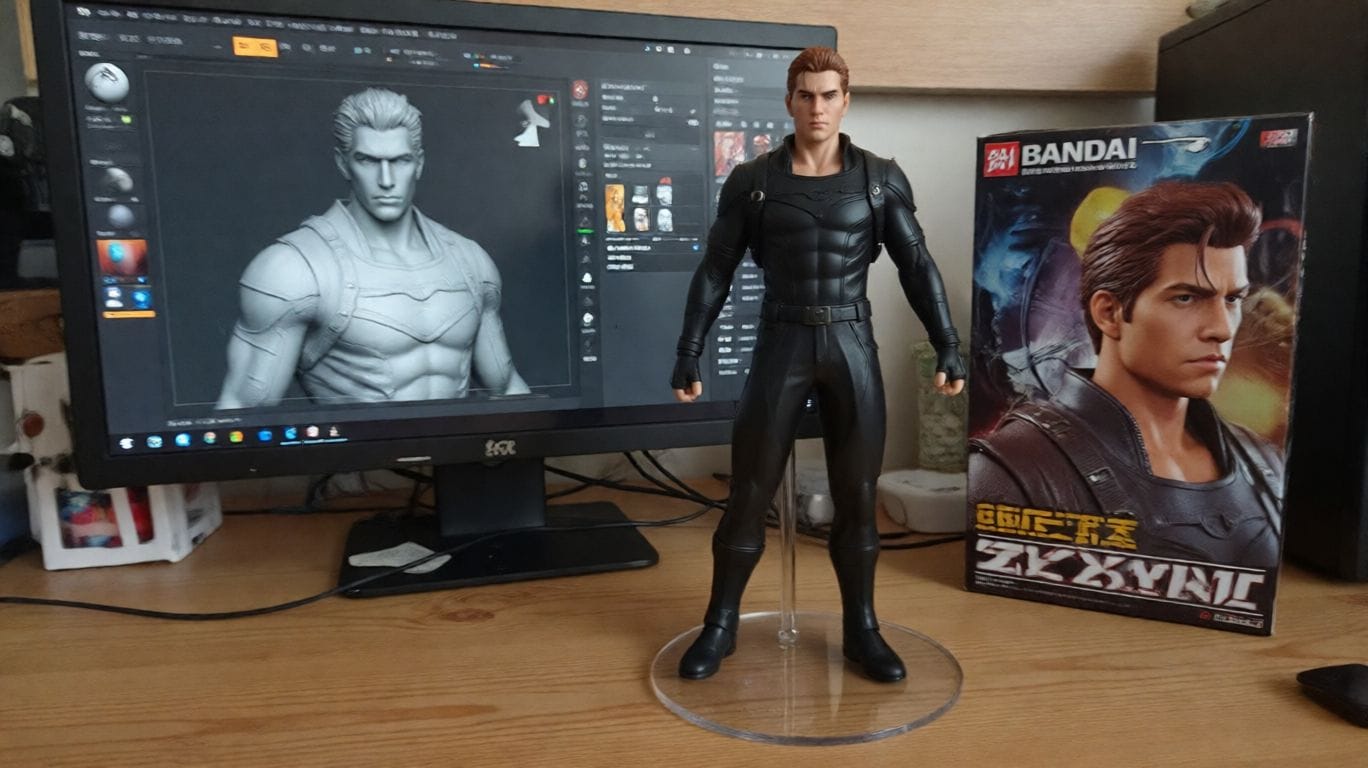
1. Nano Banana 3D Figure
Transform photos into lifelike 1/7 scale commercial figures, complete with packaging and a modeler's desk environment.
✅ Prompt: Turn the person in the uploaded picture into a 1/7 scale commercialized figure of the character in the illustration, in a realistic style and environment. Place the figure on a computer desk, using a circular transparent acrylic base without any text. On the computer screen, display the ZBrush modeling process of the figure. Next to the computer screen, place a BANDAI-style toy packaging box printed with the original artwork.
2. Chibi Crochet Doll
Turn your subject into a heartwarming, hand-crocheted yarn doll with realistic textures.
✅ Prompt: A close-up, professionally composed photograph showcasing a hand-crocheted yarn doll gently cradled by two hands. The doll has a rounded shape, featuring the cute chibi image of the [upload image] character, with vivid contrasting colors and rich details. The hands holding the doll are natural and gentle, with clearly visible finger postures, and natural skin texture and light/shadow transitions, conveying a warm and realistic touch. The background is slightly blurred, depicting an indoor environment with a warm wooden tabletop and natural light streaming in from a window, creating a comfortable and intimate atmosphere. The overall image conveys a sense of exquisite craftsmanship and cherished warmth.

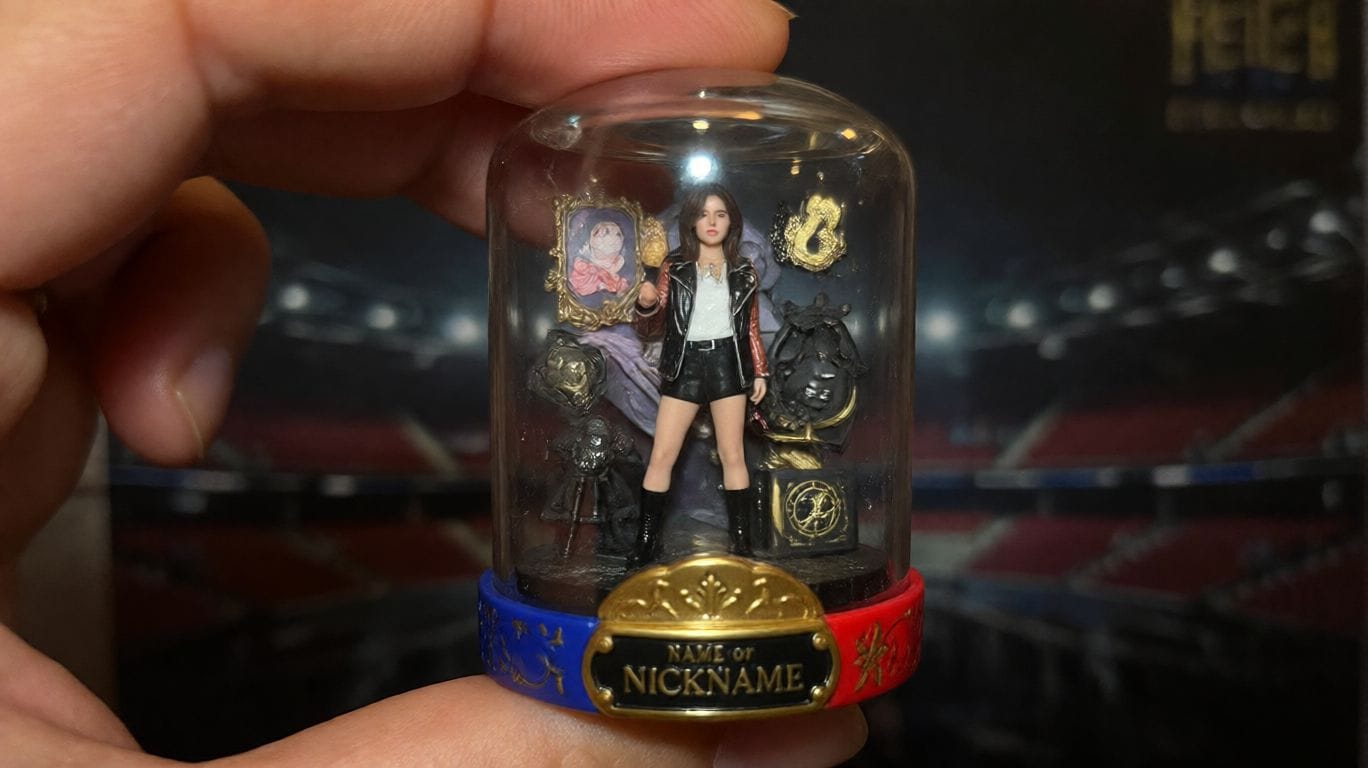
3. Transparent Gashapon Capsule
Create a detailed miniature scene inside a transparent capsule. 💡 Note: Remember to replace the bracketed [] sections with your specific details.
✅ Prompt: Turn the person in the uploaded picture into a detailed transparent gashapon capsule diorama, held between fingers.Inside: [pose, short description of figure’s look, clothing, and accessories], with background elements such as [relevant setting: stadium, stage, lecture hall, etc.]. Lighting should be dramatic and cinematic, matching their theme. The capsule has a transparent top and a colored base [choose fitting color: e.g., royal blue, gold, black, red], decorated with [motifs related to the person]. The base is labeled with [NAME or NICKNAME] in a matching font style. The design should look like a miniature collectible, with photorealistic detail, soft bokeh, and a square 1080x1080 composition.
4. Character Plush Toy
Turn any character into a soft, high-quality plushie with embroidered details and a cute, stubby shape.
✅ Prompt: Turn the person in the uploaded picture into a soft, high-quality plush toy, with an oversized head, small body, and stubby limbs. Made of fuzzy fabric with visible stitching and embroidered facial features. The plush is shown sitting or standing against a neutral background. The expression is cute or expressive, and it wars simple clothes or iconic accessories if relevant. Lighting is soft and even, with a realistic, collectible plush look. Centered, full-body view. 1080x1080.

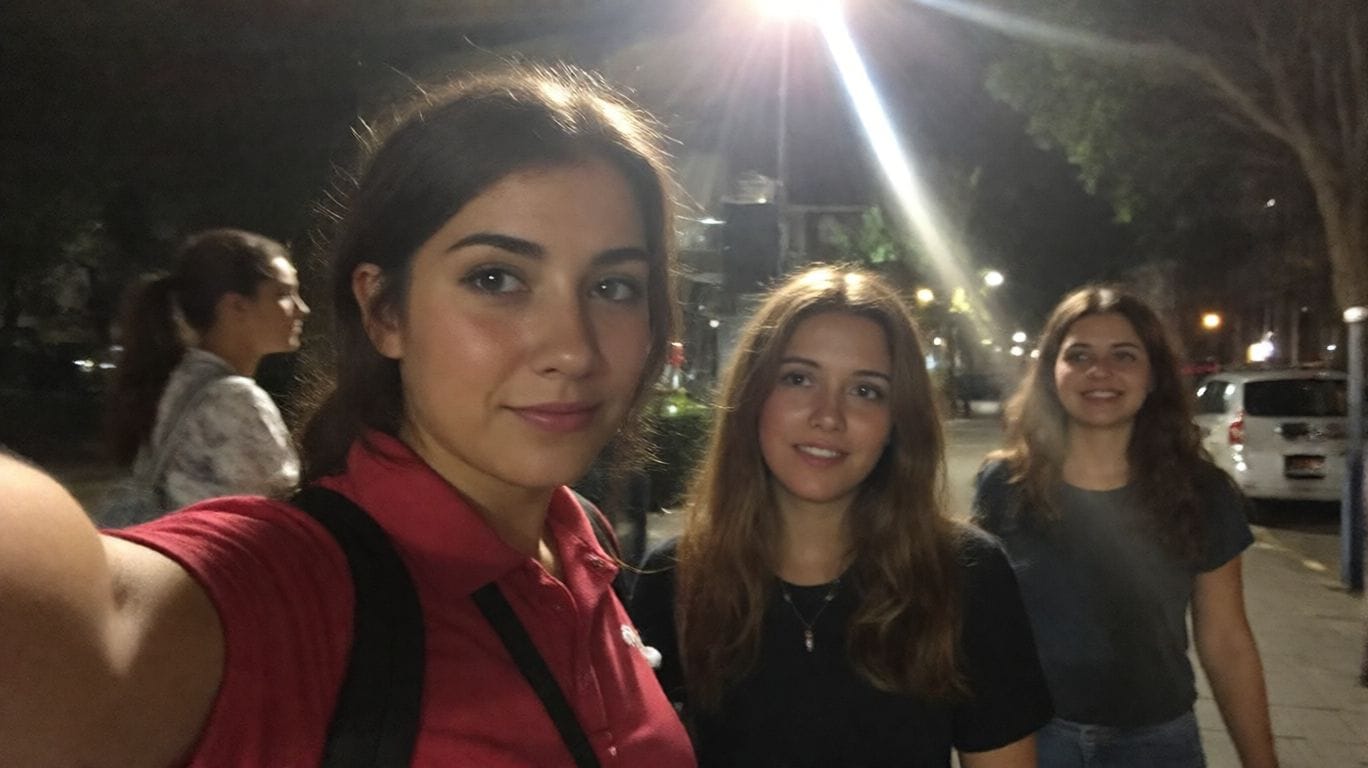
5. The "Bad" iPhone Selfie
Aiming for hyper-realism? This prompt mimics a blurry, poorly lit, accidental snapshot that looks indistinguishable from reality. 💡 Note: Replace [Location] with your desired setting.
✅ Prompt: Turn the uploaded picture into an extremely ordinary and unremarkable iPhone selfie, with no clear subject or sense of composition — just like a random snapshot taken casually. The photo should include slight motion blur, with uneven lighting caused by sunlight or indoor lights resulting in mild overexposure. The angle is awkward, the composition is messy, and the overall aesthetic is deliberately plain — as if it was accidentally taken while pulling the phone out of a pocket. The subjects taken at night, next to the [Location].
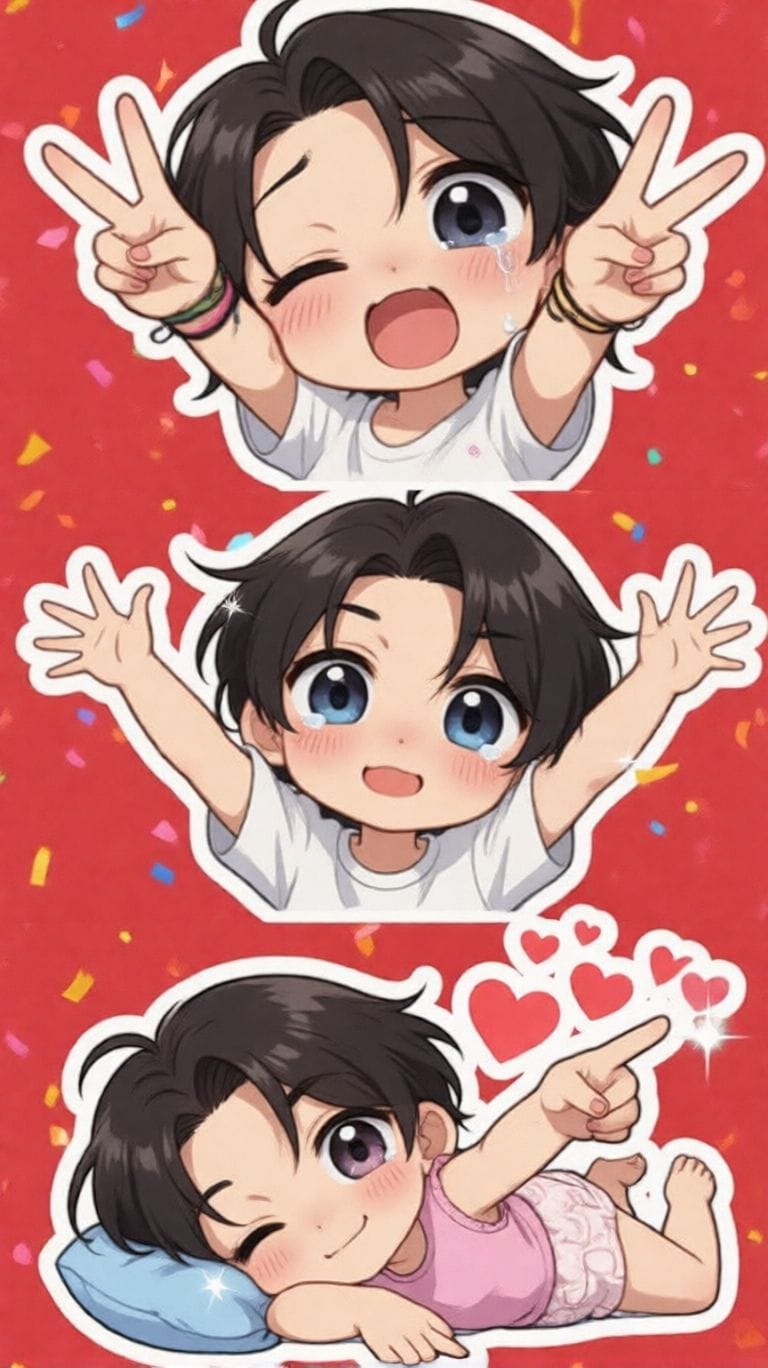
6. Chibi Sticker Pack
Generate a set of expressive stickers (peace sign, crying, hugging) perfect for social media apps.
✅ Prompt: Making a playful peace sign with both hands and winking. Tearful eyes and slightly trembling lips, showing a cute crying expression. Arms wide open in a warm, enthusiastic hug pose. Lying on their side asleep, resting on a tiny pillow with a sweet smile. Pointing forward with confidence, surrounded by shining visual effects. Blowing a kiss, with heart symbols floating around. Maintain the chibi aesthetic. Exaggerated, expressive big eyes. Soft facial lines. Background: Vibrant red with star or colorful confetti elements for decoration. Leave some clean white space around each sticker. Aspect ratio: 9:16
7. Funko Pop Style Figure
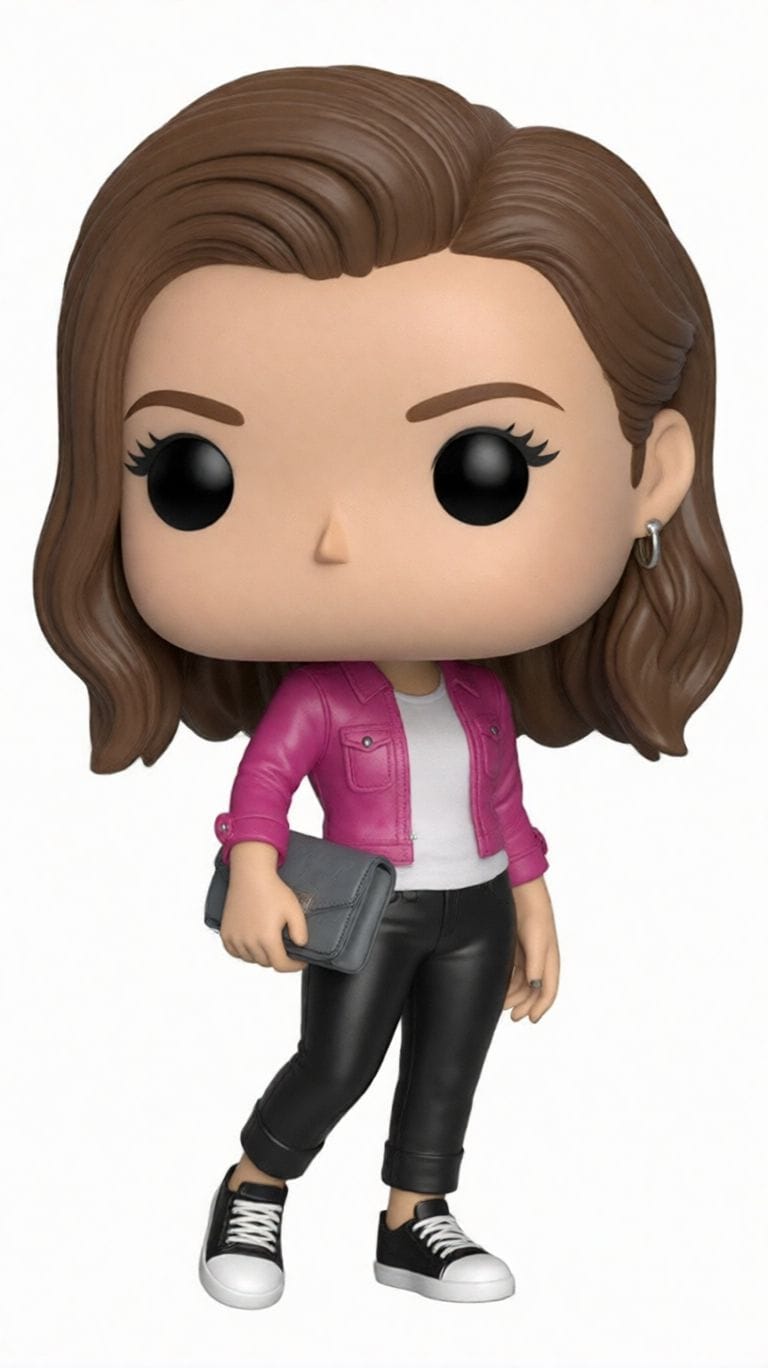
Get that iconic big-headed vinyl figure look, rendered in a box with isometric view.
✅ Prompt: Create a detailed 3D render of a chibi Funko Pop figure, strictly based on the provided reference photo. The figure should accurately reflect the person's appearance, hairstyle, attire, and characteristic style from the photo. High detail, studio lighting, photorealistic texture, pure white background.
8. Ghibli Anime Style
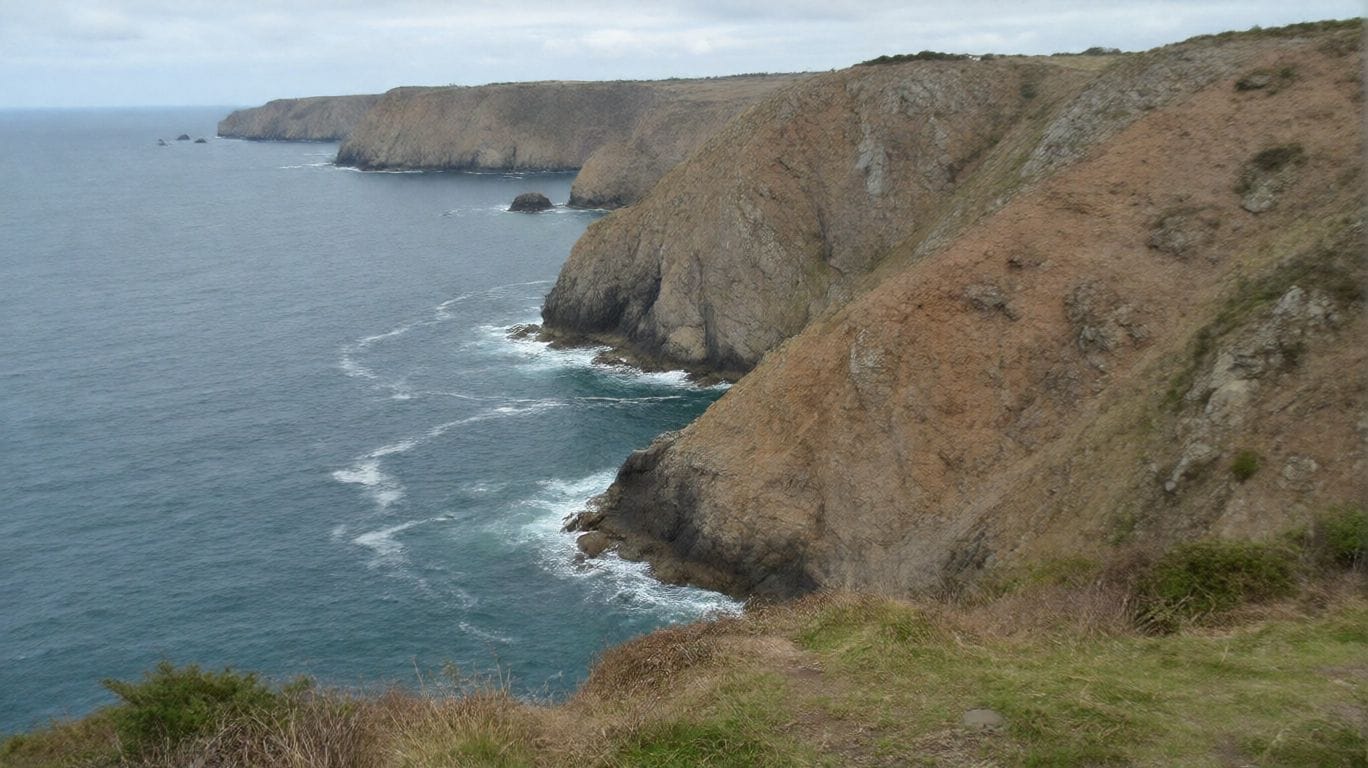
Instantly transform your photo into a scene from a Studio Ghibli movie.
✅ Prompt: Redraw this photo in Ghibli style
9. 3D Game UI Interface
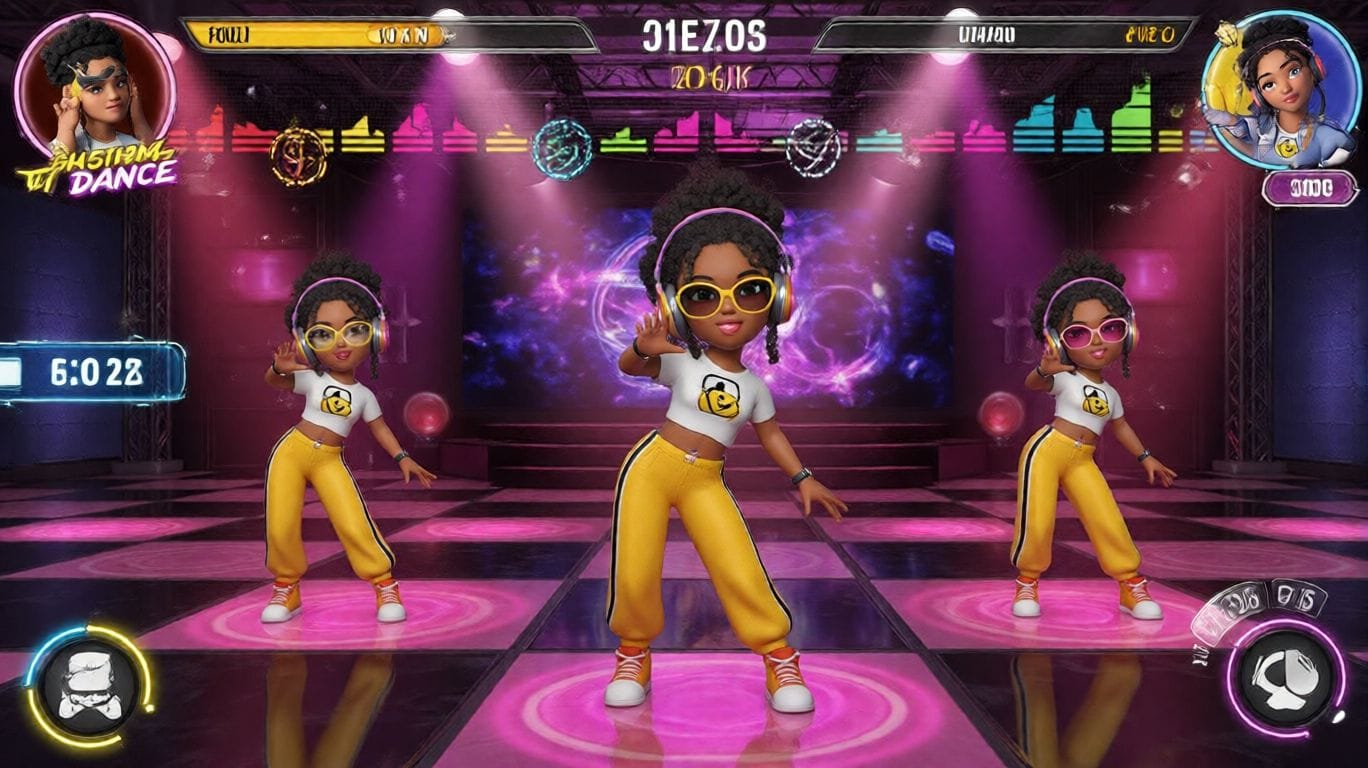
Perfect for designers—place your character into a vibrant rhythm dance game with neon UI elements.
✅ Prompt: A vibrant rhythm dance game screenshot featuring three same 3D animated characters from the reference photo, keeping her unique hairstyle, headphones, sunglasses, sporty yellow pants, and confident dance pose. Immersive cinematic lighting with neon pink and purple glow, glossy reflective dance floor shining under spotlights, dynamic 3D cartoon style. Rhythm game interface with immersive UI: score meter at the top, colorful music waveform animations synced to the beat, stage timer countdown, and floating combo numbers. Highly detailed, game-like atmosphere with energy bars, neon particle effects, and immersive arcade rhythm game HUD elements. Ultra-detailed, cinematic, immersive, 3D animation.
10. Seamless Multi-Image Blending
Nano Banana excels at merging multiple photos into one cohesive, photorealistic image with consistent lighting.
✅ Prompt: Combine multiple images ([Image1], [Image2], [Image3], …) into a single cohesive image. Keep all key subjects recognizable and maintain their proportions and details. Blend the images naturally with consistent lighting, shadows, perspective, and style. Photorealistic, high-resolution, seamless integration.
🚀 Next Step: Ready to create? Head over to Digen.ai, select the Nano Banana model, paste one of these prompts, and watch the magic happen.
Comments ()