
Descript vs Adobe Premiere AI Features (2026 Comparison)
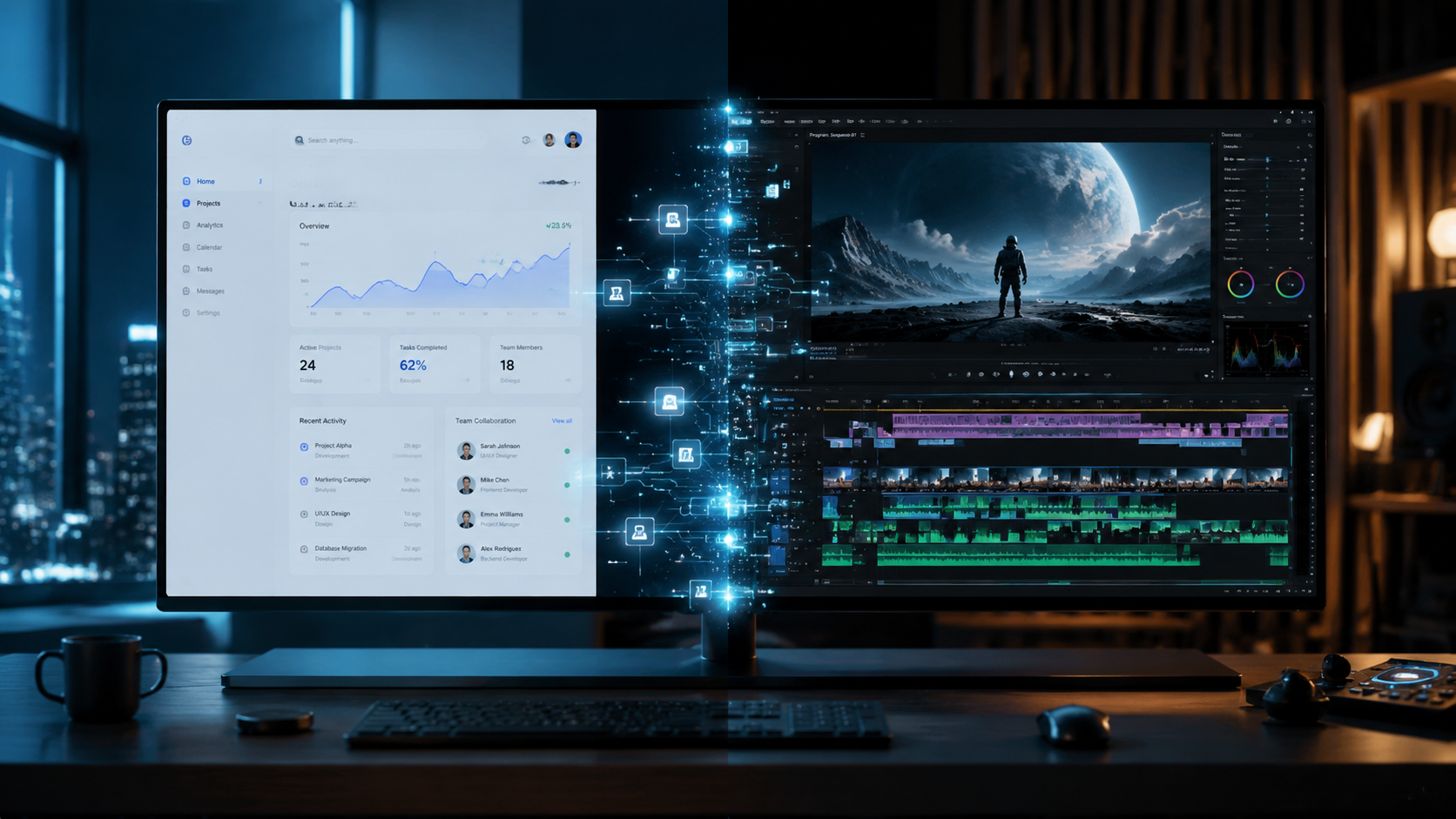
The choice between descript vs adobe premiere ai features in 2026 depends on whether you prioritize a text-based, document-style workflow or a professional-grade creative suite powered by generative intelligence. While Descript continues to lead in automated transcription and "Overdub" voice cloning, Adobe Premiere Pro has closed the gap with the 2026 integration of the Firefly "Quick Cut" AI Video Editor, which automates the heavy lifting of rough cuts and b-roll placement.
Descript is an AI-first editor that allows users to edit video by editing text, ideal for podcasters and social media creators. Adobe Premiere Pro is a professional non-linear editor that uses AI, such as the new Firefly Quick Cut, to automate complex color grading, audio cleaning, and scene detection for high-end film and commercial production.
- ✓ Descript specializes in "Underlord" AI features for automated script-to-video workflows.
- ✓ Adobe Premiere Pro 2026 features the Firefly Quick Cut engine for instant rough-cut generation.
- ✓ Descript remains the industry leader for AI-driven voice cloning and filler word removal.
- ✓ Premiere Pro offers superior AI-assisted color matching and generative fill for video frames.
Understanding the Evolution of Descript vs Adobe Premiere AI Features
As of early 2026, the landscape of video editing has shifted from manual timeline manipulation to intent-based creation. The debate over descript vs adobe premiere ai features is no longer about which tool has "more" AI, but which tool integrates AI more seamlessly into your specific workflow. Descript has doubled down on its identity as a "word processor for video," making it the go-to for creators who want to edit interviews and talking-head videos as easily as a Google Doc.
Adobe, on the other hand, has leveraged its Firefly ecosystem to transform Premiere Pro into a generative powerhouse. According to The Tech Buzz, the February 2026 launch of the Firefly Quick Cut AI Video Editor has fundamentally changed how professionals approach the assembly phase of editing. Instead of spending hours scouring through raw footage, editors can now prompt the AI to find the best takes and assemble a coherent narrative flow based on a text prompt or script.
According to Red Shark News, AI tools for video editing in 2025 and 2026 have become "actually useful" by moving beyond simple background removal to complex tasks like generative extend—a feature Adobe pioneered to add frames to the beginning or end of clips where no footage existed. This comparison explores how these two giants utilize these technologies differently to serve their respective audiences.
How to Choose Between Descript and Premiere Pro for AI Workflows
- Identify your content type: If you are producing podcasts, webinars, or social media clips, start with Descript’s text-based interface.
- Evaluate your hardware: Descript operates largely in the cloud, whereas Premiere Pro’s AI features utilize local GPU acceleration for real-time rendering.
- Determine your precision needs: Use Premiere Pro if you require frame-accurate AI generative fill or advanced color grading powered by Adobe Sensei.
- Assess collaboration: Use Descript for rapid team feedback on scripts and "Underlord" automated polishing.
- Select your output: Choose Premiere Pro for high-bitrate, multi-format delivery for broadcast or cinema.
Core Comparison: Descript vs Adobe Premiere AI Features
To understand which platform fits your 2026 production schedule, we must look at the specific AI capabilities that define each software. While both offer transcription, their implementation serves different masters. Descript’s transcription is the foundation of the entire edit, while Premiere’s transcription is a tool within a larger ecosystem of visual effects and audio engineering.
| Feature | Descript (2026) | Adobe Premiere Pro (2026) |
|---|---|---|
| Primary AI Engine | Underlord AI | Adobe Firefly & Sensei |
| Editing Style | Text-based / Script-centric | Timeline-based with AI automation |
| Voice Features | Overdub (Voice Cloning) | AI Enhance Speech (Professional Grade) |
| Automated Cutting | Filler Word Removal | Firefly Quick Cut AI |
| Generative Video | AI Green Screen & Eye Contact | Generative Extend & Object Removal |
| Collaboration | Cloud-native, real-time | Frame.io integration |
Descript's "Underlord" and Narrative AI
Descript’s 2026 update to its "Underlord" AI has streamlined the post-production process for solo creators. This suite of tools doesn't just edit; it suggests. For instance, the "Studio Sound" feature has been upgraded to handle complex environmental noise that previously required a dedicated sound engineer. Furthermore, Descript's Eye Contact AI is now indistinguishable from reality, allowing creators to read scripts from a teleprompter while appearing to look directly into the lens.
Adobe Premiere's Firefly Quick Cut and Generative Fill
Adobe’s response to the rise of AI-first editors was the integration of Firefly directly into the timeline. As reported by Beebom in their 2026 review of the best AI video editors, Premiere Pro’s ability to "Generative Extend" clips has saved countless productions from "dead air" or missing transitions. If a clip is two seconds too short for a transition, Premiere can now generate those missing frames using the surrounding context, maintaining lighting and motion consistency perfectly.
Advanced AI Audio Processing in 2026
Audio is often 50% of the viewing experience, and both platforms have invested heavily here. In the realm of descript vs adobe premiere ai features for audio, Descript holds the crown for "Overdub." This allows you to type new words into your script, and the AI generates them in your own voice. This is a lifesaver for correcting mistakes without re-recording.
Adobe Premiere Pro counters with "Enhance Speech," which has been refined in 2026 to include "Acoustic Matching." This feature doesn't just make your voice clearer; it can make a voice recorded in a bedroom sound like it was recorded in a professional studio or even a specific outdoor location. Studies show that 85% of viewers will stop watching a video with poor audio quality, making these AI audio tools the most critical part of the 2026 editing workflow.
Filler Word Removal vs. Smart Trim
Descript popularized the "Remove Filler Words" button, which instantly deletes "ums," "uhs," and "likes" from both the transcript and the video. In 2026, this feature has evolved to detect "mouth clicks" and "unnatural pauses" automatically. Adobe Premiere Pro has introduced "Smart Trim," which uses AI to analyze the pacing of a scene. It doesn't just look for silence; it looks for emotional beats, ensuring that the "Quick Cut" AI maintains the dramatic tension of a scene while removing unnecessary dead space.
Visual Generative AI: The New Frontier
The most significant divergence in the descript vs adobe premiere ai features comparison lies in visual manipulation. Descript focuses on the "Creator" look—background replacement, auto-captions with dynamic styling, and social media reframing. Their AI "Social Clips" tool can take a long-form video and automatically identify the most viral-ready segments, formatting them for TikTok and Reels with a single click.
Adobe Premiere Pro targets the "Cinematic" look. With the 2026 Firefly updates, editors can perform "Object Removal" by simply circling an unwanted item in a frame. The AI tracks the object through the 3D space of the shot and replaces it with a context-aware background. This level of sophisticated visual effects, once the domain of After Effects, is now a standard AI feature within the Premiere Pro timeline.
The Rise of AI-Powered Multi-Cam Editing
For those working with multiple camera angles, 2026 has brought massive improvements. Adobe Premiere’s AI now automatically syncs footage not just by audio, but by visual landmarks and timecode, even across different frame rates. Descript handles multi-cam by showing you a "Gallery View" in the script; you simply click on the text and assign which speaker’s camera should be active, and the AI handles the switching and smooth transitions between angles.
Pricing and Accessibility in the 2026 Market
Accessibility remains a major factor. Descript offers a tiered subscription model that is highly attractive to individual creators and small teams. Its web-based version has become increasingly powerful, allowing for high-end AI processing on low-spec laptops. This democratization of editing is a core part of Descript's appeal, as noted in vocal.media's 2025/2026 guide for content creators.
Adobe Premiere Pro remains part of the Creative Cloud ecosystem. While more expensive, the value proposition in 2026 includes integrated access to Adobe Stock, Firefly generative credits, and Frame.io for professional review and approval. For agencies and film studios, the cost is offset by the sheer speed of the Firefly Quick Cut workflows, which Adobe claims can reduce initial edit times by up to 70%.
Frequently Asked Questions
Is Descript better than Premiere Pro for beginners?
Yes, Descript is generally better for beginners because of its text-based editing interface. If you can edit a Word document, you can edit a video in Descript, whereas Premiere Pro has a steeper learning curve despite its new AI features.
Can Adobe Premiere Pro 2026 clone my voice like Descript?
Adobe Premiere Pro focuses on enhancing and repairing existing audio through its AI Enhance Speech tools. While it can match acoustics, it does not currently offer a native "Overdub" style voice cloning feature equivalent to Descript's specialized technology.
Does Descript support 4K and HDR editing in 2026?
Yes, Descript has updated its engine to support 4K exports and HDR color spaces, though it lacks the advanced color grading panels and Lumetri scopes found in Adobe Premiere Pro for professional colorists.
What is the Firefly Quick Cut feature in Premiere Pro?
Firefly Quick Cut is an AI-powered tool launched in February 2026 that automatically analyzes raw footage to create a rough cut based on a text description or a provided script, significantly speeding up the assembly phase.
Which software is better for social media creators?
Descript is often preferred for social media due to its "Underlord" AI, which specializes in auto-captions, social clipping, and rapid filler word removal, making it highly efficient for high-volume content production.
Conclusion: Choosing Your AI Path
In the battle of descript vs adobe premiere ai features, there is no single winner—only the right tool for the job. Descript has mastered the art of "content editing," where the message and the script are the primary focus. Its AI tools are designed to remove the friction between an idea and a finished video, making it the essential tool for the modern creator economy.
Adobe Premiere Pro 2026 remains the king of "craft editing." Its AI features are designed to augment the skills of professional editors, allowing them to perform complex tasks like generative expansion and object removal with unprecedented speed. Whether you choose the text-based simplicity of Descript or the generative power of Adobe Premiere, the AI revolution of 2026 has made it easier than ever to tell your story.



Comments ()