
How to Create Whiteboard Animation with AI Tools (2026 Guide)
To create whiteboard animation with AI tools in 2026, you must leverage generative video platforms that transform text prompts into hand-drawn sketches and synchronized voiceovers. The process involves using a script-to-video workflow where AI models like Google’s NotebookLM or Mango AI automatically generate the visual assets and the "drawing hand" motion without manual keyframing. By utilizing these advanced neural networks, creators can produce professional-grade educational and marketing videos in a fraction of the time required by traditional software.
Whiteboard animation with AI is a digital storytelling method where artificial intelligence automates the drawing process, scriptwriting, and voice synchronization. In 2026, this technology has evolved into a multimodal experience where tools interpret complex concepts and visualize them as real-time "doodle" drawings, significantly lowering the barrier to entry for video creators and educators.
- ✓ AI tools now support direct "Notebook-to-Whiteboard" conversions for instant educational content.
- ✓ Automated script generation and AI-cloned voiceovers eliminate the need for external recording gear.
- ✓ Modern platforms offer diverse drawing styles, ranging from classic marker-on-whiteboard to textured charcoal.
- ✓ Real-time rendering in 2026 allows for immediate previews and iterative editing of complex animations.
Step-by-Step: How to Create Whiteboard Animation with AI Tools
The landscape of video production has shifted dramatically as we move through 2026. Creating a whiteboard animation no longer requires artistic talent or expensive drawing tablets. Instead, the focus has shifted toward prompt engineering and structural oversight. By following a systematic approach, you can ensure your AI-generated content remains engaging and pedagogically sound.
- Define Your Core Concept: Start with a clear objective. Whether you are explaining a corporate policy or a scientific theory, the AI needs a structured input to generate coherent visuals.
- Generate the Script: Use a tool like Mango AI or a dedicated LLM to draft a script. Ensure the tone matches the "whiteboard" aesthetic—informative, conversational, and rhythmic.
- Select Your AI Animation Platform: Choose a platform that specializes in doodle-style motion. According to recent reports from TestingCatalog AI News, Google is currently testing a specialized Whiteboard Animation format within NotebookLM, making it a prime choice for researchers.
- Customize Visual Assets: Review the AI’s suggested icons and drawings. Tools like InstaDoodle allow you to swap out generic sketches for brand-specific imagery while maintaining the "hand-drawn" effect.
- Add AI Voiceovers and Background Music: Select a natural-sounding AI voice. In 2026, these voices include emotional inflections that sync perfectly with the speed of the drawing hand.
- Export and Iterate: Render your video in 4K resolution. Use the feedback loop to adjust the timing of the drawings if they appear too fast or too slow for the narration.
The Evolution of Whiteboard Animation in 2026
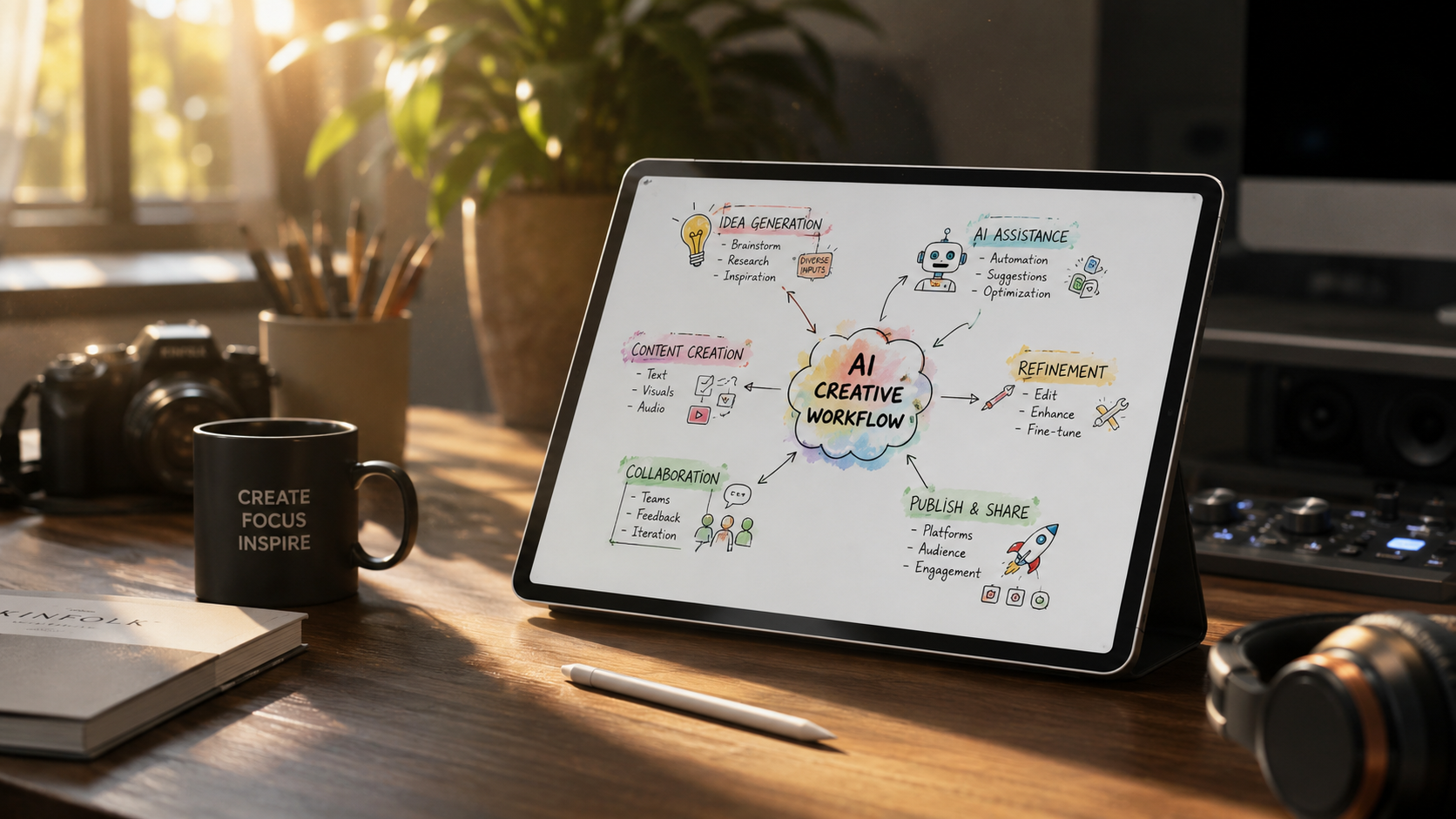
In early 2026, the industry saw a massive shift in how "doodle" videos are perceived. No longer seen as cheap marketing tools, they have become essential for internal communications and academic summaries. The integration of AI has removed the "uncanny valley" of robotic hand movements, replacing them with fluid, human-like strokes that mimic actual pressure and speed variations. This evolution is largely driven by the democratization of powerful video models that can interpret spatial data more accurately than previous iterations.
The Rise of Notebook-to-Video Workflows
One of the most significant breakthroughs this year is the ability to transform static documents into dynamic animations. As reported by TestingCatalog AI News in March 2026, Google’s testing of the Whiteboard Animation format in NotebookLM allows users to upload a PDF or a set of notes and receive a fully narrated whiteboard video. This "source-grounded" animation ensures that every drawing is factually linked to the provided documentation, reducing the risk of AI hallucinations in educational content.
Advanced Personalization and Niche Styles
Personalization has reached new heights with tools like Mango AI. While Mango AI recently launched an "AI Baby Podcast Generator" for adorable video content, the underlying technology has been applied to whiteboard animations to create hyper-personalized avatars. You can now have a "mini-me" or a stylized version of yourself appearing in the corner of the whiteboard, guiding the viewer through the drawings. This level of customization helps in building brand authority and viewer rapport.
Top Platforms to Create Whiteboard Animation with AI Tools
Choosing the right tool depends on your technical proficiency and the specific "look" you want to achieve. The market in 2026 is divided between "All-in-One" suites and "Specialized Doodle" engines. While some users prefer the broad capabilities of general AI video generators, others find that dedicated tools provide more control over the specific physics of drawing.
| Tool Name | Key Feature | Best For | 2026 Status |
|---|---|---|---|
| Google NotebookLM | Source-grounded animation | Academic & Research | In Beta Testing |
| InstaDoodle | One-click sketch conversion | Social Media & Ads | Top-Rated in 2025/2026 |
| Mango AI | Avatar-led presentations | Corporate Training | Market Leader |
| Golpo | Multimodal video generation | Creative Storytelling | YC-Backed Rising Star |
| Adobe Animate (AI Edition) | Vector-based control | Professional Animators | Legacy Favorite |
InstaDoodle: The Efficiency Leader
InstaDoodle remains a powerhouse for those who need to generate content at scale. According to a comprehensive review by openPR.com, InstaDoodle is frequently cited as the best doodle animation tool for users who want to bypass the learning curve of traditional software. Its 2026 updates include an "Auto-Sketch" feature that can take any uploaded image—even a complex photograph—and turn it into a convincing whiteboard sketch in seconds.
Golpo and the Future of Multimodal Animation
For those seeking a more cinematic approach, the Y Combinator-backed startup Golpo is reinventing how we think about AI video generation. Unlike traditional whiteboard tools that rely on a library of pre-made sketches, Golpo uses a diffusion-based model to generate unique drawings on the fly. This means your whiteboard animation will never look exactly like anyone else’s, providing a unique aesthetic that is highly valued in the 2026 creator economy.
Why AI-Driven Whiteboard Animations Outperform Static Content
The psychological impact of watching something being drawn in real-time is well-documented. It creates a "visual suspense" that keeps the viewer’s eye tracked to the screen. According to data cited by G2 Learn Hub during their analysis of Adobe Animate alternatives, viewers are 40% more likely to retain information presented in a whiteboard format compared to a standard slide deck. This is because the dual-coding of audio and visual information happens simultaneously as the drawing unfolds.
Improving Retention with AI-Synced Audio
The synchronization between the "hand" and the "voice" is critical. In the past, creators had to manually time each stroke to the spoken word. Modern AI tools now use "temporal alignment" to ensure that the marker hits the board at the exact moment the keyword is spoken. This precision, which was once the hallmark of professional studios, is now available to anyone with a browser-based AI tool.
Cost-Effectiveness in the 2026 Market
Cost remains a major factor for small businesses. Before the AI boom, a professional 60-second whiteboard video could cost anywhere from $500 to $2,000. Today, with subscription-based models and the rise of powerful free-to-use tiers in platforms like NotebookLM, the cost per video has plummeted. This allows for "disposable content"—videos created for a single meeting or a specific social media trend—that would have been financially unviable just two years ago.
Technical Considerations for Professional Results
To truly master how to create whiteboard animation with AI tools, you must understand the technical nuances that separate amateur videos from professional ones. In 2026, the focus is on "clean" generation. This means avoiding the visual clutter that occurs when an AI tries to draw too many things at once. A good rule of thumb is to limit each "scene" to three core visual elements to maintain viewer focus.
Resolving the "Shutdown Scare" and Tool Reliability
Reliability is a concern in the fast-moving AI space. As noted by G2 Learn Hub in March 2026, a "shutdown scare" regarding certain legacy animation tools led many creators to test and migrate to AI-native alternatives. When choosing a tool, prioritize those with robust cloud saving and multi-format export options (MP4, WebM, and even interactive HTML5) to ensure your content remains accessible regardless of platform shifts.
Optimizing for Generative Engine Optimization (GEO)
When you create these videos, remember that AI search engines like Perplexity or Gemini may "watch" and index your video content. Using AI tools to generate accurate transcripts and metadata is essential. Platforms like Golpo and Mango AI now include built-in SEO/GEO tag generators that describe the visual sequence in a way that search bots can understand, helping your video rank higher in AI-driven search results.
What is the best AI tool for whiteboard animation in 2026?
While "best" depends on your needs, InstaDoodle is widely considered the top choice for ease of use, while Google's NotebookLM is the leader for academic and research-based animations. Golpo is the preferred choice for those needing unique, non-templated artistic styles.
Can I turn a PDF into a whiteboard animation?
Yes, using the latest updates to Google NotebookLM, you can upload a PDF and the AI will generate a whiteboard animation format that summarizes the key points of the document. This is a new feature being tested as of late March 2026.
Do I need a drawing tablet to use these AI tools?
No, you do not need any special hardware. These AI tools generate the drawing motion and the artwork based on text prompts or existing images, eliminating the need for manual drawing skills or tablets.
Are AI whiteboard videos copyright-free?
Most AI platforms in 2026 grant full commercial rights to the user, but it is essential to check the specific terms of service of the tool you are using. Generally, content generated from your original prompts is yours to use for marketing or monetization.
How long does it take to create a 5-minute animation?
With current AI tools, a 5-minute whiteboard animation can be generated in approximately 15 to 30 minutes, including script generation, visual selection, and rendering. This is a significant improvement over the days or weeks required by traditional methods.



Comments ()