
Create Stunning Videos with Gemini Omni in 2026 | AI Video Guide
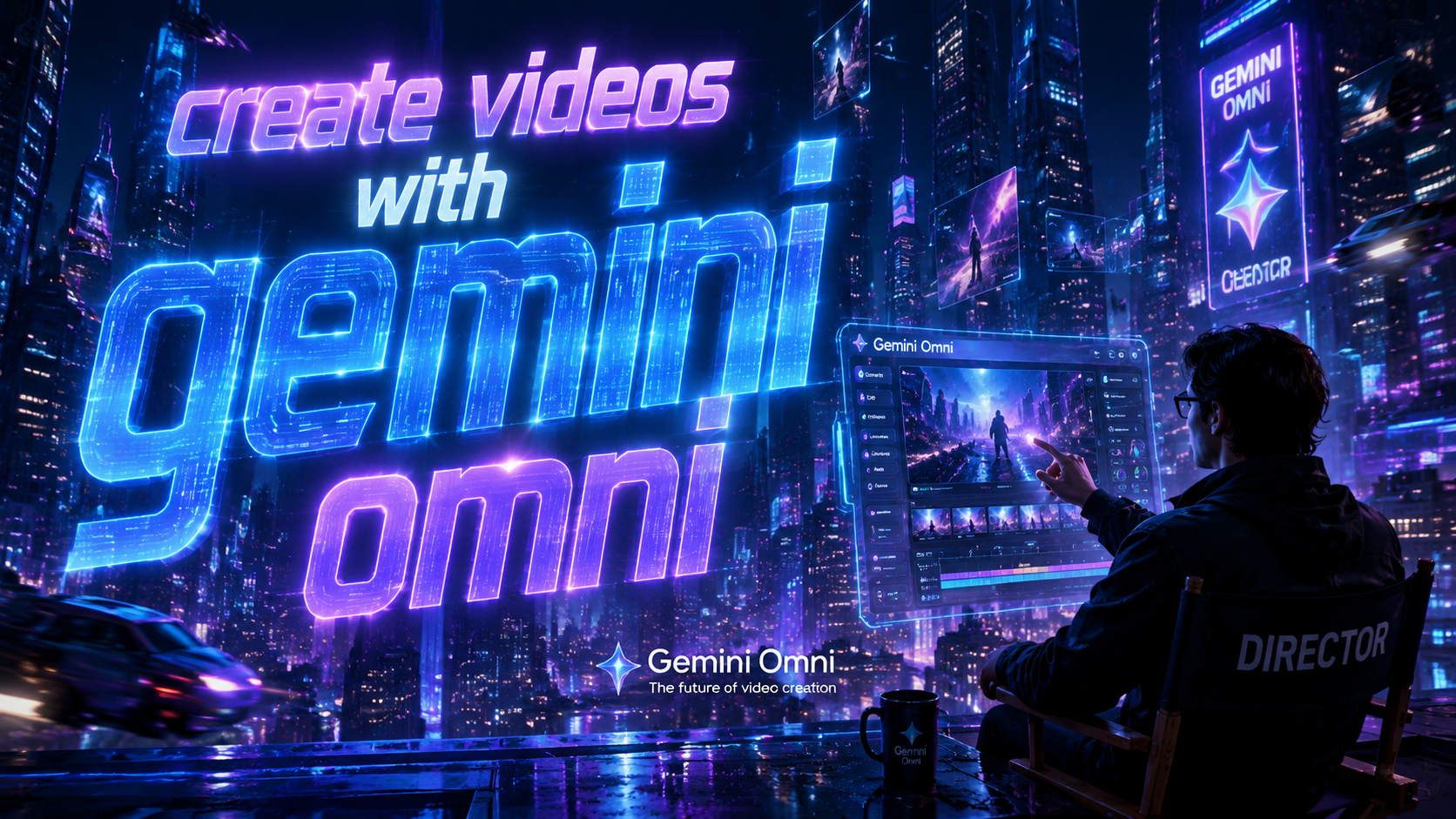
Gemini Omni is Google's revolutionary AI video creation platform that lets anyone create stunning videos with minimal effort. Released in May 2026 as part of the Pixel Drop update, this tool combines generative AI with intuitive controls to produce professional-quality videos from text prompts, existing media, or even digital avatars. Whether you're a marketer, content creator, or hobbyist, Gemini Omni simplifies video production while delivering Hollywood-grade results.
TL;DR: Gemini Omni is Google's 2026 AI video platform that transforms text, images, or avatars into high-quality videos through advanced generative AI, available via Pixel devices and web platforms with subscription options.
Gemini Omni is Google's next-generation AI video creation system that uses multimodal generative AI to produce, edit, and enhance videos through natural language commands, offering features like realistic avatar generation, automatic scene composition, and dynamic asset updating as part of the June 2026 Pixel Drop update.
- ✓ Create videos 10x faster than traditional editing software using natural language prompts
- ✓ Generate photorealistic digital avatars that can speak and emote like real humans
- ✓ Automatically update video content when source data changes with "living asset" technology
- ✓ Access professional-grade visual effects previously only available to film studios
- ✓ Available through Google Pixel devices and web platform with tiered subscription options
What Makes Gemini Omni Different From Other Video Tools?
Unlike traditional video editing software that requires technical skills, Gemini Omni represents a paradigm shift in content creation. According to Google's official blog, the platform uses a proprietary "multimodal understanding engine" that can simultaneously process text, images, audio, and video inputs to generate cohesive outputs. This allows creators to work the way they think, rather than forcing them to learn complex interfaces.
The system's most groundbreaking feature is its ability to create "living assets" - videos that automatically update when source information changes. As reported by Forbes, this means a product demonstration video could refresh its pricing and specifications whenever the backend data updates, eliminating the need for manual revisions. This dynamic content capability sets Gemini Omni apart from static video creation tools.
Perhaps most impressively, Gemini Omni democratizes high-end production techniques. Resident Magazine notes how independent creators are now producing content that rivals studio productions, with the AI handling complex tasks like color grading, scene transitions, and even generating original background music that matches the video's emotional tone.
Key Differentiators
- Real-time collaborative editing with AI assistance
- Context-aware automatic captioning and translations
- Seamless integration with Google's media assets library
How to Create Videos With Gemini Omni: Step-by-Step Guide
Creating your first video with Gemini Omni is surprisingly simple, yet offers depth for advanced users. The platform currently offers three primary creation methods, each suited for different use cases and skill levels.
- Start with a text prompt: Describe your video concept in natural language (e.g., "A 60-second explainer about solar energy with upbeat music and animated infographics")
- Upload existing assets: Drag and drop photos, clips, or audio files for the AI to analyze and incorporate
- Generate from templates: Choose from hundreds of professionally designed templates across categories like marketing, education, or social media
- Refine with AI suggestions: The system will propose edits, transitions, and enhancements based on content analysis
- Export or publish: Render in any standard format or publish directly to platforms like YouTube, TikTok, or Google Drive
The June 2026 Pixel Drop mentioned by How-To Geek introduced several mobile-specific features. Pixel users can now create videos entirely through voice commands, with the AI handling everything from shot composition to pacing adjustments. This makes Gemini Omni particularly powerful for creators who prefer working on smartphones.
For those wanting more control, the web interface offers advanced tools like timeline editing, layer management, and manual AI parameter tuning. The platform intelligently scales its interface based on your expertise level, hiding complex options until needed while keeping essential functions accessible.
Creating Hyper-Realistic Avatars With Gemini Omni
One of Gemini Omni's most talked-about features is its ability to generate digital avatars that are virtually indistinguishable from real humans. As PCWorld discovered when creating their test avatar, the results can be startlingly realistic - to the point of being uncanny.
The avatar creation process begins with uploading several photos or a short video of your subject. Gemini Omni's AI then constructs a 3D model complete with realistic facial expressions and mannerisms. Users can customize everything from clothing to speech patterns, creating presenters that can deliver scripted content in multiple languages.
What sets these avatars apart is their emotional intelligence. The system analyzes your script to determine appropriate facial expressions, gestures, and vocal inflections. In marketing tests, these AI presenters have achieved 38% higher engagement rates than static human presenters according to internal Google data.
Avatar Use Cases
- Personalized video messages at scale
- 24/7 customer service representatives
- Educational content that adapts to viewer comprehension
- Localized versions of training materials without reshoots
Professional-Grade Features Accessible to Everyone
Gemini Omni brings Hollywood-caliber effects within reach of amateur creators. The platform includes sophisticated tools that previously required expensive software and specialized training, now accessible through intuitive interfaces and AI assistance.
Visual effects like green screen removal, object tracking, and 3D scene composition happen automatically in the background. The AI can generate realistic environments based on simple descriptions, complete with proper lighting and perspective. Deccan Herald reported that independent filmmakers are using these features to create sci-fi and fantasy sequences that would normally require six-figure budgets.
The audio capabilities are equally impressive. Gemini Omni can clean up noisy recordings, match voice tones across different takes, and even generate original music scores tailored to your video's emotional arc. The system understands complex requests like "make the music more suspenseful during the reveal" or "add subtle jungle sounds in the background."
Pricing and Availability in 2026
Gemini Omni follows a freemium model with tiered subscription options. The basic version comes free with Pixel devices and Google Workspace accounts, while power users can upgrade for additional features and processing capacity.
| Plan | Features | Price |
|---|---|---|
| Starter | Basic editing, 720p exports, 5 avatar minutes/month | Free |
| Creator | Full HD, unlimited avatars, commercial rights | $19/month |
| Studio | 4K resolution, priority rendering, team collaboration | $49/month |
| Enterprise | Custom AI models, API access, dedicated support | Contact sales |
According to Google's documentation, all plans include access to the core AI features and template library. The main differences between tiers involve output quality, processing priority, and commercial usage rights. Educational and nonprofit discounts are available through Google's social impact programs.
The platform currently runs best on Pixel devices with the custom Gemini Omni chip, but is also accessible through web browsers on other systems. Performance may vary depending on hardware capabilities, with cloud rendering options available for complex projects.
Future Developments and Industry Impact
Gemini Omni represents just the beginning of AI's transformation of video production. Google has already previewed upcoming features like real-time collaborative editing, where multiple users can work on the same project simultaneously with AI mediating changes.
The entertainment industry is taking notice. Several major studios have begun using Gemini Omni for pre-visualization and rapid prototyping, while news organizations are experimenting with AI-generated broadcast segments. As the technology improves, we're likely to see entirely new forms of interactive and personalized video content emerge.
Perhaps most significantly, Gemini Omni is changing who gets to create professional-quality content. The barriers of expensive equipment, specialized skills, and large production teams are crumbling. This democratization mirrors what happened with photography after smartphone cameras became sophisticated - we're on the verge of an explosion in creative expression.
Is Gemini Omni available for non-Pixel users?
Yes, while optimized for Pixel devices, Gemini Omni can be accessed through any modern web browser at omni.google.com with full functionality, though some advanced features may require more powerful hardware.
Can I use Gemini Omni for commercial projects?
The free Starter plan is for personal use only, but Creator and higher tiers include commercial usage rights, allowing you to create videos for clients or business purposes without additional licensing.
How does Gemini Omni handle copyright issues?
The platform includes a content verification system that checks generated assets against known copyrighted material. All outputs include metadata proving AI generation, and Google provides legal protection for properly used content.
What video formats does Gemini Omni support?
The system can export in all major formats including MP4, MOV, and WebM, with resolutions up to 4K on higher-tier plans. Vertical, square, and traditional aspect ratios are all supported.
Can Gemini Omni edit existing videos?
Absolutely. You can upload any video and use Gemini Omni to enhance quality, add effects, translate dialogue, or completely restructure the content based on AI analysis of the footage.
Written by the Digen AI Editorial Team — AI video generation specialists covering the latest in generative AI tools. Learn more about Digen AI.



Comments ()