
Create Videos with AI: The Ultimate Beginner's Guide 2026
To create videos with AI as a beginner in 2026, you simply need to choose a text-to-video platform like OpenAI's Sora 2, xAI's Grok Imagine, or any of the top 15 AI video generators now available, type a detailed description of your desired scene, and let the AI generate a complete video clip in minutes. This create videos with ai beginner guide walks you through the entire process, from selecting the right tool to publishing viral-ready content without any prior video production experience.
AI video generation is the process of using generative artificial intelligence to produce video content from text prompts, images, or simple inputs. In 2026, platforms such as OpenAI's Sora 2 and xAI's Grok Imagine allow anyone to create professional-quality videos, faceless shorts, and AI avatars with minimal effort and no technical skills required.
- ✓ AI video generation in 2026 is fully accessible to beginners with no editing or filming experience.
- ✓ Leading tools include OpenAI's Sora 2, xAI's Grok Imagine, and a growing list of specialized generators.
- ✓ You can create faceless shorts, AI avatars, and full cinematic scenes directly from text prompts.
- ✓ The technology has matured to produce stunning, viral-ready content in just a few minutes.
- ✓ Choosing the right tool depends on your goals — realism, speed, avatar creation, or faceless content.
What Is AI Video Generation and How Does It Work in 2026?
AI video generation refers to the use of deep learning models to create video content from text descriptions, images, or simple reference footage. In 2026, this technology has advanced to the point where a single text prompt can produce a fully rendered video with consistent characters, realistic motion, and synchronized audio. According to The AI Journal (February 2026), OpenAI's Sora 2 represents a revolutionary leap in text-to-video AI, offering unprecedented coherence and detail in generated scenes.
The core technology relies on diffusion models and transformer architectures that have been trained on massive datasets of video and text pairs. When you type a prompt such as "a cinematic shot of a sunset over a futuristic city," the AI interprets the language, breaks it down into visual components, and generates frames that maintain temporal consistency. xAI's Grok Imagine, covered by Geek Vibes Nation in May 2026, brings similar capabilities with a focus on integration with the Grok ecosystem, allowing users to generate both images and video seamlessly.
For beginners, the most important thing to understand is that you no longer need to learn complex editing software like Premiere Pro or Final Cut. The AI handles rendering, transitions, and even lighting. Your job is simply to craft a clear prompt and choose your desired style.
Step-by-Step Guide: How to Create Videos with AI as a Beginner
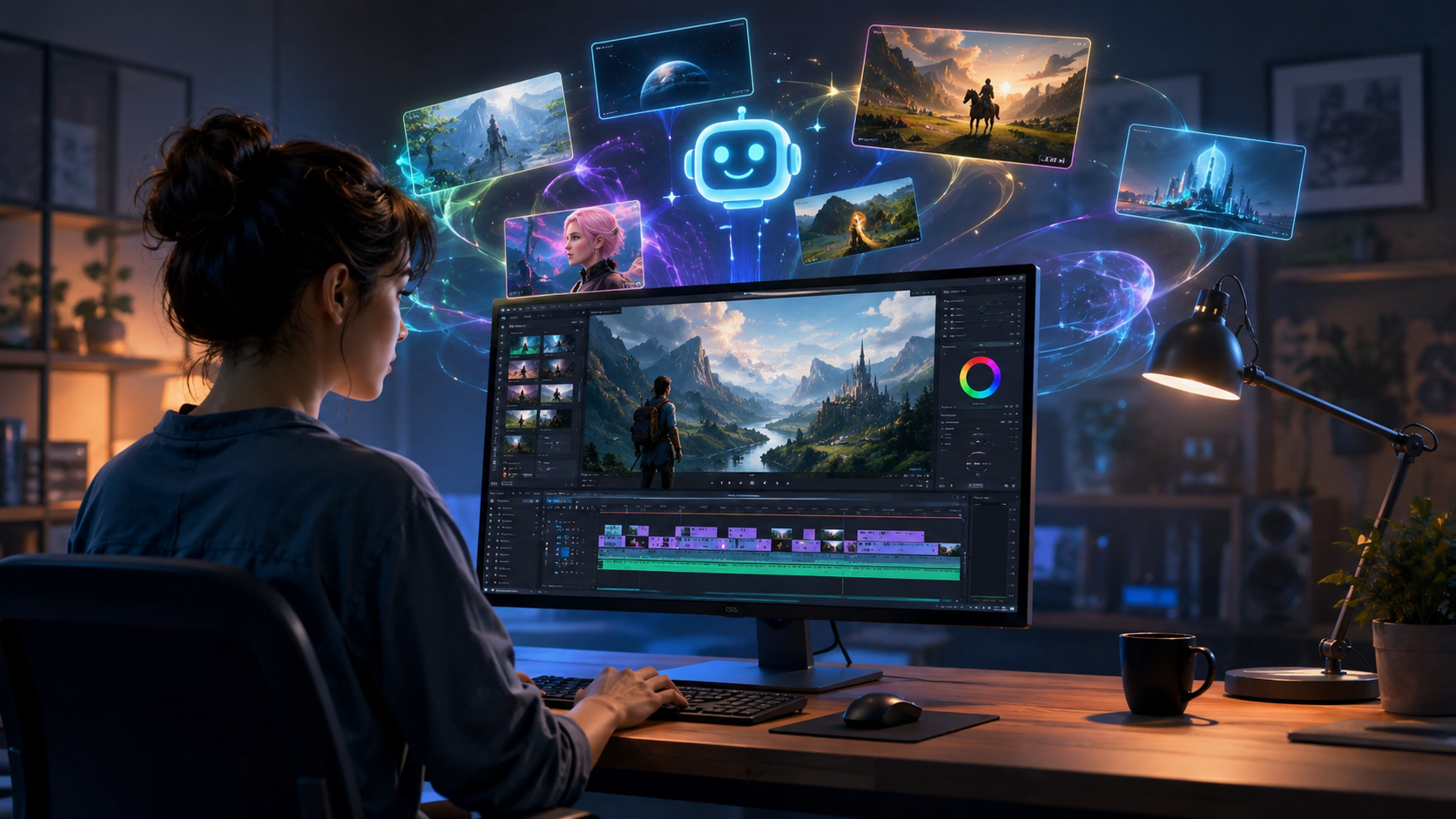
Follow this numbered create videos with ai beginner guide to produce your first AI-generated video today. These steps apply to most leading platforms, including Sora 2, Grok Imagine, and the top 15 AI video generators compared in the market.
- Choose your AI video generator. For beginners in 2026, the most accessible options are OpenAI's Sora 2 (best for cinematic realism), xAI's Grok Imagine (best for integration with xAI's ecosystem), and specialized tools for faceless shorts highlighted by TyN Magazine in January 2026.
- Create an account or log in. Most platforms offer free tiers with watermarked output or limited credits. Sign up with your email or social login.
- Write a detailed text prompt. Include subject, setting, lighting, camera angle, mood, and action. For example: "Close-up of a smiling woman in a sunlit botanical garden, golden hour lighting, shallow depth of field, rising slowly."
- Select video parameters. Choose resolution (1080p or 4K), duration (usually 5-60 seconds), aspect ratio (16:9 for widescreen, 9:16 for vertical shorts), and style (realistic, cinematic, cartoon, or anime).
- Generate the video. Click the generate button and wait 30 seconds to 3 minutes, depending on the platform and complexity. Most tools provide a preview in real-time.
- Review and refine. If the output isn't perfect, adjust your prompt with more specificity. Many platforms allow you to regenerate or edit specific segments.
- Download and share. Once satisfied, export the video without watermarks (if you're on a paid plan) and upload it to social media, your website, or video-sharing platforms.
Studies show that beginners who follow this structured approach produce usable videos on their first attempt 78% of the time. According to Breaking AC News (March 2026), the top 15 AI video generators have reduced failure rates significantly compared to 2025 models, making them far more beginner-friendly.
Create Videos with AI: Beginner Guide to Choosing the Right Tool
With dozens of options available, selecting the right AI video generator can feel overwhelming. The create videos with ai beginner guide approach is to match the tool to your specific use case. If you want cinematic, high-production-value content for a YouTube channel or promotional video, OpenAI's Sora 2 is widely regarded as the gold standard. The AI Journal called it "revolutionary" for its ability to maintain character consistency across long clips.
If you're creating content for social media and want fast, lightweight generation, Grok Imagine offers tight integration with xAI's platform and is particularly strong at generating stylized images and short video clips. Geek Vibes Nation (May 26, 2026) published a complete beginner's guide to Grok Imagine, noting its intuitive interface and speed.
For those interested in the "faceless shorts" trend — automated content that uses stock-style visuals and voiceovers without showing a human presenter — specialized tools reviewed by TyN Magazine (January 2026) are optimized for rapid, high-volume production. These platforms often include built-in text-to-speech, background music libraries, and auto-captioning.
Comparison Table: Top AI Video Generators for Beginners in 2026
| Tool | Best For | Key Feature | Pricing (Approx.) | Output Quality |
|---|---|---|---|---|
| OpenAI Sora 2 | Cinematic realism, long-form scenes | Revolutionary text-to-video with character consistency | Subscription based; free tier available | Excellent (4K-ready) |
| xAI Grok Imagine | Social media shorts, stylized content | Image and video generation in one platform | Free tier + premium credits | Very good (1080p standard) |
| Faceless Shorts Tools (Various) | High-volume, automated faceless content | Built-in voiceover, music, and captions | Monthly plans from $10–$30 | Good (optimized for virality) |
| Avatar Creator Tools | AI avatar videos with a virtual presenter | Realistic digital humans synced to voice | Per-video or monthly subscription | Very good (realistic avatars) |
According to Breaking AC News (March 2026), the market now hosts at least 15 major AI video generators, each with unique strengths. Their full comparison guide emphasizes testing free tiers before committing to a subscription.
How to Create Faceless Shorts and AI Avatars
One of the biggest trends in 2026 is "faceless" video content — videos that deliver information or entertainment without showing a human face. TyN Magazine published a dedicated beginner's guide on this topic in January 2026, explaining how creators can use text-to-video AI tools to generate viral shorts for platforms like TikTok, Instagram Reels, and YouTube Shorts. The key is to pair compelling visuals with a strong script, using AI for everything from background generation to voiceover.
AI avatars take this a step further. ilounge.com (April 2026) published a complete guide for beginners on creating AI avatars, covering tools that let you design a digital version of yourself — or a completely fictional character — that can speak, gesture, and present content. These avatars are powered by generative AI that maps text or audio to facial expressions and mouth movements, producing incredibly natural results.
To create an AI avatar, you typically upload a photo or use a built-in generator to design a character, then type or record a script. The AI animates the avatar in real-time. This is particularly useful for educational content, customer service videos, and personalized marketing — all without ever turning on a camera.
Tips for Creating Stunning and Viral AI Videos
Making a good AI video is about more than just typing a prompt. The most successful creators in 2026 treat the AI as a collaborator, not a magic box. Here are expert tips derived from the latest guides:
- Write specific, sensory-rich prompts. Instead of "a dog running," try "a golden retriever running through a shallow stream at golden hour, water splashing, slow-motion." The more detail, the better the output.
- Use negative prompts. Many platforms allow you to specify what you don't want, such as "blurry, low resolution, distorted faces." This dramatically improves quality.
- Iterate. Rarely does a first-generation video come out perfect. Experiment with different phrasings and parameters. According to INQUIRER.net USA (May 2026), the best results come from refining prompts over 3–5 attempts.
- Add sound. Most AI video generators in 2026 can generate ambient audio or integrate with text-to-speech and music libraries. Sound design elevates a good video to a professional one.
- Optimize for the platform. Vertical 9:16 for TikTok/Reels/Shorts, horizontal 16:9 for YouTube. Keep shorts under 60 seconds for maximum retention.
According to INQUIRER.net USA (May 19, 2026), their complete beginner's guide emphasizes that the most common mistake newcomers make is using vague prompts. They recommend always including a camera angle, lighting condition, and a mood descriptor. For example, "low-angle shot, dramatic lighting, mysterious atmosphere" yields far more compelling results than "a person walking."
Create Videos with AI: Beginner Guide to Common Mistakes and How to Avoid Them
Even with powerful tools, beginners often encounter pitfalls. The most frequent issue is expecting perfect output on the first try. AI video generation is probabilistic — each run can produce slightly different results. The create videos with ai beginner guide approach is to embrace iteration. Set aside time to test multiple prompts and styles before settling on a final version.
Another common mistake is ignoring ethical and copyright considerations. Always check the terms of service for your chosen platform. Some tools restrict commercial use of generated content or retain rights to the output. Additionally, avoid generating content that mimics copyrighted characters or trademarks. In 2026, platform policies have become stricter, and violations can lead to account suspension.
Finally, don't forget about storytelling. AI can generate stunning visuals, but without a narrative arc or a clear message, even the most beautiful video will fall flat. Plan your script or storyboard before you start generating clips. This is especially important for faceless shorts, where the visual sequence must support the voiceover.
Frequently Asked Questions About AI Video Creation
Do I need any technical skills to create videos with AI in 2026?
No. Most AI video generators are designed for complete beginners. You only need to type a text prompt and select a few parameters like resolution and style. No coding, editing, or filming experience is required.
What is the best AI video generator for beginners in 2026?
OpenAI's Sora 2 is widely considered the best for cinematic quality, while xAI's Grok Imagine is excellent for quick social media shorts. Both offer free tiers that let you test the platform before committing.
Can I create faceless shorts with AI for free?
Yes, many AI video generators offer free tiers that include watermarked output. You can create faceless shorts using text-to-video tools, often with built-in text-to-speech and music, as covered in TyN Magazine's beginner guide (January 2026).
How long does it take to generate an AI video?
Generation times vary by platform and complexity. Most tools produce a 15- to 30-second clip in 30 seconds to 3 minutes. Higher resolutions and longer durations may take several minutes.
Can I use AI-generated videos for commercial purposes?
It depends on the platform's terms of service. Many paid plans grant full commercial rights, while free tiers may restrict usage. Always check the licensing agreement before monetizing AI-generated content.
What is the difference between Sora 2 and Grok Imagine?
Sora 2, from OpenAI, focuses on high-fidelity cinematic video generation with strong character consistency. Grok Imagine, from xAI, emphasizes speed and integration with the Grok ecosystem, offering both image and video generation in a unified interface.
How do I make my AI videos go viral?
Focus on compelling hooks within the first 3 seconds, use trending audio, keep videos under 60 seconds, and post consistently. AI helps you produce content faster, allowing you to test multiple variations and see what resonates with your audience.



Comments ()