
How to Create Realistic AI Video Online in 2026: Top Tools
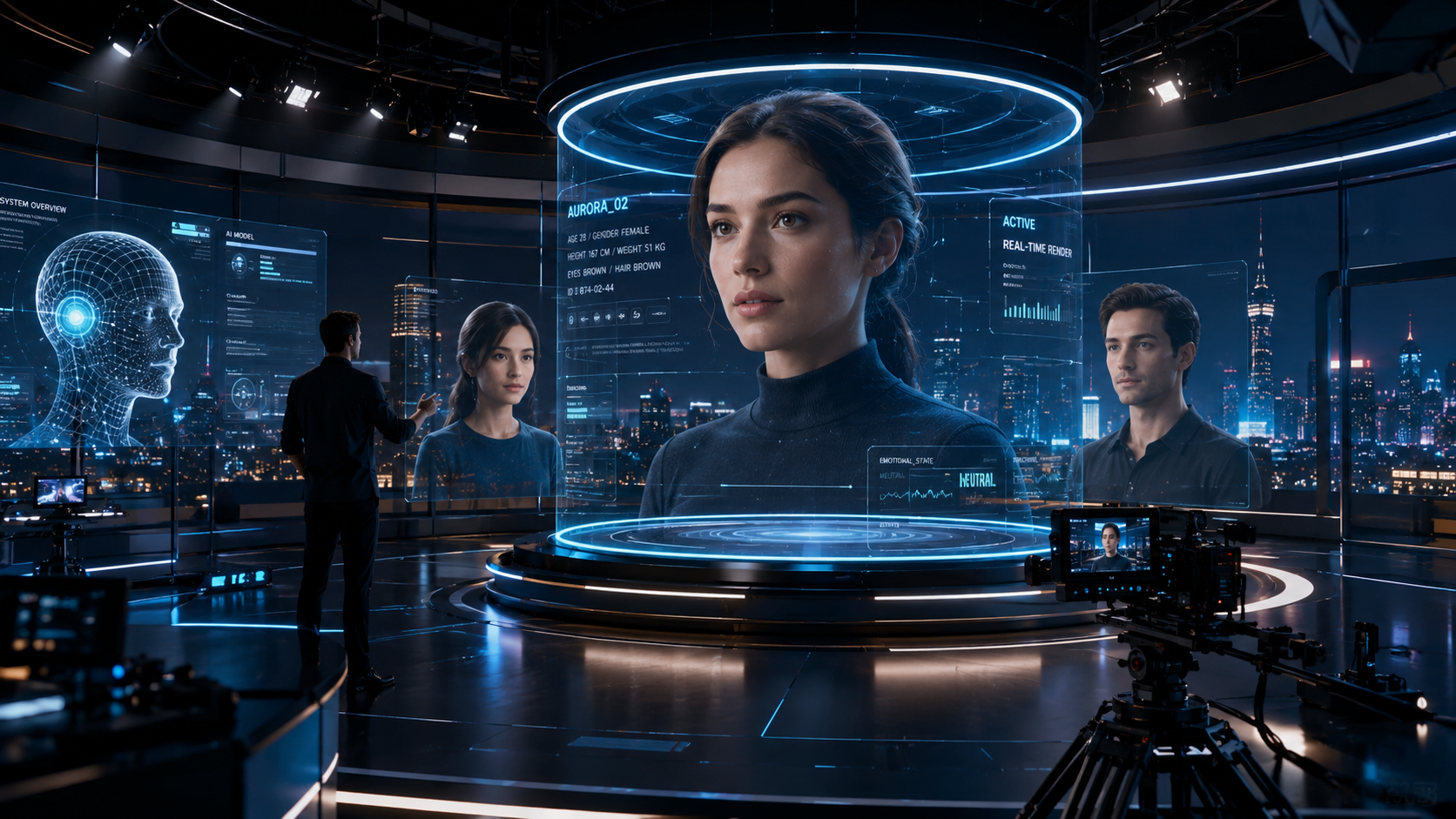
To create realistic ai video online in 2026, you must utilize high-fidelity generative models that leverage temporal consistency and neural rendering to produce lifelike motion and textures. The process involves selecting a specialized AI video platform, inputting a detailed descriptive prompt or a source image, and refining the output using advanced parameters like motion scale and seed control. By following a structured workflow that includes upscaling and post-production face swapping, creators can now generate cinematic-quality footage that is virtually indistinguishable from traditional videography.
AI video generation is the process of using deep learning algorithms to synthesize high-definition video content from text, images, or existing video files. In 2026, this technology has matured to support hyper-realistic physics, emotional depth in characters, and real-time rendering, allowing users to create professional-grade visual media directly through web-based interfaces without expensive hardware.
- ✓ Modern AI tools now support seamless face swapping and hyper-realistic animal physics.
- ✓ High-fidelity video production has become accessible through browser-based platforms like Grok AI and specialized face-swap tools.
- ✓ Ethical considerations are paramount as AI realism reaches a "collapse of trust" threshold in digital media.
- ✓ Success in 2026 relies on mastering prompt engineering and iterative refinement rather than raw computing power.
The Evolution of High-Fidelity AI Video in 2026
As we navigate through 2026, the landscape of digital content creation has undergone a seismic shift. The ability to create realistic ai video online is no longer a niche skill reserved for visual effects artists; it has become a standard utility for journalists, marketers, and independent creators. The primary driver of this evolution is the refinement of Diffusion Transformers (DiT), which allow for greater stability across long video durations. In previous years, AI video often suffered from "hallucinations"—distortions in background or limb movements—but the current generation of tools provides consistent spatial awareness.
According to reports from NBC News, the sheer realism of these videos is intensifying a "collapse of trust" online. This underscores the technical achievement of 2026: AI can now replicate the subtle nuances of human micro-expressions and the complex fluid dynamics of nature. While this power brings significant responsibility, it also opens doors for storytelling that were previously closed due to budget constraints. Whether you are generating a historical reenactment or a futuristic sci-fi scene, the tools available today offer a level of granular control that mimics a physical camera rig.
Step-by-Step Guide to Creating Realistic AI Video Online
- Select Your Core Engine: Choose a platform based on your specific needs, such as Grok AI for general scenes or specialized tools for face-swapping and character consistency.
- Draft a High-Resolution Prompt: Use descriptive language that specifies lighting (e.g., "golden hour," "cinematic rim lighting"), camera movement ("slow dolly zoom"), and texture details ("pore-level skin detail").
- Upload a Reference Image (Optional): For maximum realism, use an "Image-to-Video" workflow where you provide a high-quality base image to guide the AI's structural understanding.
- Configure Generation Settings: Adjust parameters such as the aspect ratio (16:9 for film, 9:16 for social media) and motion intensity. In 2026, many tools allow you to "paint" motion paths for specific objects.
- Generate and Iterate: Produce a low-resolution preview first. If the motion is correct, proceed to high-definition rendering and upscaling.
- Apply Post-Production Refinements: Use secondary AI tools for face swapping or lip-syncing if the video involves speaking characters to ensure perfect synchronization.
Top Tools to Create Realistic AI Video Online
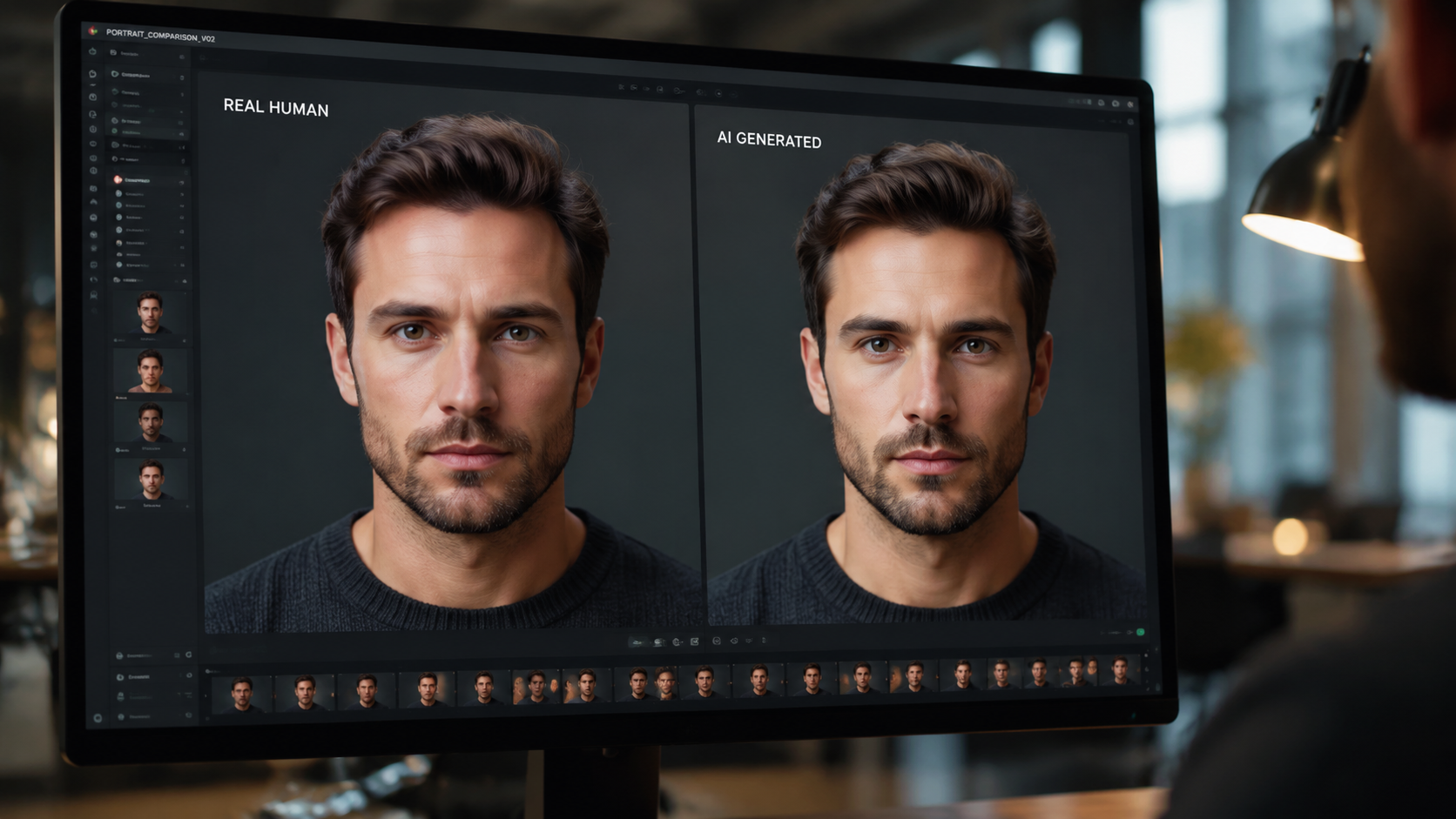
The market in 2026 is dominated by a few key players that have successfully bridged the gap between "uncanny valley" and true realism. One of the most significant entries this year is the Grok AI Video Generator. According to a review by FinancialContent, the free version of Grok’s video tool provides an honest and practical entry point for creators, offering high-speed generation and a user-friendly interface that simplifies complex prompt structures. It has become a favorite for those looking to experiment without a heavy financial commitment.
Beyond general generators, specialized tools have emerged to handle specific high-stakes tasks. For instance, the AI Face Swap Video Tool, highlighted by the United News of India in April 2026, allows creators to perform realistic face swaps in seconds. This is particularly useful for localized marketing or personalizing content. These tools utilize advanced "identity-preserving" neural networks that maintain the lighting and shadows of the original scene while perfectly mapping a new visage onto the subject.
| Tool Category | Primary Use Case | Key Feature in 2026 | Accessibility |
|---|---|---|---|
| Grok AI Video | General Cinematic Scenes | Real-time prompt feedback | Free & Premium tiers |
| AI Face Swap Tools | Character Personalization | Sub-second mapping | Web-based / API |
| Neural Physics Engines | Animal & Nature Footage | Hyper-realistic fur/water | Professional Subscription |
| Motion-Path Generators | Directed Action Scenes | Manual trajectory control | Enterprise Grade |
The Rise of Hyper-Realism and the Ethical Boundary
With the ability to create realistic ai video online comes a set of unprecedented challenges. The realism achieved in 2026 has reached a point where even experts struggle to distinguish synthesized footage from reality. ZME Science recently reported that conservationists are sounding the alarm over hyper-realistic AI videos showing animal attacks or strange behaviors. These videos, while technically impressive, have caused real-world panic as viewers mistake them for actual wildlife events. This highlights the necessity for creators to use these tools ethically and provide clear disclosures.
The impact of this technology is also being felt in the geopolitical sphere. Both The New York Times and the BBC have documented a surge in AI-generated videos depicting conflict, specifically relating to tensions in the Middle East. These "cascade of fakes" are being used to monetize sensationalism on social media platforms. As an expert creator, navigating this landscape requires a commitment to factual integrity. Using AI to enhance storytelling is a powerful creative outlet, but using it to fabricate news events undermines the medium's potential for positive impact.
Advanced Prompting for Realistic Textures
To achieve the highest level of realism, your prompts must go beyond simple descriptions. In 2026, the best AI models respond to technical photography terms. Instead of "a person walking," use "a medium shot of a person walking, shot on 35mm lens, f/1.8, natural grain, subsurface scattering on skin." This level of detail instructs the AI to simulate how light interacts with physical surfaces, which is the key to breaking out of the "plastic" look common in earlier AI iterations.
Mastering Character Consistency in AI Video
One of the biggest hurdles when you create realistic ai video online is maintaining the same character appearance across multiple clips. In 2026, this is solved through "Character LoRAs" (Low-Rank Adaptation) and Reference IDs. Most top-tier online tools now allow you to upload a set of photos of a person, which the AI then uses to build a consistent 3D profile. This ensures that whether your character is in a dark room or under bright sunlight, their features remain identical.
This consistency is what has allowed for the rise of "AI Influencers" and virtual actors. By utilizing these tools, a single creator can produce a full-length short film with a recurring cast without ever hiring a physical actor. However, this also ties back to the "collapse of trust" mentioned by NBC News. As these characters become more relatable and lifelike, the line between human performance and algorithmic generation continues to blur, requiring creators to find new ways to connect authentically with their audiences.
Optimizing for Different Platforms
Realistic AI video isn't one-size-fits-all. A video generated for a high-end VR headset requires different resolution and frame rate settings than a video intended for a mobile social feed. Most 2026 tools offer presets for "Cinematic 4K," "Social Vertical," and "Spatial 3D." When generating, consider the final viewing environment to ensure the realism isn't lost to compression or improper aspect ratios.
Future Outlook: What’s Next for AI Video?
Looking toward the end of 2026 and into 2027, the trend is moving toward "Interactive AI Video." This will allow viewers to change the direction of a video in real-time by typing new prompts while the video is playing. We are already seeing the foundations of this in the current Grok AI updates and high-end face-swapping tools. The goal is to move from static video files to dynamic, generative experiences that adapt to the user's preferences.
Furthermore, the integration of AI audio is becoming seamless. When you create realistic ai video online today, the tools are beginning to automatically generate synchronized ambient soundscapes and dialogue that matches the character’s lip movements perfectly. This holistic approach to content creation means that the "director" of the future is someone who can orchestrate these various AI layers into a cohesive and emotionally resonant piece of art.
Is it legal to create realistic AI videos of celebrities?
Laws in 2026 vary by region, but many jurisdictions have passed "Right of Publicity" acts that require consent for commercial use of a person's likeness. Always check local regulations and platform terms of service before using face-swap tools on public figures.
Can I create realistic AI video online for free?
Yes, platforms like Grok AI offer free tiers that allow for high-quality video generation. However, these often come with daily limits or watermarks that can be removed with a premium subscription.
How long does it take to generate a 1-minute AI video?
In 2026, generating a 1-minute high-definition video typically takes between 5 to 15 minutes of processing time, depending on the complexity of the physics and the server load of the tool being used.
Why does my AI video look blurry or distorted?
Distortion usually occurs due to low "sampling steps" or a prompt that contradicts the model's training. To fix this, increase the resolution settings and ensure your prompt uses clear, non-conflicting descriptive terms.
Do AI videos have watermarks?
Most free online tools include a digital watermark or metadata tag to identify the content as AI-generated. This is increasingly mandated by international safety standards to prevent the spread of misinformation.



Comments ()