
Create Professional Training Videos with AI: 2026 Guide
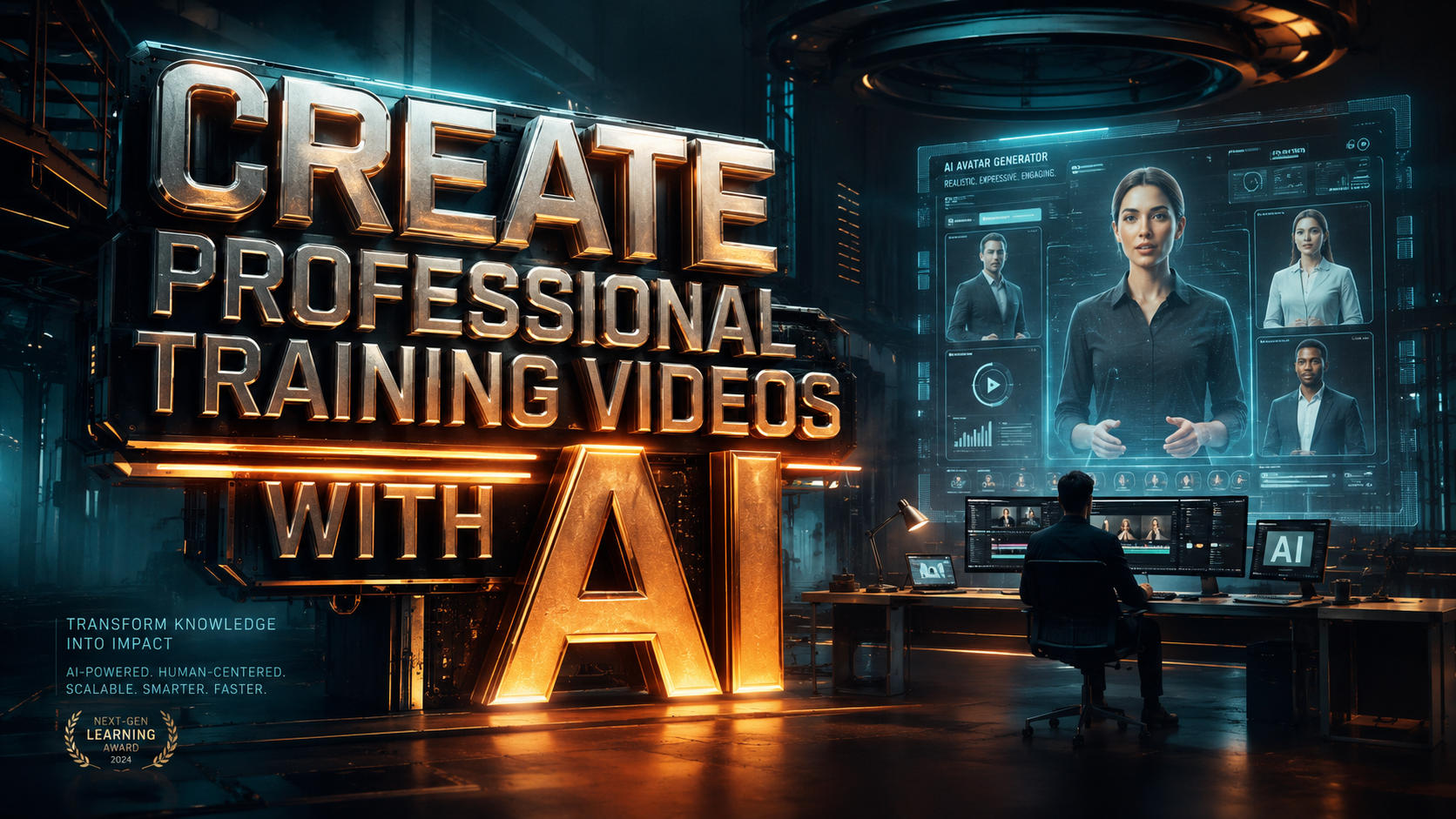
To create professional training videos with AI in 2026, you must leverage generative video platforms that combine realistic synthetic avatars with automated script-to-video workflows. This modern approach replaces traditional filming with cloud-based editing, allowing organizations to produce high-quality instructional content in minutes rather than weeks. By integrating interactive AI agents and multilingual voice synthesis, companies can now deliver personalized learning experiences at scale.
AI video creation is the process of using generative artificial intelligence to produce instructional content through text-to-video synthesis, digital avatars, and automated editing tools. It enables businesses to create professional training videos with AI by converting written scripts into high-definition footage featuring lifelike presenters, localized dubbing, and interactive elements without the need for cameras or studios.
- ✓ Reduce production costs by up to 80% by eliminating physical sets and professional actors.
- ✓ Update training modules instantly by simply editing the text script in the AI platform.
- ✓ Scale global onboarding with one-click translation into over 100 languages.
- ✓ Enhance learner engagement using the latest 2026 interactive AI agent technology.
How to Create Professional Training Videos with AI: A Step-by-Step Guide
The landscape of corporate education has shifted dramatically. As reported by Inc.com in April 2026, the traditional "boring" corporate training video is being replaced by interactive AI agents that make learning fun and engaging. This transition is not just about aesthetics; it is about efficiency and the ability to pivot content as fast as the market moves.
Following a structured workflow ensures that your AI-generated content maintains a high standard of professional quality while maximizing the capabilities of 2026’s generative tools. Here is the definitive process for modern video production:
- Define Your Learning Objectives and Script: Start with a clear goal. Use an AI writing assistant to draft a concise, conversational script optimized for synthetic speech.
- Select Your AI Avatar: Choose a digital presenter that matches your brand’s tone. Modern platforms now offer "Interactive Agents" that can respond to learner queries in real-time.
- Choose a Template and Layout: Select a professional layout that includes space for supporting text, screen recordings, or diagrams.
- Generate the Voiceover: Input your script and select a voice profile. In 2026, these voices include emotional inflection and natural breathing patterns for maximum realism.
- Add Multimedia Elements: Overlay stock footage, background music, and on-screen captions to reinforce key learning points.
- Review and Distribute: Preview the video for pacing and accuracy before exporting it to your Learning Management System (LMS).
The Evolution of AI Video Generation in 2026
In early 2026, the industry saw a massive surge in the adoption of generative tools. According to Cybernews, there are now at least 16 top-tier AI video generation tools dominating the market, each offering specialized features for corporate environments. These tools have moved beyond simple "talking heads" to full-scene generation where the AI can simulate entire office environments or technical workshops.
The credibility of this technology is evidenced by major institutional shifts. For instance, PublicTechnology reported in March 2026 that HMRC (the UK's tax authority) signed a £150,000 deal specifically for AI-generated communications and training videos. This move signals that even highly regulated government bodies now trust AI to deliver critical information accurately and professionally.
Interactive AI Agents and Engagement
One of the most significant breakthroughs this year is the rise of interactive AI agents. Unlike the static videos of the past, these AI-driven modules allow learners to ask questions directly to the video avatar. The agent uses a Large Language Model (LLM) backend to provide context-aware answers, making the training feel like a one-on-one coaching session. This solves the long-standing issue of "passive learning" where employees tune out during long presentations.
Cost-Effectiveness and Scalability
Training departments are no longer limited by a fixed production budget. Studies show that using AI to create professional training videos reduces the time-to-market for new courses by nearly 90%. When a policy changes or a new software update is released, trainers can simply update the text script and regenerate the video in minutes, ensuring that the workforce always has access to the most current information.
Comparing Top AI Video Platforms for 2026
Choosing the right tool is essential for achieving a professional finish. Data from G2 and Exploding Topics highlights several market leaders that have defined the 2026 landscape. The following table compares the core features necessary for high-quality corporate training.
| Feature | Standard AI Video Tools | Enterprise AI Platforms (2026) | Traditional Production |
|---|---|---|---|
| Production Time | 1 - 2 Hours | 15 - 30 Minutes | 2 - 4 Weeks |
| Interactive Elements | Basic Quizzes | Real-time AI Agents | None (Linear) |
| Language Support | 20+ Languages | 100+ with Lip-Sync | Requires Dubbing Cast |
| Editing Difficulty | Moderate | Low (Text-based) | High (Video Suite) |
Best Practices to Create Professional Training Videos with AI
While the technology handles the heavy lifting, professional results still require a human touch in the planning and oversight phases. To create professional training videos with AI that truly resonate, you must focus on the "Human-in-the-Loop" philosophy. This means using AI for efficiency but maintaining editorial control over the tone and factual accuracy of the content.
As Social Media Examiner noted in February 2026, high-quality content that grows a business must be "easy to make but hard to ignore." This is achieved by focusing on storytelling and visual hierarchy within the AI platform. Don't just let the AI pick your visuals; curate them to ensure they align with your specific corporate culture and technical requirements.
Scripting for Synthetic Speech
AI voices in 2026 are incredibly advanced, but they still perform best with scripts designed for oral delivery. Use shorter sentences, avoid overly complex jargon that might lead to awkward pronunciation, and use phonetic spelling for brand names if necessary. Breaking the script into small "chapters" also makes it easier to update individual sections of the video later without having to re-render the entire project.
Visual Branding and Custom Avatars
For a truly professional look, many companies are now opting for custom avatars of their own executives or top trainers. This creates a sense of familiarity and trust. According to research from Exploding Topics, videos featuring recognizable internal figures have a 40% higher completion rate than those using generic stock avatars. Ensure your background environments are consistent with your brand’s color palette and office aesthetic.
Advanced Features of 2026 AI Video Tools
The current year has brought features that were once considered science fiction. We are now seeing "Emotional Layering," where you can instruct the AI to deliver a script with specific tones—such as "encouraging" for a leadership module or "urgent" for a safety compliance video. This level of nuance is what separates modern AI video from the robotic versions of years past.
Automated Multi-Platform Formatting
In 2026, training happens on various devices—from desktop monitors to mobile phones and even VR headsets. Leading AI video generators now automatically resize and reformat your training content for different aspect ratios. This "create once, deploy everywhere" model is essential for reaching remote workers who may be accessing training via mobile apps while in the field.
Data-Driven Content Optimization
Modern platforms are integrated with analytics. If the data shows that 60% of your employees stop watching at the three-minute mark, the AI can suggest ways to shorten that segment or add an interactive poll to recapture attention. This feedback loop ensures that your "professional training videos with AI" are not just produced quickly, but are also effective at meeting educational KPIs.
The Future of Corporate Learning
We are entering an era where training is no longer a "one-and-done" event. With the ease of AI production, training becomes a living resource. The deal signed by HMRC for £150k in AI comms (as reported by PublicTechnology) illustrates that the scalability of AI is its greatest asset. When information changes, the video changes. This agility is the hallmark of a modern, data-driven organization.
As we look through the remainder of 2026, the integration of AI video with Augmented Reality (AR) is the next frontier. Imagine a training video where the AI avatar steps out of the screen and into the user's physical environment via AR glasses to demonstrate a technical repair. This is the level of sophistication that "creating professional training videos with AI" is moving toward.
How much does it cost to create professional training videos with AI in 2026?
Costs have significantly decreased, with enterprise subscriptions ranging from $50 to $500 per month depending on volume. This is a fraction of the $5,000+ typically spent on a single day of professional studio filming.
Do I need technical video editing skills?
No, modern AI video tools are designed for non-professionals. If you can use a word processor or create a slide deck, you can generate a professional video using text-to-video technology.
Are AI avatars realistic enough for corporate use?
Yes, by 2026, AI avatars utilize high-fidelity 4K rendering and natural micro-expressions. They are virtually indistinguishable from real humans in a training context, especially when using custom-filmed "digital twins."
Can I translate my training videos into other languages?
Absolutely. Most top-tier 2026 platforms offer one-click translation into 100+ languages, including automatic lip-syncing so the avatar’s mouth movements match the new language perfectly.
What is an interactive AI agent in a video?
An interactive AI agent is a feature where the video presenter can pause and answer questions from the viewer in real-time, using integrated LLM technology to provide a personalized learning experience.



Comments ()