
Create Professional Training Videos with AI: 2026 Guide
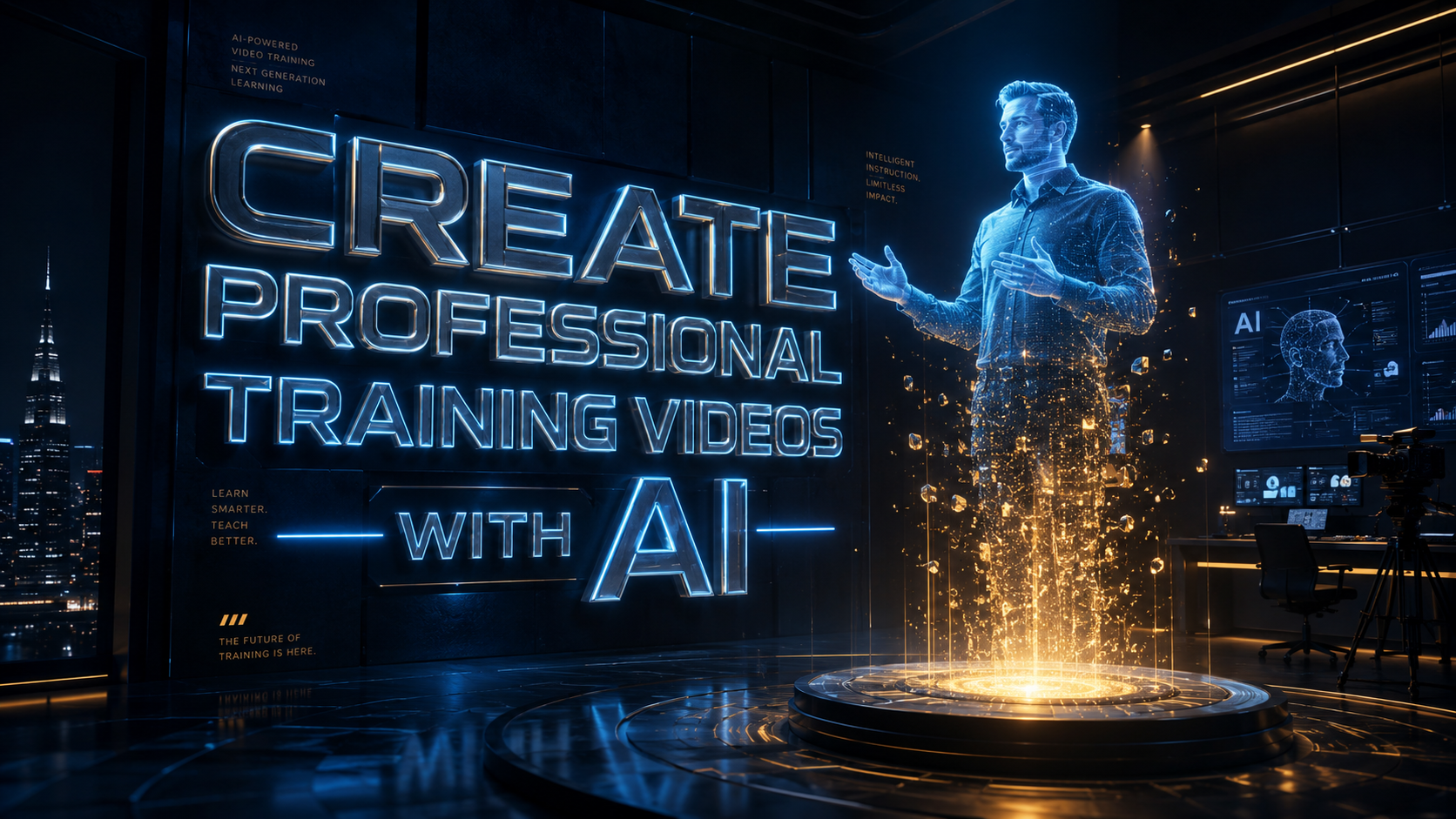
To create professional training videos with AI in 2026, you must leverage a combination of generative scriptwriting, photorealistic digital avatars, and automated scene assembly to transform text into high-quality educational content. This modern workflow eliminates the need for expensive cameras, lighting rigs, or professional actors, allowing organizations to scale their internal knowledge sharing at a fraction of traditional costs. By using interactive AI agents, businesses can now move beyond static video into dynamic learning experiences that adapt to the viewer's pace and comprehension levels.
AI video generation is the process of using artificial intelligence models to synthesize human-like speech, realistic visual performances (avatars), and relevant background imagery from simple text prompts. In 2026, this technology has matured to produce 4K-resolution training modules that are indistinguishable from live-recorded content, featuring real-time translation and interactive elements for global corporate deployment.
- ✓ AI reduces training video production time by up to 90% compared to traditional filming.
- ✓ Modern interactive AI agents increase employee engagement by providing real-time feedback.
- ✓ Localization is instantaneous, with AI voices and lip-syncing available in over 100 languages.
- ✓ Scalability is the primary driver for 2026 adoption, allowing for weekly content updates.
How to Create Professional Training Videos with AI: A Step-by-Step Guide
The landscape of corporate education has shifted significantly. According to Inc.com, traditional corporate training videos have long been criticized for being unengaging, but the introduction of interactive AI agents is making these sessions "fun" and highly personalized. To stay competitive, L&D (Learning and Development) professionals are now adopting a streamlined AI-first workflow.
- Define Your Learning Objectives: Start by identifying the specific skills or knowledge gaps you need to address. AI works best when the input prompts are structured and goal-oriented.
- Generate the Script and Storyboard: Use an LLM (Large Language Model) to draft a script based on your technical documentation. In 2026, most AI video platforms have built-in script assistants that optimize for "micro-learning" retention.
- Select Your AI Avatar: Choose a digital presenter that matches your brand voice. Current platforms offer 17+ popular AI video generators, as noted by Built In, featuring diverse ethnicities, ages, and professional attires.
- Customize Visual Elements: Upload your brand assets, including logos, hex codes, and fonts. Use AI-generated overlays to highlight key technical terms or safety protocols.
- Render and Integrate Interactivity: Generate the video file and add interactive layers, such as quizzes or branched scenarios, which Social Media Examiner highlights as a key growth driver for business content in 2026.
- Distribute and Analyze: Deploy the video through your LMS (Learning Management System) and track engagement metrics to refine future AI prompts.
Why Businesses Are Switching to AI Video in 2026
The shift toward AI-driven video production isn't just about cost; it's about the speed of information. In a fast-paced market, a training video about a software update needs to be live within hours, not weeks. Traditional production cycles simply cannot keep up with the rate of digital transformation seen in 2026. As The Atlantic reports, AI is fundamentally changing the nature of content creation, moving it away from manual labor toward strategic curation.
Furthermore, the quality of AI-generated content has reached a "turing point." As highlighted by G2 Learning Hub in their review of the 7 best AI video generators of 2026, the latest models now include emotional intelligence. Avatars can detect the tone of the script and adjust their facial expressions and hand gestures accordingly. This level of realism ensures that "uncanny valley" distractions are a thing of the past, allowing employees to focus entirely on the educational material.
The Rise of Interactive AI Agents
One of the most significant breakthroughs this year is the transition from passive viewing to active participation. Interactive AI agents can now pause a training video to ask the viewer a question. Depending on the answer, the AI can branch the video to a remedial section or fast-forward to more advanced concepts. This makes the "worst" part of corporate training—the monotony—a thing of the past.
Cost-Effectiveness and Scalability
According to Programming Insider, platforms like Viddo AI have become preferred choices because they offer a "one-stop-shop" for both creators and businesses. The ability to update a single line of text in a script and re-render the entire video in seconds means that training libraries never become obsolete. This "evergreen" capability is a major financial incentive for CFOs looking to optimize departmental budgets.
Comparing Top AI Video Generation Features for 2026
Choosing the right tool to create professional training videos with AI depends on your specific needs, whether that is high-volume production or deep interactive capabilities. The following table compares the dominant features found in the leading platforms categorized by Built In and G2 this year.
| Feature Category | Standard AI Video (2024-2025) | Advanced AI Video (2026) | Business Impact |
|---|---|---|---|
| Avatar Realism | Static torso, limited gestures | Full-body movement, micro-expressions | Higher learner trust and engagement |
| Voice Synthesis | Monotone, robotic pacing | Emotional inflection, breath sounds | Improved information retention |
| Translation | Dubbing only | Real-time lip-syncing in 100+ languages | Global consistency in training |
| Interactivity | None (Passive) | AI Agent branching and live Q&A | Personalized learning paths |
| Production Speed | Hours to render | Near real-time (minutes) | Instant updates to training docs |
Best Practices for High-Quality AI Training Content
While the technology handles the heavy lifting, the human element remains crucial for pedagogical effectiveness. To create professional training videos with AI that actually deliver results, you must focus on the "Prompt-to-Product" pipeline. This involves giving the AI high-context instructions. Instead of asking for a "safety video," ask for a "3-minute safety briefing for warehouse employees focusing on the new 2026 OSHA-compliant forklift procedures."
Another best practice is the use of "hybrid" content. Social Media Examiner suggests that the most successful businesses in 2026 are those that mix AI-generated avatars with real screen recordings of their proprietary software. This creates a grounded, authentic experience. By using AI to narrate the screen share, you ensure the audio is professional and clear, regardless of the recording environment of the subject matter expert.
Maintaining Brand Voice with AI
Consistency is key in corporate communications. Most professional AI video suites now allow for "Voice Cloning" and "Custom Avatar Creation." This means your CEO or a well-known internal trainer can be turned into an AI asset. According to Programming Insider, this feature is the primary reason businesses are flocking to premium AI generators; it allows for the scale of AI with the familiar face of the company leadership.
Accessibility and Global Reach
In 2026, accessibility is no longer an afterthought—it is a requirement. AI video tools now automatically generate closed captions, descriptive audio for the visually impaired, and translated versions of every video. This ensures that your professional training videos are inclusive and meet international compliance standards without requiring a separate localization budget.
The Future of Training: Beyond the Screen
As we look toward the latter half of 2026, the line between video training and virtual reality is blurring. AI video generators are beginning to output spatial video content designed for headsets. This allows a professional training video created on a desktop to be experienced as a 3D simulation. This evolution is driven by the same generative engines that power the 17 popular AI video generators mentioned by Built In.
The ultimate goal of using AI in this space is to move toward "Just-in-Time" learning. Imagine an employee encountering a problem on the factory floor and an AI instantly generating a 30-second instructional video tailored to that specific machine and that specific error code. This is the level of professional support that AI makes possible today.
Is it difficult to create professional training videos with AI?
No, modern platforms are designed with "no-code" interfaces that allow anyone to create videos by simply typing a script. The AI handles the animation, voiceover, and editing automatically, making it accessible to non-video professionals.
How long does it take to generate an AI training video?
In 2026, a typical 5-minute training video can be rendered in less than 10 minutes. This is a massive improvement over traditional methods which could take weeks of filming and post-production.
Can AI videos be translated into other languages?
Yes, most top-tier AI video generators offer one-click translation with "lip-sync" technology. This ensures the avatar's mouth movements match the new language, providing a natural experience for global teams.
Are AI avatars realistic enough for professional use?
Absolutely. The 2026 generation of AI avatars uses high-fidelity neural rendering that captures subtle human movements and emotions, making them suitable for high-stakes corporate training and external communications.
What is an interactive AI agent in a training video?
An interactive AI agent is a feature where the digital presenter can respond to user input. Instead of a linear video, the agent can answer questions or change the lesson flow based on the learner's performance during the video.



Comments ()