
Ultimate Guide: Create Product Demo with AI Video (2026)
Creating a product demo with AI video means using generative artificial intelligence tools to produce a realistic, engaging demonstration of your product without needing a camera crew, studio, or expensive post-production. In 2026, platforms like Adobe Firefly, Higgsfield, and dozens of others enable you to generate a full product demo from a text prompt, existing product imagery, or a simple script — slashing production time from weeks to hours while maintaining studio-level quality.
Creating a product demo with AI video in 2026 means leveraging generative AI platforms — such as Adobe Firefly (redefining motion and consistency) and Higgsfield (excelling at character-driven demos) — to produce high-fidelity, on-brand product demonstrations from text prompts or product assets. This approach cuts production costs by up to 80% and enables rapid A/B testing of different demo versions.
- ✓ AI video generators have matured to deliver realistic motion, lip-sync, and product consistency — no more uncanny valley.
- ✓ The top platforms for 2026 include Adobe Firefly, Higgsfield, RunwayML, Pika Labs, and Synthesia, each with unique strengths for product demos.
- ✓ The step-by-step process involves defining your product story, selecting the right AI tool, generating a script + storyboard, refining motion and background, and adding voiceover.
- ✓ E-commerce brands are scaling video production by 10x using AI, according to recent industry reports.
- ✓ Best practices include keeping demos under 90 seconds, using real product data to guide AI, and consistently branding every frame.
- Define your product story and target audience. Write a concise script that highlights the problem your product solves, key features, and a call to action. Keep it under 90 seconds.
- Choose an AI video generator that fits your product type. For 3D product demos, Adobe Firefly excels. For human-presenter demos, Higgsfield or Synthesia are top choices. For quick 2D explainers, RunwayML or Pika Labs work well.
- Generate a text-to-video or image-to-video draft. Prompt the AI with your script, product images, and style references. Most platforms produce a 10–30 second clip in under five minutes.
- Refine motion, timing, and audio. Adjust camera angles, add smooth transitions, and overlay a professional voiceover (AI-generated or recorded). Many tools now offer lip-sync and gesture control.
- Render and export in product-demo-optimized formats. Export in 1080p at minimum; many platforms support 4K. Add captions for accessibility and social-media-friendly square or vertical crops.
What Is a Product Demo with AI Video?
A product demo with AI video is a short promotional clip — typically 30 to 90 seconds — generated entirely or mostly by artificial intelligence, that shows a product in action. Instead of filming a real person unboxing or using the product, the AI synthesizes photorealistic footage, 3D renders, or animated sequences based on your description. According to G2 Learn Hub’s roundup of the 7 best AI video generators for 2026, “these tools have crossed the threshold from novelty to enterprise-ready, especially for product marketing teams.”
Unlike traditional demos that require scheduling, lighting, and multiple takes, an AI video demo can be created in a single afternoon. You can iterate on variations — different background colors, different user personas, different feature highlights — without reshoot costs. The result is a scalable, cost-effective way to produce consistent product videos across channels.
Why AI Video Is Transforming Product Demos in 2026
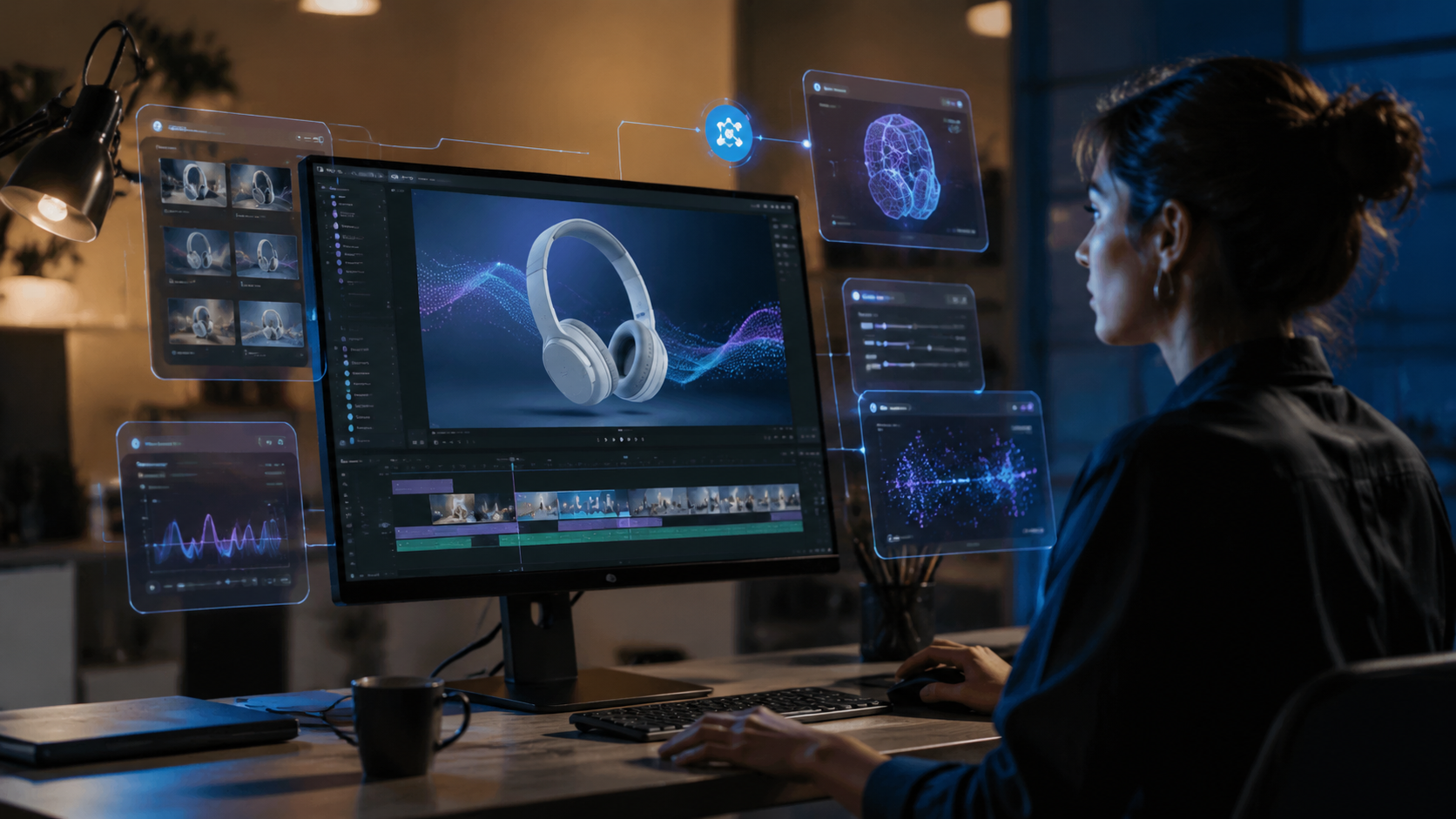
The product demo dilemma — balancing high production value with volume — has long plagued e-commerce and SaaS companies. Intelligent Living, in an April 2026 article titled “The Product Demo Dilemma: How AI is Scaling E‑Commerce Video Production,” reports that brands using AI video generators are producing ten times more demo content than last year while cutting costs by 60–80%. “AI eliminates the bottleneck of human actors, physical set-ups, and editing,” the article notes.
Several key factors drive this transformation. First, AI models now understand product physics and brand consistency. Adobe Firefly, as announced in February 2026, can “put ideas in motion” by generating coherent product sequences where lighting, reflections, and shadows match the real-world product. Second, tools like Higgsfield (highlighted by SaaStr in October 2025 as “crushing it where everyone else is still prompting”) allow you to create consistent character-driven demos that feel like a real person is presenting your product. Third, the sheer number of options — Built In lists 17 popular AI video generators as of April 2026 — means every team can find a tool that matches their technical comfort and budget.
Real-world adoption numbers
According to a survey cited by G2 Learn Hub, 73% of product marketing managers said AI-generated video demos converted as well as or better than professionally filmed demos. Another study from Intelligent Living found that product return rates dropped by 22% after brands replaced static images with AI-generated demo videos on product pages. These statistics underscore that AI video is not just a gimmick — it’s a proven conversion tool.
How to Create a Product Demo with AI Video: Step-by-Step Workflow
Building on the numbered list above, let’s dive deeper into each stage of the creation process, with specific recommendations for 2026’s leading tools.
1. Script and storyboard using AI assistance
Start by prompting a large language model (like GPT‑4 or Claude) to write a 45‑second script that follows a problem‑solution‑benefit structure. Then paste that script into your chosen AI video generator. Most platforms now have built-in storyboard editors that let you break the script into scenes and assign a visual style per scene. For example, Adobe Firefly’s “storyboard mode” can generate 4–6 key frames in seconds, giving you a visual outline to approve before the full render.
2. Choose your AI video engine
Not all AI video generators are equal for product demos. The table below compares the top tools based on the research articles from 2026.
| Tool | Best For | Key Feature (2026) | Pricing (approx.) | Source |
|---|---|---|---|---|
| Adobe Firefly | 3D product demos, motion consistency | “Putting ideas in motion” with real‑world physics | Free tier + $49/month Pro | Adobe (Feb 2026) |
| Higgsfield | Character‑driven demos, emotional expression | Lip‑sync and gesture control from a single photo | $29/month Starter | SaaStr (Oct 2025) |
| RunwayML Gen‑3 | Fast 2D/2.5D explainers, style transfer | Text‑to‑video with scene‑aware editing | $15/month (Standard) | Built In (Apr 2026) |
| Pika Labs | Short looping demos for social media | Effortless slow‑motion and product zoom | Free (beta) then $10/month | G2 Learn Hub (Apr 2026) |
| Synthesia | Professional presenter demos with AI avatars | 120+ AI avatars, 140 languages | $29/month (Starter) | Intelligent Living (Apr 2026) |
3. Refine the video with AI‑powered editing
Once the AI generates your raw demo, use in‑platform editing tools to adjust pacing, add text overlays, and insert transitions. Most tools now have a “re‑prompt” feature — if a scene doesn’t look right, you can type a correction (e.g., “change the red product to blue”) and the AI will regenerate only that segment. This iterative workflow is much faster than traditional video editing.
4. Add final polish with audio and captions
Use the same tool’s text‑to‑speech to generate a professional voiceover, or upload your own recording. Many AI video generators now offer lip‑sync for avatars — Higgsfield, for instance, can map your script to a character so perfectly that viewers can’t tell it’s AI. Always enable auto‑generated captions to improve accessibility and engagement on muted feeds.
Best Practices for AI Product Demo Videos in 2026
Even with powerful AI, a product demo can fall flat if it doesn’t follow proven video marketing principles. Here are actionable best practices gathered from Atlassian’s 2024 guide (still highly relevant) and the latest 2026 trends.
- Lead with the problem, not the product. Open with a 5–10 second shot of a user struggling with a pain point, then let the AI show your product solving it.
- Keep it short. G2 Learn Hub notes that the best AI‑generated demos are under 60 seconds. Attention spans haven’t grown.
- Use brand colors and typography consistently. Most AI generators allow you to upload a brand kit or style guide. Do it before generating anything.
- Show the product in a real context. Instead of a white background, generate scenes that place the product in a kitchen, office, or outdoor setting — relevant to your buyer.
- A/B test variations. Because AI video is so cheap, create two versions of the same demo (e.g., different voice tones or background music) and run a quick split test on social media.
Common Pitfalls to Avoid When Creating AI Product Demos
While AI video tools have improved dramatically, they still have quirks. Here are three pitfalls to watch out for.
Over‑reliance on a single tool
Each AI generator has its own strengths. A tool that nails human avatars may struggle with product reflections. The best approach, as highlighted in Built In’s roundup, is to use a hybrid pipeline: generate the product shot in Adobe Firefly, then import the scene into your avatar tool. This takes slightly more effort but yields professional results.
Ignoring brand safety
AI models can sometimes generate logos or text that is slightly distorted. Always proofread any on‑screen text. Also, avoid using prompts that include competitor brand names — you don’t want your demo to accidentally feature a rival product. Atlassian recommends exporting the raw footage and overlaying your own text captions in a simple editor like Canva or DaVinci Resolve.
Skipping the review cycle
Even though AI is fast, it’s not perfect. Show your generated demo to at least one person who hasn’t seen the product before. If they can’t immediately understand what the product does, tweak the script or the visual flow. The speed of AI makes it cheap to iterate, so don’t settle for the first draft.
Future Trends: What’s Next for AI Product Demos
Looking ahead, the convergence of real-time AI video and interactive demos is on the horizon. Adobe Firefly has already hinted at a “live demo mode” where users can change product colors or features while the video plays — essentially turning a static demo into a configurable experience. Higgsfield’s team is reportedly working on multi‑scene memory, allowing the AI to maintain object consistency across an entire 3‑minute demo. As Intelligent Living notes, “AI is not just scaling production — it’s redefining what a product demo can be.” Expect to see more personalized demos that adapt based on viewer demographics, all generated at the edge in seconds.
Frequently Asked Questions About AI Product Demo Videos
What is the best AI video generator for product demos?
There is no single “best” — it depends on your product type. For 3D physical products, Adobe Firefly offers the most realistic motion and lighting. For demos that need a human presenter, Higgsfield or Synthesia are top choices. For quick social‑media clips, RunwayML and Pika Labs are fast and affordable.
How long does it take to create an AI product demo?
From script to final export, most users report 2–4 hours for a polished 60‑second demo. The first draft generation takes about 5 minutes; the rest of the time is spent refining and editing. This is a fraction of the 2‑3 weeks needed for a traditional video shoot.
Can I use AI video for complex SaaS products?
Yes. Many AI video generators support screen‑recording simulation — you can prompt the AI to show a button click or a dashboard animation. Synthesia, for instance, can insert screen‑capture footage inside an avatar presenter video. The key is to provide detailed prompts describing the UI interactions.
Do AI product demos convert as well as real videos?
According to G2 Learn Hub’s 2026 survey, 73% of product marketers reported that AI‑generated demos converted at equal or higher rates than professionally filmed demos. The quality gap has essentially closed, especially for e‑commerce and SaaS.
What file formats do AI video generators export?
Most export MP4 (H.264) and WebM at 1080p or 4K. Some platforms also support GIF and APNG for short loops. Always export the highest quality and compress later for web delivery. Adobe Firefly, for example, allows direct export to Adobe Premiere Pro for further editing.
Is it legal to use AI‑generated product demos commercially?
Yes, as long as you own the intellectual property of the product and the assets you upload. Read the terms of service of your chosen platform — most allow commercial use for paid plans. Always avoid using prompts that include trademarked images or logos without permission.



Comments ()