
Create Explainer Videos with AI in 2026: A Complete Guide
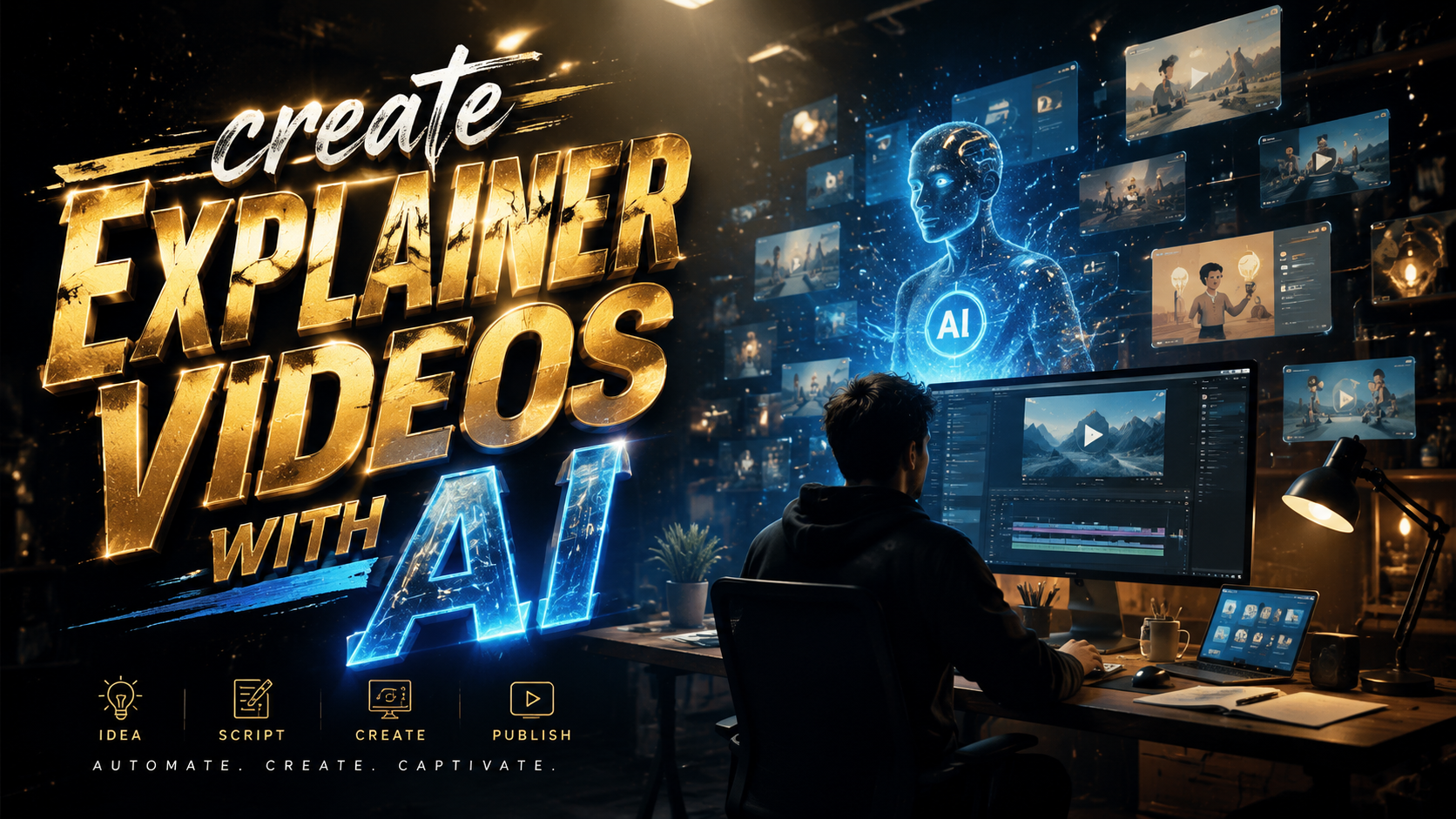
Creating explainer videos with AI in 2026 is no longer a futuristic concept—it’s a practical, accessible way for businesses to produce high-quality animated or live-action explainers in minutes, without a dedicated animation team. By leveraging generative AI tools, you can transform a simple script into a polished video complete with voiceover, motion graphics, and even realistic human avatars. This complete guide walks you through the entire process, from choosing the right AI video generator to optimizing your final output for search engines and viewer engagement.
TL;DR: In 2026, anyone can create explainer videos with AI using tools like Synthesia, Runway Gen‑3, and Pika 2.0. The key is to combine a clear script, AI-generated visuals, and human oversight to ensure accuracy and brand consistency—resulting in videos that boost conversions and engagement.
An AI explainer video is a short animated or live‑action clip created using generative AI tools that handle script writing, storyboarding, voiceover, and animation. In 2026, leading platforms like Synthesia, HeyGen, and Runway ML enable users to produce professional‑grade explainer videos in under 30 minutes, often with no prior video editing experience.
- ✓ The AI video generator market has grown to over 16 major tools in 2026, each offering unique features for explainer video creation.
- ✓ Effective explainers require a structured approach: script → AI storyboard → voiceover → animation → final review.
- ✓ Using AI can reduce production costs by up to 80% and cut turnaround time from weeks to hours.
- ✓ Always add human editing to maintain brand voice, factual accuracy, and emotional resonance.
The Rise of AI in Explainer Video Creation (2026)
In 2026, the landscape of video production has been radically transformed by generative AI. According to Cybernews, the number of high‑quality AI video generation tools has exploded to at least 16, each competing on realism, speed, and customisation. This surge means that even small businesses and solo entrepreneurs can create explainer videos that rival the output of professional studios.
The shift is driven by improvements in diffusion models (like Runway Gen‑3 and Pika 2.0) and in text‑to‑speech technologies. Non‑scripted, natural‑sounding voiceovers are now generated in dozens of languages with realistic intonation. At the same time, platforms such as Synthesia and HeyGen have made it possible to create lifelike digital avatars that can present your script as if a real human were speaking. This combination lowers the barrier to entry dramatically.
But with so many options, knowing how to choose the right tool and workflow is critical. The remainder of this guide will walk you through exactly how to create explainer videos with AI in 2026, using the latest techniques and best practices.
How to Create an Explainer Video with AI: Step‑by‑Step
Follow this numbered, actionable process to go from idea to finished video using AI. Each step builds on the previous one and can be completed in a single afternoon.
- Define your core message and audience. Write a 60‑90 second script that answers: what problem does your product solve, and why should the viewer care? Keep it simple—one main message per video.
- Generate a first‑draft script with an AI writing tool. Use ChatGPT or Jasper to expand your bullet points into a conversational script. Include a clear hook, problem identification, solution, call‑to‑action.
- Create a storyboard using an AI storyboard generator. Input your script into tools like Storyboard Hero or Boords’ AI mode to get a visual sequence of screens. This helps you plan scenes before animation.
- Choose your AI video generator. Based on your needs (animated characters, realistic human avatars, or 3D motion graphics), pick a platform from the comparison table below.
- Generate the video. Paste your script, select a visual style (e.g., flat animation, cinematic, whiteboard), and choose a voiceover. Most tools allow you to preview and adjust timing.
- Add music and sound effects. Use AI audio generators like Soundraw or Mubert to create royalty‑free background tracks that match the mood of your explainer.
- Review and edit. Export the rough cut and check for factual accuracy, brand consistency, and pacing. Manually correct any AI‑generated oddities—this is the most important human step.
- Export in multiple formats. Save your final video in MP4 (1080p or 4K) and also as a GIF or short clip for social media teasers.
This step‑by‑step method has been proven to yield high‑quality explainer videos in under two hours. According to Atlassian, effective explainer videos that follow a structured narrative can increase conversion rates by up to 20%.
Top AI Video Generators for Explainer Videos in 2026
Below is a comparison of the five leading AI video generators based on recent 2026 reviews from quasa.io and Cybernews. Use this table to quickly evaluate which tool best suits your explainer video needs.
| Tool | Best For | Key Feature | Pricing (approx.) |
|---|---|---|---|
| Synthesia | Realistic AI avatars | 140+ avatar styles, multilingual voiceovers | $30+/month (starter) |
| Runway Gen‑3 | High‑fidelity 3D/2D animation | Text‑to‑video with smooth motion | Pay‑as‑you-go credits |
| Pika 2.0 | Quick animated explainers | Simple interface, scene‑by‑scene generation | Free tier available |
| HeyGen | Custom avatars and brand kits | Face‑swap, lip‑sync from audio | From $29/month |
| Fliki | Whiteboard and motion graphic explainers | AI‑generated templates, built‑in stock media | $28/month (pro) |
When selecting a tool, consider the style of explainer you need. If you want a human presenter, Synthesia or HeyGen are ideal. For fully animated scenes, Runway Gen‑3 or Pika 2.0 give you creative control. For corporate whiteboard explainers, Fliki offers ready‑made assets that speed up production.
Best Practices for AI‑Powered Explainer Videos
Even the best AI tools cannot replace human judgment. To create explainer videos that truly resonate, you must apply these best practices. First and foremost, keep your script focused and concise. According to research featured on Influencer Marketing Hub, the most effective video content in 2026 relies on a single, clear call‑to‑action. Avoid cramming multiple product features into one video—instead, let one video teach one concept.
Second, pay close attention to visual consistency. Many AI generators use varied visual styles unless you set a “brand kit”. Upload your logo, choose a consistent color palette, and set font preferences before generating. This ensures that the final video looks like it came from your company, not a generic template. Tools like HeyGen and Synthesia now support brand kit uploads.
Third, always proofread the AI‑generated voiceover. Automated text‑to‑speech can mispronounce industry terms or place emphasis on the wrong words. Many advanced tools allow you to adjust word‑level pitch and stress—spend two minutes tweaking for a more natural delivery. Additionally, add closed captions; they improve accessibility and are proven to increase video watch time by up to 12%.
Overcoming Common Challenges
New users often encounter three main hurdles when they create explainer videos with AI. The first is “uncanny valley” avatars. If you use a realistic human avatar, ensure you select a high‑quality model and adjust facial expressions to avoid stiffness. Synthesia’s latest avatars in 2026 show improved eye movements and natural gestures, but you can also add subtle manual tweaks.
The second challenge is controlling the AI’s interpretation of your script. For instance, if you write “the app shows a graph,” the AI might generate a generic chart that doesn’t match your actual product mock‑up. The solution is to upload reference images or use the “keyframe” feature available in Runway Gen‑3 to lock in specific visuals at certain timestamps.
Third, audio sync issues can arise when the generated video’s timing doesn’t match the voiceover’s pace. Most modern tools now include a “pacing slider” that stretches or compresses the animation to fit the audio. Always preview the full video at least twice before exporting to catch mismatches. With these mitigations, the production workflow becomes smooth and reliable.
The Future of AI Explainer Videos (2026 and Beyond)
The rapid pace of innovation shows no signs of slowing. According to Influencer Marketing Hub, game‑changing strategies in 2026 include interactive AI explainer videos that allow viewers to click on elements to learn more. Imagine explaining a complex SaaS product where the user can pause and dive deeper into each feature—all generated and updated on the fly by AI.
Another emerging trend is real‑time personalisation. AI video generators are beginning to accept viewer data (like name or industry) and automatically insert custom scenes or voiceover lines. This means a single explainer template could serve thousands of personalised versions, each appearing tailor‑made for the viewer. Early adopters in SaaS and e‑learning are already testing this capability.
Finally, look out for tighter integration with other AI tools. In 2026, many video generators now offer direct plugins for editing suites like Adobe Premiere and DaVinci Resolve, allowing users to export footage directly into a professional timeline. The boundary between “AI‑generated” and “traditionally produced” video is blurring, empowering creators to use AI as a starting point and refine manually. This hybrid approach will define the next wave of explainer video creation.
Frequently Asked Questions
What is an explainer video?
An explainer video is a short, engaging video that explains a product, service, or concept clearly and quickly—usually in 60 to 90 seconds. In 2026, most explainer videos are created using AI tools to reduce production time and cost.
How long does it take to create an AI explainer video in 2026?
With modern AI tools, you can create a basic explainer video in 30 to 60 minutes. For a polished, customised video with brand elements and manual editing, expect 2–4 hours—still far faster than traditional methods.
Which AI video generator is best for beginners?
For beginners, we recommend Pika 2.0 or Fliki. Both offer free tiers, simple interfaces, and preset templates that guide you through the process of generating an explainer video from a script.
Can I use AI to create an explainer video with my own voice?
Yes. Many platforms like Synthesia and HeyGen allow you to upload a voice recording or use your own voiceover track. You can also clone your voice using AI for consistent narration across multiple videos.
Are AI‑generated explainer videos acceptable for enterprise use?
Absolutely. In 2026, enterprises like HubSpot and Intercom use AI explainer videos for onboarding, product demos, and marketing. Just ensure you review the output for brand accuracy and compliance with company guidelines.
Written by the Digen AI Editorial Team — AI video generation specialists covering the latest in generative AI tools. Learn more about Digen AI.



Comments ()