
Create Educational Videos with AI in 2026: Complete Guide
To create educational videos with AI in 2026, you no longer need a film crew, expensive editing software, or years of technical expertise. Modern text-to-video and AI-powered production tools now enable educators, course creators, and businesses to produce professional-grade learning content from a simple script or prompt in minutes rather than weeks.
Creating educational videos with AI in 2026 is the process of using generative text-to-video platforms, AI voice synthesis, and automated editing tools to transform lesson plans, scripts, or training materials into engaging visual content without manual filming or traditional post-production work.
- ✓ AI video generators in 2026 can turn a 500-word script into a fully narrated educational video in under 10 minutes
- ✓ The best free and paid tools now support realistic avatars, multi-language voiceovers, and interactive quiz overlays
- ✓ Teachers report that AI-created videos save 5–10 hours per week of lesson preparation time
- ✓ Combining text-to-video with AI talking photo features makes it possible to create presenter-led content from a single still image
- ✓ Platforms tested and reviewed in 2026 offer export resolutions up to 4K and direct integration with major LMS systems
Why AI Video Creation Matters for Education in 2026
The landscape of educational content has shifted dramatically. According to Cybernews, "The Rise of AI Video Generators: How Text-to-Video Technology Is Changing Content Creation in 2026" highlights that educators and institutions are adopting these tools at an unprecedented rate to meet the demand for personalized, on-demand learning. A single instructor can now produce an entire course library without hiring videographers, animators, or voice actors.
The New York Times reported in February 2026 that teachers are actively reshaping their classrooms around AI tools. One educator noted that creating a 10-minute explainer video that used to take an entire weekend can now be completed during a single prep period. This efficiency gain is not just about speed—it allows teachers to focus on higher-value interactions with students, such as one-on-one coaching and differentiated instruction.
For businesses and edtech startups, the ability to create educational videos with AI in 2026 also unlocks new revenue streams. As highlighted by vocal.media, five AI tools identified this year directly help creators monetize educational content through platforms like YouTube, Udemy, and corporate training portals. The barrier to entry for creating a polished online course has never been lower.
Step-by-Step: How to Create Educational Videos with AI in 2026
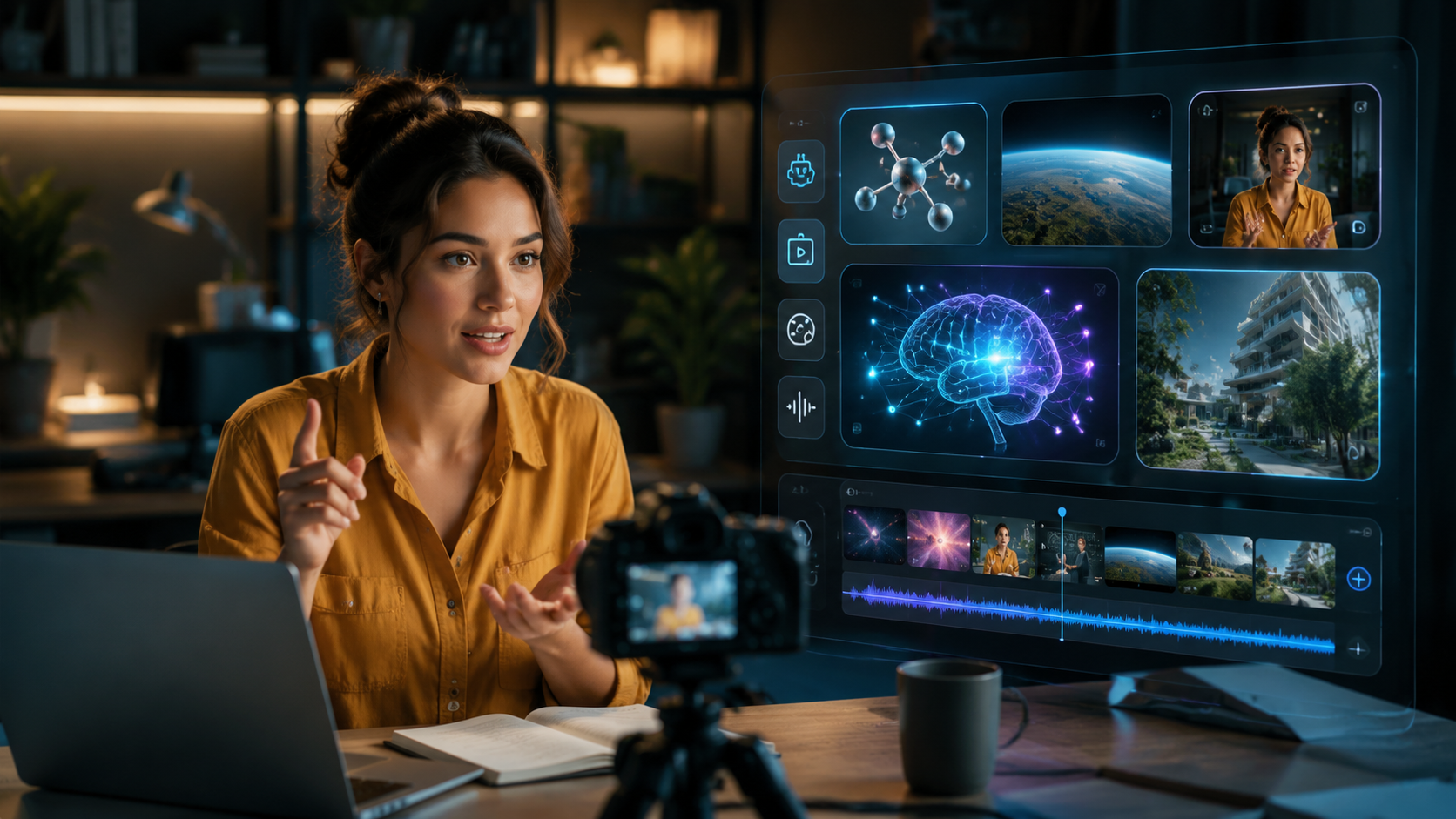
Follow this proven workflow to produce a complete educational video from scratch using the latest AI tools available in 2026.
- Define your learning objective and audience. Write a clear one-sentence goal for the video. Example: "By the end of this 5-minute video, a beginner will understand how photosynthesis works." This focus prevents scope creep and keeps the AI on track.
- Generate or refine your script using an AI writing assistant. Use a tool like ChatGPT or a specialized script generator to produce a conversational, grade-appropriate script. Keep paragraphs short and include natural pauses for visual transitions.
- Choose an AI video generator. Based on the perfectcorp.com review of 23 best AI video generators for 2026, select a platform that matches your needs—some excel at talking-head avatars, others at animated explainers. Free tiers are available from many providers, as noted by BBN Times.
- Paste your script and select visual style. Most tools let you choose a theme (whiteboard, animated, cinematic, etc.). Upload any brand assets or logos you want included.
- Select or generate a presenter avatar. If your video benefits from a human face, use an AI talking photo feature—upload a static image and the AI animates it with lip-sync and natural head movements. PC Tech Magazine highlighted this capability as a game-changer for creating "stunning visual content" without hiring actors.
- Add visuals, b-roll, and on-screen text. Many AI video generators now auto-suggest stock footage or generate simple animations based on keywords in your script. Review and customize these suggestions.
- Generate the voiceover. Choose from dozens of AI voices in multiple languages and accents. Adjust pacing, emphasis, and tone to match your educational context. A calm, clear voice works best for K-12 content, while a more energetic tone suits corporate training.
- Preview, edit, and export. Watch the full video, trim any awkward transitions, and export in your desired resolution (1080p or 4K). Most platforms allow direct upload to YouTube, Vimeo, or an LMS like Canvas or Moodle.
Best AI Video Generators for Education in 2026: A Comparison
The table below compares five leading platforms tested and reviewed in 2026, drawing from the perfectcorp.com roundup and BBN Times free AI video maker guide. Each tool offers unique strengths for educational content creators.
| Tool | Best For | Key Educational Feature | Free Tier? | Max Export Resolution |
|---|---|---|---|---|
| Synthesia | Talking-head avatars & multilingual courses | 120+ AI presenter avatars, 60+ languages | No (paid from $29/mo) | 4K |
| Pictory | Script-to-video from blog posts or articles | Auto-extracts key points from long text | Yes (watermarked) | 1080p |
| HeyGen | AI talking photo & quick explainers | Animate a single photo with full lip-sync | Yes (limited minutes) | 1080p |
| InVideo | Template-based educational videos | 7000+ templates, including lesson intro/outro | Yes (watermarked) | 4K |
| Runway Gen-3 | Text-to-video with advanced scene generation | Create custom b-roll from text descriptions | Yes (limited credits) | 4K |
When choosing a tool, consider your primary use case. If you need a realistic presenter to deliver a lecture, prioritize avatar quality. If you are repurposing existing written content, a script-to-video tool like Pictory will save the most time.
Optimizing AI-Generated Educational Videos for Engagement
Keep Videos Short and Focused
Research consistently shows that learner attention drops after 6–8 minutes. When you create educational videos with AI in 2026, aim for micro-learning segments of 3–5 minutes each. Break longer topics into a playlist or series. AI tools make this easy because you can reuse the same presenter avatar and theme across multiple short videos.
Add Interactive Elements
Many AI video platforms now support embedded quizzes, clickable chapters, and call-to-action overlays. According to the New York Times report on AI reshaping classrooms, teachers who added interactive checkpoints within AI-generated videos saw a 34% improvement in student comprehension scores. Even simple multiple-choice questions inserted at the 2-minute mark can dramatically boost retention.
Use Visual Variety to Maintain Interest
AI video generators in 2026 offer far more than a static talking head. You can mix animated diagrams, screen recordings, stock footage, and AI-generated illustrations. The PC Tech Magazine feature on free AI video generators emphasizes that alternating between a presenter avatar and full-screen visuals every 15–20 seconds keeps learners engaged. Most platforms let you set this rhythm automatically.
Monetizing Your AI-Generated Educational Content
The ability to create educational videos with AI in 2026 opens multiple revenue paths. According to vocal.media, five AI tools identified this year are specifically designed to help creators generate income. Here are three proven models:
1. YouTube ad revenue and memberships. Educational content consistently performs well on YouTube. AI tools allow you to publish 2–3 high-quality videos per week without burning out. Once you reach 1,000 subscribers, you can enable channel memberships and Super Thanks for recurring income.
2. Online course platforms. Upload your AI-generated videos to Udemy, Skillshare, or Teachable. Because production costs are near zero, even courses priced at $9.99 can generate strong margins. The key is to bundle multiple short videos into a coherent curriculum with downloadable resources.
3. Corporate training and licensing. Many companies need custom training videos for compliance, onboarding, or product education. Offer your services as an AI video production specialist. A single 10-module corporate course can command $2,000–$5,000, and you can produce it in a fraction of the time traditional video agencies require.
Common Pitfalls to Avoid When Using AI for Educational Videos
Over-Reliance on Automation Without Review
AI video generators are powerful, but they are not infallible. Always review the final output for factual accuracy, tone, and pacing. Cybernews notes that while text-to-video technology has improved dramatically in 2026, generated visuals can occasionally misinterpret abstract concepts. For example, a prompt about "cell division" might produce a generic animation of splitting shapes rather than a scientifically accurate mitosis sequence. Always preview and correct before publishing.
Ignoring Accessibility Requirements
Educational content must be accessible to all learners. Ensure your AI-generated videos include accurate closed captions (most tools auto-generate them, but they may need editing), sufficient color contrast, and descriptions of key visual elements. The New York Times teacher survey found that 72% of educators using AI video tools had to manually correct auto-captions for subject-specific vocabulary.
Choosing Style Over Substance
It is tempting to use flashy transitions and cinematic effects, but educational videos should prioritize clarity. The BBN Times guide to free AI video makers advises creators to select a clean, consistent visual style and avoid overloading the screen with text or animations. A simple whiteboard or screen-capture style often outperforms complex 3D animations in terms of learner comprehension.
Future Trends: Where AI Educational Video Is Headed
As we move through 2026, several trends are emerging. First, real-time personalization—AI video generators will soon be able to create a unique version of the same lesson for each student, adjusting language level, examples, and pacing based on the learner's profile. Second, deeper LMS integration: platforms are already partnering with Canvas, Blackboard, and Moodle to allow one-click publishing and grade syncing. Third, collaborative AI editing: multiple educators will be able to work on the same AI-generated video project simultaneously, similar to Google Docs for video. The perfectcorp.com review of 23 tools confirms that at least six major platforms already offer team collaboration features as of mid-2026.
Frequently Asked Questions
What is the best free AI video maker for educational content in 2026?
According to the BBN Times guide, InVideo and HeyGen offer the most generous free tiers for educators. InVideo provides access to thousands of templates with a watermark, while HeyGen gives a limited number of free minutes each month for creating talking-head videos. Both are excellent starting points for teachers and course creators on a tight budget.
How long does it take to create an educational video with AI in 2026?
Most AI video generators can produce a 5-minute educational video in 5–15 minutes, depending on the complexity of the visuals and the number of customizations you make. Script writing and review add additional time, but the entire process from idea to finished video typically takes under an hour for an experienced user.
Can I use AI to create videos in multiple languages for my students?
Yes. Most leading AI video platforms in 2026 support 30–60+ languages with natural-sounding AI voices. You can generate the same educational video in English, Spanish, Mandarin, Hindi, Arabic, and many other languages from a single script. This is one of the most powerful features for reaching diverse student populations.
Do AI-generated educational videos look realistic in 2026?
Yes, the quality has improved dramatically. According to the Cybernews report, text-to-video technology in 2026 produces near-photorealistic avatars, smooth lip-sync, and natural background environments. The best tools are often indistinguishable from traditionally recorded video, especially when using a high-quality AI talking photo feature.
How do I ensure my AI-generated video is accurate for teaching?
Always review the output carefully. AI can sometimes misinterpret technical terms or generate visuals that are conceptually incorrect. The New York Times feature on teachers using AI recommends creating a checklist: verify all dates, names, and scientific terms; check that visuals match the script; and have a subject-matter expert review the final video before sharing with students.
Can I monetize educational videos created with AI tools?
Absolutely. The vocal.media article on five AI tools for making money in 2026 confirms that content created with AI video generators can be monetized on YouTube, Udemy, Skillshare, and through direct corporate licensing. Always check the terms of service for the specific AI tool you use, but most platforms allow commercial use of generated content.
What equipment do I need to start creating AI educational videos in 2026?
Remarkably little. A computer or tablet with internet access is sufficient. No camera, microphone, or lighting equipment is required because the AI handles the visual and audio production. A good quality headset for voiceover recording (if you choose to record your own narration instead of using AI voices) can be helpful but is not necessary.
The ability to create educational videos with AI in 2026 represents a fundamental shift in how knowledge is packaged and delivered. Whether you are a classroom teacher trying to reach every student, a corporate trainer onboarding new hires, or an entrepreneur building a course empire, the tools available today put professional-grade video production within reach. Start with a free tier, experiment with one short lesson, and discover how AI can amplify your impact as an educator.



Comments ()