
Create Cinematic AI Video from Text: 2026 Pro Guide
To create cinematic AI video from text in 2026, you must leverage multimodal generative models that translate descriptive prompts into high-fidelity, temporal-consistent visual sequences. By utilizing advanced platforms like Seedance 2.0 or Veo 3.1, creators can now generate 4K resolution scenes with professional-grade lighting, camera movement, and character consistency directly from a written script. The process involves inputting a detailed prompt, selecting a cinematic style preset, and refining the output through iterative generative layers to achieve Hollywood-standard results.
Cinematic AI video generation is the process of using deep learning transformer models to convert text descriptions into high-definition video files. In 2026, this technology has evolved to include sophisticated physics engines and temporal coherence, allowing anyone to produce studio-quality films with realistic lighting, complex character movements, and synchronized audio without traditional filming equipment.
- ✓ Leverage Seedance 2.0 for Hollywood-style motion and character consistency across scenes.
- ✓ Utilize Veo 3.1 for seamless integration of high-fidelity visuals and generative "Flow Music" soundtracks.
- ✓ Optimize your budget by using Higgsfield AI, which allows for high-end rendering on standard consumer laptops.
- ✓ Use Mango AI’s visualization tools for rapid prototyping of complex narrative ideas.
How to Create Cinematic AI Video from Text: A Step-by-Step Guide
The landscape of digital storytelling has shifted dramatically in 2026. The barrier to entry for high-end film production has been virtually eliminated, allowing independent creators to compete with major studios. To successfully create cinematic ai video from text, you need a structured approach that balances creative vision with the technical capabilities of current generative models.
- Draft a Detailed Narrative Script: Start by writing a descriptive prompt. Instead of "a car driving," use "a vintage 1960s Mustang speeding through a neon-lit Tokyo street at midnight, cinematic motion blur, 35mm film grain, reflections on wet pavement."
- Select Your Generative Engine: Choose a platform based on your specific needs. For high-action sequences, ByteDance’s Seedance 2.0 is currently the industry leader. For projects requiring integrated music, Google’s Veo 3.1 is the preferred choice.
- Configure Cinematic Parameters: Adjust settings for aspect ratio (e.g., 2.39:1 Anamorphic), frame rate (24fps for a film look), and motion intensity. Many 2026 tools now offer "Director Mode" for precise camera pathing.
- Generate and Iterate: Produce an initial 10-second clip. Use "seed" numbers to maintain consistency if you need to re-render or extend the scene.
- Upscale and Enhance: Use built-in AI upscalers to bring the resolution to 4K or 8K, ensuring the textures remain sharp and the "AI shimmer" effect is minimized.
- Add Generative Audio: Sync your visuals with tools like Flow Music to create a custom orchestral score that matches the emotional arc of your video.
The Evolution of AI Video: Seedance 2.0 and SeeGen AI
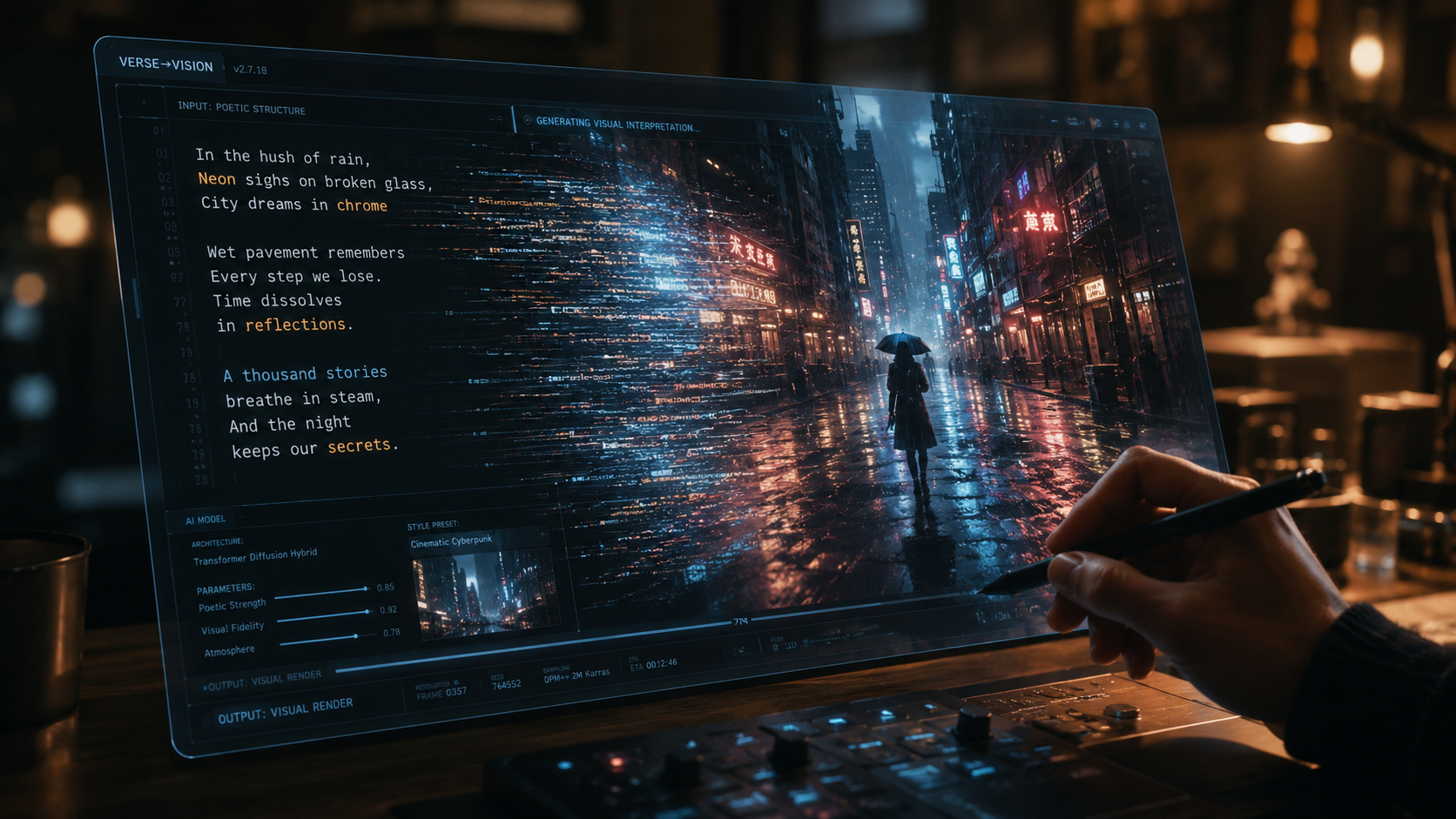
As of mid-2026, the release of Seedance 2.0 has redefined what is possible in the generative media space. According to Finimize, ByteDance’s latest update has effectively put Hollywood-style AI video within reach of the general public. This model excels in "Temporal Physics," meaning that objects move with realistic weight and momentum, a significant upgrade from the floaty animations seen in previous years. This makes it the primary tool for those looking to create cinematic ai video from text that feels grounded and professional.
Seedance 2.0: From Script to Cinema
The "SeeGen AI" ecosystem, powered by Seedance 2.0, introduces a "Director" interface. Unlike older text-to-video tools that were "one-and-done," SeeGen allows users to edit specific elements within a frame after it has been generated. For example, if the AI generates a perfect landscape but the wrong character clothing, you can highlight the area and prompt a change without altering the rest of the scene. This level of granular control is why Markets Business Insider reports that "everyone is now a director" in 2026.
Veo 3.1 and the Multimodal Revolution
While Seedance focuses on visual fidelity, Google's Veo 3.1 has taken a different route by perfecting the multimodal experience. According to Vocal Media, Veo 3.1’s integration with Flow Music allows for "Harmonic Generation," where the video and audio are generated simultaneously to ensure the beats of the music align perfectly with visual cuts. This is particularly useful for creators making high-impact trailers or music videos where timing is everything.
Comparing the Top AI Video Generators of 2026
Choosing the right tool is essential for your workflow. The 2026 market is diverse, with tools specialized for different niches, from low-budget indie projects to high-end commercial work. According to the Breaking AC News "Top 15 AI Video Generators" comparison, the following tools lead the market in quality and accessibility.
| AI Tool | Primary Strength | Resolution Support | Key Feature (2026) |
|---|---|---|---|
| Seedance 2.0 | Hollywood Realism | 4K / 8K | Advanced Physics & Directing Mode |
| Veo 3.1 | Audio-Visual Sync | 4K | Flow Music Integration |
| Higgsfield AI | Mobile/Laptop Efficiency | 1080p / 4K | Low-spec Hardware Optimization |
| Mango AI | Idea Visualization | 1080p | Rapid Prototyping & Storyboarding |
| SeeGen AI | Character Consistency | 4K | Multi-Scene Character Locking |
High-End Production on a Budget: Higgsfield AI
A common misconception in 2026 is that you need a massive GPU cluster to create cinematic ai video from text. However, recent reviews from Unite.AI prove otherwise. Their recent testing of Higgsfield AI showed that creators can now produce full AI films on a budget laptop. This is achieved through "Cloud-Edge Hybrid Rendering," where the heavy lifting is done on remote servers while the user interface remains snappy and responsive on local hardware.
Higgsfield AI is particularly popular among the "Social Cinema" crowd—creators who produce high-quality narrative content for vertical video platforms. It offers specialized presets for cinematic lighting that mimic famous cinematographers' styles, such as Roger Deakins or Greig Fraser. By selecting these presets, the AI automatically adjusts the virtual "lighting rigs" within the generated environment to create that coveted "big screen" look without requiring the user to have a degree in film studies.
The Role of Mango AI in Pre-Production
Mango AI has carved out a niche as the ultimate tool for "Visualizing Ideas." As reported by WebWire in early 2026, Mango AI’s text-to-video tool is designed for speed. While it might not have the raw cinematic power of Seedance, it is the industry standard for storyboarding. Directors use Mango AI to quickly turn a 50-page script into a visual rough cut in minutes. This "Drafting" phase allows creators to see if a scene works visually before committing the higher compute costs required for a final render in a more advanced engine.
Advanced Prompting Techniques for Cinematic Results
To truly create cinematic ai video from text, the quality of your input is the most significant factor. In 2026, "Prompt Engineering" has evolved into "Scene Description." Modern models respond better to technical film language than to vague adjectives. Instead of saying "beautiful lighting," professional creators specify "Golden hour, 15-degree backlight, soft diffusion, high dynamic range."
Utilizing "Camera Language"
Incorporating camera movement into your text prompts is essential for a cinematic feel. Use terms like "Dolly Zoom," "Parallax Effect," or "Slow Pan Right." Seedance 2.0 and Veo 3.1 are trained on vast libraries of actual cinematography, so they understand the emotional weight of a "Low Angle Hero Shot" versus a "High Angle Bird’s Eye View." By mastering this terminology, you can guide the AI to produce sequences that look like they were shot by a professional crew.
Character and Asset Locking
One of the biggest breakthroughs in 2026 is the ability to maintain character consistency. SeeGen AI’s Seedance 2.0 allows you to "Lock" a character’s face and wardrobe. Once you have generated your protagonist, you can place them in any environment or situation by simply referencing their unique ID in your prompt. This allows for the creation of long-form narrative content, such as short films or even features, where the characters remain recognizable from start to finish.
The Future of Generative Media: What’s Next?
As we move through 2026, the line between "AI Video" and "Traditional Video" continues to blur. The ability to create cinematic ai video from text is no longer a novelty; it is a standard part of the media production pipeline. According to industry experts, the next step is "Real-Time Interactive Cinema," where the viewer can change the prompt of the movie as it is playing, creating a personalized narrative experience.
Furthermore, the ethical landscape is catching up with the technology. Most major platforms in 2026, including those mentioned in the Breaking AC News guide, now include mandatory "C2PA" watermarking. This metadata confirms the video was AI-generated, ensuring transparency while protecting the intellectual property of the creators who provide the initial prompts and creative direction. As the technology becomes even more accessible, the focus will shift from "who has the best AI" to "who has the best story to tell."
What is the best AI for cinematic video in 2026?
Currently, Seedance 2.0 (by ByteDance) and Veo 3.1 (by Google) are considered the top choices for high-end cinematic output. Seedance 2.0 is preferred for its realistic physics and character consistency, while Veo 3.1 excels at integrated music and visual synchronization.
Can I create AI videos on a normal laptop?
Yes, tools like Higgsfield AI are specifically designed to work on budget laptops and mobile devices. They use cloud-based rendering to ensure that you don't need a high-end graphics card to produce professional-quality 4K video.
How long does it take to generate a cinematic AI video?
Generation times vary by tool, but in 2026, a 10-second high-quality clip typically takes between 30 seconds and 2 minutes to render. Rapid prototyping tools like Mango AI can produce lower-resolution drafts in under 10 seconds.
Is AI-generated video legal for commercial use?
Most professional AI video platforms in 2026 offer commercial licensing with their paid tiers. However, it is important to check the specific terms of service for tools like SeeGen AI or Veo 3.1 to ensure your content complies with the latest generative media copyright laws.
How do I maintain character consistency across scenes?
The best way to maintain consistency is to use platforms like SeeGen AI that offer "Character Locking" or "Reference ID" features. This allows the AI to remember the specific facial features and clothing of your character across multiple different prompts and environments.



Comments ()