
Create Animated Explainer Video with AI in 2026 – Ultimate Guide
To create an animated explainer video with AI in 2026, you can use purpose-built platforms like PIPPA, Krikey AI, and MapAnimation.io, combined with generative audio and facial animation models. These tools automate script generation, character design, voiceover, and lip-syncing, letting you produce professional-grade explainers in minutes rather than weeks.
Creating an animated explainer video with AI is the process of leveraging generative AI tools—such as PIPPA’s mobile animation platform, Krikey AI’s 3D video editor, and NVIDIA’s open-source Audio2Face model—to automate storyboarding, character animation, voiceover, and editing. In 2026, these technologies have matured to the point where a single person can produce a high-quality explainer video in under an hour, with no prior animation experience.
- ✓ AI platforms like PIPPA and Krikey AI now offer mobile and desktop tools specifically designed for explainer video creation.
- ✓ The global animation market is projected to reach $953.31 billion by 2035, driven by increasing demand for animated content across industries.
- ✓ NVIDIA’s open-source Audio2Face model enables real-time lip-syncing for animated characters, a key feature for polished explainers.
- ✓ Free tools like MapAnimation.io allow creators to add dynamic map animations without any cost, expanding explainer video possibilities.
- ✓ A structured step-by-step approach—from scriptwriting to final export—helps you maximize AI capabilities while maintaining narrative control.
What Is an AI Animated Explainer Video?
An AI animated explainer video is a short, motion-graphics or character-driven video that uses artificial intelligence to automate the creation process. Instead of manually drawing frames, rigging characters, or recording voiceovers, you feed a script or concept into an AI tool that generates visuals, synchronizes lip movements, and adds background music. In 2026, these tools have evolved beyond simple templates; they now understand context, adapt to brand guidelines, and offer real-time previews on mobile devices.
According to a recent report by GlobeNewswire (December 2025), the animation market size was valued at USD 953.31 billion and is expected to grow significantly by 2035. This growth is fueled by the widespread adoption of animated content in marketing, education, and internal communications—exactly the use cases that explainer videos serve. AI has become the catalyst that lowers the barrier to entry, enabling small businesses and solo creators to produce videos that once required a full studio team.
The 2026 AI Animation Landscape
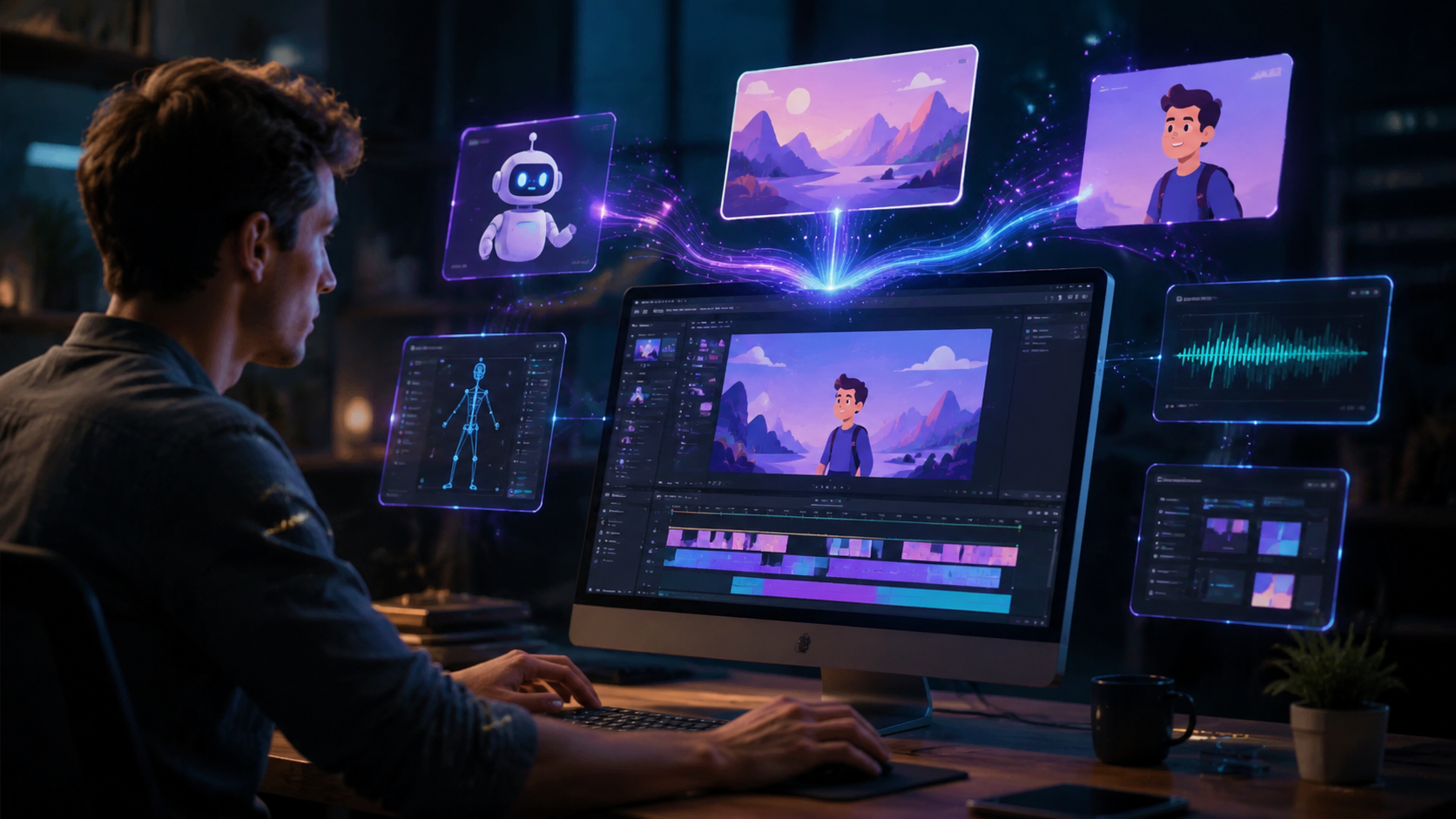
The tools available today represent a quantum leap from even two years ago. In June 2026, PIPPA launched its AI animation platform with dedicated iOS and Android apps, as reported by Animation World Network. This platform allows users to create full animated explainers directly from a smartphone, complete with character animation, text-to-speech, and background scene generation. Meanwhile, Krikey AI introduced advanced 3D video editor tools in February 2026, specifically targeting marketing videos for businesses. Their editor streamlines the creation of 3D product demos and explainer sequences without requiring 3D modeling expertise.
For creators needing facial animation, NVIDIA open-sourced its Audio2Face model in September 2025, as detailed on the NVIDIA Developer blog. This model generates accurate lip-sync and facial expressions from any audio input—perfect for character-driven explainers. And if your explainer involves geographic data, MapAnimation.io offers a free map animation AI that turns static maps into animated sequences, ideal for logistics or regional marketing videos.
These tools are not isolated; they often integrate with each other via APIs or export formats, giving you a modular pipeline. For instance, you can create a character with PIPPA, add lip-sync via Audio2Face, and overlay a map animation from MapAnimation.io—all without leaving your desktop.
Key Platforms to Watch
PIPPA stands out for its mobile-first approach, allowing on-the-go creation. Krikey AI excels in 3D product visualization, while MapAnimation.io is a free resource for data-driven animation. NVIDIA’s Audio2Face remains a top choice for developers who want granular control over facial animation. Together, they cover the spectrum of explainer video needs.
How to Create an Animated Explainer Video with AI: Step-by-Step
Follow these six steps to create your own animated explainer video with AI in 2026. Each step leverages one or more of the tools mentioned above, but the workflow is adaptable to any modern AI animation platform.
- Define your script and storyboard. Start with a clear problem-solution narrative. Use an AI scriptwriting assistant (often built into PIPPA or Krikey) to generate a concise, engaging script. Keep it under 90 seconds for maximum retention.
- Choose your animation style. Decide between 2D character animation, 3D product animation, or mixed media. For character explainers, PIPPA’s app offers pre-built avatars and backgrounds. For 3D demos, use Krikey AI’s editor to import models or select from its library.
- Generate voiceover and lip-sync. Record a professional voiceover or use AI text-to-speech. Then, feed the audio into NVIDIA’s Audio2Face model (or a tool that integrates it) to automatically animate the character’s mouth and expressions in real time.
- Add visual elements and motion graphics. Enhance your video with animated icons, charts, or map animations. For location-based explainers, MapAnimation.io lets you create free map animations that highlight routes or regions. Import these as overlays into your main project.
- Sync and edit with AI. Most platforms now offer automatic scene transitions and timing adjustments based on the audio waveform. Use Krikey AI’s timeline to fine-tune keyframes or PIPPA’s smart cut feature to trim pauses.
- Export and share. Render the final video in MP4 or WebM format. PIPPA exports directly to social media, while Krikey AI provides format options for YouTube, LinkedIn, or your website. Test the video on multiple devices to ensure playback quality.
Comparing Top AI Animation Tools for Explainer Videos
| Tool | Primary Use | Platform | Key Feature | Pricing (2026) |
|---|---|---|---|---|
| PIPPA | 2D character explainers | iOS, Android, Web | Mobile-first AI animation with real-time preview | Free tier + subscription |
| Krikey AI | 3D marketing/product videos | Web, Desktop | Advanced 3D video editor with AI tools | Subscription-based |
| MapAnimation.io | Map-based explainers | Web | Free map animation AI with custom markers | Free |
| NVIDIA Audio2Face | Facial animation & lip-sync | Local/API | Open-source; industry-standard accuracy | Free (open-source) |
Note: Pricing details are current as of early 2026. PIPPA’s free tier supports up to three videos per month, while Krikey AI offers a 14-day trial for new users. MapAnimation.io remains fully free, and Audio2Face requires a local runtime (no cloud cost).
Expert Tips to Maximize Your AI Explainer Video
Even with powerful AI, a great explainer video relies on storytelling fundamentals. Start by identifying a single pain point your audience faces, then show how your solution resolves it. Keep the visual style consistent—use the same color palette and typography as your brand. AI tools can generate dozens of variations, but sticking to a clear narrative prevents cognitive overload.
Another tip: leverage the 2026 trend of personalization. Many AI platforms now allow you to insert the viewer’s name or company logo dynamically. For example, Krikey AI’s editor has a “personalized variable” feature that swaps text and images based on viewer data. According to a study cited in the Animation World Network article, personalized explainer videos see up to 34% higher conversion rates than generic ones.
Finally, always review the AI-generated output. While tools like Audio2Face produce impressive lip-sync, subtle errors in hand gestures or background consistency can distract viewers. Use the built-in frame-by-frame editor (available in PIPPA’s pro version) to make quick corrections. The goal is to use AI as a co-pilot, not a replacement for human oversight.
Frequently Asked Questions about AI Explainer Videos
Do I need any animation skills to create an animated explainer video with AI?
No. The whole point of AI tools like PIPPA and Krikey AI is to eliminate the need for traditional animation skills. You simply provide a script and select visual styles—the AI generates the animation automatically.
Can I use AI to create an explainer video on my smartphone?
Yes. PIPPA launched iOS and Android apps in June 2026, allowing you to create, edit, and export animated explainers entirely on your phone. Other tools like MapAnimation.io work via mobile browsers as well.
How long does it take to create an AI explainer video?
With a ready script, most AI platforms can generate a 60-second explainer in under 10 minutes. However, planning, refinement, and rendering may add another 20–30 minutes. Total time is typically less than one hour.
Is the animation market growing? Should I invest in AI explainer videos now?
According to a GlobeNewswire report (December 2025), the animation market is projected to reach USD 953.31 billion by 2035. The growing use of animated content across industries makes now an ideal time to create AI explainer videos, especially as tools become more affordable and accessible.
Can I use free AI tools for professional explainer videos?
Yes. MapAnimation.io is completely free and excellent for map-based explainers. PIPPA’s free tier also lets you produce up to three videos per month with watermarks. For professional distribution, upgrading to a paid plan removes watermarks and unlocks higher resolution exports.
The ability to create animated explainer video with ai in 2026 has never been more accessible. With platforms like PIPPA, Krikey AI, and free resources such as MapAnimation.io, combined with open-source models like NVIDIA Audio2Face, anyone can produce compelling, high-quality explainer content. Start by outlining your message, select the right tool from the comparison table, and follow the step-by-step workflow above. The future of explainer videos is here—and it’s powered by AI.



Comments ()