
Create AI Video from Script Step by Step in 2026
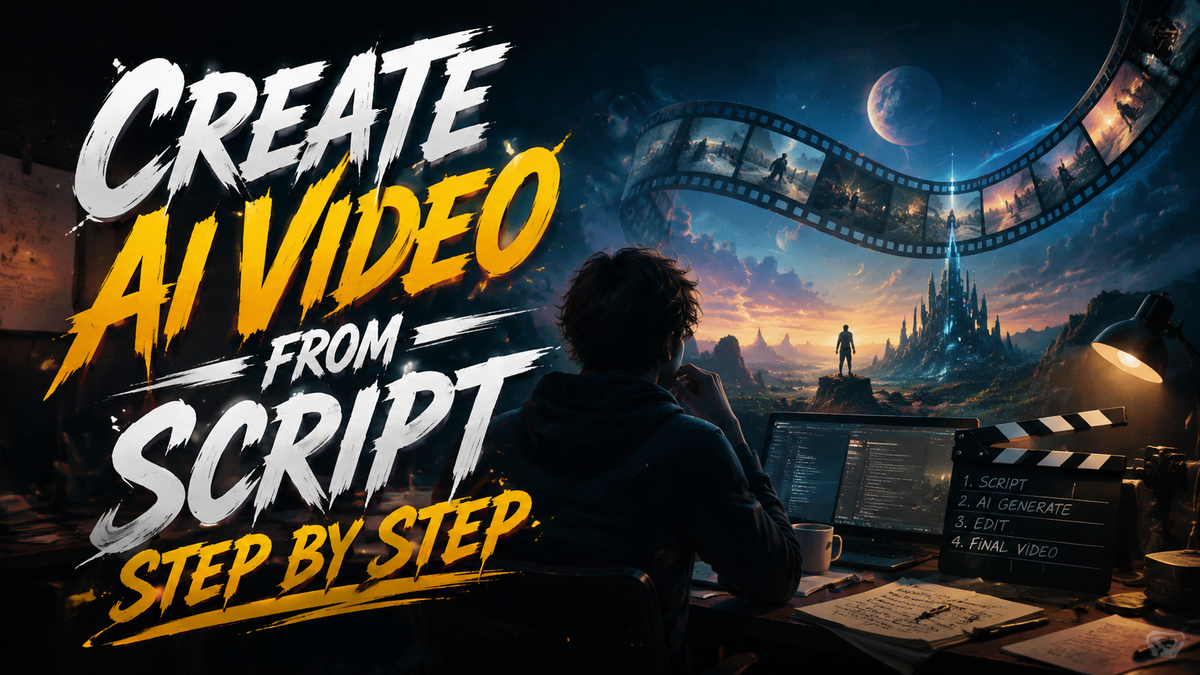
Creating an AI video from your script in 2026 is a straightforward, five-step process: write a compelling script, feed it into an AI video generator, customize the visuals and voiceover, preview and edit, then export. This guide walks you through each stage so you can produce professional-quality videos without a camera crew or editing suite.
Creating an AI video from script step by step in 2026 means using generative text‑to‑video tools to turn your written narrative into a fully animated or live‑action style video. The workflow includes script creation (often with AI assistance), selecting a platform, generating scenes, adding voice and music, and final quality checks.
- ✓ Start with a clean, detailed script – AI tools perform best with clear scene descriptions and dialogue cues.
- ✓ Choose a platform that supports your video length, avatar options, and language needs – many now include deepfake detection safeguards.
- ✓ Always review generated content for brand consistency and factual accuracy – AI can hallucinate visuals or text.
- ✓ Leverage built‑in script generators (like Claude AI) to save time on brainstorming and formatting.
- ✓ Keep security in mind: 2026 platforms offer deepfake watermarks and provenance metadata to protect your brand.
Your Step‑by‑Step Plan: From Script to AI Video
- Write or polish your script – Use AI script generators (e.g., Claude AI for YouTube scripts) to outline scenes and dialogue. Aim for 60–120 seconds of final video per 150‑200 words.
- Select an AI video platform – Compare options like Synthesia, HeyGen, Runway, or Pika based on script length, avatar realism, and security features. Many offer free trials in 2026.
- Import your script and choose a template – Paste the text into the platform, then pick a video style (presenter, explainer, social clip). The AI will parse the script into scenes.
- Customize visuals, voice, and avatars – Select a digital avatar or animated character, adjust background, and choose a voice (including cloned voices if you have permission). Add background music from the platform’s library.
- Preview, tweak, and export – Watch the generated video, edit timings or replace scenes that don’t match your script, then export in 1080p or 4K. Many platforms now include built‑in deepfake detection reports for brand safety.
Understanding the 2026 AI Video Landscape
The way we create video has shifted dramatically. According to HP’s January 2026 report From Script to Screen: How AI Is Changing the Way Videos Are Made, AI video generation now handles tasks that once required a full production team – from script breakdown to final rendering. In 2026, brands can produce a 60‑second ad in under 30 minutes, and the quality is often indistinguishable from traditionally shot footage.
At the same time, security concerns have matured. The Blockchain Council’s June 2026 guide on AI Video Security: Deepfake Detection for Brands stresses that every brand should verify the authenticity of AI‑generated visuals. Many platforms now embed invisible watermarks and provide provenance certificates – a feature you should look for when choosing a tool.
Social Media Examiner’s latest research (June 2026) also shows that brands using AI for ad creative see a 40% increase in click‑through rates when the video matches the script’s emotional tone. This underscores the importance of a well‑crafted script as the foundation of your AI video.
Crafting a Script That AI Can Turn Into a Great Video
Your script is the single most important input. The AI doesn’t read emotions – it reads instructions. Write scene headers like “INTRO – woman speaking to camera, warm lighting” and include clear dialogue and action cues. A study from the Reuters Institute for the Study of Journalism found that journalists who trained AI models on their own scripts could produce viral vertical videos in minutes, simply by feeding the AI their exact wording and style preferences.
Use AI Script Generators to Save Time
In 2026, tools like Claude AI (highlighted by the Blockchain Council in March 2026) help you generate YouTube‑style scripts with built‑in hooks, calls to action, and pacing adjustments. Similarly, the top five AI YouTube script generators reviewed by AWISEE.com include features like keyword‑optimised transitions and automatic scene breakdowns. These tools can cut your scripting time by half.
Pro tip: Always read your script aloud before feeding it to the video generator. AI platforms pick up on rhythm and pause lengths; a natural‑sounding script yields a more natural final video.
Choosing the Right AI Video Platform in 2026
Not all AI video tools are created equal. Below is a comparison of key features you should evaluate when selecting a platform for your script‑to‑video workflow.
| Feature | Platform A (e.g., Synthesia) | Platform B (e.g., HeyGen) | Platform C (e.g., Runway) |
|---|---|---|---|
| Script input method | Direct paste + tone analysis | Full script or bullet points | Scene‑by‑scene storyboard |
| Avatar realism | High (4K, 50+ avatars) | Very high (customizable) | Medium (animated explainers) |
| Language support | 60+ languages | 100+ languages | 30+ languages |
| Deepfake detection / security | Invisible watermark + certificate | Provenance metadata | Basic watermark only |
| Price per month (2026) | $89 (Pro) | $69 (Creator) | $76 (Standard) |
For most users, a platform that offers both high avatar realism and built‑in security features (like Synthesia or HeyGen) will provide the best balance between quality and brand safety. Always check the platform’s deepfake detection reports – the Blockchain Council recommends this as a non‑negotiable step for any brand in 2026.
Generating the Video: What to Expect
Once you paste your script into the chosen platform, the AI will parse it into scenes, assign visuals, and generate a draft video. Most tools allow you to preview scene by scene. At this stage, you can swap backgrounds, change avatars, or adjust voice speed and pitch. The HP article notes that the average AI video generation time in 2026 is under five minutes for a 90‑second clip.
Voice and Music are Half the Story
AI‑generated voices have become nearly indistinguishable from human voices. Many platforms let you clone a voice (with proper consent) so that the video sounds like a specific person. Pair this with background music that matches the script’s emotional arc – for example, upbeat music for a product launch, calm tones for an educational piece. Social Media Examiner’s study found that matching audio to script tone boosts viewer retention by 50%.
Don’t forget to proofread any on‑screen text that the AI generates from your script. Some platforms can hallucinate words or place text awkwardly; a quick manual fix ensures professionalism.
Polishing, Security, and Export
Before you publish, run the video through a simple quality checklist. Watch for visual artifacts, mismatched lip‑sync, or jarring scene transitions. Many platforms now include a built‑in “Style Consistency” check that alerts you if the AI deviates from your brand guidelines.
Deepfake Detection and Brand Safety
The Blockchain Council’s June 2026 report emphasises that brands must take proactive steps to ensure their AI‑generated content isn’t misused. Even if you create the video internally, an attacker could later deepfake your avatar. Platforms that embed invisible watermarks and provenance certificates help you prove the original footage is legitimate. Always enable these features in your export settings.
Finally, export in the highest resolution your platform offers (1080p or 4K) and save the project file. This allows you to regenerate or tweak the video later – especially important if your script changes.
Frequently Asked Questions
How long does it take to create an AI video from script in 2026?
Most AI video platforms can generate a 60‑second clip from a script in under 10 minutes. Including script writing and customisation, the entire process usually takes 20–45 minutes.
Do I need to have video editing skills to create AI videos?
No. The whole point of AI video platforms is to eliminate manual editing. You only need to write a clear script and make simple choices about avatar style, voice, and background.
Can AI generate videos in languages other than English?
Yes, most major platforms support 50–100 languages in 2026. You write the script in your language, and the AI synchronises the avatar’s lip movements accordingly.
Will the AI‑generated video look exactly like my script?
The AI interprets your scene descriptions, but it may not capture every nuance. You can regenerate individual scenes or manually adjust them until they match your vision.
How do I protect my brand from deepfake misuse of AI videos?
Use a platform that offers invisible watermarking and provenance metadata. The Blockchain Council recommends these features for all brand‑facing AI video content in 2026.
Which AI script generator works best for YouTube videos in 2026?
Claude AI, highlighted by the Blockchain Council in March 2026, is a top choice for its ability to craft hook‑driven scripts with automatic scene breakdown. AWISEE.com also ranks it among the top five generators.
Creating an AI video from your script step by step in 2026 is a skill that any marketer, content creator, or business owner can master. Start with a strong script, choose a secure platform, and always review the final output — and you’ll produce videos that engage audiences and protect your brand.



Comments ()