
Create AI Talking Avatar Video – 2026 Guide
An AI talking avatar video is a digital representation of a person—either photorealistic or animated—that speaks, gestures, and lip-syncs to text or audio input using artificial intelligence. To create an AI talking avatar video in 2026, you can use tools like Adobe Express, Mango AI, or HeyGen to generate a lifelike or stylized character from a single photo or a pre-built template, add a script or upload audio, and render a professional talking-head video in just a few minutes.
An AI talking avatar is a computer-generated character powered by artificial intelligence that mimics human speech, facial expressions, and lip movements in real time. It transforms text or voice input into a synchronized video, allowing creators, marketers, and educators to produce engaging talking-head content without recording a real person on camera.
- ✓ AI talking avatars can be created from a single photo using platforms like Mango AI.
- ✓ Tools such as Adobe Express and HeyGen offer ultra-realistic avatars with natural lip-sync in minutes.
- ✓ The best AI avatar generators in 2026 combine lifelike expressions, multilingual voice support, and fast rendering.
- ✓ These avatars are used for marketing, education, customer service, and social media content creation.
- ✓ No professional video equipment or acting skills are required to produce high-quality avatar videos.
What Is an AI Talking Avatar?
An AI talking avatar is a synthetic video character that uses deep learning models to animate a still image or a 3D model so that it appears to speak naturally. The technology analyzes audio input—either typed text converted to speech or a recorded voice—and maps the phonemes to corresponding mouth shapes, eye blinks, head tilts, and subtle facial expressions. The result is a video that looks and feels like a real person talking directly to the viewer.
According to a guide published by ilounge.com in April 2026, beginners can now create high-quality AI avatars in just a few steps, thanks to user-friendly interfaces that eliminate the need for technical expertise. The same report highlights that these avatars are becoming indistinguishable from real humans in terms of lip-sync accuracy and emotional nuance.
In 2026, the technology has matured to the point where you can generate an avatar from a single selfie, customize its appearance, voice, and background, and publish the video within minutes. Platforms like Mango AI, HeyGen, and Adobe Express are leading this transformation, each offering unique features for different use cases.
How to Create an AI Talking Avatar Video (Step-by-Step)
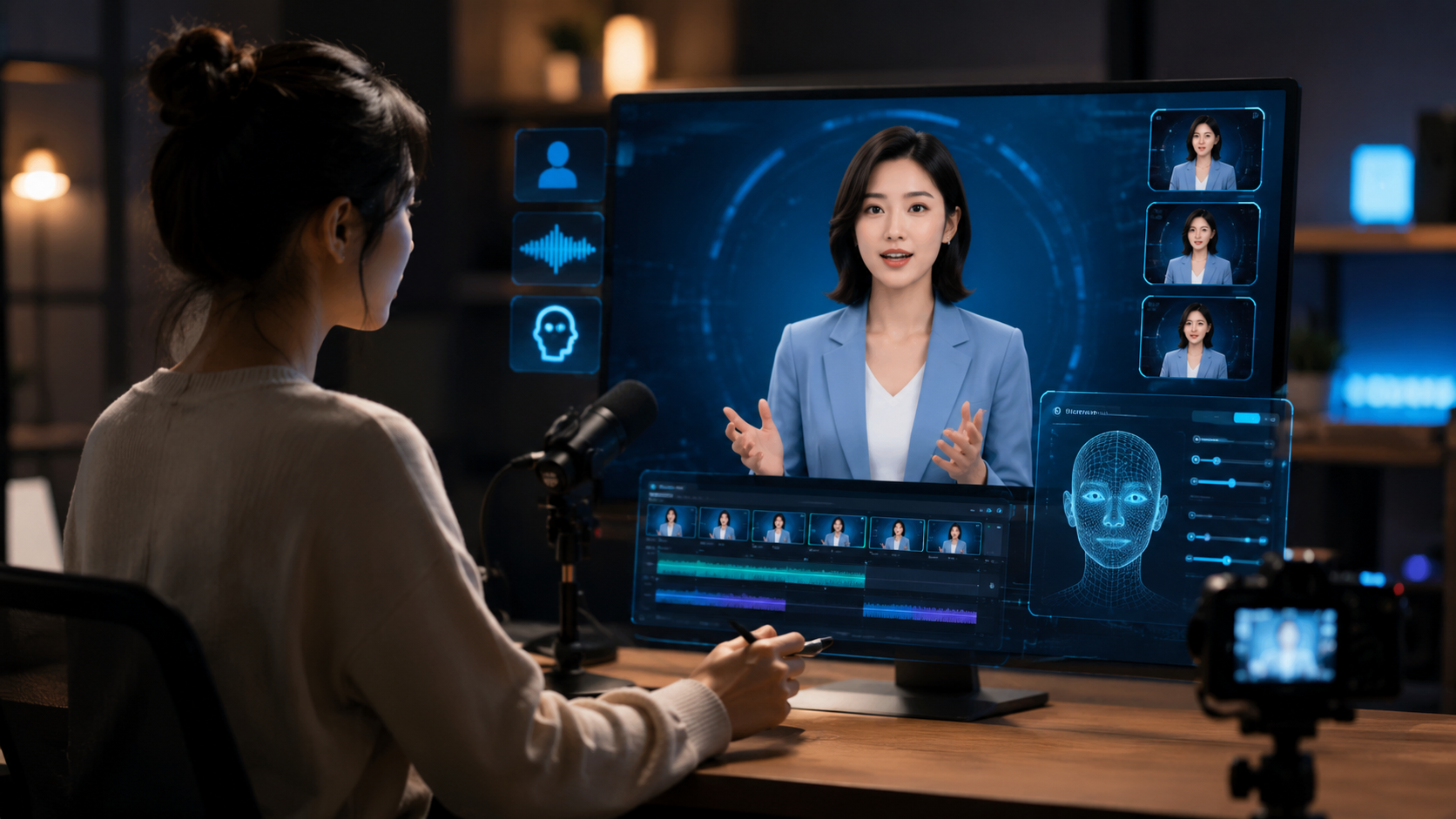
Creating an AI talking avatar video in 2026 follows a straightforward workflow that works across most popular platforms. Below is a universal step-by-step guide that applies to tools like Mango AI, Adobe Express, and HeyGen.
- Choose your platform. Select an AI avatar generator that matches your needs. For quick templates, use Adobe Express. For photo-to-avatar conversion, Mango AI is a strong choice. For ultra-realistic pro results, HeyGen offers advanced lip-sync and expression controls.
- Select or upload an avatar. Either pick a pre-built avatar from the platform's library or upload a photo of a real person. According to a July 2025 press release, Mango AI lets users create an AI talking avatar directly from a photo with remarkable fidelity.
- Customize the appearance. Adjust clothing, hair, background, and other visual elements. Many platforms offer style presets ranging from corporate to casual.
- Add your script or upload audio. Type the text you want the avatar to speak, or upload a pre-recorded voiceover. The AI will automatically align the lip movements to the audio.
- Choose a voice. Select from a library of natural-sounding voices in multiple languages and accents. Some tools allow you to clone a custom voice.
- Adjust expression and gestures. Fine-tune the avatar's emotion (happy, serious, friendly) and head movements to match the tone of your message.
- Render and export. Generate the video in your desired resolution and format. Most platforms render in under 60 seconds for standard-length clips.
As noted by CreativePro Network in September 2025, Adobe Express offers a particularly streamlined workflow for users who already work within the Adobe ecosystem, allowing direct integration with other creative assets.
Top AI Talking Avatar Tools in 2026
The market for AI talking avatar generators has expanded significantly, but three tools stand out based on recent reviews and industry reports. The table below compares their key features, as researched from multiple sources including perfectcorp.com (January 2026) and quasa.io (May 2026).
| Tool | Best For | Key Feature | Lip-Sync Quality | Starting Price |
|---|---|---|---|---|
| Mango AI | Photo-to-avatar conversion | Lifelike expressions from a single photo | Excellent | Free tier available |
| Adobe Express | Quick templates & brand consistency | Integration with Adobe Creative Cloud | Very good | Included with Adobe subscription |
| HeyGen | Professional talking-head videos | Ultra-realistic avatars & advanced lip-sync | Excellent | Starter plan around $24/month |
According to a January 2026 roundup by perfectcorp.com, these three tools consistently rank among the top five AI talking avatar generators, with Mango AI praised for its photo-to-avatar capability and HeyGen noted for its production-grade output. A separate review from quasa.io in May 2026 highlighted HeyGen's ability to create pro talking-head videos with ultra-realistic avatars and lip-sync in minutes.
Mango AI: Lifelike Avatars from a Single Photo
Mango AI gained significant attention in mid-2025 for its ability to transform a static photograph into a fully expressive talking avatar. An August 2025 press release described how the platform creates talking avatars with lifelike expressions and natural voices, making it ideal for personalized video messages and social media content.
Adobe Express: Streamlined Creation for Creative Professionals
Adobe Express offers a template-driven approach that is particularly appealing for marketers and small business owners who need consistent, on-brand videos. The September 2025 tutorial from CreativePro Network demonstrated how to create an AI talking avatar in Adobe Express with minimal effort, emphasizing ease of use and integration with other Adobe tools.
HeyGen: Ultra-Realistic Output for Professional Use
HeyGen is the go-to choice for enterprises and content creators who require the highest level of realism. The platform's advanced lip-sync engine and expressive avatar system allow for nuanced performances that can be used in corporate training, product demos, and customer communications.
Key Features to Look For in an AI Avatar Generator
When you evaluate platforms to create AI talking avatar videos, certain features make a significant difference in the quality and usability of the final output. Here are the most important considerations based on current market offerings and expert reviews.
Lip-Sync Accuracy
The foundation of any convincing talking avatar is precise synchronization between the audio and the mouth movements. Leading platforms in 2026 use deep learning models trained on thousands of hours of human speech to achieve near-perfect alignment. According to a report from quasa.io, HeyGen's lip-sync engine is among the most accurate available, even handling fast speech and multiple languages.
Expression and Gesture Variability
A static face quickly loses viewer attention. The best AI avatar generators incorporate natural head tilts, eye blinks, eyebrow raises, and hand gestures. Mango AI, for instance, was noted in its August 2025 press release for producing avatars with lifelike expressions that adapt to the emotional tone of the script.
Voice Customization and Multilingual Support
Your avatar's voice should match its visual identity. Look for platforms that offer a diverse library of voices in multiple languages and accents, as well as the ability to adjust pitch, speed, and emphasis. Some tools now support voice cloning, allowing you to replicate a specific person's voice with minimal sample audio.
Export Flexibility and Integration
Consider where and how you plan to use the finished video. Platforms that offer direct export to social media, integration with video editing software, and support for various aspect ratios (square, landscape, portrait) will save you significant time in post-production.
Best Practices for Creating Engaging AI Avatar Videos
To get the most out of your AI talking avatar, follow these proven best practices that apply regardless of which platform you choose.
Keep scripts conversational. AI avatars perform best with natural, spoken-language scripts rather than formal written text. Write the way you speak, using contractions, pauses, and questions to maintain viewer engagement. A script that sounds like a real conversation will result in more natural-looking lip movements and expressions.
Match avatar style to brand identity. Whether you choose a photorealistic avatar or a stylized character, ensure the visual design aligns with your brand's tone and audience expectations. A corporate training video may benefit from a professional, realistic avatar, while a social media post could use a more playful, animated character.
Use high-quality source images. If you are creating an avatar from a photo, use a well-lit, front-facing image with a neutral expression. According to Mango AI's documentation, photos with clear facial features and even lighting produce the best avatar quality with the most accurate lip-sync.
Test voice and expression settings. Before rendering the final video, preview multiple voice options and expression levels. Small adjustments in tone or energy can dramatically change how the avatar is perceived by viewers. Many platforms now include A/B testing features that let you compare two versions side by side.
Optimize video length for the platform. Short-form content (under 60 seconds) performs best on social media, while longer videos (2–5 minutes) work well for tutorials and presentations. Trim your script accordingly to maintain viewer retention.
Frequently Asked Questions
What do I need to create an AI talking avatar video?
You need a computer or mobile device with internet access, a photo or template for the avatar, and a script or audio file. Most platforms in 2026 work directly in a web browser and require no special hardware or software.
Can I use my own photo to create an AI avatar?
Yes. Tools like Mango AI and HeyGen allow you to upload a single photo of a real person and generate a talking avatar from it. The photo should be clear, well-lit, and show the face front-on for best results.
How long does it take to create an AI talking avatar video?
Most platforms render a standard 30- to 60-second video in under 60 seconds. The total time from uploading a photo to exporting the final video is typically 5–10 minutes, depending on the complexity of customization.
Are AI talking avatars free to use?
Many platforms offer free tiers that include watermark-free videos with limited features. Mango AI, for example, has a free tier, while Adobe Express includes avatar creation with a subscription. HeyGen offers a free trial and paid plans starting around $24 per month.
What are the best uses for AI talking avatar videos?
AI avatar videos are widely used for social media content, corporate training, product demos, customer onboarding, internal communications, educational tutorials, and personalized marketing campaigns. They are especially valuable for teams that need to produce video content at scale without a full production studio.
Can I clone a specific person's voice for my avatar?
Some platforms, including HeyGen and advanced tiers of Mango AI, offer voice cloning features. You provide a short audio sample—typically 30 seconds to a few minutes—and the AI learns the speaker's vocal characteristics to replicate them in the avatar.



Comments ()