
Create AI Animation from Text: 2026 Ultimate Guide
To create AI animation from text, you must use a generative video platform that translates natural language prompts into temporal frames through diffusion models. The process involves entering a detailed text description, selecting a visual style (such as 3D render, anime, or cinematic), and allowing the AI to synthesize motion, lighting, and character consistency over a specified duration.
Create AI animation from text is the process of using artificial intelligence models to convert written scripts or prompts into high-quality moving images. By 2026, this technology has evolved to support 4K resolution, complex physics simulations, and real-time character consistency, allowing creators to bypass traditional frame-by-frame manual animation techniques.
- ✓ Text-to-animation tools now support multi-modal inputs, including voice and reference images.
- ✓ Meta AI and MangoAI are leading the 2026 shift toward social media integrated animation.
- ✓ High-fidelity 3D modeling can now be generated directly from text prompts in under 60 seconds.
- ✓ Ethical AI frameworks are now standard across top-tier animation platforms to ensure copyright safety.
How to Create AI Animation from Text: A Step-by-Step Guide
The landscape of digital content creation has shifted dramatically as we move through 2026. The ability to create AI animation from text is no longer a niche skill for technical experts; it is a fundamental tool for marketers, educators, and social media influencers. Modern platforms have streamlined the user interface to ensure that the transition from a creative thought to a rendered video is as seamless as possible.
According to research by PerfectCorp, over 23 major AI video generators have reached peak performance in 2026, offering features that were previously only available in high-end Hollywood VFX suites. These tools leverage deep learning to understand spatial relationships and motion dynamics, ensuring that your animated characters move realistically without the "uncanny valley" effect that plagued earlier iterations of the technology.
- Choose Your Platform: Select a generator based on your needs, such as MangoAI for business presentations or Meta AI for social media integration.
- Draft a Descriptive Prompt: Write a detailed paragraph describing the character, the setting, the specific action, and the camera movement (e.g., "A golden retriever running through a futuristic neon city, cinematic lighting, 4K, slow motion").
- Configure Visual Parameters: Set the aspect ratio (16:9 for YouTube, 9:16 for TikTok), the frame rate, and the duration of the clip.
- Generate and Iterate: Hit the generate button to create a preview. Use "seed" numbers or "negative prompts" to refine the output if the first version isn't perfect.
- Export and Upscale: Once satisfied, render the final animation in high definition or 4K resolution for professional use.
Top AI Animation Platforms in 2026
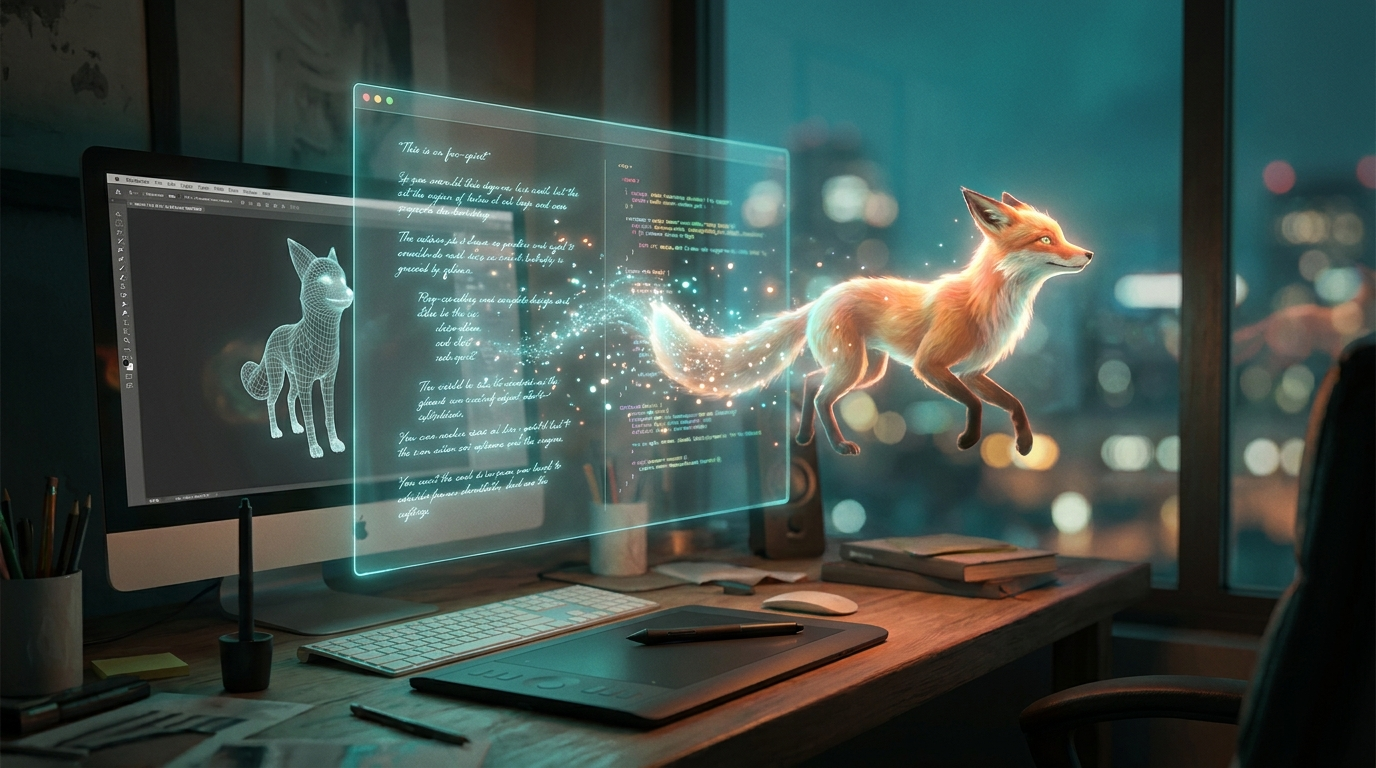
The current year has seen a massive influx of specialized tools. As reported by Cybernews in their February 2026 in-depth review, the competition among AI animation generators has led to a significant drop in rendering times and an increase in visual fidelity. Users now have access to specialized engines that focus on different niches, from 3D modeling to social media avatars.
Meta AI and Social Media Integration
In February 2026, Meta introduced groundbreaking updates to its ecosystem. As reported by TechCrunch, users can now animate their Facebook profile pictures using Meta AI directly within the app. This feature uses text-to-animation technology to allow users to describe how they want their photo to move—whether it's a subtle hair flutter in the wind or a complete stylistic transformation into a 3D Pixar-style character.
MangoAI and Professional Solutions
For those looking for more robust business applications, MangoAI has emerged as a powerhouse. Highlighted by the Blockchain Council in March 2026, MangoAI focuses on creating realistic digital humans and avatars for corporate training and marketing. Its ability to create AI animation from text with perfect lip-syncing and emotional cues makes it a favorite for global brands looking to localize content across multiple languages instantly.
3D Modeling and Advanced Motion
Platforms like AutoGPT have expanded their reach into 3D modeling. By mid-2025 and into 2026, these tools have integrated physics engines that allow text prompts to dictate not just visuals, but physical interactions. If you prompt "a glass shattering on a marble floor," the AI calculates the weight, velocity, and fragment distribution based on real-world physics, providing a level of realism that was manual and labor-intensive just two years ago.
Comparison of Leading AI Animation Tools (2026)
Choosing the right tool depends on your specific project requirements. Below is a comparison of the top-performing platforms currently dominating the market in 2026.
| Platform | Primary Use Case | Key Feature | Output Quality |
|---|---|---|---|
| Meta AI | Social Media / Profiles | Animated Profile Photos | 1080p / Optimized for Mobile |
| MangoAI | Corporate / Marketing | Realistic Digital Humans | 4K Ultra HD |
| PerfectCorp Suite | General Video Creation | Multi-modal Prompting | Up to 8K Upscaling |
| AutoGPT 3D | Gaming / VFX | Text-to-3D Assets | Varies by Engine |
The Evolution of Text-to-Video Technology
The journey to create AI animation from text has been defined by the transition from "Stochastic Parrots" to "World Simulators." In early 2024, AI video often looked wavy or distorted. However, by 2026, the introduction of "Temporal Consistency Modules" has solved the flickering issues of the past. These modules allow the AI to remember what a character looks like from frame 1 to frame 300, ensuring a stable visual experience.
According to Cybernews, the 2026 generation of AI tools utilizes "Latent Video Diffusion Models" (LVDM). These models don't just guess the next pixel; they understand the three-dimensional space they are creating. This means that if a character turns around in an animation, the back of their head remains consistent with the front, a feat that was incredibly difficult to achieve in the early days of generative AI.
Furthermore, the integration of "ControlNets" allows users to guide the animation with more than just text. You can now upload a "pose map" or a "depth map" alongside your text prompt. This gives creators surgical precision over the movement of limbs and the placement of objects, making it a viable tool for professional filmmakers who require exact choreography in their scenes.
Best Practices for High-Quality AI Animations
To truly master the ability to create AI animation from text, one must understand the art of "Prompt Engineering." In 2026, prompts have become more like film scripts. Instead of simple keywords, successful creators use structured data within their prompts to define lighting, camera lenses (e.g., "35mm anamorphic"), and even the "film stock" look they desire.
Descriptive Adjectives and Technical Terms
Using technical cinematography terms significantly improves the output. For example, adding "dolly zoom" or "low-angle shot" tells the AI exactly how to move the virtual camera. This level of detail prevents the AI from making generic choices and results in a more professional-looking product. Many 2026 platforms now include a "Director's Mode" where these parameters can be toggled via a UI, but the underlying text prompt remains the core driver of the creative engine.
Refining and In-Painting
Rarely is an AI animation perfect on the first try. The top tools in 2026 offer "In-Painting" features, where you can highlight a specific area of a generated video—such as a character's face—and provide a new text prompt to change only that section. This iterative process is key to professional workflows, allowing for the correction of small glitches without having to re-render the entire scene, saving both time and computational credits.
Future Trends: Beyond 2026
As we look toward the latter half of the decade, the line between "creating" and "generating" continues to blur. We are seeing the rise of "Interactive Animations," where the text-to-animation process happens in real-time based on viewer input. Imagine a video game or a live stream where the environment and characters morph instantly based on the audience's chat messages. This is the next frontier that the 2026 technology is currently laying the groundwork for.
The ethical landscape is also evolving. With the 2026 updates, most major platforms have implemented "Digital Watermarking" (as seen in the latest Meta AI releases) to distinguish AI-generated content from filmed reality. This transparency is crucial for maintaining trust in digital media, especially as the quality of AI-generated animations becomes indistinguishable from traditional cinematography.
Is it possible to create AI animation from text for free?
Yes, many platforms like Meta AI offer free animation features for social media users. However, professional-grade tools like MangoAI or the PerfectCorp suite typically require a subscription for high-resolution 4K exports and commercial usage rights.
How long does it take to generate a 1-minute AI animation?
In 2026, rendering speeds have improved significantly. A high-quality 1-minute animation can take anywhere from 5 to 15 minutes to generate, depending on the complexity of the physics and the server load of the platform being used.
Can I use my own voice in these AI animations?
Absolutely. Most 2026 AI animation tools support "Voice Cloning" or audio-to-animation features. You can upload a script and a voice sample, and the AI will animate the character's mouth and facial expressions to match your specific vocal inflections.
What is the best AI tool for animating profile pictures?
As of February 2026, Meta AI is the industry leader for profile picture animation, having integrated this feature directly into Facebook and Instagram for seamless user updates.
Do I need a powerful computer to create AI animation from text?
No, most modern AI animation is cloud-based. The heavy computational processing is handled by the provider's servers (like those at Meta or MangoAI), meaning you can create complex animations on a standard smartphone or a basic laptop.



Comments ()