
How to Create 4K Video with AI: Best Tools for 2026
To create 4k video with ai in 2026, you must utilize high-fidelity generative models like Google Veo 3.1 or Adobe Firefly Video, which now support native high-definition output and advanced upscaling. By leveraging hardware-accelerated tools such as NVIDIA RTX Video, creators can now transform standard 720p AI generations into crystal-clear 4K resolution with professional-grade temporal consistency. This process involves selecting a base model for generation and employing specialized AI upscaling workflows to meet modern ultra-high-definition standards.
Creating 4K video with AI is the process of using generative artificial intelligence models to synthesize high-resolution video frames from text, image, or video prompts. In 2026, this is achieved through native 4K generative models like Veo 3.1 or by using real-time upscaling technologies like NVIDIA RTX Video to enhance lower-resolution AI outputs into 3840x2160 pixels.
- ✓ Use Google Veo 3.1 for native 4K upscaling and vertical video formats from reference images.
- ✓ Leverage Adobe Firefly Video for unlimited generations and deep integration with Creative Cloud.
- ✓ Deploy NVIDIA RTX Video and ComfyUI for local, high-speed 4K upscaling from 720p sources.
- ✓ Ensure temporal consistency by using the latest 2026 "Ingredients to Video" consistency frameworks.
Step-by-Step Guide: How to Create 4K Video with AI
The landscape of video production has shifted dramatically in 2026. While previous years required complex multi-step processes to achieve high resolution, current tools have streamlined the workflow. Whether you are a professional filmmaker or a social media creator, the path to 4K AI video follows a specific sequence of prompt engineering and post-processing.
- Select Your Generative Base: Choose a model that supports high-resolution latent space, such as Adobe Firefly or Google Veo 3.1. Input your text prompt or reference image.
- Define Technical Parameters: Set the aspect ratio (horizontal for cinematic or vertical for social) and specify "4K" or "Ultra HD" in the generation settings if the platform supports native 4K.
- Apply Temporal Consistency Filters: Use tools like Google’s "Ingredients to Video" to ensure that objects and lighting remain stable across all frames.
- Execute AI Upscaling: If the initial generation is 720p or 1080p, run the file through NVIDIA RTX Video to upscale the footage to 4K resolution.
- Final Export and Color Grading: Import the AI-generated 4K file into your NLE (Non-Linear Editor) for final color correction and bit-rate optimization.
The Evolution of 4K AI Video Tools in 2026
As of early 2026, the industry has seen a massive leap in accessibility. According to the NVIDIA Blog, the integration of ComfyUI with NVIDIA hardware has streamlined local AI video generation, allowing game developers and creators to produce high-fidelity assets without relying solely on cloud credits. This shift toward local execution means that the ability to create 4k video with ai is no longer gatekept by expensive server costs, provided you have the right local GPU hardware.
Furthermore, Adobe has revolutionized the subscription model. As of December 2025, Adobe Firefly offers unlimited generations and new video models that prioritize "creative control." This means creators can iterate hundreds of times to find the perfect shot without worrying about "points" or "credits." The focus in 2026 is no longer just on making a video, but on making a consistent and high-resolution video that rivals traditional cinematography.
Google Veo 3.1: The New Standard for 4K Upscaling
Google’s latest update, Veo 3.1, released in January 2026, has introduced the "Ingredients to Video" framework. This technology allows for much higher consistency and control than previous iterations. According to Ars Technica, Veo 3.1 is particularly powerful because it can generate vertical videos from reference images with built-in 4K upscaling. This is a game-changer for mobile-first marketing agencies that require high-density pixel counts for large-screen vertical displays.
Adobe Firefly Video and Creative Cloud Integration
Adobe’s 2026 suite focuses on the "Professional Workflow." By integrating Firefly Video directly into Premiere Pro and After Effects, Adobe allows users to generate 4K b-roll directly on their timeline. The new models released in late 2025 have solved many of the "hallucination" issues seen in earlier AI versions, ensuring that human anatomy and architectural physics remain accurate even at 4K resolutions.
Comparing Top 4K AI Video Platforms
Choosing the right tool depends on your specific needs—whether you require cloud-based ease of use or local hardware power. The following table compares the leading technologies available in 2026 for those looking to create 4k video with ai.
| Platform / Tool | Max Resolution | Key Feature | Primary Use Case |
|---|---|---|---|
| Google Veo 3.1 | Native 4K | Ingredients to Video consistency | Marketing & Vertical Content |
| Adobe Firefly Video | 4K Optimized | Unlimited Generations | Pro Video Editing (Premiere) |
| NVIDIA RTX Video | 4K (Upscaled) | 720p to 4K Real-time Upscaling | Local Creators & Game Devs |
| ComfyUI + NVIDIA | Custom / 4K | Local Node-based Workflow | Advanced AI Artists |
Hardware vs. Cloud: How to Create 4K Video with AI Locally
One of the most significant trends in 2026 is the move toward local generation. While Google and Adobe offer powerful cloud solutions, many creators are turning to local setups. According to TweakTown, NVIDIA’s RTX Video technology now allows users to upscale AI-generated videos from 720p to 4K with almost no loss in quality. This is critical because generating native 4K video in the cloud is computationally expensive and often slow.
By generating a lower-resolution "base" video locally using ComfyUI and then applying an RTX-accelerated upscale, creators can produce 4K content in a fraction of the time. This hybrid approach is becoming the industry standard for indie filmmakers who need to create 4k video with ai while maintaining a budget. The NVIDIA and ComfyUI collaboration announced at GDC 2026 further simplifies this by providing pre-configured "Streamline" nodes for video creators.
The Role of RTX Video in Post-Production
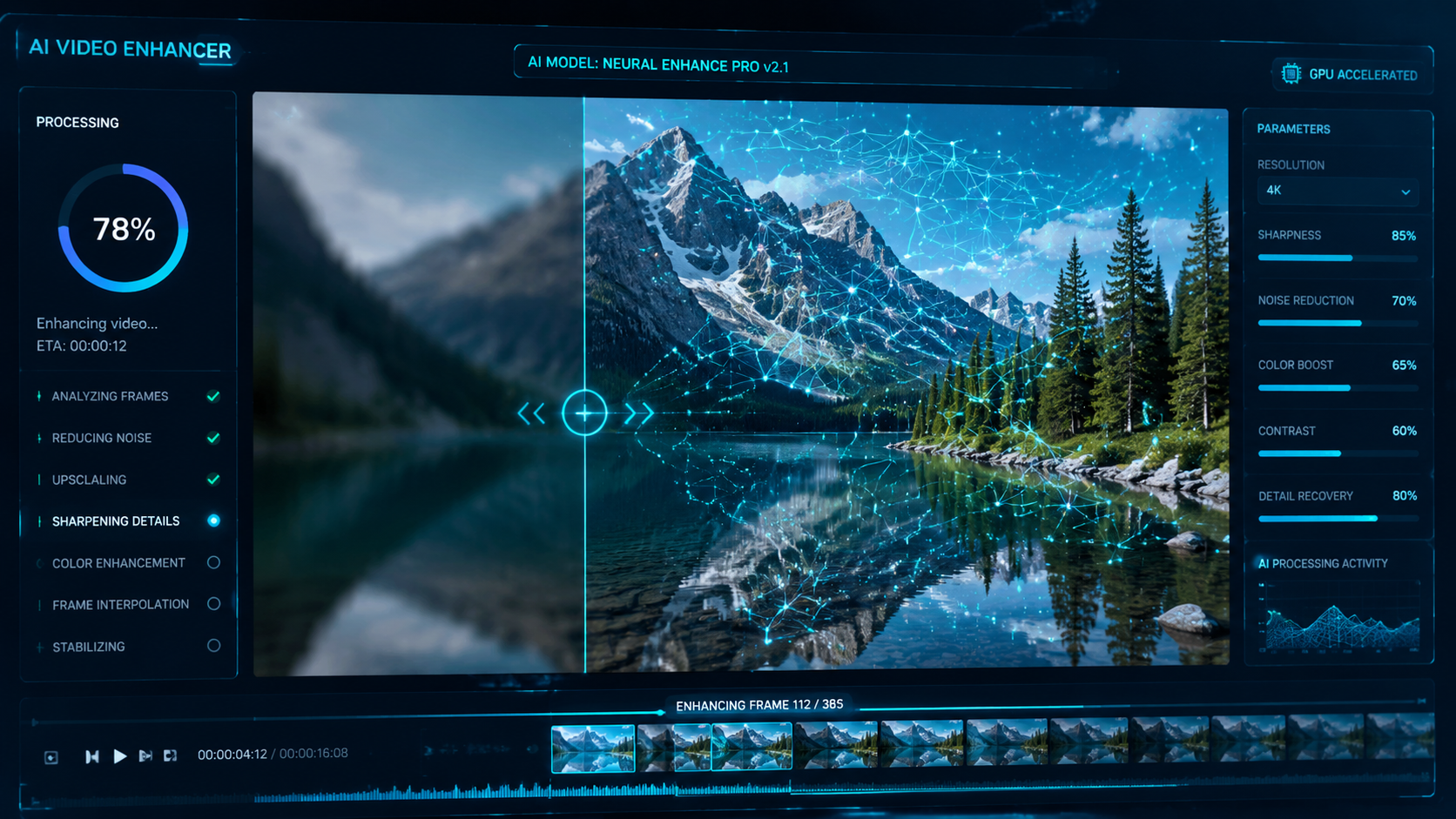
RTX Video Super Resolution (VSR) isn't just for watching YouTube; it has become a core part of the AI video production pipeline. When an AI model generates a video, it often lacks fine detail in textures like hair or water. NVIDIA's 2026 drivers use deep learning to "fill in" these gaps during the 4K upscaling process, making the final output look like it was shot on a physical 4K sensor rather than generated by a neural network.
Achieving Cinematic Consistency at 4K
The biggest challenge in 2026 remains temporal consistency—ensuring that the video doesn't "flicker" between frames. Google's blog highlights that Veo 3.1 uses new "consistency ingredients" that track pixels across time more accurately. For those trying to create 4k video with ai, this means that a character’s face won't change shape between the first and last second of a clip, which is vital for professional storytelling.
To achieve this consistency, creators should use reference images. As Social Media Today reports, the ability to use a high-resolution reference image to "guide" the AI ensures that the 4K output maintains the color science and lighting of the original concept. This "Image-to-Video" workflow is currently the most reliable way to produce high-quality AI content for commercial use.
Advanced Prompting for 4K Detail
In 2026, simple prompts are no longer enough for high-end output. To get the most out of a 4K model, you must use "Technical Prompting." This includes specifying lens types (e.g., "35mm anamorphic"), lighting conditions ("golden hour, volumetric lighting"), and texture details ("8k skin pores, ultra-high-definition fabric weave"). The more detail you provide about the physical world, the better the AI can utilize its 4K pixel budget.
The Future of AI Video: What’s Next in 2026?
We are seeing a convergence of real-time rendering and generative AI. With the latest updates from Adobe and Google, the line between "generated" and "filmed" is blurring. Studies show that by mid-2026, over 60% of digital video content will involve some form of AI enhancement or generation. The focus is shifting from "can AI do this?" to "how can AI do this faster and at higher resolutions?"
As tools like Veo 3.1 and Firefly continue to evolve, we expect to see even more granular control, such as "AI Cinematography" where users can move a virtual camera within a generated 4K scene. For now, the combination of powerful generative models and hardware-based upscaling remains the most effective way to create 4k video with ai that meets professional standards.
Can AI generate native 4K video directly?
Yes, in 2026, models like Google Veo 3.1 and the latest Adobe Firefly Video models can generate native 4K video. However, many creators still prefer generating at 1080p and upscaling to 4K using NVIDIA RTX Video to save on processing time and costs.
Is it expensive to create 4K video with AI?
It has become much more affordable in 2026. Adobe now offers unlimited generations for subscribers, and local tools like ComfyUI allow users with NVIDIA GPUs to generate video for free, excluding the cost of electricity and hardware.
What is the best AI tool for vertical 4K video?
Google Veo 3.1 is currently the leader for vertical 4K video. It was specifically updated in January 2026 to handle vertical aspect ratios from reference images, making it ideal for TikTok, Reels, and Shorts.
How do I fix flickering in AI-generated 4K videos?
Flickering is best managed by using models that support temporal consistency, such as those utilizing Google's "Ingredients to Video" framework. Additionally, using a strong reference image helps the AI maintain visual stability across frames.
Do I need a special GPU to upscale AI video to 4K?
To use NVIDIA RTX Video for real-time 4K upscaling, you generally need an RTX-series GPU. This hardware allows you to take 720p AI footage and enhance it to 4K resolution locally with high efficiency.



Comments ()