
How to Create 3D Animation with AI Text in 2026
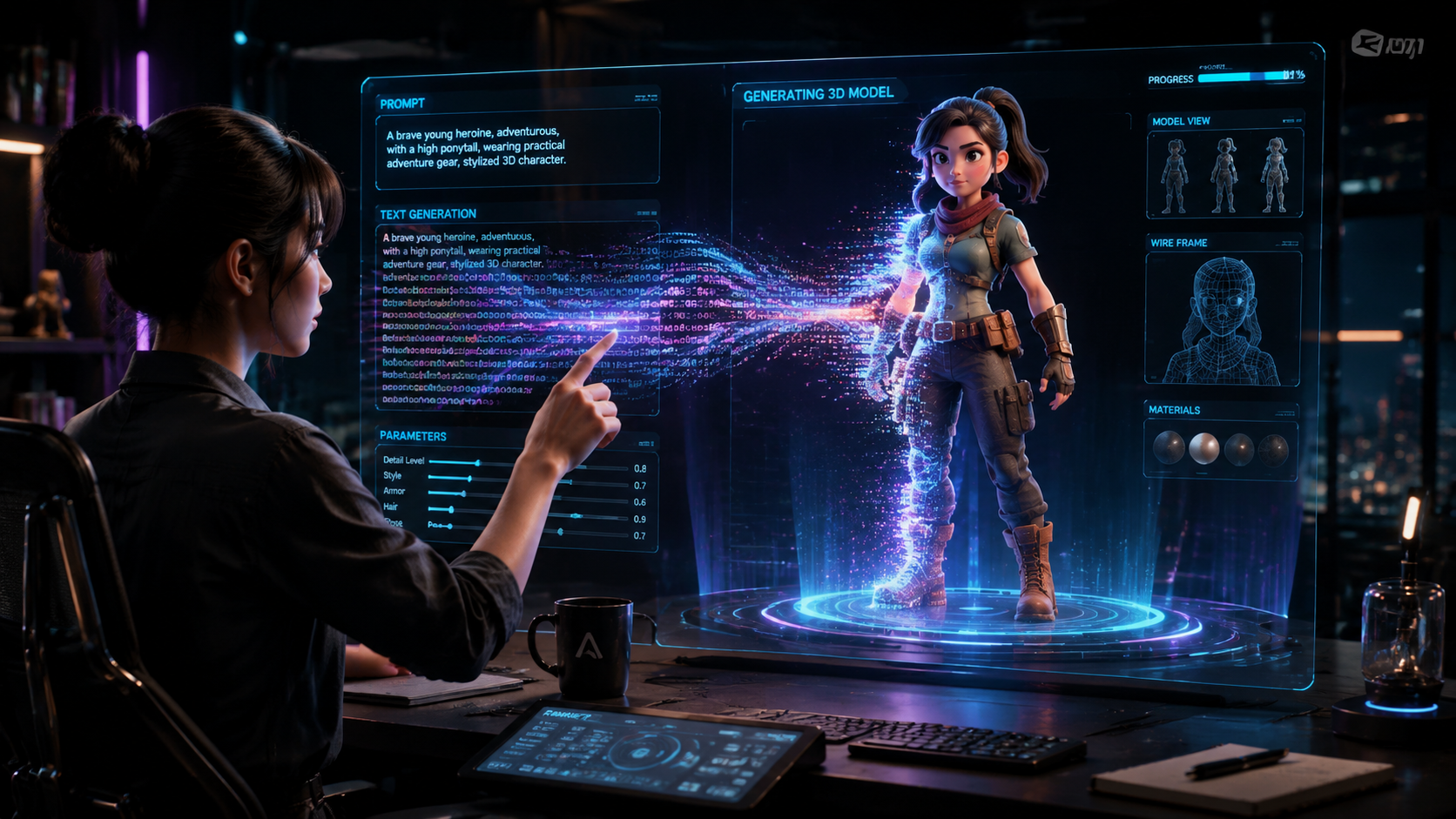
To create 3d animation with ai text in 2026, you must utilize a generative 3D model that converts natural language descriptions into rigged, textured meshes and motion sequences. By inputting a descriptive prompt into platforms like Autodesk’s Wonder 3D or Grok Ani, the AI interprets spatial data to generate a three-dimensional scene that can be exported for film, gaming, or social media. This process has evolved from simple video generation into full-scale asset creation where text prompts dictate lighting, physics, and character movements.
Creating 3D animation with AI text is the process of using Large Reconstruction Models (LRMs) to transform written descriptions into three-dimensional digital assets and movements. In 2026, this technology allows creators to bypass traditional modeling and rigging by using generative tools like Autodesk Wonder 3D to produce high-quality, production-ready 3D assets instantly from text or image prompts.
- ✓ Use generative AI models like Wonder 3D for high-fidelity asset creation.
- ✓ Leverage text-to-motion prompts to automate character rigging and movement.
- ✓ Integrate AI-generated 3D assets into professional pipelines like Maya or Blender.
- ✓ Utilize specialized tools like Grok Ani for personalized 3D AI companions.
- ✓ Follow a structured prompt-to-render workflow to ensure visual consistency.
The Evolution of Generative 3D Animation in 2026
The landscape of digital content creation has undergone a seismic shift as of early 2026. We are no longer limited to 2D video generation; the industry has moved into the era of "Volumetric Generative AI." When you aim to create 3d animation with ai text today, you are interacting with sophisticated neural networks that understand depth, occlusion, and material properties. This allows for the creation of assets that are not just flat images, but functional objects within a 3D space.
According to reports from Analytics Insight (March 2026), the integration of AI into animation workflows has reduced production timelines by nearly 70% for independent studios. The primary driver of this change is the ability to generate "clean" topology directly from a text prompt. Previous iterations of AI often produced "blobby" or unusable geometry, but the latest models released this year have solved the manifold mesh problem, making AI-generated 3D models ready for immediate use in professional engines.
Step-by-Step Guide: How to Create 3D Animation with AI Text
- Define Your Scene: Write a detailed text prompt describing the character, environment, and specific action (e.g., "A robotic knight walking through a neon-lit cyberpunk forest").
- Select a Generative Model: Choose a tool such as Autodesk Wonder 3D for high-quality assets or Grok Ani for character-focused animations.
- Generate the 3D Mesh: Input your prompt to generate the initial 3D model. Most 2026 tools now provide instant previews with automated UV mapping.
- Apply Motion Prompts: Use a secondary text prompt to define movement (e.g., "perform a celebratory dance") which the AI applies to the generated rig.
- Refine and Export: Adjust the lighting and textures within the AI interface before exporting the file in formats like .USDZ or .FBX for further refinement.
Key Tools for Text-to-3D Animation
The market in 2026 is dominated by a few heavy hitters that have defined how we create 3d animation with ai text. Most notably, Autodesk's Wonder 3D, which launched its full generative model in April 2026, has become the industry standard for professional-grade assets. Unlike earlier experimental tools, Wonder 3D focuses on high-quality 3D assets that maintain structural integrity when animated. This tool allows users to toggle between text and image prompts to refine the visual output.
For those looking for more personalized or social-media-ready content, Grok Ani has emerged as a leader. As detailed in the Perfect Corp (February 2026) guide, Grok Ani allows users to create their own AI companions with unique personalities and 3D forms. This signifies a shift where "animation" is no longer just a linear video file, but an interactive, real-time 3D entity driven by a combination of text instructions and behavioral AI.
| Tool Name | Primary Input | Key Feature | Best For |
|---|---|---|---|
| Autodesk Wonder 3D | Text & Image | Production-ready topology | Professional Studios |
| Grok Ani | Text & Voice | Interactive AI Companions | Personal Branding |
| Geek Vibes AI Gen | Text | Automated Cartoon Styles | Content Creators |
| G2 Top-Rated Free Tools | Text | Community-driven assets | Beginners |
Advanced Techniques to Create 3D Animation with AI Text
To achieve professional results, it is essential to understand "Prompt Engineering for Space." When you create 3d animation with ai text, the AI requires more than just visual descriptors; it needs spatial context. Using keywords like "subsurface scattering," "4K PBR textures," and "inverse kinematics" within your text prompts helps the AI engine prioritize the technical aspects of the 3D model. This ensures that the resulting animation doesn't just look good in a static frame but moves realistically under different lighting conditions.
Furthermore, the G2 Learn Hub (December 2025) analysis of the best free animation software highlights that the most successful users are those who combine AI generation with traditional "cleanup." Even in 2026, while AI does the heavy lifting of modeling and rigging, a human touch in the final "polish" phase—such as adjusting the weight painting or fine-tuning the facial expressions—separates viral content from standard AI output. The synergy between human creativity and AI speed is the hallmark of the current animation era.
Understanding the "Wonder 3D" Workflow
As All3DP (March 2026) reported, Autodesk's Wonder 3D has revolutionized the workflow by allowing "iterative prompting." This means you can generate a base character with one prompt, and then use subsequent prompts to "add a leather jacket" or "change the hair to blue" without regenerating the entire mesh. This non-destructive AI workflow is a massive leap forward from the "one-shot" generators of previous years.
The Role of AI Video Generators in 3D Workflows
While true 3D animation involves meshes and bones, many creators use "Pseudo-3D" techniques via AI video generators. According to Geek Vibes Nation (November 2025), AI video generators are now capable of making full cartoons by interpreting 2D text prompts into 3D-looking environments. This is particularly useful for creators who do not need to export a 3D file but simply want a high-quality video that looks like a Pixar-style animation.
These video-centric tools use "Temporal Consistency" algorithms to ensure that characters don't change their appearance between frames. This was a major hurdle in early 2024 and 2025, but by 2026, the flicker-free generation of 3D-styled video has become standard. For those whose goal is to create 3d animation with ai text for platforms like YouTube or TikTok, these video generators offer a faster, though less flexible, alternative to full 3D modeling pipelines.
Future Trends: What’s Next for AI Animation?
Looking ahead from 2026, the trend is moving toward "Real-Time Text-to-World" generation. We are seeing the first glimpses of tools that can generate entire 3D environments that react to text prompts in real-time. This has massive implications for virtual reality (VR) and augmented reality (AR). Instead of pre-rendering an animation, the 3D space will be generated on-the-fly based on the user's narrative input.
The Autodesk News (April 2026) release regarding the Wonder 3D model suggests that the next phase of AI will involve "Physics-Aware Generation." This means the AI will not only know what a 3D object looks like but will automatically understand its weight, friction, and how it should shatter or bounce. This eliminates the need for manual physics simulations, which has historically been one of the most computationally expensive and time-consuming parts of the 3D animation process.
Can I create 3D animation with AI text for free?
Yes, there are several free tools available in 2026, though they may have limitations on export quality. According to G2 reviews, many free platforms now offer basic text-to-3D mesh generation with community-shared rigs for beginners.
What is the best AI tool for 3D animation in 2026?
Autodesk Wonder 3D is currently considered the top choice for professional assets due to its high-quality mesh generation. For interactive characters and social media, Grok Ani is the preferred platform for many creators.
Do I need a powerful computer to use these AI tools?
Most modern AI animation tools are cloud-based, meaning the heavy processing is done on remote servers. However, you will still need a stable internet connection and a decent GPU if you plan to import those assets into local software like Blender or Maya for final rendering.
Is AI-generated 3D animation legal for commercial use?
In 2026, commercial rights depend on the tool's Terms of Service. Major platforms like Autodesk generally grant full commercial rights to subscribers, but it is essential to verify that the training data used by the AI was ethically sourced to avoid copyright issues.
How long does it take to generate a 3D animation from text?
With 2026 technology, a base 3D model can be generated in under 60 seconds. A fully rigged and animated 10-second sequence typically takes between 5 to 15 minutes to process, depending on the complexity of the movements and the rendering quality selected.



Comments ()